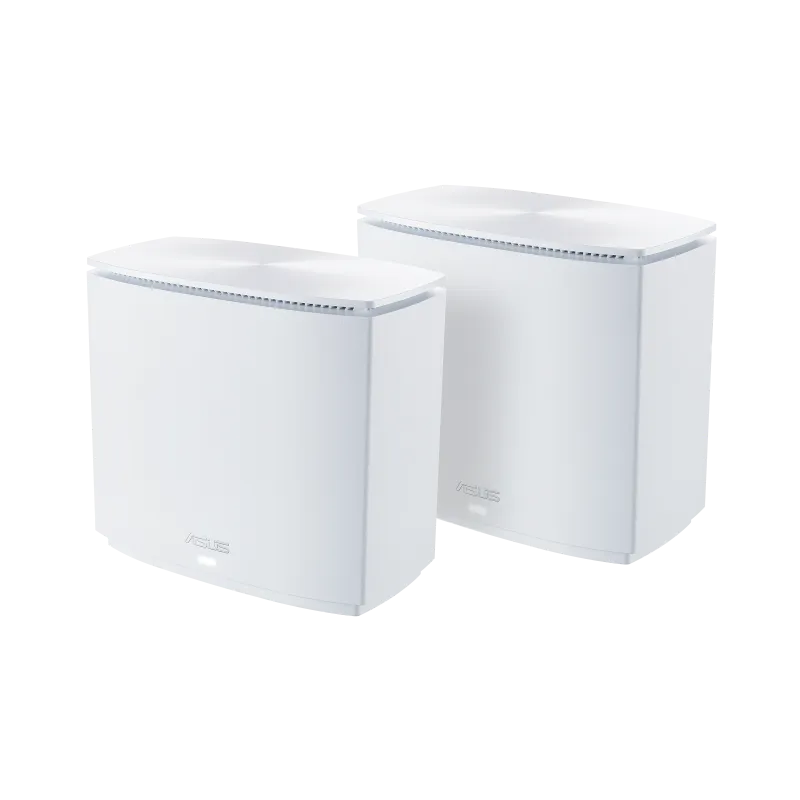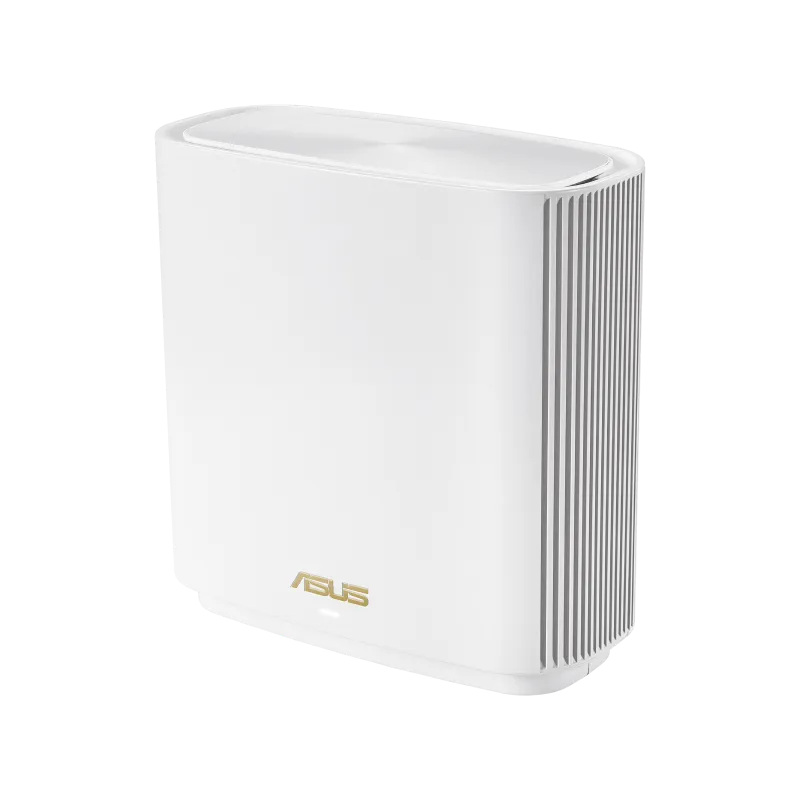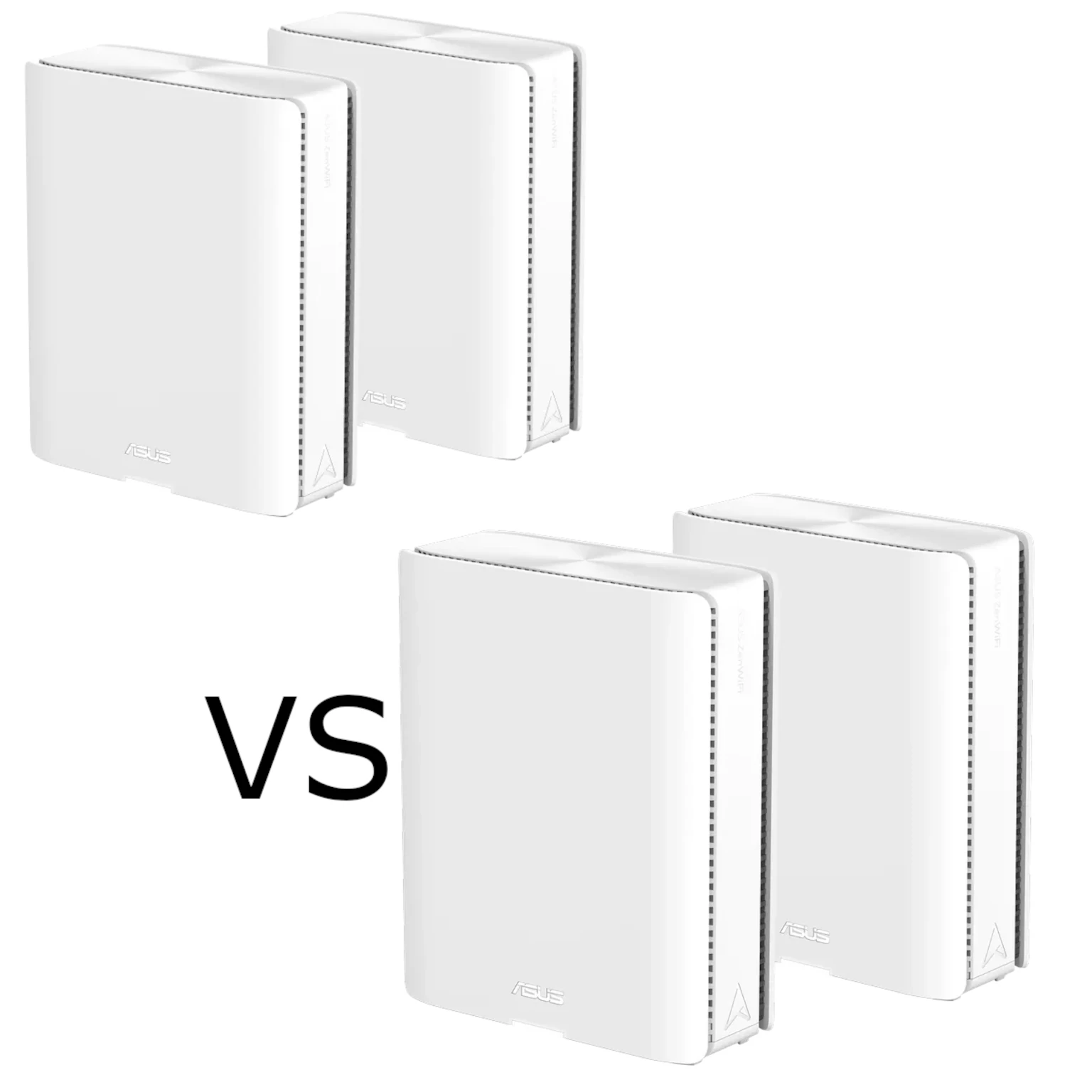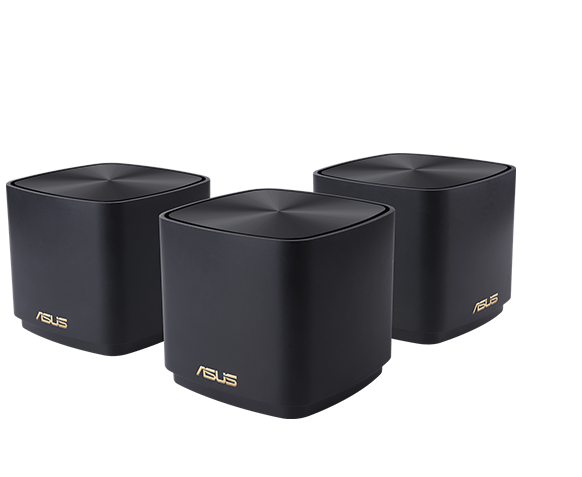
A mesh Wi-Fi system can improve coverage where a single router struggles. ASUS's ZenWiFi XD4 and XD5 are compact Wi-Fi 6 options, with the XD4 appealing for a lower-cost setup and the XD5 offering a faster potential 5GHz link. The useful comparison is how their radios, Ethernet ports and backhaul fit your home, rather than assuming either one eliminates every dead zone.
Mesh Wi-Fi Explained
Mesh nodes provide several access points managed as one system. A common network name makes access convenient, while the link between nodes, called backhaul, carries traffic towards the main router. Walls, interference and node placement affect both the client link and this backhaul link.
Roaming is also a client decision. A phone may stay with a weaker access point until its own switching criteria are met. Mesh assistance can help, but a single SSID does not guarantee an uninterrupted call or a connection to whichever node is physically closest.
Benefits of Mesh Wi-Fi
- Broader coverage: place another node where it can reach the main network and serve nearby rooms.
- Central management: use the ASUS interface and Router app to inspect nodes and connected clients.
- Expansion: add suitable AiMesh devices when more coverage is needed, after checking model and firmware support.
- Wired options: Ethernet backhaul can reduce competition for wireless airtime where cabling is possible.
More nodes are not automatically better. A poorly connected extra node can add an unreliable hop. First determine whether the problem is the internet connection, the client Wi-Fi link or the link between nodes.
XD4 and XD5: A Detailed Look
ASUS ZenWiFi AX Mini XD4
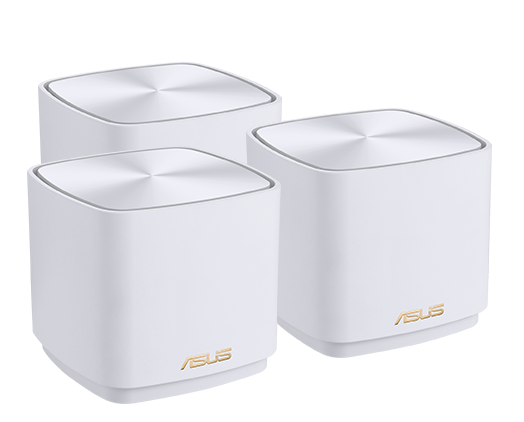
The original XD4 is an AX1800 dual-band system. Its usual multipack contains an XD4R router and XD4N satellites. The router has one Gigabit WAN/LAN port and one Gigabit LAN port; each XD4N has one Gigabit LAN port. This distinction matters when planning Ethernet backhaul and wired clients.
XD4 Plus is a separate variant. Its specification lists two Gigabit ports per unit and different flash capacity. Check the box and model label before applying an original-XD4 port diagram to an XD4 Plus purchase.
ASUS ZenWiFi XD5
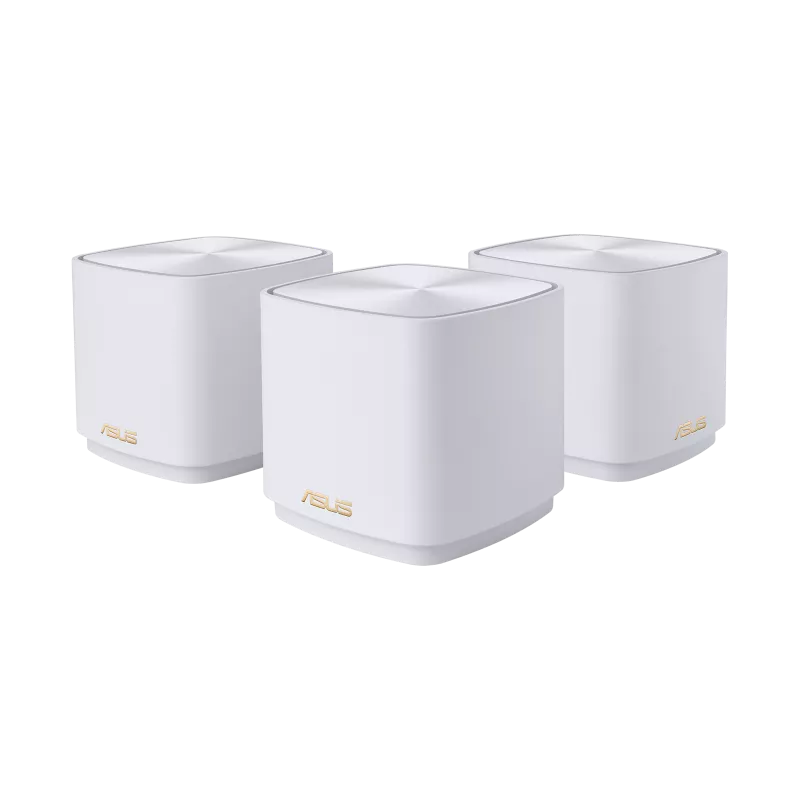
The XD5 is AX3000 and uses interchangeable router/node units with one Gigabit WAN/LAN and one Gigabit LAN port each. It supports 160MHz operation on 5GHz where permitted and compatible. Its two-port layout is useful at a satellite when one port is occupied by the uplink.
Neither model provides a 2.5GbE WAN port. If that is essential, compare another model such as the ZenWiFi XT8, while checking its own port layout and features.
Key Specifications
| Feature | Original XD4 | XD5 |
|---|---|---|
| Wi-Fi class | AX1800, dual-band Wi-Fi 6 | AX3000, dual-band Wi-Fi 6 |
| 2.4GHz maximum link rate | 574Mbps, 2×2 | 574Mbps, 2×2 |
| 5GHz maximum link rate | 1,201Mbps, 2×2 | 2,402Mbps, 2×2, with 160MHz |
| Memory | 256MB RAM; 256MB flash | 512MB RAM; 128MB flash |
| Ethernet | XD4R: two Gigabit ports; XD4N: one | Two Gigabit ports per unit |
| Security package listed | AiProtection Classic | AiProtection Classic |
| Advertised three-pack coverage | Up to 4,800 square feet | Up to 5,000 square feet |
ASUS also advertises different areas for smaller packs: the cited product pages show 3,300 square feet for a two-pack XD4 and 3,500 for a two-pack XD5. These are manufacturer coverage claims, not measurements in your home. A difference in advertised area is not a reliable prediction for brick walls, reinforced floors or an awkward layout.
What the Speed Classes Mean
AX1800 and AX3000 add the theoretical rates of separate bands. One client does not receive that combined total, and useful file-transfer throughput is lower than its negotiated wireless link rate. Both models' Gigabit Ethernet links also constrain traffic that passes through those ports.
The XD5's main radio advantage is the wider potential 5GHz channel, rather than a higher advertised 2.4GHz rate. An 80MHz-only client cannot use the full 160MHz link rate. Local channel availability, neighboring networks and signal quality matter too; a wider channel is not always the most stable choice.
Some 5GHz channels require Dynamic Frequency Selection (DFS). Channel checks and radar detections can cause delays or channel changes, and ASUS documents cases where a configured 160MHz link operates at 80MHz. Test the actual result rather than treating a menu setting as proof of a sustained rate.
The XD5 specification lists a 1.7GHz quad-core processor. More RAM or a processor frequency alone does not establish VPN throughput, gaming latency or how many simultaneous users your workload can support. For individual details, see our XD4 article and XD5 article.
Shared Features and Limits
Both support AiMesh and AiProtection Classic. The latter includes listed malicious-site and infected-device blocking features; it should not be confused with the full AiProtection Pro feature set. Router-level filtering supplements updates and sensible device security rather than guaranteeing that every threat is stopped.
Operating mode matters. ASUS says AiProtection is unavailable in access-point mode. If you retain your ISP router and use these units as access points, check which router functions remain available. In router mode behind another routing device, consider the effect of double NAT on inbound connections.
The current XD5 specification lists WireGuard client/server and VPN Fusion, while the cited original-XD4 list differs. Confirm support in the installed model's firmware. Choosing an XD5 does not by itself prove faster VPN performance or unlock an identical feature set on every mixed node.
Mixing XD4 and XD5 in AiMesh
These are AiMesh-capable devices and can be considered for a mixed system with appropriate firmware. Use ASUS's setup procedure and check support for the exact units. Making the XD5 the main router can be a sensible choice when you want its listed router features, but it is not an unconditional requirement for every existing network.
An XD4 satellite still has its own radio and port limits; joining an XD5 network does not turn it into an AX3000 node. Both are dual-band designs, so wireless backhaul uses radios that also serve clients. A compatible tri-band router elsewhere in the system cannot create a third radio inside either cube.
Plan Backhaul and Placement
Place a wireless node within a usable signal area, between the main router and the room needing coverage. Avoid hiding it inside a cabinet or placing it at the far end of a dead zone. Check the uplink shown in AiMesh, then test from the room where you actually work.
For an original XD4N, Ethernet backhaul occupies its only port. A suitable switch can connect additional wired devices, but all share the uplink. An XD5 retains another port when one handles its wired backhaul.
ASUS's all-wired Ethernet Backhaul Mode requires the intended nodes to be cabled first. For mixed wired/wireless nodes, use the supported per-node connection priority instead of assuming all-wired mode suits the entire network.
Which Fits Your Home?
The XD4 remains attractive for everyday browsing and streaming when its price and port arrangement fit. The XD5 is the stronger candidate when compatible 160MHz clients and its extra satellite port will be useful. For gaming or calls, prioritize a stable connection and good backhaul before a larger AX number.
Make the Choice Around the Network
Both are useful compact mesh options. Compare exact variants and pack sizes, current local prices, wired-device needs and client compatibility. Test coverage and roaming in the important rooms before adding more nodes. A carefully placed, well-connected system is what turns the specification into a reliable home network.