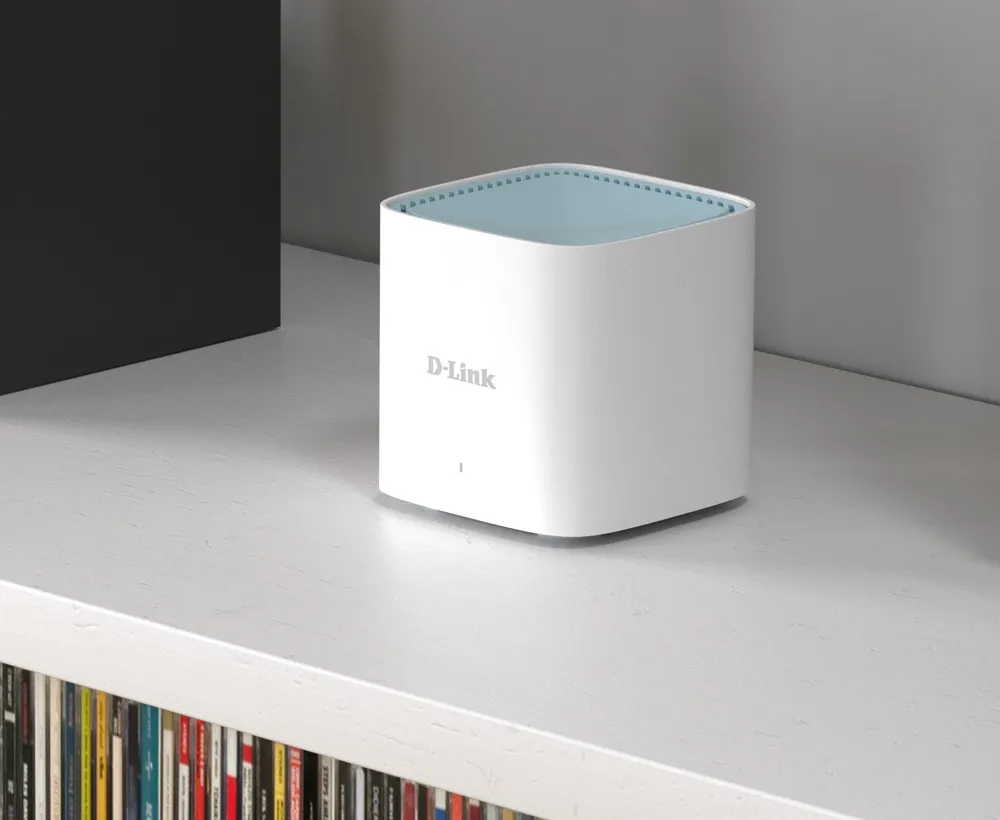
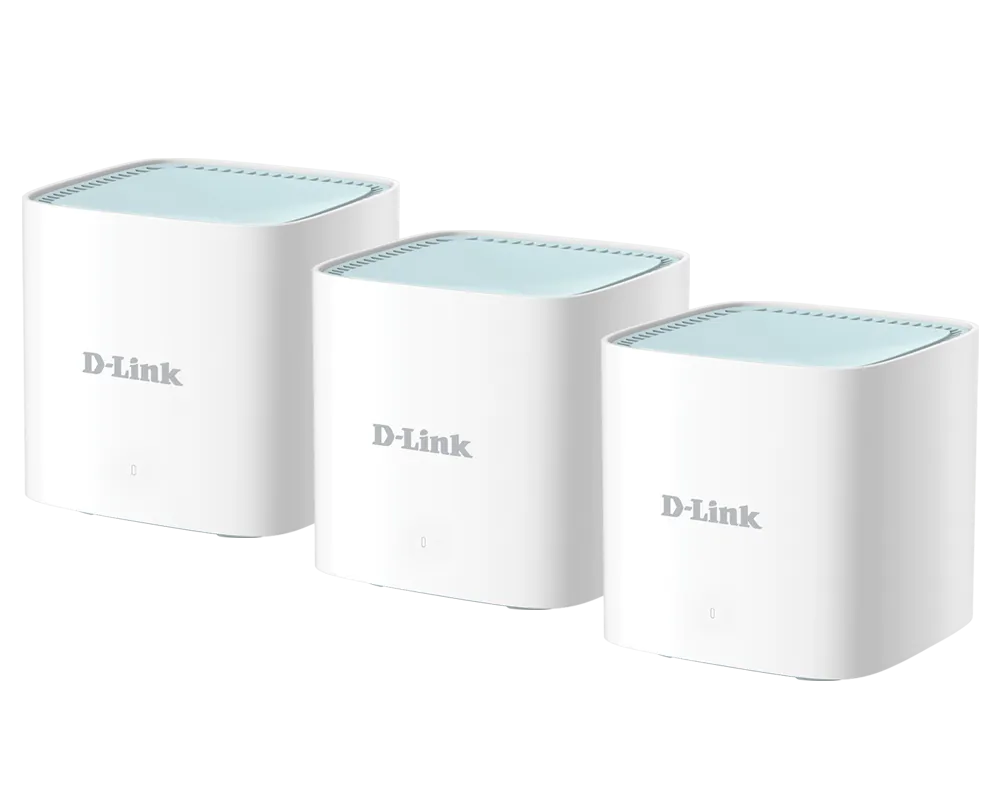
If you want a simple, affordable way to improve home Wi-Fi coverage, the D-Link M15 AX1500 mesh pack is worth considering. My view is that it makes most sense for budget-conscious households wanting convenient coverage, while buyers seeking higher throughput or more wired ports should compare alternatives. The important question is whether its radio and connection limits fit your home, rather than whether the box carries an AI label.
Think of a single router like one lightbulb: its useful reach fades with distance and obstacles. Mesh uses several connected access points, or nodes, to distribute coverage. Those nodes still need good connections to each other. Extra units can help a difficult room, but they do not repair a slow internet service or make every placement effective.
AX1500 and the Two Radios
The M15's advertised physical signal rates are 1,201Mbps on 5GHz and 300Mbps on 2.4GHz. AX1500 is their combined product-class label; a single ordinary client does not download at the sum of both bands. D-Link's UK specification explicitly identifies 5GHz as 802.11ax and 2.4GHz as 802.11n. It would be misleading to promise Wi-Fi 6 efficiency features to every 2.4GHz smart device.
Older clients can connect using supported standards, but the connection uses their own capabilities. Wi-Fi 6 features such as MU-MIMO and OFDMA can improve resource sharing with compatible equipment; they do not remove congestion or guarantee a particular latency. Your laptop's antennas, channel support and distance still matter.
The M15 has no 6GHz radio. Wi-Fi 6E adds that band, while Wi-Fi 7 products are also available and can offer features such as Multi-Link Operation with compatible equipment. Compare exact models, since a Wi-Fi 7 label does not by itself establish tri-band operation. Paying for newer capabilities is useful when your clients and network can use them; it is not necessary for every household.
Key Specifications
| Item | D-Link M15 A1 |
|---|---|
| Wireless bands | 2.4GHz and 5GHz |
| Maximum signal rates | 300Mbps and 1,201Mbps respectively |
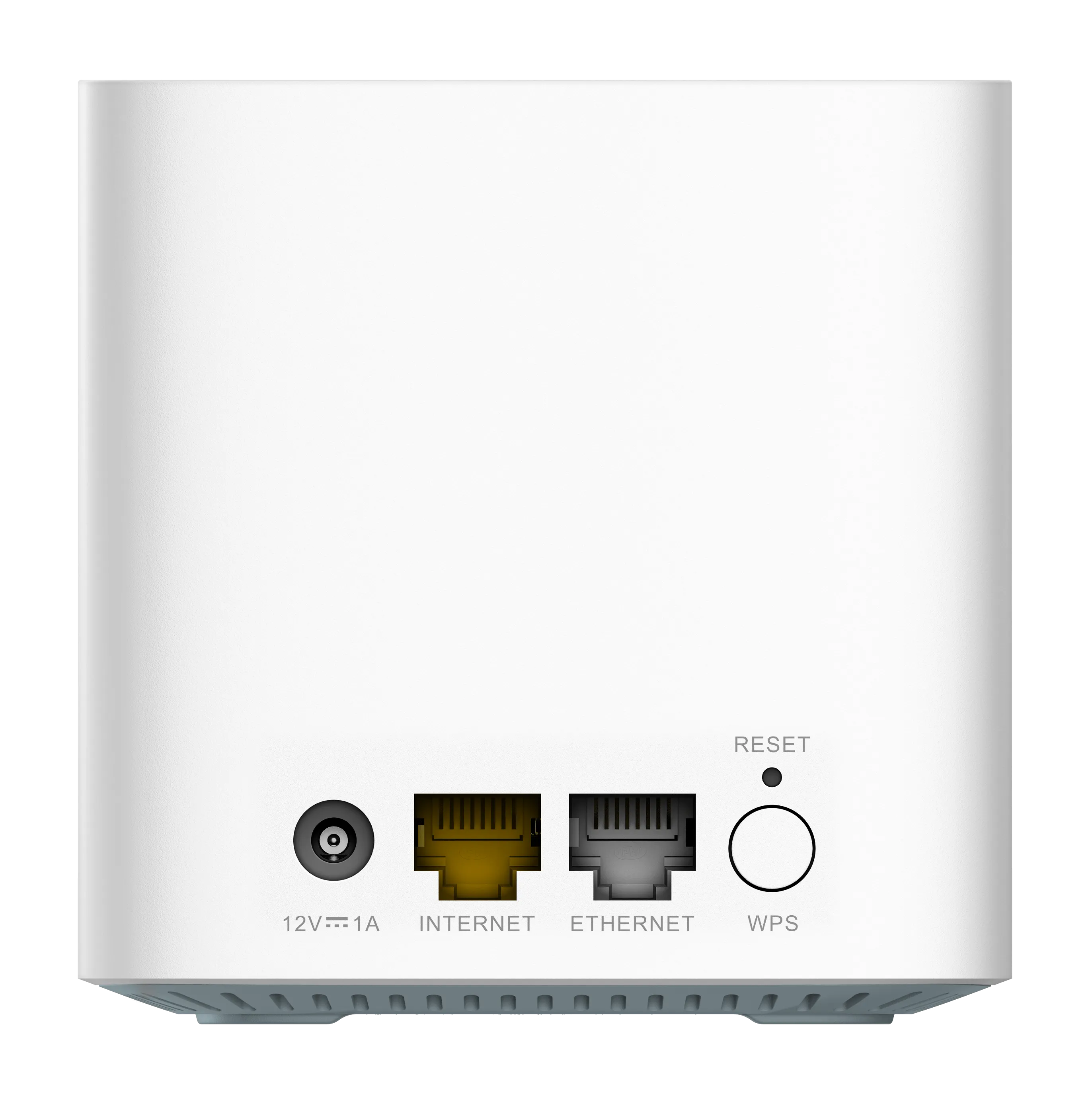
| Ports per unit | One Gigabit WAN and one Gigabit LAN, with labeled roles |
| Internal antennas | Two for 2.4GHz and two for 5GHz |
| Dimensions | 92 × 92 × 93mm |
| Management | EAGLE PRO AI app and web interface |
| Advertised UK pack coverage | 2-pack: 370m²; 3-pack: 500m² |
| Advertised UK client capacity | Up to 128 devices, subject to conditions |
Coverage and device-count claims are manufacturer estimates, not measurements of your property. A mostly idle sensor and a camera continuously uploading footage consume different resources. Thick walls, metal shelving, neighboring networks and node placement can change the result substantially. The advertised coverage of a pack is not an instruction to add the individual-unit areas together.
The Gigabit ports are another ceiling to consider. A multi-gigabit internet subscription or NAS will not provide a multi-gigabit path through them. For a household with modest broadband and difficult coverage, that may be a reasonable compromise. For large local transfers, distinguish the internet speed from the speed between your computer and server.
What the AI Features Do
D-Link describes Wi-Fi, mesh and traffic optimizers, along with parental controls and usage reports. Treat those as management features whose value you can assess, rather than evidence of a separate performance benchmark. Channel selection cannot create interference-free spectrum, and prioritization cannot increase the capacity of your ISP connection.
The traffic optimizer works with device priorities and configured upload/download rates. Choose realistic values and test an important call while another device transfers data. If the problem occurs only when uploads saturate the connection, traffic management may help. If the satellite has a weak uplink, moving or wiring it addresses a different bottleneck.
Ports and Ethernet Backhaul
The main M15's WAN port connects to the internet equipment, leaving one LAN port for local devices or downstream wiring. A suitable Gigabit switch can provide more connections for a desktop, console or NAS. Include it and any cabling in the total price comparison rather than comparing mesh-pack prices alone.
A wired mesh is supported. D-Link's model-specific Ethernet-backhaul FAQ explicitly shows M15 units connected in a wired chain, so three units do not inherently require a switch just to form that chain. A switch remains useful for a star layout or additional devices. Follow the device's port labels and setup guidance instead of treating both ports as universal auto-sensing WAN/LAN ports.
That FAQ also documents limits on mixed layouts: a wired chain followed by wireless links is shown as supported, whereas placing further wired nodes behind a wireless-connected satellite is not supported in its examples. Check those diagrams before combining wired and wireless hops. D-Link notes that an intermediate switch must forward the IEEE 1905.1 mesh communication; exact switch revisions can matter.
Ethernet backhaul removes a wireless hop, but does not unlock a guaranteed 1,201Mbps application transfer to your laptop. Wireless client overhead remains. For diagnosis, test a direct cable between nodes before inserting a switch, and check the mesh topology after changing cabling. Keep one deliberate network path and avoid accidental loops.
Router, Bridge and Extender Modes
The manual distinguishes router, bridge and extender operation. Bridge mode extends an existing router's network; DHCP, parental controls, QoS and firewall settings then rely on that upstream router. If an ISP gateway or homelab firewall already manages your LAN, choose the mode deliberately before planning controls and reservations.
Extender mode is another distinct option, so do not switch modes merely because a menu sounds similar. Consult the manual for your installed firmware and check which functions remain available. A home mesh is also not automatically a business VLAN access-point system. ISP VLAN tagging does not prove arbitrary per-SSID segmentation for homelab services.
Security and Guest Access
The M15 supports WPA2/WPA3-Personal transition and WPA3-only settings. Choose a mode your clients support and use a strong password. WPS is unavailable with WPA3 settings in the documented interface. Read why WPA3 matters, while remembering that radio encryption does not make a vulnerable client or exposed service safe.
The guest network's documented Internet Access Only option restricts guest access to the main local network when enabled. Do not assume that a different network name alone provides isolation. Check the actual setting and behavior in your operating mode before allowing untrusted guests or devices onto a network containing private NAS shares.
Maintenance and Support
Check the hardware label and regional support page before updating. The manual offers automatic and manual firmware updates, so plan a suitable maintenance time and keep power connected during the process. Remote management and voice integration also require the relevant accounts/services; verify that your preferred way of managing the network remains available.
Support status differs by region: the Australian support page currently calls M15 a Legacy Product, while the UK A1 product page labels it Live. Neither label establishes unlimited future updates. For remaining stock or used equipment, examine firmware history, regional warranty and the local support policy rather than accepting a promise of ongoing regular patches.
Check the Result in Your Home
Start with a wired internet test at the main node, then compare Wi-Fi close to it and in the room you need to improve. Use the same client for the comparison. Record whether a weak result follows the room, the client or the satellite's backhaul. An internet test alone cannot tell you the maximum local wireless throughput.
Place wireless satellites where they still receive a useful upstream signal, rather than deep inside a dead zone. Walk your normal route during a call to check roaming, since clients influence handoffs and an uninterrupted transition is not guaranteed. Keep enough ventilation around each unit and use its supplied power adapter. No measured temperature, annual energy use or home throughput is implied here.
Is the M15 Right for You?
I consider the M15 a sensible entry-level option when affordable coverage and convenient management matter more than maximum speed or port count. Faster alternatives can be worthwhile for demanding local transfers or compatible newer clients, but compare the complete setup cost and your actual bottleneck. A carefully placed budget mesh may meet your needs better than a premium pack placed poorly.
Use the original official M15 datasheet download and the original D-Link M15 product link alongside the support documents for your exact revision.