RAM is the working memory that holds data and instructions while the processor uses them. It is faster to access than ordinary storage, but it is volatile: shutting the computer down removes its contents. Error-correcting code (ECC) memory adds a way to detect and correct certain errors in that working data. This matters when a small error could damage a calculation, a database or an important file.
For a typical home PC, non-ECC memory will often be sufficient. If your work involves sensitive data or demanding applications where correctness matters, an ECC-capable platform can be a wise investment. The useful question is what protection the whole platform actually provides, rather than whether a memory stick has an extra chip.
RAM and bit errors
DRAM stores information in cells using electrical charge and periodically refreshes it. A bit error changes the data represented by a cell or transferred along a memory path. Electrical interference, radiation and hardware faults are among the possible causes. The consequences depend on what the affected data represents: an application might produce a wrong result, crash, or pass incorrect data onward without an obvious warning.
“Silent corruption” describes an error that escapes detection. It does not mean that every bit error inevitably destroys a filesystem, nor can we assign a failure rate to your computer from the fact that it uses non-ECC RAM. A machine that seems stable can still benefit from error detection, while repeated crashes can have causes other than memory.
The broader guide to how RAM works explains its role in a computer, and the RAM types comparison covers memory generations. ECC capability is another property to check alongside generation, capacity and speed.
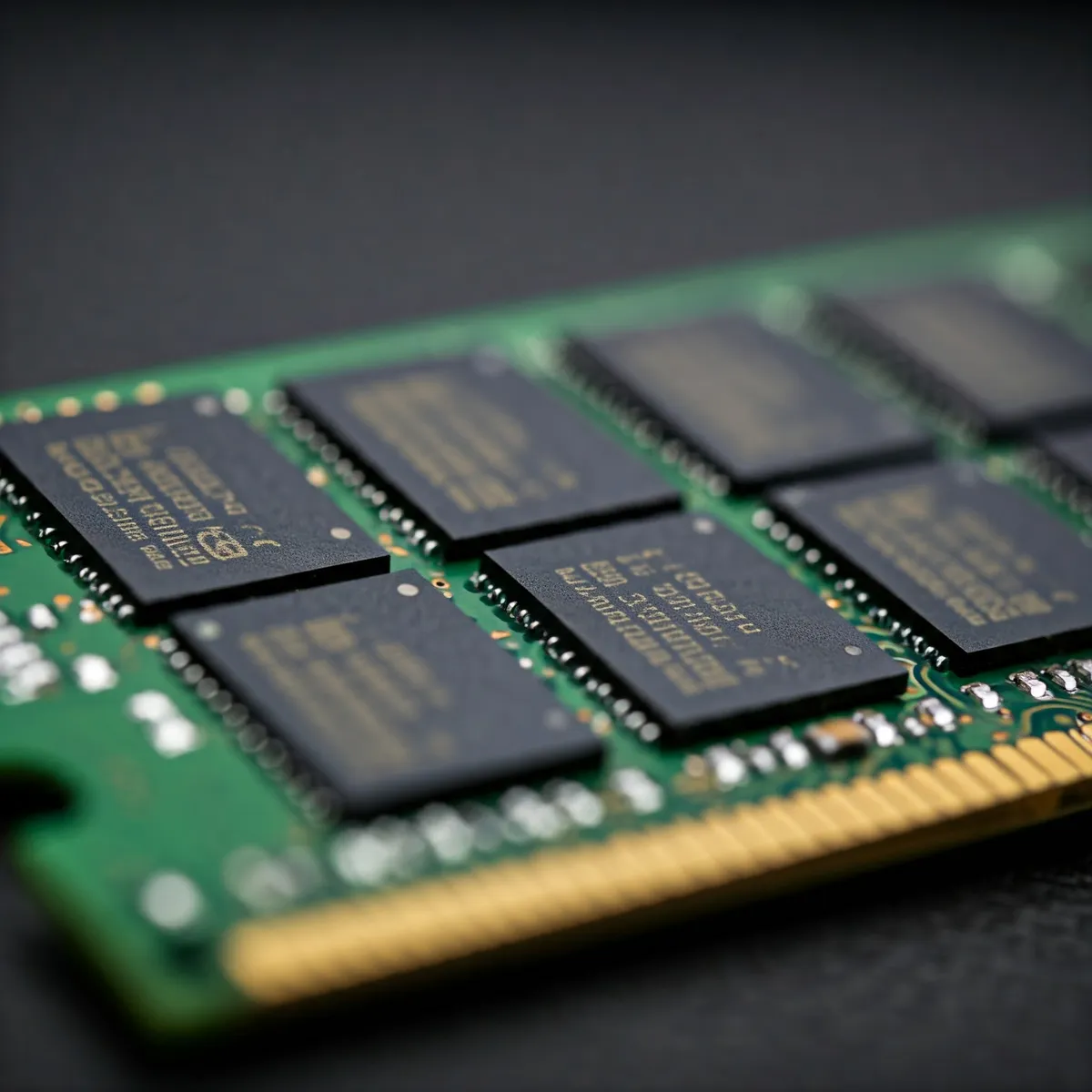
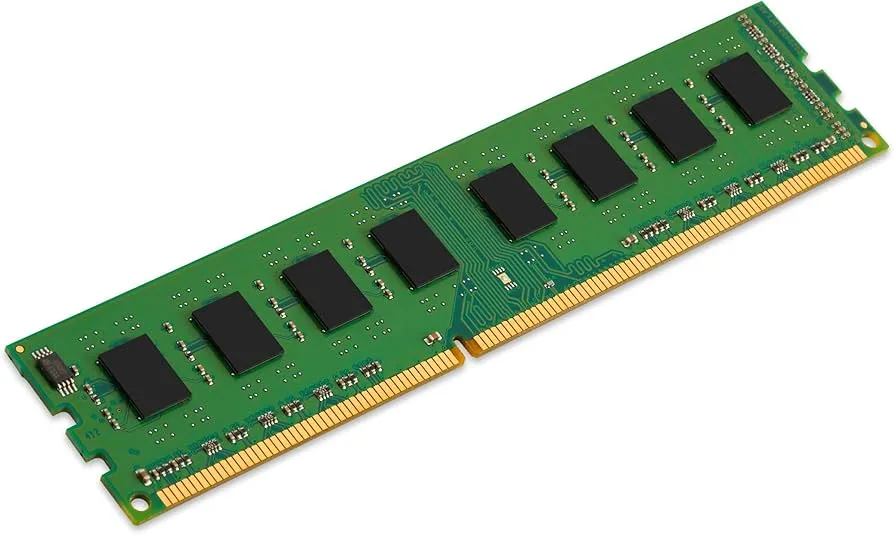
How ECC detects and corrects errors
The memory controller calculates additional check information when writing data. On a later read it uses that information to check the retrieved data and, within the code's correction capability, reconstruct the correct value. This is an error-correcting code, not a cryptographic checksum or an encryption feature.
A familiar example is SECDED: single-error correction and double-error detection within a protected codeword. One changed bit can be corrected; two can be detected without necessarily being corrected. More complex error patterns are outside that simple guarantee. Some server platforms implement stronger protection, so SECDED is an example rather than a universal description of every ECC system.
Correction is usually performed in hardware and can allow work to continue. Uncorrectable errors may lead to a process being terminated, affected memory being isolated, or the machine stopping or rebooting. The outcome depends on the hardware, where the error occurred and operating-system policy. Detection cannot promise that every fault produces an immediate safe shutdown.
ECC is not the same as registered memory
| Memory type | What distinguishes it | What to verify |
|---|---|---|
| Non-ECC UDIMM | Unbuffered module without additional system ECC check storage | Correct DDR generation, capacity and supported speed |
| ECC UDIMM | Unbuffered module with extra check-bit storage | CPU, board and firmware support for active ECC |
| ECC RDIMM | Registered module designed for platforms supporting this module type | Explicit RDIMM support and population rules |
Registered memory uses an additional register to help manage the electrical load of signals. That makes it distinct from an ECC unbuffered module. A cheap used server RDIMM is not automatically a substitute for an ECC UDIMM in a desktop board. Even where connectors appear similar, unsupported combinations can fail to boot; DDR5 UDIMMs and RDIMMs also use different keys.
For DDR3 and DDR4, a common system ECC layout has 64 data bits plus eight check bits, for 72 bits in total. DDR5 has two subchannels and different ECC implementations; Kingston lists both 72-bit and 80-bit ECC modules. Counting eight or nine visible packages is therefore an illustration of some older layouts, not a reliable purchasing rule.
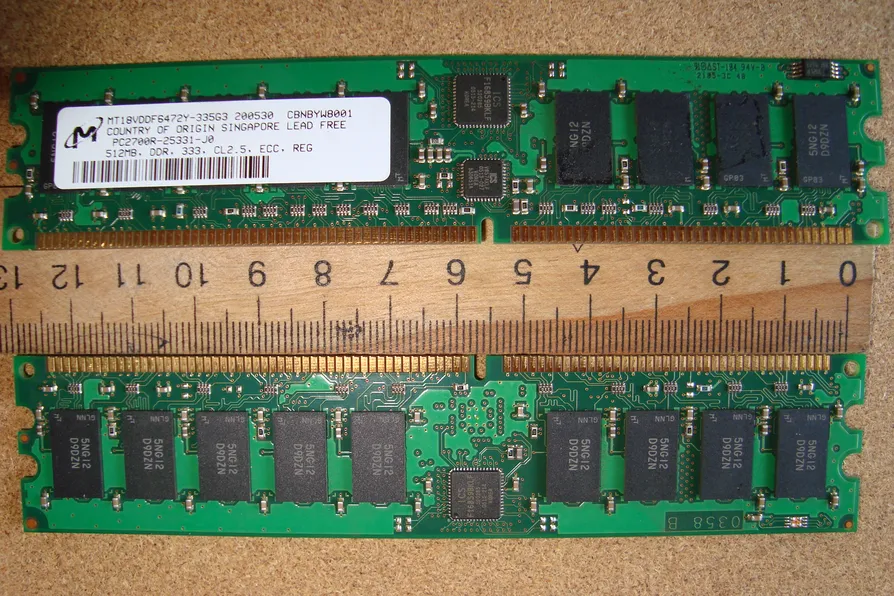
DDR5 on-die ECC has a different scope
DDR5's on-die ECC corrects certain errors inside an individual DRAM chip. It does not provide the same protection as system ECC across the link between the module and memory controller. Ordinary DDR5 being advertised with on-die ECC therefore does not establish that your computer has active system ECC.
A system ECC module still needs suitable check-bit capacity and a controller that uses it. Check the full memory part number and platform specification. “DDR5”, “server memory” and “ECC compatible” are not sufficient descriptions by themselves, and accepting an ECC module is not proof that error correction is enabled.
Check the complete platform before buying
Start with the exact processor's official memory specification. Then read the motherboard or system manual for supported module types, capacity limits, firmware requirements and the qualified memory list. Finally, confirm the part number of the memory you intend to buy. A broad statement about Ryzen, Core or Xeon is less useful than this specific combination.
Distinguish four questions: can the module fit, will the machine boot, does ECC correction operate, and can the operating system report its events? A system can satisfy one without proving the others. For a server expected to protect important data, seek explicit vendor confirmation and inspect the firmware's memory status after assembly.
Follow the manufacturer's slot population rules and supported settings. ECC should not be used to excuse an unstable memory configuration. Test a new or changed system before entrusting it with production work, and keep the configuration reproducible so that a replacement module can be matched later.
ECC in a NAS or homelab
TrueNAS recommends ECC as an additional data-integrity defence while acknowledging that many systems operate without it and that any RAM can fail. ZFS disk checksums and memory ECC address different parts of the data path. A disk checksum cannot establish that the data was correct before it entered memory, and ECC is not a substitute for redundant storage or filesystem checks.
It also does not protect against accidental deletion, ransomware, a faulty application, lost encryption keys or every hardware failure. Keep backups that can be restored independently of the main server. When weighing cost, compare the complete platform and the consequence of incorrect results or downtime, rather than assuming a fixed percentage premium or guaranteed performance penalty.
Monitor what the hardware reports
Linux's EDAC subsystem can report corrected and uncorrected memory events when the appropriate driver and hardware reporting are available. The rasdaemon project records kernel RAS events and can expose them through logs and a database. Its command syntax has changed across releases, so use the installed version's documentation when inspecting records.
An empty log is meaningful only if reporting works. Check the relevant driver, service and firmware settings, and match reported module labels to the board's physical slots before replacing anything. Repeated corrected errors warrant investigation, but their presence alone does not prove exactly when an uncorrectable failure will occur.
If you want email alerts, configure and test the monitoring and notification path on your particular TrueNAS, Proxmox or other host. Installing ECC RAM alone does not enable a universal automatic alert service. The practical benefit is stronger error protection combined with useful reporting, maintenance and backups—not a promise that data corruption can never happen.