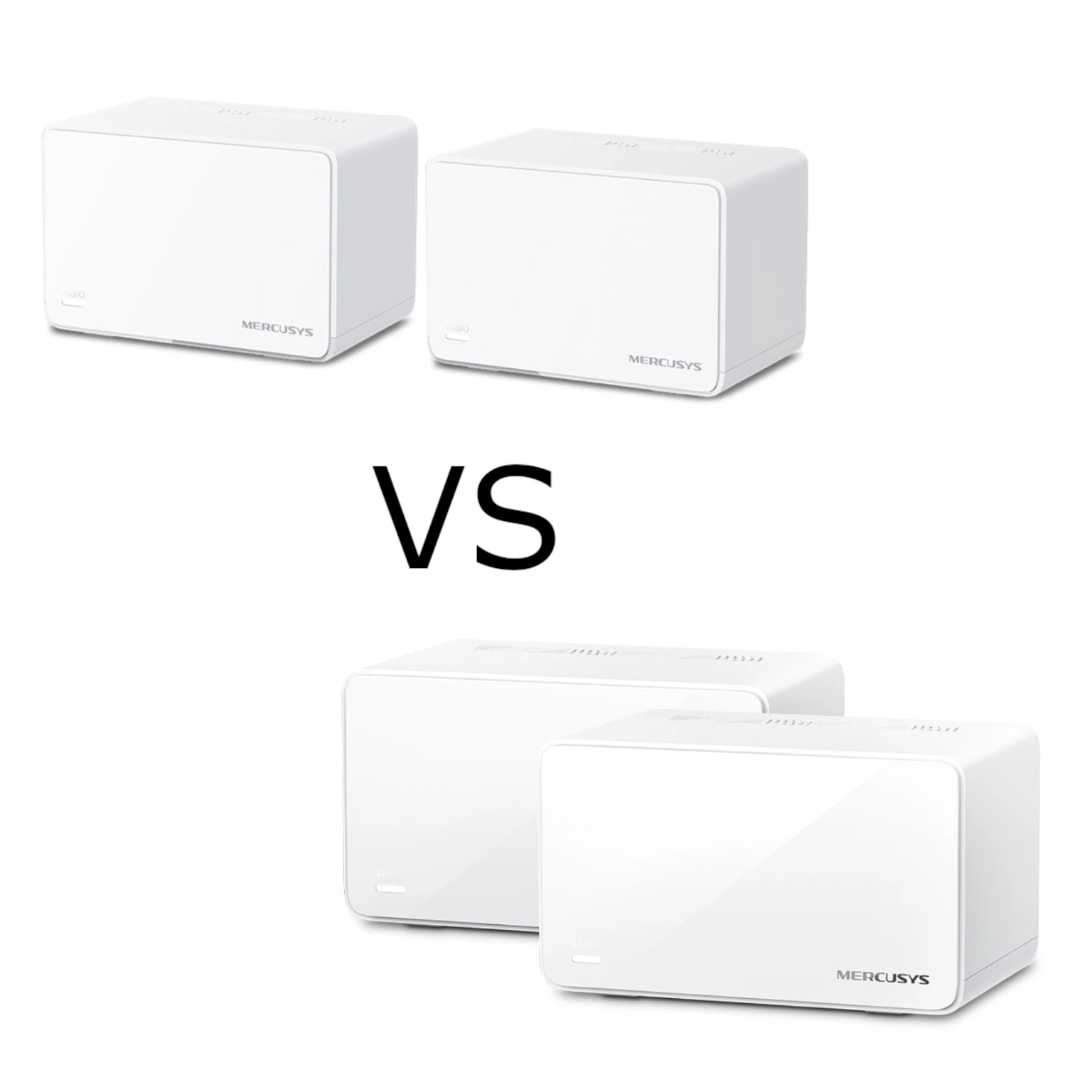
The Mercusys Halo H47BE brings Wi-Fi 7 and multi-gigabit Ethernet into a home mesh system managed through a mobile app. I consider it an attractive value option for a larger home, a growing smart-home network or a busy home office, provided its local price and features suit your needs. It is a candidate to compare with more expensive mesh systems rather than a guarantee of unbeatable performance.
A mesh works like placing several sprinklers around a garden: distributed coverage can reach areas that one central device misses. The access points still need a useful supply, however. Their backhaul connection must carry traffic to the main unit, and more nodes do not automatically make every room faster. Plan positions around walls and useful upstream links rather than just the advertised area.
Read the Exact Revision's Specification
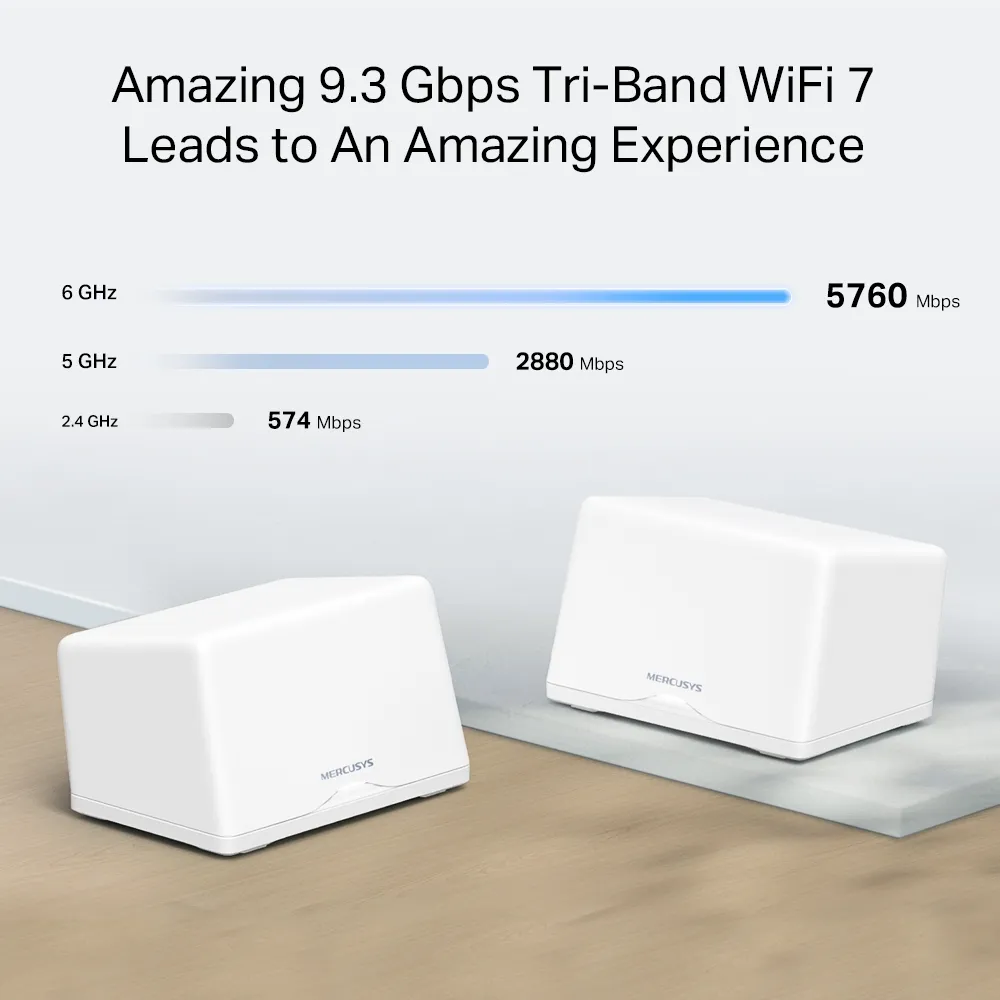
The H47BE has 2.4 GHz, 5 GHz and 6 GHz radios. Mercusys calls it BE9300, a combined wireless product class rather than the download speed of one device. The current V2 EU datasheet lists physical link rates of 688 Mbps, 2,880 Mbps and 5,760 Mbps respectively. Older V1 listings and the original feature graphic use 574 Mbps for 2.4 GHz. Check the version label and matching regional documentation instead of mixing these figures.
Those rates describe wireless links under suitable conditions. They do not remove application overhead or a slower internet service, client adapter or backhaul. A Wi-Fi 5 phone cannot gain Wi-Fi 7 features merely by connecting to a Wi-Fi 7 mesh. Older compatible devices can still use supported bands, but access to 6 GHz and advanced features requires suitable hardware and software.
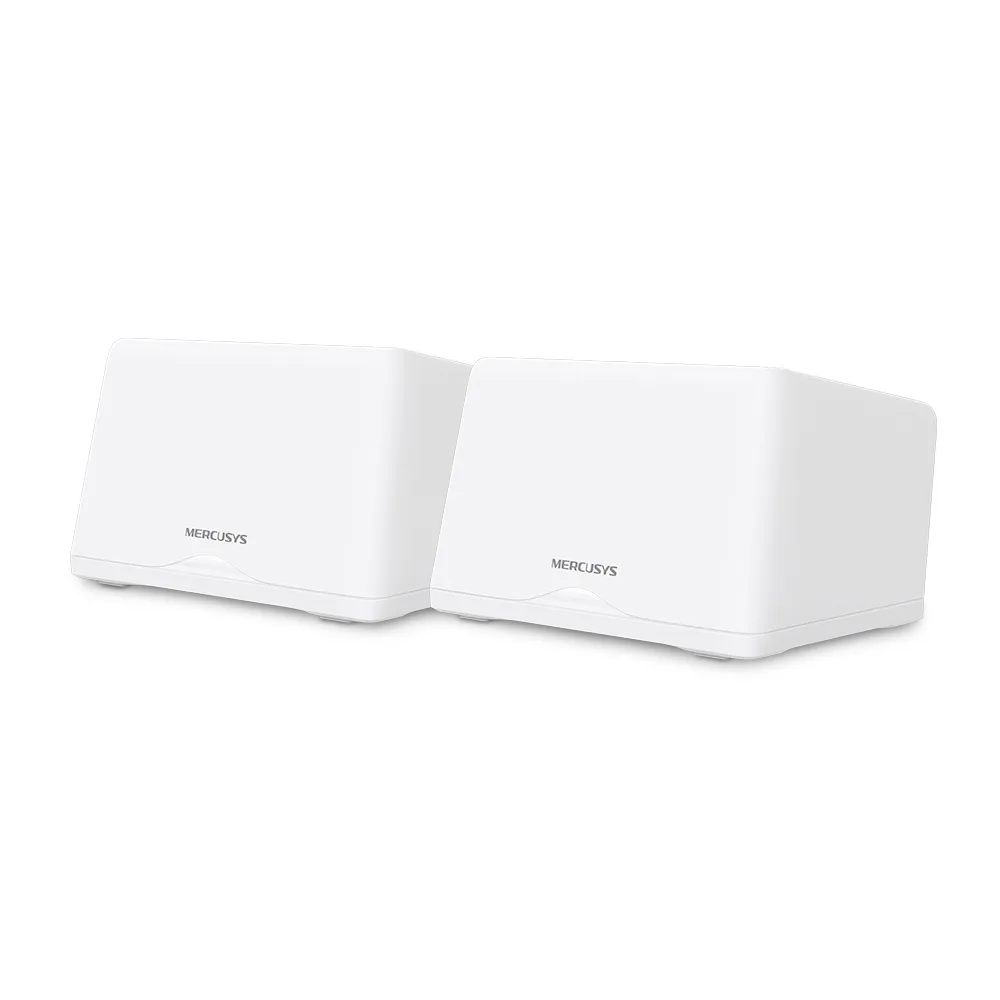
What Wi-Fi 7 Can Help With
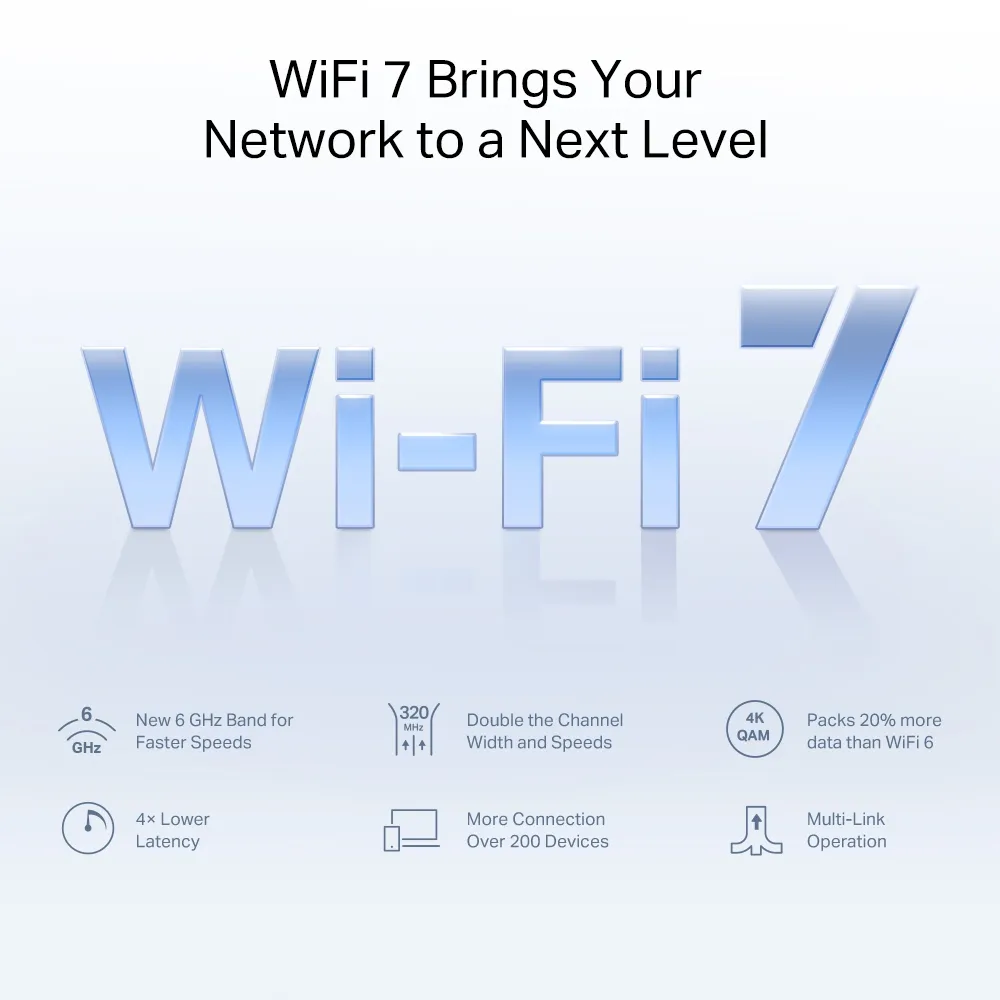
The advertised 320 MHz channels apply to 6 GHz. Available spectrum and channel widths depend on local regulations, and the client must support the feature. The additional band can provide another connection option; it is not permanently interference-free and does not guarantee better wall penetration. Check coverage where you actually use the device rather than assuming the newest standard reaches farther.
Multi-Link Operation, or MLO, lets compatible equipment use multiple links. Its potential benefits include throughput and resilience, but the supported combinations and behavior depend on hardware, firmware and the client. Do not assume a particular packet-duplication mode or deterministic game latency. Congestion farther upstream can still affect an MLO-connected device.
4K-QAM increases the amount of information represented by modulation symbols under suitable radio conditions. It does not promise a fixed percentage increase in every file transfer. Similarly, OFDMA and MU-MIMO require corresponding client support. These capabilities are useful reasons to consider the H47BE, but evaluating your clients and bottlenecks gives the specification practical meaning.
Ports and Coverage
| Item | H47BE specification and scope |
|---|---|
| Wireless bands | 2.4 GHz, 5 GHz and 6 GHz |
| V2 EU signal rates | 688 + 2,880 + 5,760 Mbps |
| Earlier V1 2.4 GHz listing | 574 Mbps; use matching revision documentation |
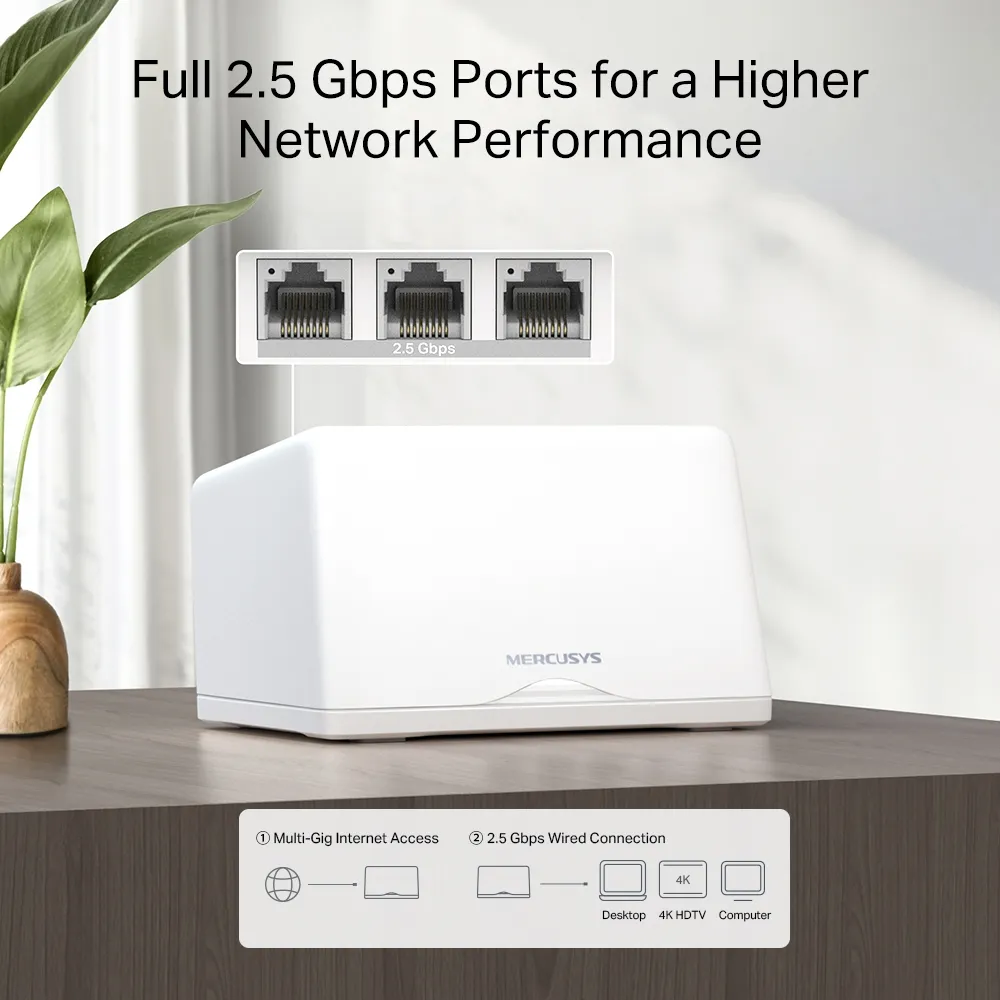
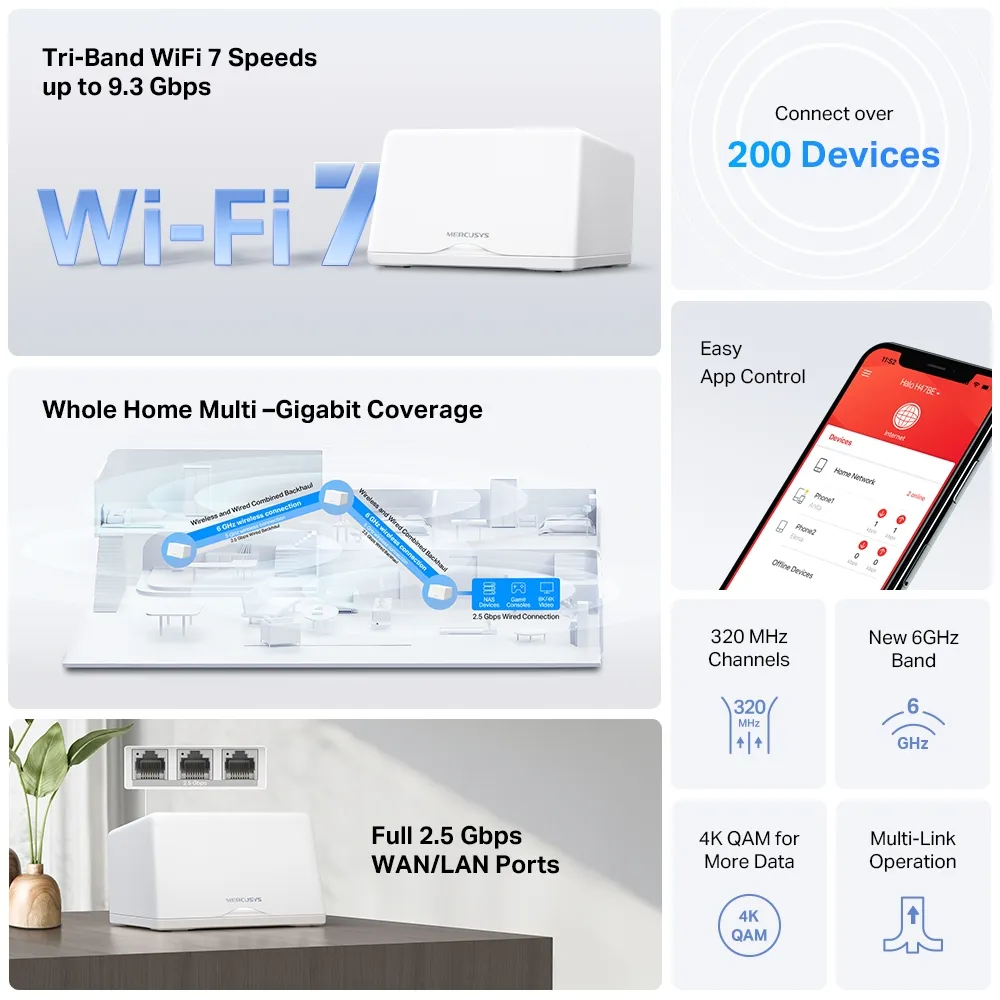
| Ethernet | Three 2.5 Gbps auto-sensing WAN/LAN ports per unit; one WAN at a time |
| Advertised coverage | Two-pack: 6,000 sq ft / 550 m²; three-pack: 8,000 sq ft / 740 m² |
| Advertised device capacity | Over 200 in manufacturer test conditions |
| Dimensions | 170 × 122.4 × 103.5 mm per unit |
| Operating modes | Router or access point |
Three fast Ethernet ports are a practical strength. In router mode, one handles the internet connection, leaving two for wired equipment or backhaul. A cabled satellite also uses a port for its uplink. Count those connections before deciding whether a switch is needed. A Gigabit switch in a planned 2.5 Gbps route would still limit that part of the path.
A multi-gigabit NAS transfer needs compatible interfaces at both ends and suitable cables throughout. It does not require a multi-gigabit internet subscription when the traffic stays local. Conversely, faster local ports cannot improve an ISP plan whose rate is already the limiting factor. Consider the activity you want to improve before replacing otherwise adequate equipment.
Coverage and client-count claims are conditional manufacturer estimates. Thick walls, node positions, interference and simultaneous traffic affect results. Hundreds of mostly idle sensors differ from many active cameras. Buying the largest pack without planning its backhaul can cost more without solving the room that matters.
Plan the Connections Between Nodes
Wireless backhaul avoids cable installation, but each satellite still needs a good radio route upstream. Avoid placing it inside the deepest dead zone. Compare several practical positions and check the network map after moving it. A useful intermediate location can be better than the room's most convenient power socket.
The current V2 datasheet illustrates combined wireless and wired backhaul. That is not evidence of a permanently exclusive 6 GHz backhaul radio or of a guaranteed wireless transfer rate. Follow the behavior documented for your installed revision and firmware instead of assuming that wiring releases a particular radio or that wired and wireless rates simply add for every client.
For Ethernet setup, Mercusys advises adding the Halos to the same network through the app before wiring them. In router mode, satellites belong downstream of the main Halo's LAN connection, directly or through its LAN switch. In access-point mode, they can use the existing router's LAN. Avoid modem-side wiring that bypasses the main router.
If wired connectivity is unreliable, try a different cable and port and bypass the switch with a direct link. Mercusys notes IPTV-port restrictions and IEEE 1905.1 switch forwarding issues in its general Halo guidance. Diagnose the actual path before changing protections across an entire managed network. A successful physical cable connection alone does not prove the desired topology or negotiated rate.
Router Mode or an Existing Gateway
Use router mode when Halo should manage your local network. If an ISP gateway, pfSense or another router already does that, access-point mode can avoid a second routing layer. Mercusys documents More > Advanced > Operation Mode in its example interface; menus may differ with app and firmware versions. Changing the mode restarts the system, so choose a suitable time.
In AP mode, Halo does not assign client addresses; keep DHCP enabled on the upstream router. Configure reservations and port forwarding there. Some app features, including parental controls, are unavailable in this mode. You do not need an extra manual instruction to disable a separate Halo DHCP server after selecting its documented AP mode.
Connect a consumer mesh to the LAN it should serve. ISP VLAN tagging does not establish support for arbitrary per-SSID VLAN trunks. If separate homelab, guest and IoT networks are essential, confirm the exact segmentation capabilities or choose equipment designed for that requirement. Do not assume a different wireless name supplies every isolation rule.
Security and Ongoing Care
Use current regional firmware and a strong management password. Check the selected WPA mode and client support; our WPA2 versus WPA3 guide explains why the distinction matters. Supported encryption is not proof that every connected device or exposed service is secure.
Halo H-series units can form a mesh together, but Mercusys explicitly excludes mixing H and S series. A newer node does not upgrade an older node's radios or ports. Check the main-unit choice and feature availability before adding units from another model. Client-dependent roaming assistance also warrants a real call test rather than a promise of uninterrupted handoffs.
My Buying View
The H47BE remains appealing to me for its combination of a three-band network, convenient app management and fast wired ports. Compare the exact local price, pack size, warranty and firmware support with alternatives. For mainly older clients and ordinary internet use, a less expensive Wi-Fi 6 mesh may already meet your needs.
Evaluate with the same client near the main unit and in your working rooms. Begin with a wired internet test, then separate local storage transfers from internet tests. Note which node serves the client and whether the result follows the room or the device. That makes troubleshooting more useful than a single headline speed. The original official H47BE link remains available for reference.