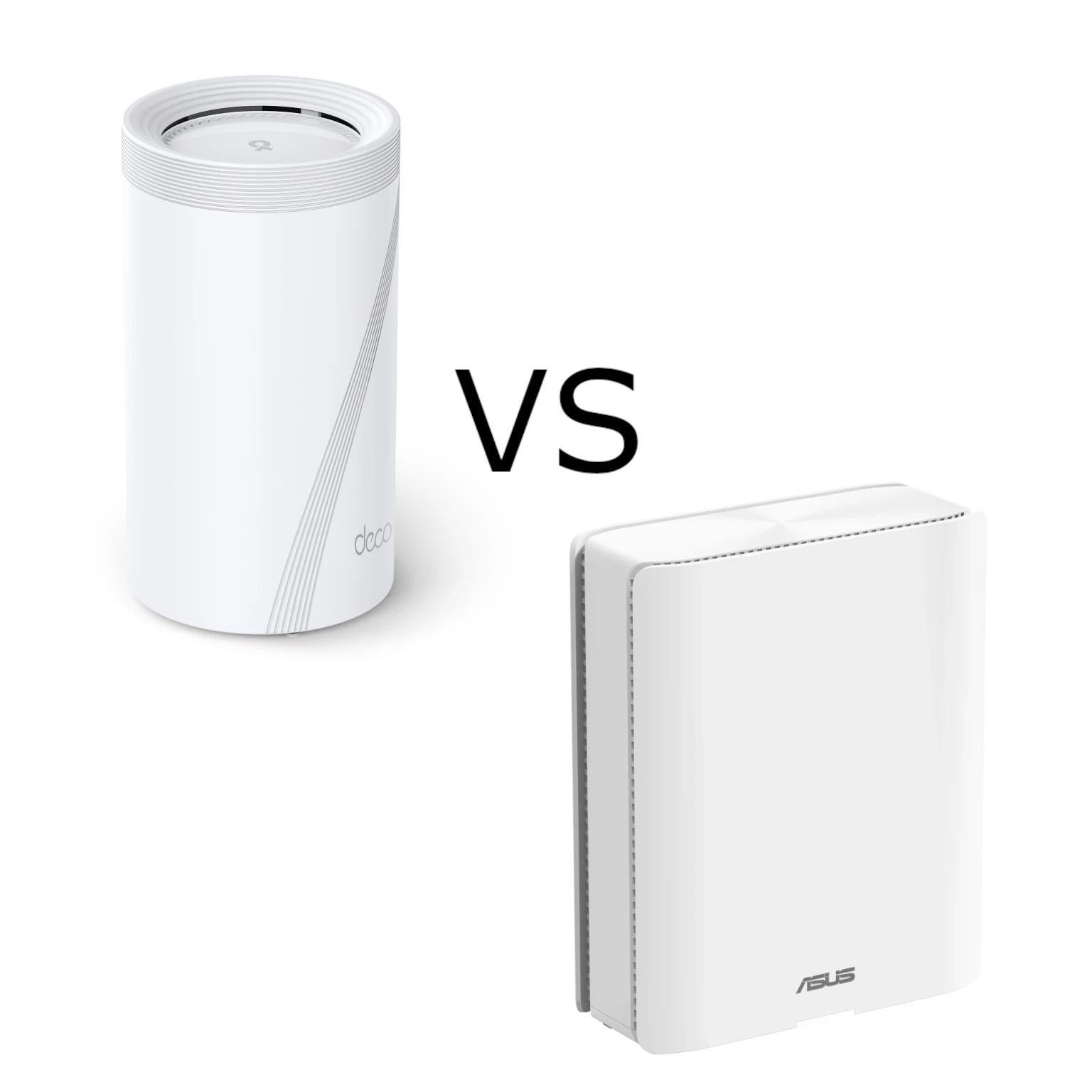
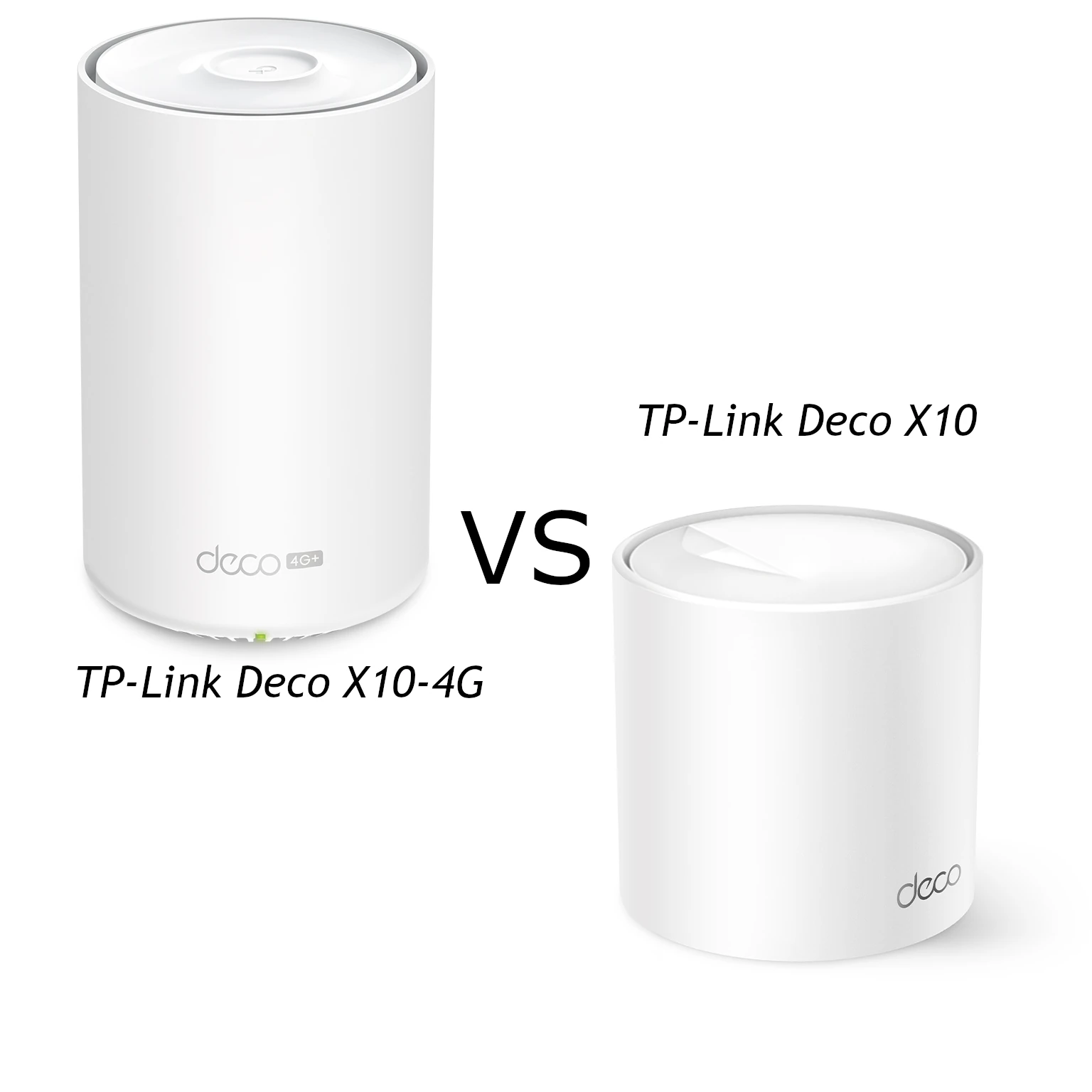
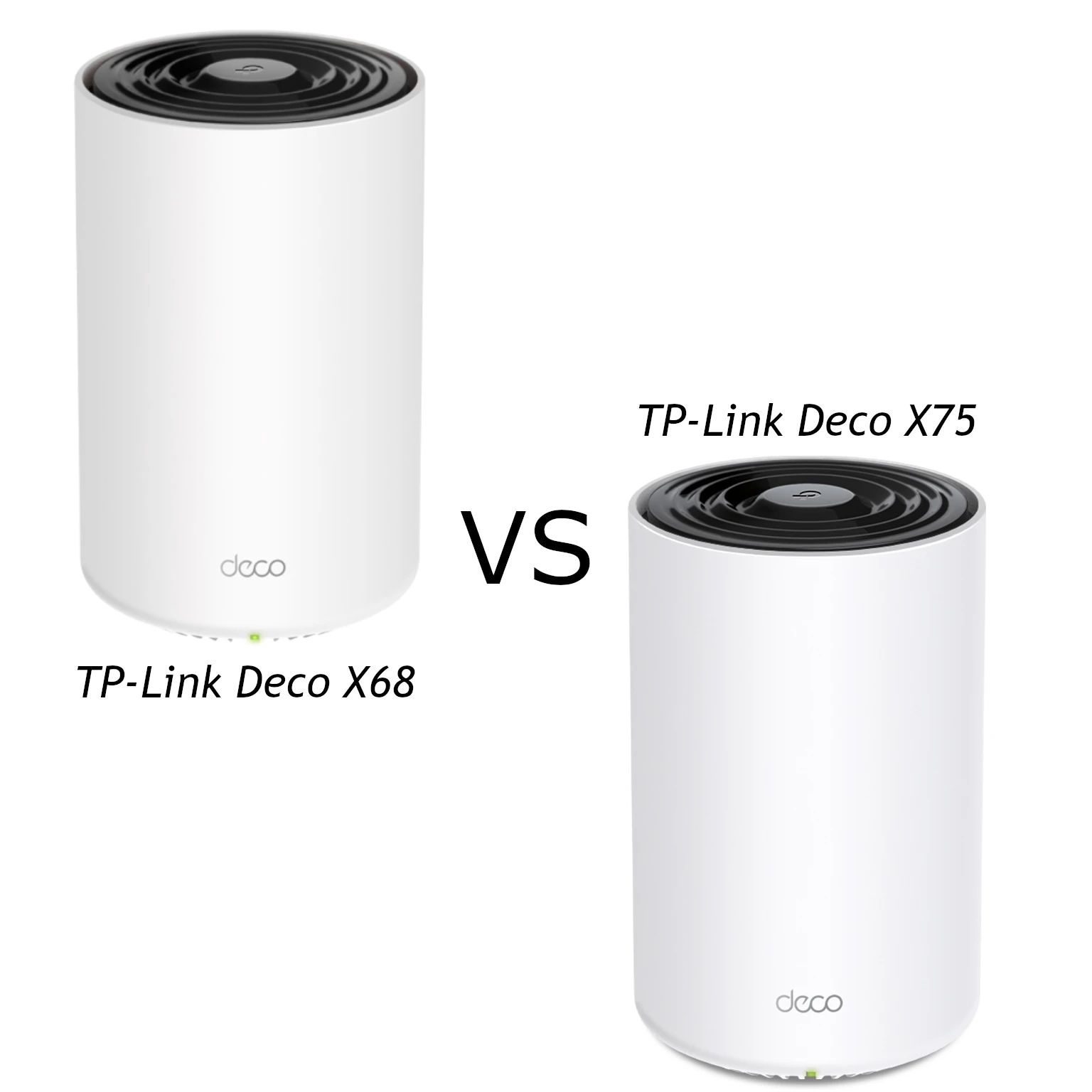
A Wi-Fi mesh system can help when one router leaves rooms with weak reception, but choosing between TP-Link Deco, NETGEAR Orbi, ASUS ZenWiFi, Mercusys Halo and Cudy involves more than picking the highest speed rating. The right kit depends on your walls, available cabling, devices, management preferences and budget. A capable main router cannot compensate for a satellite placed where its own connection is poor.
These are buying perspectives and specification comparisons, rather than results from testing all five brands in the same home. Prices and stock vary by region and pack size. Compare the exact hardware revision, included satellites and features before treating a brand's reputation as a guarantee.
What a mesh system changes
Mesh uses several coordinated units, or nodes, to extend a network. The connection between them is the backhaul; the connection from your phone or laptop to a node is another part of the path. Both must work well. Roaming assistance can encourage a device to change nodes, but its own software also affects that decision. A single network name does not promise that every call survives every movement without interruption.

Comparing the five brands
TP-Link Deco: an approachable starting point
Deco remains a good-value choice for households that want straightforward app management, guest networking and parental controls. Its broad catalogue lets you choose a modest kit or a more capable model as needs grow. For smaller homes, spending within the Deco range can be more sensible than buying a premium flagship.
Check the specific model's port speeds and HomeShield terms. Free functions and optional paid protection differ; the word Deco does not establish identical features. In a larger home, assess satellite placement and backhaul before assuming more units will cure occasional slowdowns. Local availability and replacement-unit pricing matter as much as the initial offer.
NETGEAR Orbi: consider it for larger, demanding homes
Orbi is worth considering when strong coverage and a capable satellite connection justify mid-range or premium spending. The Orbi 850 is a useful example of a system with a separate wireless backhaul radio. This can help distinguish it from a cheaper dual-band kit, though walls and distance still affect the connection.
Allow time for its setup and management choices if you are comparing it with a simpler app-led kit. Verify the router and satellite model numbers, available wired ports and any Armor subscription. A similarly named Orbi satellite is not automatically a compatible upgrade, and a premium price does not establish a measured advantage in your rooms.
ASUS ZenWiFi: security and configuration choices
ZenWiFi is an attractive option when security features, configuration flexibility and appearance carry weight in the decision. Supported models provide app management, AiProtection and QoS options, with more settings to consider than a basic coverage-only purchase. The extra control is valuable only if it supports something you will actually use.
Read the model's specifications for VPN, network profiles and operating modes. Do not assume that every ZenWiFi offers identical VLAN controls or that router features remain available in access-point mode. The BD4, for example, is dual-band Wi-Fi 7: it does not acquire a 6 GHz radio or 320 MHz channels merely by being newer.
Mercusys Halo: prioritize the budget and verify the layout
Halo deserves consideration for households trying to improve coverage without premium pricing. Guest Wi-Fi, parental controls and app setup can satisfy everyday needs. Check which functions the exact model includes rather than treating the whole range as a single specification.
For a large home or consistently heavy traffic, approach the budget saving cautiously and test the demanding rooms before committing. That is a buying reservation, not a measured finding that all Halo systems are unstable. Model capability, backhaul, placement and local interference may matter more than the brand label. Confirm that future units belong to a compatible Halo family.
Cudy: compare the saving with the features you need
Cudy is also a cost-conscious alternative, particularly when you prefer a local web interface. It remains worth checking carefully for larger homes or busy networks rather than assuming the lowest-priced package will meet every demand. Some models offer useful options beyond basic coverage, so list the functions you require before deciding it lacks them.
The M3000 2.0 documents VPN options and DNS-over-TLS, as well as local and cloud app management. Those are specific capabilities, not a promise of complete privacy or unrestricted OpenWrt package installation. Check the supplied firmware and management requirements rather than buying on an assumed software platform.
Compare specific models, not just brand names
The examples below illustrate why port layout and radio design deserve separate attention. They are manufacturer specifications, not an equal-price ranking or benchmark.
| Example model | Radio arrangement | Wired consideration |
|---|---|---|
| Deco X50 | Dual-band Wi-Fi 6 | Three Gigabit ports per unit |
| Orbi 850 | Wi-Fi 6 with a dedicated third backhaul radio | Router: 2.5 GbE WAN and four Gigabit LAN ports; satellites: four Gigabit ports |
| ZenWiFi BD4 | Dual-band Wi-Fi 7, up to 160 MHz | Two 2.5 GbE ports per unit |
| Halo H80X V1 | Dual-band Wi-Fi 6 | Three Gigabit ports per unit |
| Cudy M3000 2.0 | Dual-band Wi-Fi 6 | One 2.5 GbE WAN and one Gigabit LAN port |
A WAN port used for your modem is unavailable for a wired computer. A backhaul cable consumes another port. Count those connections before assuming a multi-gigabit headline provides a multi-gigabit path to a NAS or switch; one Gigabit hop still limits that wired path.
Where Wi-Fi generations fit
Wi-Fi 5 can still serve existing devices well when coverage and capacity suit the home. Its 802.11ac radio operates at 5 GHz, while common dual-band kits use older standards at 2.4 GHz. Although 80 MHz is common, Cisco's technical table also documents optional 160 MHz operation. Wi-Fi 6 adds efficiency mechanisms such as OFDMA; a model still needs to support the particular channel width you expect.
Wi-Fi 6E adds 6 GHz operation, subject to regional spectrum and compatible clients. HPE's Wi-Fi 7 documentation explains wider 320 MHz channels at 6 GHz and MLO, which may alternate or combine links depending on implementation. A Wi-Fi 7 label does not require 6 GHz, multi-gigabit ports or simultaneous aggregation on every client. None of these generations sets a universal loaded-ping result or ideal broadband tier.

Backhaul and placement can change the decision
A dual-band wireless system often shares airtime between clients and node traffic. There is no fixed 40–50% loss applicable to every kit. A third radio can add capacity, but tri-band does not universally mean one permanently exclusive backhaul radio: check the model's design and settings.
Where supported, Ethernet backhaul removes the wireless hop between wired nodes. It does not remove congestion elsewhere or make a Gigabit port multi-gigabit. Follow the manufacturer's topology rules. For example, Deco's guide requires router-mode satellites behind the main unit's LAN connection, whereas access-point mode permits different wiring arrangements. Avoid placing a wireless satellite directly in the dead zone it is supposed to fix.

A practical shortlist and check
Start with a floor plan, wall materials and the rooms that must work reliably. Note whether you can wire satellites, which devices need fast transfers, and whether the problem is coverage, a busy Internet uplink or both. Compare prices for equivalent pack sizes, adding switches, cables, subscriptions and possible replacement units.
Choose Deco for approachable value, consider Orbi for a demanding larger home, and favour ZenWiFi when its security and configuration choices matter. Halo and Cudy can be sensible budget choices, with extra care over the most demanding rooms. These preferences should guide a shortlist, not replace checking the actual model and local offer.
Use a retailer's return period to evaluate the selected kit with the same device near the main node and in each important room. Compare a local transfer with an Internet speed test; run calls while other devices upload, and check both stationary use and movement between nodes. Record the node, backhaul type, firmware and device used. A slower result has a more useful explanation when you know which part of the path changed. Keep the kit that meets your needs consistently rather than the one with the largest combined radio rating.