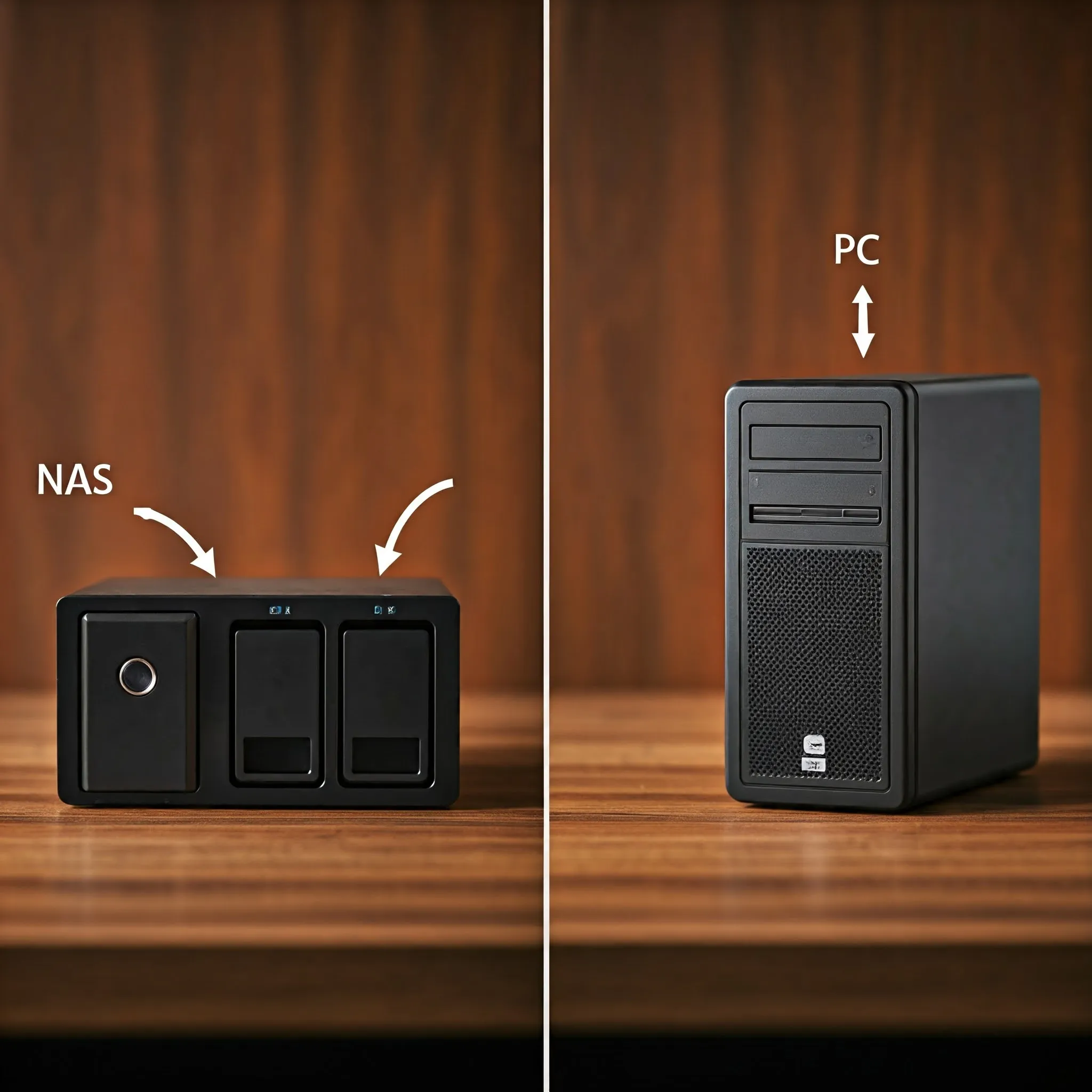
If you have a spare old machine just lying around and are looking at creating a NAS or server for your home or office setup, today's post might just be what you were looking for. Cost will always be a factor when deciding on how to build your home server/NAS, so if you can re-use old hardware, with a free operating system that will run on it, what is there not to like? Today we look at just that operating system: For virtualisation and containerisation on compatible hardware, the free SmartOS platform can be the perfect solution. Check its hardware support and administration model before committing an existing NAS or important data to it.
What Is SmartOS?
SmartOS is an open-source operating system designed primarily for running virtual machines. Developed by Joyent, it’s based on the illumos kernel, which itself is a derivative of Solaris. SmartOS is known for its reliability, advanced virtualization capabilities, and exceptional performance in managing server workloads.
SmartOS boots a live operating-system image into RAM from USB, ISO or PXE. The global zone is rebuilt from that image at boot, but guest disks, ZFS datasets and designated configuration remain persistent. Restarting the host does not erase every VM or file: distinguishing the temporary host filesystem from persistent storage is essential.
How SmartOS Works
SmartOS acts as a hypervisor, meaning it creates and manages virtual machines. A hypervisor allows multiple virtual machines (VMs) to run on a single physical machine. It efficiently allocates hardware resources like CPU, memory, and storage to the VMs while keeping them isolated from one another.
SmartOS can be thought of as a lightweight platform that is optimized for virtual environments. It leverages advanced features such as:
- ZFS: A powerful file system known for data integrity and efficiency.
- DTrace: A dynamic tracing framework for debugging and performance analysis.
- Crossbow: A network virtualization and resource management tool.
What Hardware Do You Need for SmartOS?
SmartOS runs on x86-64 hardware, but a compatible CPU alone is insufficient. Confirm that the network interface and storage controller have supported illumos drivers. For a useful homelab, consider:
- A multi-core processor.
- Enough RAM for the host, ZFS and every intended guest. The documentation lists a low 512 MB boot minimum; that is not a practical capacity recommendation for several VMs. A 4 GB example machine can still be too small for your workload.
- A solid-state drive (SSD) is recommended for optimal performance when storing VM data.
Because SmartOS operates from RAM, the storage drive is primarily used for hosting virtual machine images and data.
What Makes SmartOS Different?
SmartOS differentiates itself in a few key ways:
- Stateless Design: Since it runs from RAM, every boot starts fresh. This minimizes configuration drift and ensures consistency.
- Advanced File System: ZFS provides checksums, snapshots and cloning; a suitable redundant pool can repair some corruption. It does not replace independent backups.
- Dual Virtualization Support: SmartOS supports two broad types of virtualization: OS Virtualization and Hardware Virtualization.
The Two Types of Virtualization in SmartOS
1. OS Virtualization Machines
Also called "Zones," OS Virtualization uses containers to virtualize at the operating system level. These containers share the same kernel but are isolated from one another.
How It Works:
- A single SmartOS instance manages multiple Zones.
- Each Zone runs its own applications as if it were a separate machine.
Benefits:
- Lightweight and fast because no extra kernel is loaded.
- Ideal for applications that don’t need their own OS instance, such as microservices.
2. Hardware Virtualization Machines
Hardware virtualisation uses bhyve or the SmartOS port of KVM to run guests with their own kernels. SmartOS is illumos-based: its KVM implementation is not a Linux host running the Linux kernel.
How It Works:
- Each VM has its own kernel, operating system, and resources.
- These are more like traditional virtual machines found in systems like VMware or VirtualBox.
Benefits:
- Allows you to run entirely different operating systems (e.g., Linux, Windows).
- Provides a higher level of isolation.
Why Supporting Both Is Great
Supporting both types of virtualization makes SmartOS incredibly versatile. For lightweight workloads or microservices, OS Virtualization is ideal. When more isolation or diverse OS environments are required, Hardware Virtualization takes the lead. This dual support allows users to optimize resource use without being limited to one virtualization method.
Alternatives to SmartOS
If SmartOS doesn’t seem like the right fit, here are some alternatives:
- Proxmox VE: A popular open-source virtualization platform supporting both container and hardware virtualization.
- VMware ESXi: A widely-used proprietary hypervisor for enterprise environments.
- XenServer: A Xen-based virtualisation product with edition and licensing requirements to check before deployment.
- Linux KVM: A versatile virtualization solution baked into many Linux distributions.
SmartOS stands out for its live-image host and integrated illumos technologies. ZFS and a combination of containers and VMs are not exclusive to SmartOS: Proxmox VE also supports ZFS, KVM and Linux containers. Compare the guest requirements, management tools and recovery process rather than assuming one feature belongs to only one platform.
Considerations for SmartOS Users
- Learning Curve: If you’re new to servers or virtualization, SmartOS might seem complex at first.
- Hardware Compatibility: Check the illumos hardware compatibility list and the chosen virtualisation engine. Consumer hardware may work, while an unsupported server network card may not.
- Community and Support: Being less popular than some competitors, you might find fewer resources online. However, the SmartOS community is active and supportive.
- Stateless Design: Understand where changes persist. Use the documented global-zone configuration locations and persistent guest datasets; an arbitrary edit inside the temporary host filesystem may disappear at reboot.
Conclusion
SmartOS is a powerful operating system tailored for virtualized environments. Its stateless design, ZFS integration, and dual support for OS and Hardware Virtualization make it a standout choice for server administrators. Whether you need lightweight containers for microservices or full-fledged virtual machines for diverse OS support, SmartOS has you covered.
While it has a steeper learning curve and is best suited for server-grade hardware, its features and performance make it worth exploring. With SmartOS, you’re equipped with a flexible, reliable platform for managing modern workloads efficiently.
Visit the official SmartOS website
Zones, LX, bhyve and KVM
The two broad virtualisation categories contain several implementations. A native zone shares the illumos kernel and provides its own userland, resources and network interfaces. An LX-branded zone supplies a Linux-compatible system-call interface while still using the illumos kernel. A hardware VM instead boots a separate guest kernel under bhyve or KVM.
| Environment | Suitable starting point | Compatibility check |
|---|---|---|
| Native zone | Applications available for SmartOS through its package ecosystem | Use SmartOS/illumos packages rather than assuming Linux binaries work unchanged |
| LX zone | Supported Linux userland applications without a separate Linux kernel | Some Linux kernel interfaces are missing; kernel modules cannot simply be loaded |
| bhyve VM | A guest needing its own Linux, Windows or BSD kernel | Check CPU capabilities, guest image, firmware and device drivers |
| KVM VM | Existing compatible SmartOS KVM workloads | The project's KVM requirements differ from bhyve; do not assume general Linux KVM hardware support |
The bhyve documentation states that it supports most Intel and AMD processors and is production ready. The KVM hardware page specifically describes Intel VT-x and EPT support and contains historical CPU examples. Use the current platform and engine documentation together rather than treating that old list as the complete compatibility list for SmartOS.
Containers avoid running a second kernel, which can reduce overhead. That does not make CPU, memory, networking or storage free. No single performance ranking applies to every guest. Choose an HVM when an application requires unsupported Linux kernel facilities or when you need a different operating-system kernel.
Finding Images and Existing Instances
After boot and networking setup, the global zone is the host administration environment. imgadm handles image templates; vmadm manages zones and hardware guests. These commands inspect available templates and existing instances rather than creating a guest with an incomplete specification:
imgadm avail
imgadm list
vmadm list
imgadm avail lists remote images from configured sources, while imgadm list shows locally imported images. An image's name, operating-system type and requirements matter: a native-zone image is not interchangeable with an LX or hardware-VM image. Use the current UUID from your selected source when following the corresponding creation guide, and supply a complete JSON specification with memory, storage and networking settings. vmadm list includes instance states; it is not limited to running guests.
Persistent Storage and a First Trial
Keep three things distinct: the boot image, global-zone settings and guest data. The documented /usbkey/config, /usbkey/shadow and /usbkey/ssh/ locations provide persistent host settings that are applied at boot. The name /usbkey is part of the documented configuration layout; it should not be taken to mean guest disks live on the USB stick. Guest storage resides in the ZFS pool.
Before selecting disks for a new pool, identify their serial numbers and save any existing data elsewhere. Pool creation is a storage operation, not merely starting a live operating system. For an initial experiment, use expendable storage and create a small guest whose data you can recreate. Check network access, write a test file inside the guest, reboot the host and confirm that the instance and file remain available.
Keep a copy of the host configuration, guest specifications and an independent backup of important guest data. Retaining an older boot image can help with a platform rollback, but compatibility with pool features and guest changes still matters; recovery is not guaranteed to take exactly 60 seconds. Schedule maintenance and test the recovery route before hosting essential services.
The appeal remains strong: reusable hardware, flexible guests and integrated storage can make SmartOS worth exploring. Its administration model deserves a trial before it becomes the household's main file server. Begin with the official documentation and persistent-configuration guide, then choose the creation instructions for your actual guest type.