
AIHomelab
LocalAI in Your Homelab: Models, Hardware and a Proxmox Install
Run a LocalAI inference service in Proxmox with the Community Scripts installer, then choose a model, secure access and verify requests, resources and recovery.
Run a LocalAI inference service in Proxmox with the Community Scripts installer, then choose a model, secure access and verify requests, resources and recovery.

Choose between GPT-6 Astra and GPT-6.1 Sol with practical task examples, copyable prompts and a fair workflow for checking quality, effort and cost.

Learn how passkeys resist phishing, compare synced and device-bound credentials, and build a practical recovery plan before changing devices.

Give Ollama or LocalAI a browser interface with persistent chats, controlled accounts, document retrieval and a practical backup and upgrade plan.

Set up Proxmox Backup Server for your homelab, protect encryption keys, manage retention, sync off-site and prove recovery with an isolated restore.

Explore Omarchy 4.0.4: its DHH origins, Arch and Hyprland workflow, installation choices, useful shortcuts, customisation, updates and recovery limits.

Meet GPT-6 Astra: its launch, reasoning and tool capabilities, practical homelab uses, example prompts, costs and the checks that make its results useful.

Build a self-hosted Kavita library with accurate metadata, sensible Docker storage, reader-specific progress sync and a recoverable backup plan.

Use Reconya to understand your homelab inventory, with current native setup, discovery limits, privacy options and practical verification.
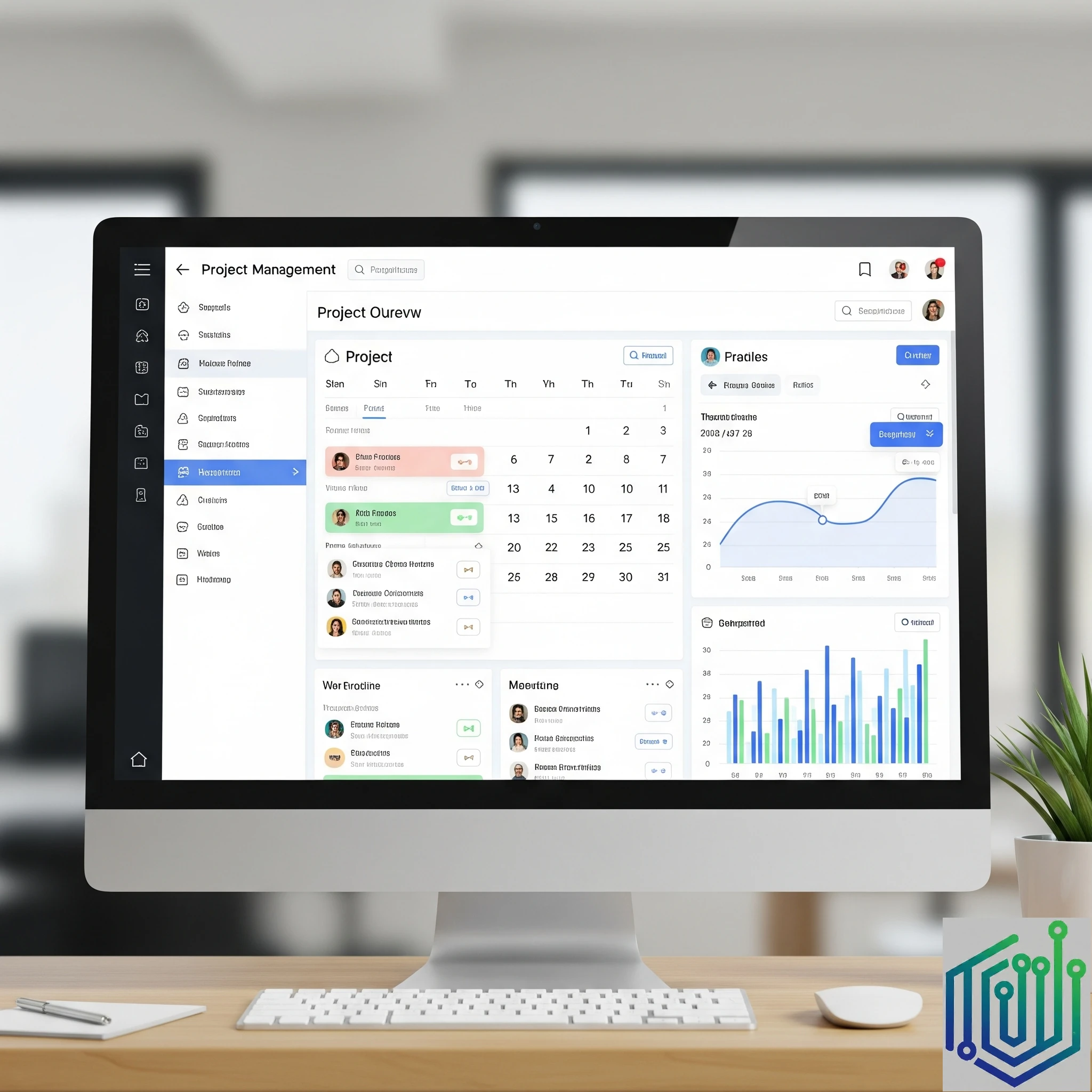
Organise tasks, projects and recurring homelab maintenance with Tududi, with a verified Docker setup, persistent storage and practical backup guidance.

Create a practical Glance dashboard with a small versioned setup, clear service checks, protected access and tested desktop and mobile layouts.
What Baidu’s June 2025 ERNIE 4.5 release actually includes, how model weights differ from the chatbot service, and what to check before running it locally.
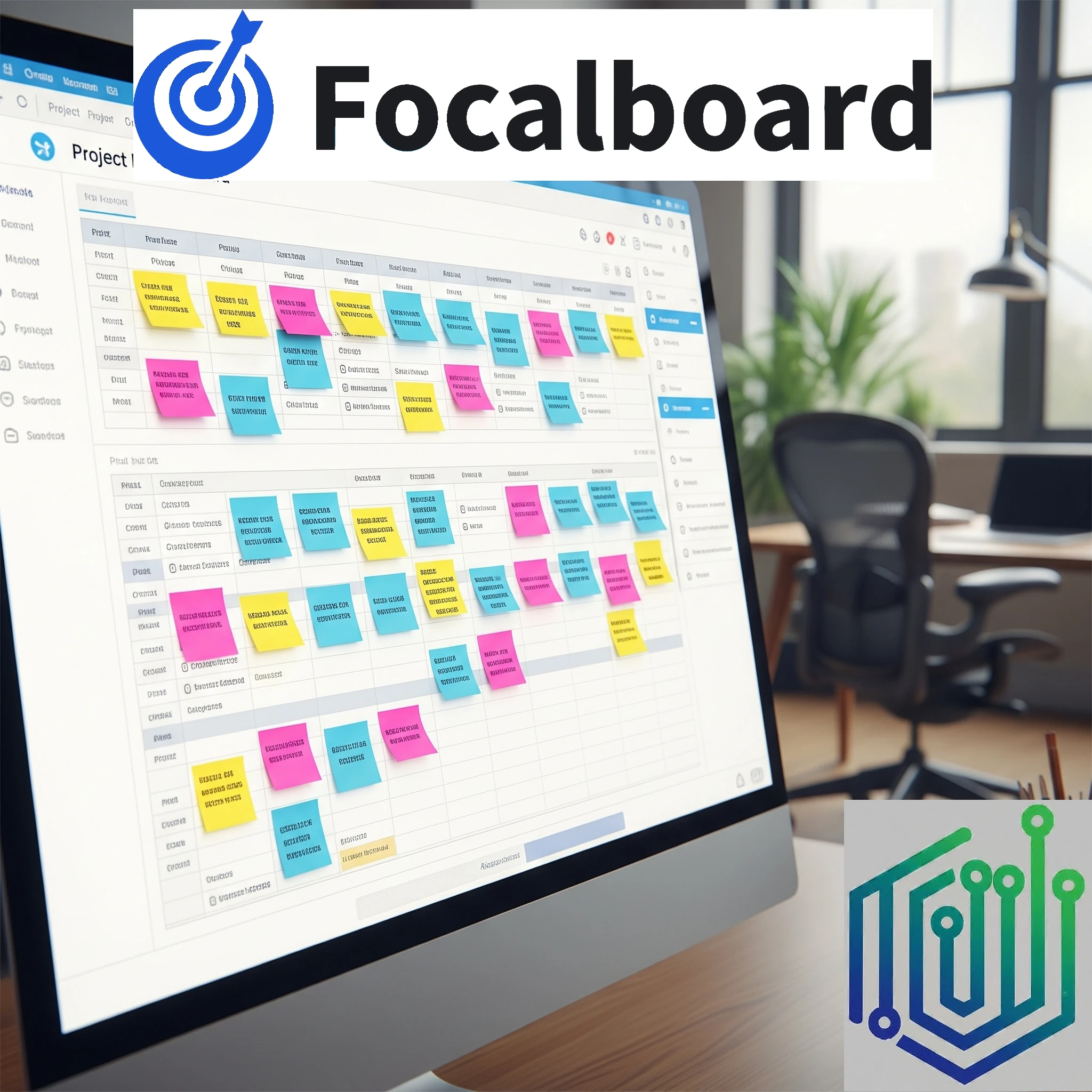
Explore Focalboard's board views, standalone maintenance status, Docker persistence and attachment-aware backups before adopting it in your homelab.
Explore OpenCloud file sharing and sync: Go-based storage, native clients, identity and proxy choices, production deployment and a recoverable migration plan.
Use Obsidian local vaults with a carefully chosen self-hosted sync method, understand mobile and encryption limits, and keep recoverable backups.

We always talk about the adventure of building our own homelabs. What about our real-world adventures, though? Today we look at a self-hosted homelab app designed to log and map our real-life travels.

A smart home is just one of the amazing things that can be controlled and built with your own homelab. Let's take a look at a privacy-first install built for your smart home control.

Build a Kodi home theatre with suitable playback hardware, organised media, supported server add-ons, shared-library choices and reliable maintenance.

Understand WireGuard peer keys and routing for homelab access, then plan LAN forwarding, DNS, full tunnels and the trade-off between self-hosting and Tailscale.

When it comes to managing our plants and gardens, we have looked at the self-hosted service called Plant-it before. Today we look at an alternative: HortusFox.

Explore BillionMail mailboxes and campaigns, residential delivery limits, sender authentication, SMTP relays and the real maintenance costs of self-hosted email.
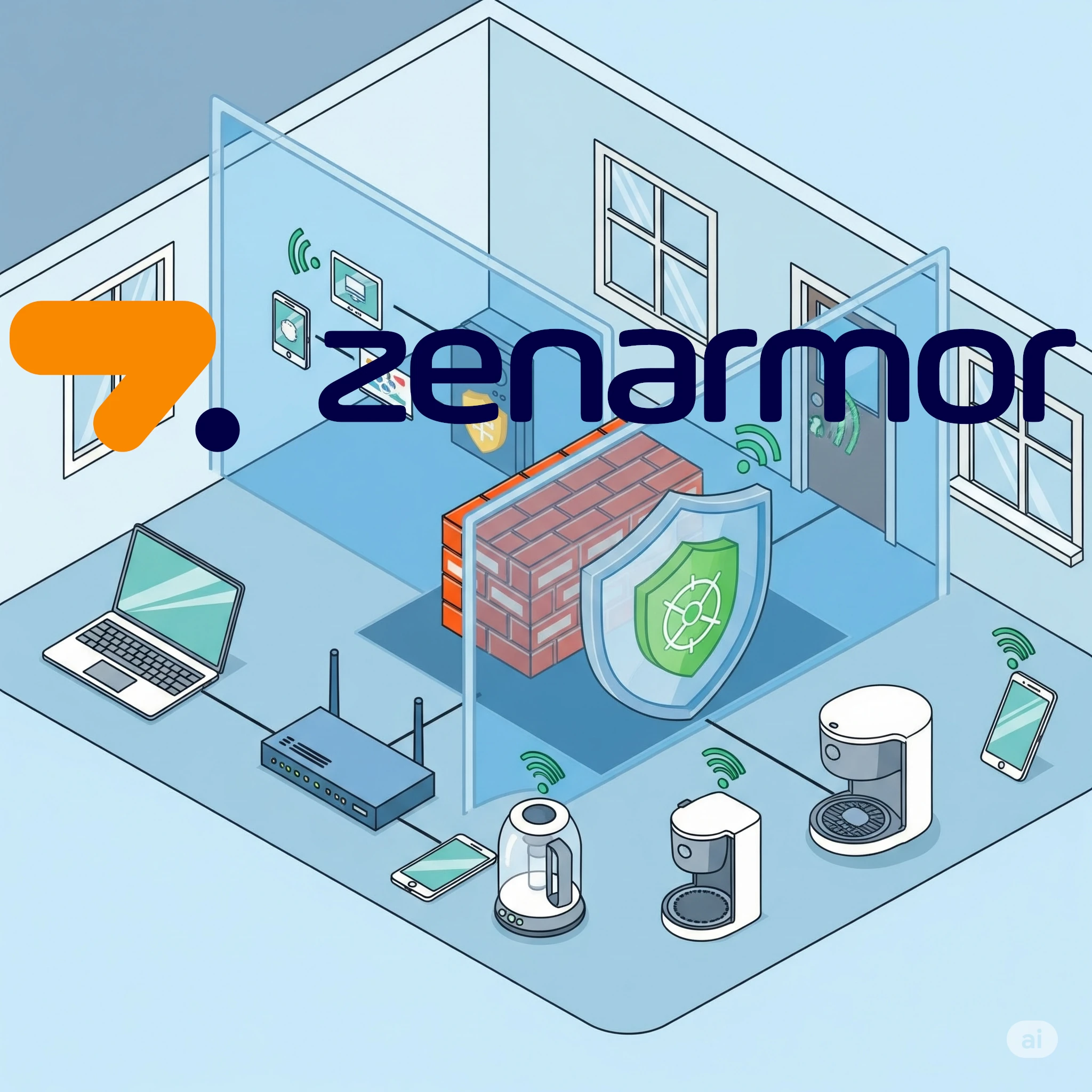
Is Zenarmor worth paying for in a homelab? Compare its Free Edition and subscriptions with firewall packages, and check reporting, TLS inspection, NIC compatibility and maintenance.

A practical guide to TimeTagger’s visual time tracking, secure self-hosting, credentials and useful PDF or CSV reports.

To install Immich in our Proxmox Homelab previously, we had to first install a Docker LXC and then Immich. This changed with the introduction of a new LXC Helper Script that was released. Let's look at installing Immich a bit easier.

Use Fail2ban to reduce repeated login attempts in your homelab, with a small SSH jail, log and firewall checks, recovery steps and container/proxy considerations.
Running Home Assistant in your homelab is a must for most self-hosters. But should you run it in your Proxmox instance or on your Raspberry Pi? Let's take a look at a detailed comparison between the two options.

We all need some music in our life - be it from purchased music albums or internet radio. Lyrion will fulfill this requirement in your homelab setup with ease.
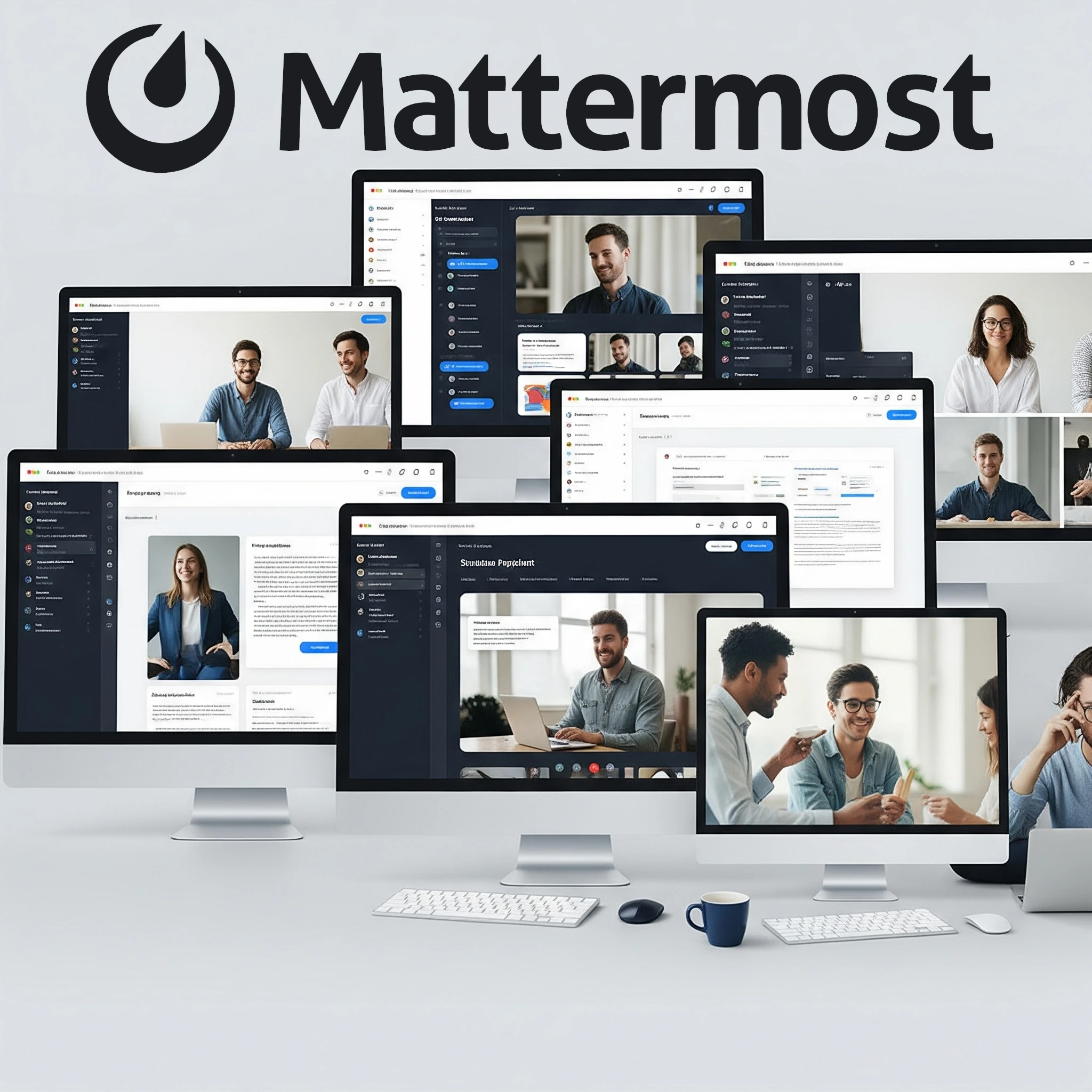
Explore Mattermost for a homelab: channels, integrations, current free-edition limits, PostgreSQL deployment, Calls networking and practical backup checks.

Explore Notesnook encryption, self-hosted service requirements, mobile client setup, public sharing and a recoverable backup plan.

In your quest for the perfect homelab setup, you've likely stumbled upon message brokers like RabbitMQ and Kafka. Both help different applications communicate, but which one is right for your homelab?

Explore pfSense CE and Plus, firewall and VPN capabilities, and the hardware, virtualization and recovery checks that matter for a homelab gateway.

Learn how CrowdSec combines local log behavior analysis with a global crowd-sourced threat intelligence blocklist to protect your Proxmox and Docker homelab from attacks.
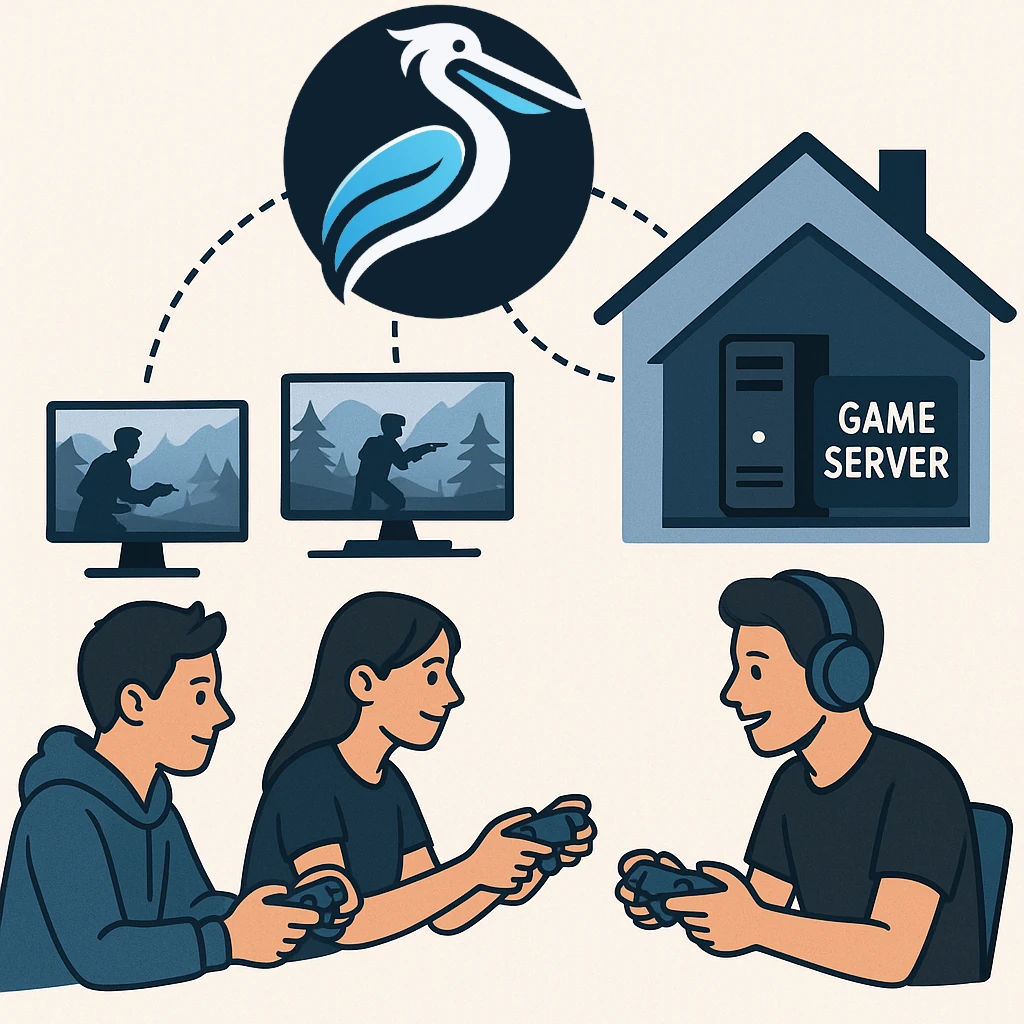
Explore Pelican Panel and Wings, supported Linux hosts, game-specific eggs, network access and the backups needed for a dependable homelab game server.

CRM tools are a staple in any professional's life, and we use them widely across the corporate world. What about your personal relationships? Can you manage them the same way? Meet Monica, the open-source Personal CRM.
Understand the disputed Bitwarden PDF report, distinguish PDF scripting from XSS, and compare supported update, audit and recovery practices with Vaultwarden.
Understand Authentik SSO, MFA and proxy integration, choose the right application provider, and plan deployment, access tests and recovery for a self-hosted homelab.

Have you ever walked through a store, heard a snippet of a conversation, and suddenly been struck by an idea? Then you reach home and try to figure out what the idea was again, and nothing comes up. The chance of losing that idea is fairly high if you don't write it down right away. Let's look at a self-hosted tool that solves that exact problem.

If you're someone who enjoys tinkering with technology and wants to take a step towards digital independence, building a homelab and self-hosting services can be an incredibly rewarding experience. One such service that offers significant benefits for personal data management is Radicale – a simple yet powerful CalDAV and CardDAV server.

Compare Beszel’s hub and agents with Prometheus and Grafana, then plan connections, permissions, alerts and recoverable monitoring data.

Browse a Calibre-format eBook library with Calibre-Web, configure Docker and OPDS, and check Kobo sync, conversion and recoverable storage.
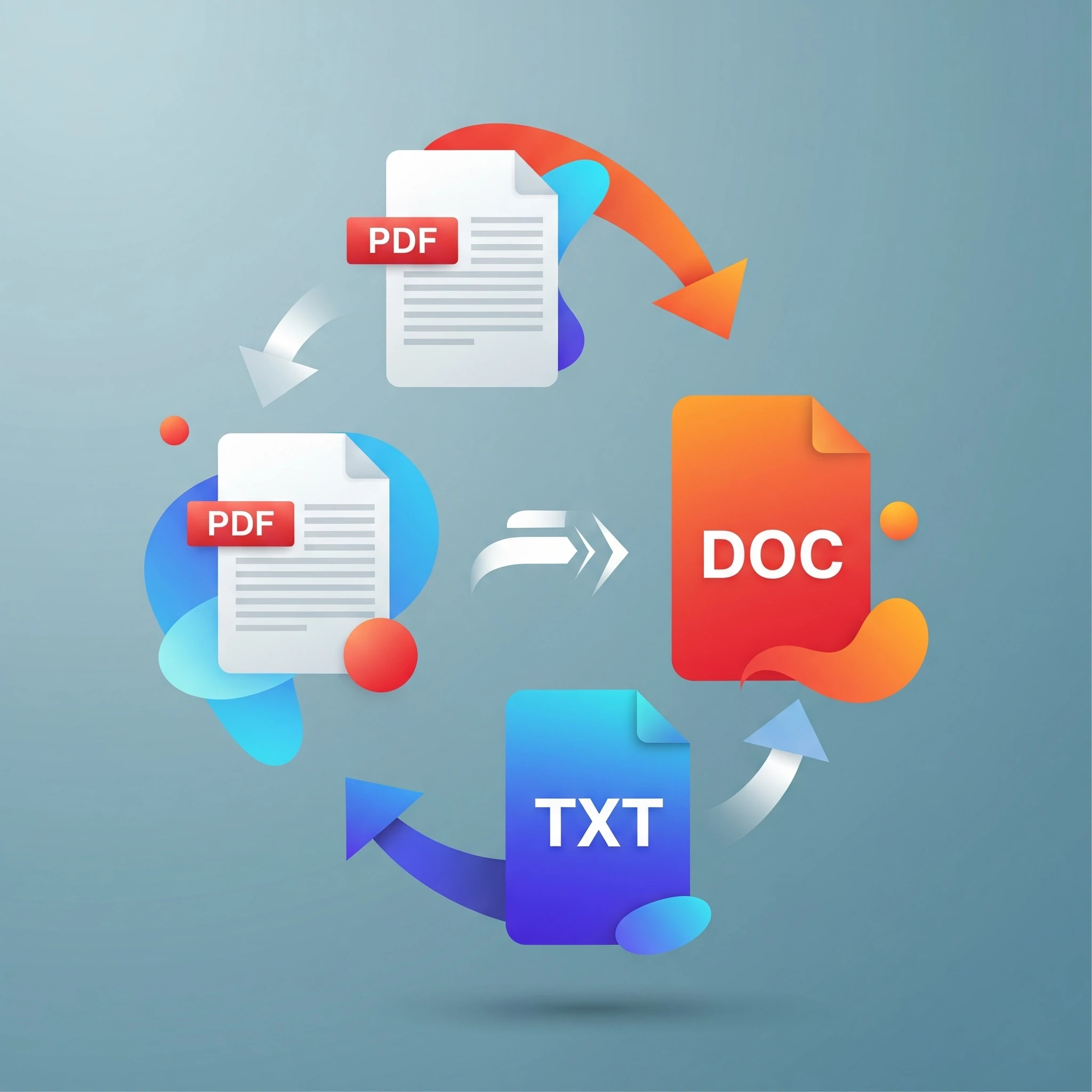
Managing a diverse collection of media and document files is a common reality. From esoteric image formats to bulky video files, the need to convert files into more usable or efficient formats is a constant. Enter ConvertX, a versatile, self-hosted file conversion tool designed to streamline this very process.

Explore Codex cloud and local coding workflows, project instructions and practical verification, with our original launch-day expectations clearly scoped.

Explore Grok’s search, reasoning and image tools, our original image example, and practical checks for evaluating AI answers and product claims.
Organize documents with Paperless-ngx, understand OCR and matching, choose a current deployment recipe, and test permissions and recovery.
Any homelab, be it big or small, mature or starting out, will have quite a few Docker containers running. Today we will look at keeping these containers up to date via Portainer by using Watchtower.
Any growing homelab will surely start to notice updates for the services they are running. Let's see how easy it is to update services that were installed with the help of helper-scripts.com.

As we continue to try to move all our services to self-hosting, one of the most popular paid services is music streaming. Let's take a look at a self-hosted music streaming solution.
Learn Node-RED’s visual flows, how it complements Home Assistant and n8n, and the message, security, persistence and testing basics for dependable automation.
Review the May 2025 Raspberry Pi OS desktop changes, understand the later Trixie release, and check versions, compatibility and backups before migrating.

Understand Gemini 2.5 Pro’s thinking, multimodal inputs and long context, with historical benchmark context, practical verification workflows and current API access limits.
Now that we have successfully installed a VM with Turnkey Linux's Nextcloud , we can get it set up. While the helper scripts simplified the process, the installation itself presented...
Installing Nextcloud in our Proxmox environment is a bit more hands-on than our normal installs, so we are going to be using multiple sources to make our lives easier.

Now that Immich is running in a separate LXC with a load of space, let's start using it by setting up a reverse proxy and access rules.

Let's start saving some money with a service that the majority of smartphone users have: a service that backs up their photos and videos to the cloud. This is something that is very easy to self-host with the help of Immich.

Compare Reactive Resume's hosted and self-hosted options, match deployment instructions to the release, and verify privacy, backups and exported resumes.
Compare Nextcloud and Immich for phone photo uploads, storage and recovery, with the deployment and maintenance tradeoffs of hosting your own photo library.
Let's add a reverse proxy so that we can access Plant-it when we are not connected to our home network and secure it with SSL
After installing a new Plant-it server, there is still quite a few things we need to get done before our Plant-it service will be secure and useful. Let's take a look at the configuration of Plant-it.
Using Portainer, it is very easy to install Plant-it in our Docker environment. If you prefer to rather have it in an existing environment instead of creating another LXC, the install is very straightforward and easy.
Install Plant-it 0.10.0 in an LXC using the demonstrated ports and startup notes, then configure it through the series and test backups and recovery.

Plan a Frigate recorder with a verified camera stream, authenticated access, current recording settings, deliberate detection tuning and tested footage recovery.

Learn how DLSS, FSR and XeSS reconstruct games, check feature-specific GPU compatibility and compare quality, frame generation and latency.

Does a homelab with Tailscale/Headscale still need OPNsense? Compare gateway and overlay roles, segmentation, virtualisation, wireless management and recovery work.

Vaultwarden hosting, current Bitwarden cost context, a private first-account setup and practical client, HTTPS, backup and recovery checks.

Self-host Joplin sync while preserving its note-taking strengths: current cost context, a private server example, E2EE setup and recoverable backups.

Understand Pterodactyl’s Panel, Wings, nodes and eggs, then plan Linux/Docker requirements, player access, permissions and recoverable game-server backups.
Compare Proxmox VE and XCP-ng for a homelab: VM/container architecture, XO Lite and Xen Orchestra, storage support, backups and a practical evaluation plan.

Firsthand homelab lessons on starting small, power and budgets, documentation, backups and household dependencies, with practical checks for new self-hosters.
Now that we have Uptime Kuma running in our Docker LXC Container , we can start monitoring our other services in our Homelab. We can also alert us if one of the services goes down,...
Any respectable homelab has quite a few services running that we need to be notified of if they go down. This is where Uptime Kuma is our best friend, so let's get it included in our Home Lab.

Explore n8n's homelab workflows, licensing, persistent Docker setup, credentials, webhook configuration and practical automation checks.
Seeing as our ntfy is open to all guest users to send and receive, we need to lock it down behind a username and password. Let's get the default changed and some credentials set up.
Follow the demonstrated NGINX and HTTP notification test, then continue to authentication and HTTPS, with optional proxy tuning and troubleshooting.
Install ntfy in a Proxmox LXC and test local phone notifications, then follow the series to external access, authentication and HTTPS.
Now that we can create a Minecraft server, how do we create multiples? And how do we manage them all? Today we take a look at a single LXC that can run multiple Minecraft servers at once.

Now that we have core infrastructure services up and running in our homelab, it is time for something that is a lot more fun — hosting our own Minecraft server in our Proxmox Homelab.

Adjust Proxmox LXC and VM resources through the original GUI workflow, with clear pending-setting, disk-growth, guest-filesystem and recovery checks.
We have two separate editions of MySQL Up and running in our homelab, so now we will complete the trio with the awesome SQL Server 2022 from Microsoft to ensure we can deploy any type of database for any of our services or apps.
Although we have already installed a MariaDB instance of MySQL via Turnkey Linux, there might be a need for a Vanilla MySQL instance to be installed. Let's get that done today via the amazing helper-scripts.com
Build useful ntfy alerts with private topics, restricted users, tested delivery and a clear plan for remote access, updates and recovery.
Install Portainer to manage Docker containers and stacks through a web interface, with practical setup, access and backup guidance for your homelab.
If running Docker in an LXC Container is not for you, it can also easily be run in a full Virtual Machine for stronger kernel isolation. This has slightly more overhead, but is the officially recommended path for complex storage and networking stacks.
Most of the services and apps we are going to run will be inside Docker containers. We can install Docker in an LXC container for a lightweight implementation that can handle most workloads.
Let's install a new LXC container that can help with the display of our Prometheus Node Exporter data so we can make informed decisions on the resource usage of our services and apps.

Use Homarr as a visual homelab dashboard, with private Docker setup, tested integrations, appropriate permissions and a backup that supports recovery.
We have quite a few services already running in our Build Your Homelab series, and with our SSL certificates up and running, we need to start monitoring our nodes and containers using Prometheus.

Understand the Proxmox VE community post-install script, preserve the photographed VE 8.3 walkthrough and check current repository, HA and update choices before running it.
Now that we have a dedicated VM up and running, it is time for us to install and set up NGINX on the newly created VM. This adds extra isolation and increases security.
We're migrating NGINX from an LXC container to a dedicated Ubuntu VM for enhanced security and control, paving the way for easier SSL certificate implementation. This crucial step ensures better isolation and prepares our homelab for further security measures.

How HexOS simplifies TrueNAS storage, what Local management and licensing include, and what to check before trusting a NAS with your data.
Compare Proxmox LXC containers and KVM VMs, including kernel isolation, device access, migration limits and backups before choosing a guest type.

What Home Assistant’s Matter certification covers, how controllers and Thread border routers differ, and how to verify a supported device on your network.

Plan trusted HTTPS for self-hosted services with Let’s Encrypt, suitable validation, protected DNS credentials, certificate renewal and deployment checks.
One of the most valuable additions to any homelab is a MySQL instance, a powerful and widely used relational database system. But why would you want to run MySQL at home?
Now that we have a DNS server, what about accessing our Proxmox server? Currently we still have to to 192.168.1.2:8006 to access Proxmox (your IP address may be different). How about we change that to something easier to remember, like proxmox.local?

Explore Trilium’s note hierarchy, cloning, protected notes and self-hosted sync, with current Docker and recovery considerations.

Our first LXC Container! Let's get a self-hosted WordPress server up and running inside Proxmox VE using the TurnKey Linux WordPress template.

Now that we have our homelab hardware sorted and Proxmox installed, it is not a bad idea to keep an eye on CPU temperature seeing as we will probably (hopefully) keep the machine powered on 24/7.

A look at GPT-4.5’s 2025 research preview, conversational strengths, factuality evaluations and historical API limits, while retaining the author’s scepticism about release hype.
Now that we have the hardware up and running, it is time to start installing our operating system for our homelab. We have decided to run Proxmox . Proxmox is an open-source...
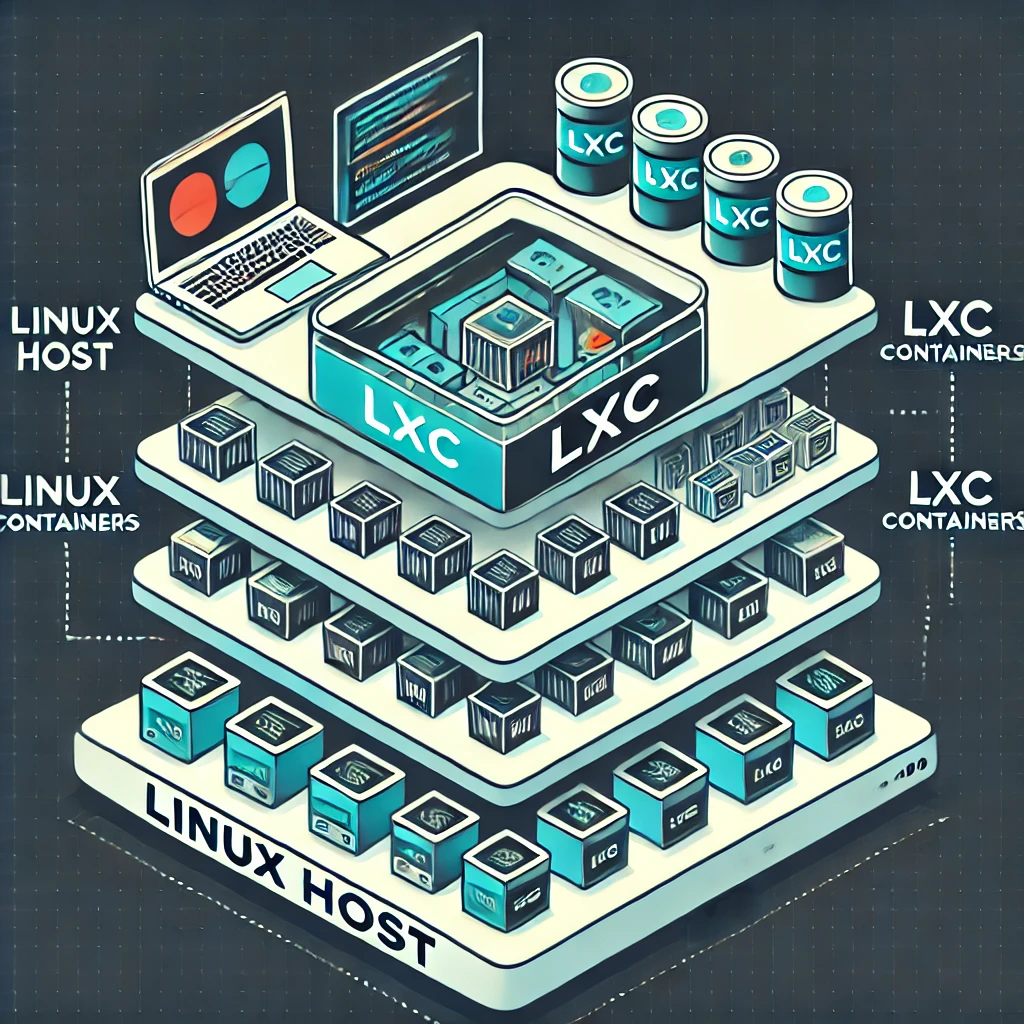
Understand LXC’s shared kernel, Docker versus system-container workflows, unprivileged mappings, Proxmox mount backups and current OCI preview boundaries.
A beginner’s guide to Technitium DNS: local naming, filtering, recursive and encrypted forwarding, a private Docker setup, client testing and dependable backups.

Understand Perplexity Sonar, its documented transition to the Agent API, and how to check citations, prompts, costs and integration behaviour.

Have you ever wished for an easy way to access all your favorite tools and applications in your home lab? Enter Homepage—a simple, customizable dashboard that brings everything together on one screen.

Learn how Perplexity combines web search with AI summaries, choose a useful research mode, and verify source links, current information and privacy settings.

Monitor homelab service availability with Uptime Kuma, choose meaningful checks, verify alerts and plan a persistent Docker installation and safe upgrades.

Deploy and maintain Docmost with clear edition limits, protected configuration, verified access and consistent database and attachment recovery.
Host Mumble on a Raspberry Pi with release-aware Debian configuration, private account setup, audio and ACL checks, certificate identity and recoverable database backups.

Run Stirling-PDF privately with login and persistent storage. Check PDF outputs, OCR languages, redaction, automation and recovery before relying on the service.
Set up PsiTransfer with protected upload and admin access, clear retention and encryption limits, and tested recipient downloads and recovery.

Host wger with its supported Docker stack, secure accounts and keys, configure exercise data and mobile sync, and verify backups before relying on it.

Understand ChatGPT reasoning, private internal work, visible explanations and effort settings, with practical prompts and independent checks for the final answer.

Use Pi.Alert to observe devices and availability changes, understand its discovery limits, and configure the right project version and alerts.

Organise tasks with Vikunja, understand free core and managed hosting, and plan a local Docker setup with persistent storage, access and backups.

Explore Janus-Pro image understanding and generation, its research improvements and limits, licensing details, and a local-only Python demo setup.

Use NetAlertX for device discovery and presence alerts, with current Docker setup, VLAN visibility checks, private-MAC troubleshooting and a practical notification workflow.

Manage Docker with Portainer’s web interface, including current CE installation, first-run setup, agents, Compose stacks and the backups your applications still need.

Understand Tuya’s platform role and check the exact device’s cloud, Zigbee, local Wi-Fi or Matter support before planning home automation.
Understand DeepSeek V3 and R1, model licences, local Ollama choices, memory requirements and practical ways to verify AI answers.

Use Duplicati for scheduled backups with sensible encryption, persistent Docker settings, application-consistent data and a restore process you can verify.
Use Nagios Core for practical home-network checks, with clearer alert behaviour, a private container example and configuration verification.

Run the actual QuickDrop service with persistent storage, separate access controls and recipient-side checks. Understand encryption, expiry and recovery limits.

Understand Watchtower’s archived status, check Docker compatibility, select containers deliberately and plan verification and recovery before updates.

Plan a reachable Headscale coordinator, use a version-matched configuration and private container setup, and verify client registration, policy, DNS and recovery.

Plan an Immich deployment with matching release files, suitable storage and verified mobile uploads. Protect the library with database-and-media backups and restoration checks.

Set up Mealie with the current Docker image, check imported recipes, organise meals and shopping lists, and protect your household cookbook with tested backups.

Connect Streamyfin to Jellyfin, verify local and offline playback, understand release/platform limits and configure optional Seerr integration with clear access and privacy boundaries.

Sora’s original creative possibilities, practical AI-video prompting and review advice, with the confirmed retirement of its Sora 2 models and Videos API.

Keep a useful inventory of physical belongings with Homebox: a maintained Docker example, locations and receipts, QR checks, privacy and tested recovery planning.

Separate SQL injection, XSS and password attacks, with correct query binding, rendering defenses, MFA limits and controlled checks for applications and home services.

Harvester’s home-lab suitability, current hardware requirements, VM architecture, witness-node limits and practical installation, backup and upgrade checks.

Use Karakeep, formerly Hoarder, to organise searchable bookmarks and notes. A maintained Docker workflow, optional AI boundaries, capture checks and recovery planning.

Choose a supported YunoHost installation, configure domains and user access, understand app-specific SSO, and test backups before depending on the service.

Deploy BunkerWeb’s AIO reverse proxy for self-hosted web apps, with realistic WAF limits, client-IP trust, certificate setup, testing and recovery.

Compare NFS and SMB for home clients, verify identity and permissions, test Linux mounts and handle NAS outages before making shares persistent.
Explore OPNsense firewall rules, VPNs, multi-WAN, Suricata and traffic shaping, with practical hardware, maintenance and recovery checks for a home network.

Learn Ansible with one Debian or Ubuntu host, a complete Apache playbook, verified privileges and a controlled path to broader maintenance.

Plan a home DHCP server with maintained software, a clear address pool, lease-aware cutover, client verification and a practical rollback procedure.

Archive Twitch VODs and live streams with Ganymede, using supported container deployment, persistent storage, secure access and verified backups.

Understand o3 and o3-mini’s releases, reasoning, inputs, unsupported fine-tuning, practical verification and the current API retirement schedule.

Understand GPT-4o’s model and API capabilities, distinguish historical demonstrations from current availability, and use practical prompts with verification and data controls.
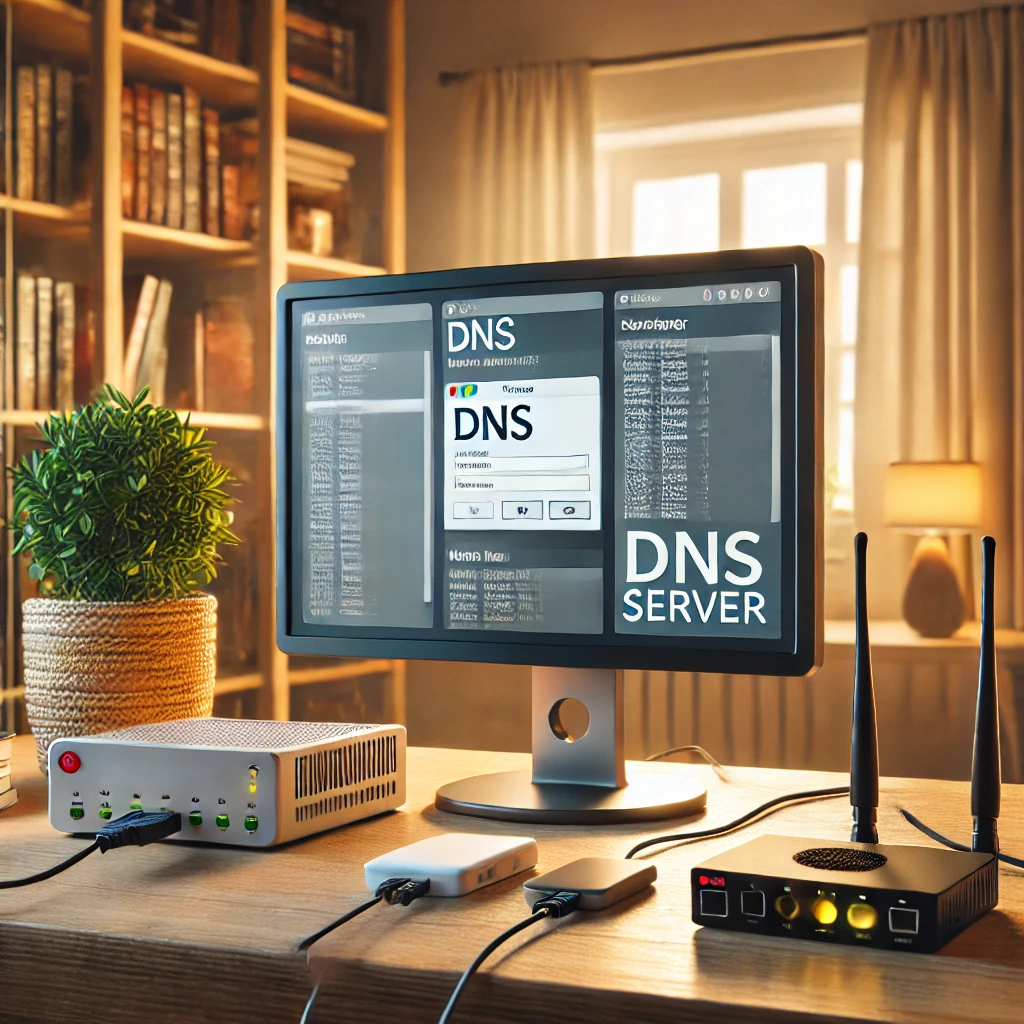
Plan dependable home DNS with local names, filtering, forwarding or recursion, consistent redundant resolvers and verified IPv4/IPv6 client settings.

Understand Bjorn’s active lab-auditing role, documented Pi and Bookworm setup, installer changes, private management access and practical remediation and recovery checks.
Set up original DOSBox on Raspberry Pi OS, mount your games correctly and troubleshoot speed, display, sound and controls while distinguishing alternative DOSBox projects.

Heimdall brings home-lab shortcuts together. Learn what its integrations do, how to start a protected Docker instance, and how to maintain its configuration.
Stream PC games to a television with Steam Link on Raspberry Pi, using supported OS/model combinations, the original pairing steps and practical network and playback checks.

Plan an umbrelOS Raspberry Pi installation with the current Pi 5 boot path, a distinct microSD alternative, app requirements and recoverable encrypted backups.

Connect home Prometheus to Grafana Cloud with outbound remote write, validate credentials and metrics, and plan retention, privacy, cost and outage alerts.

Install Grafana, connect the correct Prometheus endpoint, build a verified CPU panel and diagnose empty dashboards while preserving both services’ data.

Set up Prometheus on Windows, Linux or Docker, verify exporter targets, and plan alert delivery, persistent storage and recovery.

Install Windows exporter or Linux node_exporter, preserve host visibility, protect endpoints and verify that Prometheus scrapes the intended machine.

SmartOS is an open-source, illumos-based hypervisor operating system built with OpenZFS, DTrace, Crossbow virtual networking, OS/LX Zones, and KVM/Bhyve hardware virtualization. Learn how SmartOS works and how it compares to Proxmox VE.

A favourable overview of Plex as a home media hub, with current playback/subscription checks, optional Linux deployment and practical access and recovery guidance.
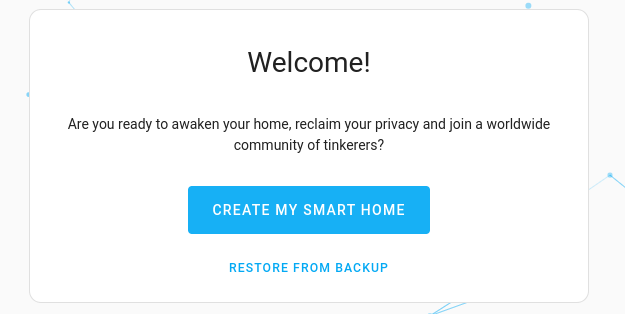
Complete Home Assistant onboarding, match the retained screenshots to current menus, add a first device and prepare usable backups on OS or Container.
Run Home Assistant Container on Linux with persistent configuration, consistent networking, device checks and a practical backup and update plan.
Running Home Assistant on a Raspberry Pi is an affordable and flexible way to set up a smart home hub. Whether you’re a tech enthusiast or a beginner, this guide will walk you through the process.

Today we start a series on Home Assistant to help one and all get their home set up and controlled remotely, easily and affordably.

Understand Rockstor NAS storage, Btrfs pools and snapshots, hardware requirements, update channels and backup planning before building your own file server.
Understand openmediavault’s current release, storage and optional plugins. Test one private share, distinguish pooling from parity and verify data recovery.

Docker is an open-source platform that allows you to automate the deployment of applications inside lightweight, isolated environments known as containers. Think of a container as a package that bundles everything an application needs to run, including code, libraries, and settings.

Learn Unraid array and pool storage, current licence tiers, safe installation checks, Mover behavior and backup planning for a first home server.

Proxmox is a powerful yet user-friendly open-source platform that allows users to create and manage virtual environments. It’s mainly used for setting up and running virtual machines (VMs) and containers on a single physical server or multiple servers.
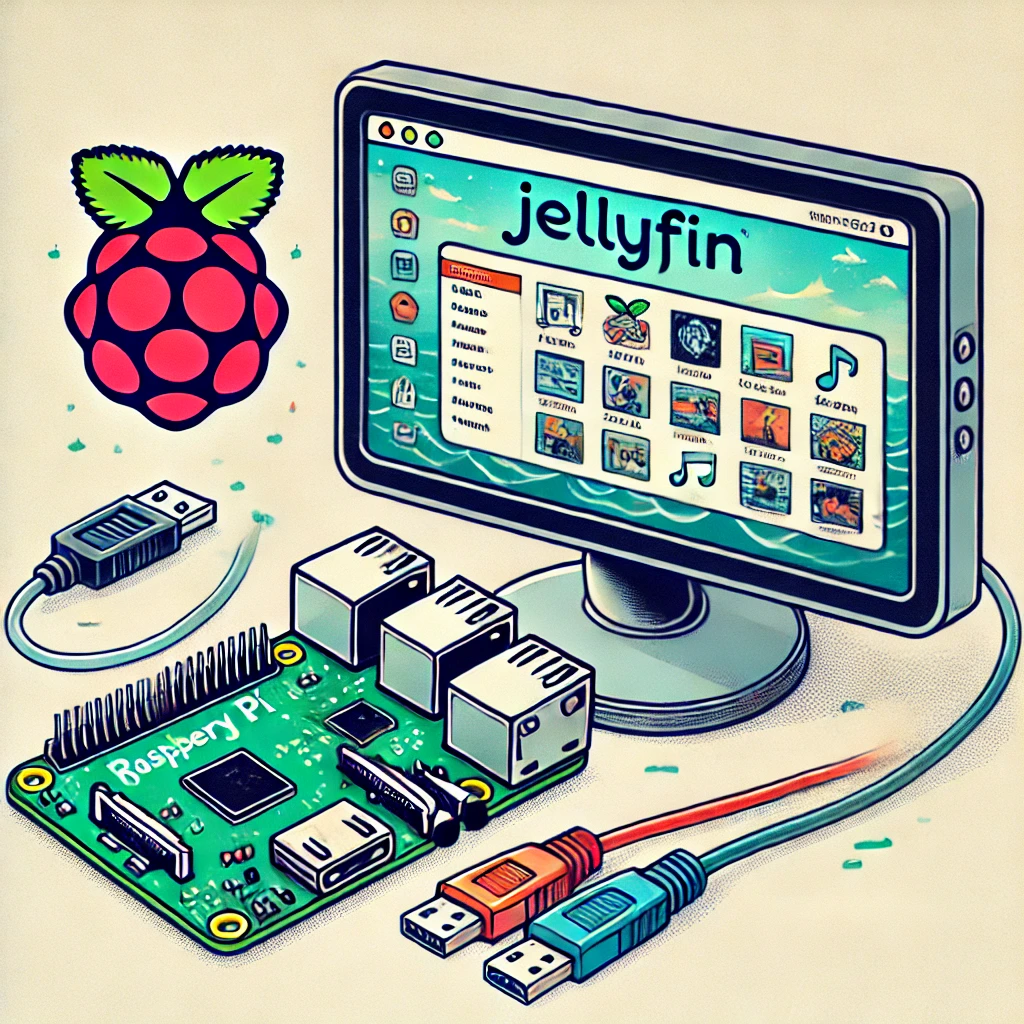
Run Jellyfin on a Raspberry Pi with Docker, understand direct play and transcoding limits, and plan reliable media storage and backups.
How Jellyfin organizes a personal media library, with current Docker, client playback, hardware acceleration and privacy considerations.

Understand the original OpenAI Swarm handoff pattern, its educational limits, and how the maintained Agents SDK differs.

Understand Pyramid Flow’s short-video research, checkpoint licences, local hardware and offloading choices, and how to evaluate generated clips.

Understand open-source rights, permissive and copyleft licences, hardware and content boundaries, and how to choose a maintainable project for your homelab.
Use FreedomBox’s integrated Nextcloud app for a personal cloud, with supported setup, account checks, storage planning and a verified backup and recovery process.

Build a Raspberry Pi DAKboard display using DAKOS or a browser, with current plan limits, private URLs, readable layouts and verified restart and sleep behaviour.

Compare a NAS appliance with a DIY storage PC by workload, hardware, measured costs, backups and the ability to recover your data.

Ever wanted to share folders seamlessly between Linux servers, Windows 11 PCs, and macOS machines across your home network? Learn how Samba (SMB3) works, how to configure /etc/samba/smb.conf securely, and how to avoid common permission pitfalls.

Learn the difference between images and running containers, build a local example, and plan persistent data, resource limits, updates and isolation.

Learn to write clear AI prompts with context, examples and output requirements, then check sources, assumptions and results using a simple evaluation workflow.

Use FreedomBox on a supported Raspberry Pi to manage private home services, with realistic setup, remote access, storage and backup expectations.

Understand how AI chatbots generate answers, how RAG and tools help, and how to check sources and configure a local chatbot responsibly.

Compare everyday apps, hardware, games, costs and support, with practical ways to try Linux while choosing the system that suits your workflow.

Plan a Nextcloud personal cloud with TrueNAS datasets, persistent Docker storage, real background-job scheduling and a complete backup and recovery strategy.

Understand TrueNAS and home NAS storage: CORE versus Community Edition, disks and datasets, ZFS redundancy, sharing permissions and recoverable backups.

Understand firmware, drivers and boot security, then plan exact-model updates, encryption-key recovery and supported repair without relying on unsafe flashing shortcuts.

Use a Raspberry Pi as a focused writing and planning workstation: choose suitable hardware, verify Linux apps and file compatibility, and keep a simple work routine.
Build a Raspberry Pi NAS with OpenMediaVault: choose compatible hardware, install the matching OS, create SMB shares and check power, permissions and backups.

Use Raspberry Pi Connect for browser-based desktop or shell access, with accurate OS requirements, account linking, diagnostics and unattended reboot checks.

Understand antivirus detection and its limits, choose protections for each platform, respond to alerts and verify support, scan scope, cloud privacy and recoverable backups.

Learn how VoIP signaling and audio work, how codecs affect calls, and what to check before switching providers or diagnosing one-way audio.

Choose cloud storage by its sync, encryption and recovery features. Understand online-only files, backup limits, archive costs and a practical test before uploading valuable data.

Understand SDN control and forwarding, controller/protocol differences, Proxmox zone limits and a practical lab approach for testing network policy.

Plan a Raspberry Pi media server around player and server roles, playback limits, storage mounts, power and a recoverable backup.

Install RetroPie on a compatible Raspberry Pi image, set up controllers, transfer games and BIOS files, and understand manual installation and run-ahead limits.