Thermal pads are convenient sheets used between heat-producing components and a cooling surface. They can make installation cleaner than dispensing paste, particularly where a heatsink needs to reach several parts at different heights. That convenience remains their main appeal, but the right choice depends on the interface the equipment was designed to use.
There is no universal winner between pads and paste. A memory chip separated from its heatsink by a visible gap needs a different material from a closely clamped CPU heat spreader. Start with the hardware's service instructions, then compare thickness, compressibility, electrical properties and handling. A higher advertised conductivity does not compensate for a pad that fails to make contact.
What are thermal pads?
A thermal interface material improves the path between a warmer component and its cooler. A pad is part of that path, not a substitute for the heatsink or airflow. The familiar heat-sponge analogy is useful only up to a point: the aim is to conduct heat onward, not indefinitely store it in the pad.
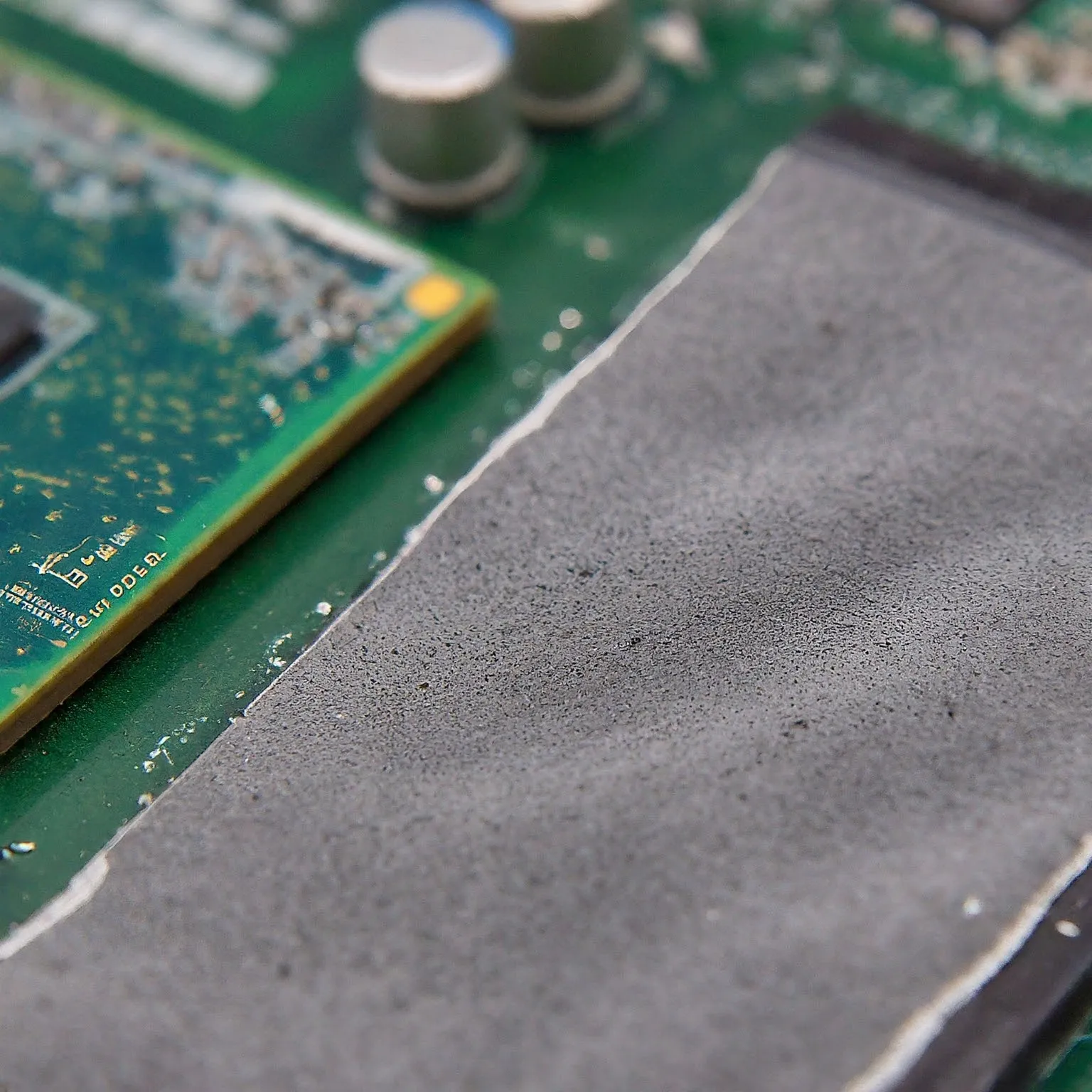
Conventional gap pads are compliant sheets that deform under mounting pressure. Their composition and properties vary. ARCTIC's TP-1, for example, is documented as non-adhesive and electrically insulating. Therefore, not every pad has an adhesive backing, and adhesive strength should not be assumed to hold a heatsink securely. Use the mounting arrangement intended for the equipment.
Color also does not establish chemistry or safety. A blue, grey or pink sheet may have a different thickness, hardness and electrical behavior from another visually similar product. Keep its packaging and exact model information; an unidentified offcut is a poor basis for a repair that depends on specified properties.
Pads, paste and thin sheets have different jobs
| Material | Typical role | Main selection check |
|---|---|---|
| Conventional gap pad | Bridging a designed gap beneath a heatsink | Required thickness, compression and electrical insulation |
| Thermal paste | A thin interface between closely mating surfaces | Application instructions and material compatibility |
| Phase-change sheet | A thin interface that changes consistency with temperature | Exact temperature, pressure and conditioning requirements |
| Graphene sheet | A specified alternative to paste in suitable assemblies | Correct size, handling and electrical conductivity |
A thick gap pad should not be substituted for CPU paste just because both transfer heat. Conversely, paste is not a dependable way to bridge a large designed spacing beneath memory or power components. Surface flatness alone is not the deciding factor: the intended clearance and mounting system matter.
Products marketed as pads can differ substantially. Thermal Grizzly's KryoSheet is a thin graphene product intended for suitable processor or graphics-chip interfaces, and its datasheet explicitly warns that it conducts electricity. It is not the same material as an insulating silicone gap pad. Follow its sizing and isolation guidance rather than assuming every dry sheet is electrically safe.
PhaseSheet PTM is another distinct product. Its manufacturer says it is solid at room temperature, starts liquefying above 45°C and is electrically non-conductive. Thermal cycles and mounting pressure affect its final interface. That is not a claim that every phase-change sheet cures, performs identically to liquid metal or eliminates all pump-out.
Read conductivity with the interface in mind
Thermal conductivity, expressed in W/m·K, describes a material property. The temperature reached by your component also depends on the complete cooling path, contact, layer thickness, workload and environment. The number is not a temperature reduction and should not be treated as a direct ranking across unrelated test methods.
Noctua explains that spreading, bond-line thickness, mounting pressure and contact quality affect practical results; it does not publish conductivity figures for NT-H1 or NT-H2. ARCTIC likewise declines to publish current conductivity values for its pads and pastes. A product without a headline number is therefore not automatically inferior to one advertised with a large value.
For a documented example, Solstice lists PTM7950 at 8.5 W/m·K under ASTM D5470 and separately publishes thermal impedance and supplied sheet thickness. Those describe that product under stated conditions, not a universal figure for ordinary gap pads. Supplied thickness and the compressed operating interface are also different quantities. Compare exact material data and a relevant assembly rather than filling missing specifications with retailer estimates.
Thickness and compression are a mechanical fit
Check the manufacturer's specified pad location and thickness before disassembly. One cooler can require different materials over the main chip, memory and power circuitry. An original pad may already be compressed or damaged when removed, so its appearance alone is not always a reliable new-part specification. Keep the locations and dimensions recorded if service is necessary.
A pad that cannot reach both surfaces leaves an ineffective path. An excessively thick or stiff pad can interfere with the cooler's seating elsewhere or put unwanted pressure on components. Neither problem has a universal temperature or time-to-failure figure. More material is not automatically more cooling.
Hardness is another useful specification, but a Shore value is not a guaranteed percentage compression at a generic screw torque. Look for the product's pressure and compression information and the equipment's mounting requirements. Do not tighten beyond the hardware's instructions to force an unsuitable pad into place.
Where documentation allows it, several layers can be used for a specified application; ARCTIC discusses stacking its TP-2 pads. That permission should not be transferred to every GPU, sheet material or cooler. Prefer the required replacement part or a documented compatible arrangement rather than creating an unverified stack.
Useful applications: memory, SSDs and small boards
Graphics-card memory and power components are common places for gap pads beneath shared cooling hardware. Their needs are separate from the GPU core interface. A repair that improves memory contact while lifting the core's cooler can make the complete assembly worse. Follow the exact card's design and verify both areas after permitted maintenance.
M.2 SSDs may need different pad thicknesses for a controller, memory packages and the underside of the board. The heatsink, enclosure and drive layout determine the gaps. There is no universal 1 mm pad for every SSD, nor a guaranteed 80–90°C operating temperature or preserved peak speed. Check whether your drive already has a heatsink and follow its installation guidance.
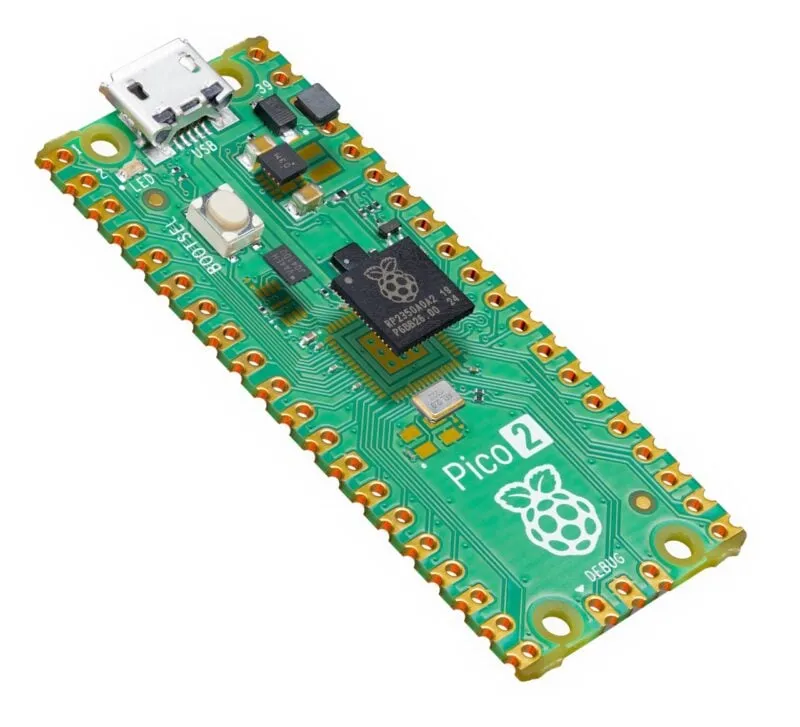
Single-board computer coolers are useful examples of a designed interface. Raspberry Pi's Active Cooler has pre-applied thermal pads and spring-loaded mounting pins. Its official guidance recommends leaving it fitted: removal can degrade the pins and pads and damage the product. This is a reason to use the supplied arrangement, rather than repeatedly removing it to experiment with generic materials.
The broader principle also applies to compact consumer and industrial electronics: choose a material for the designed contact, electrical requirements and operating conditions. A pad used in one enclosure is not automatically appropriate inside a power bank, smartphone or another sealed device.
Handling and checking a permitted replacement
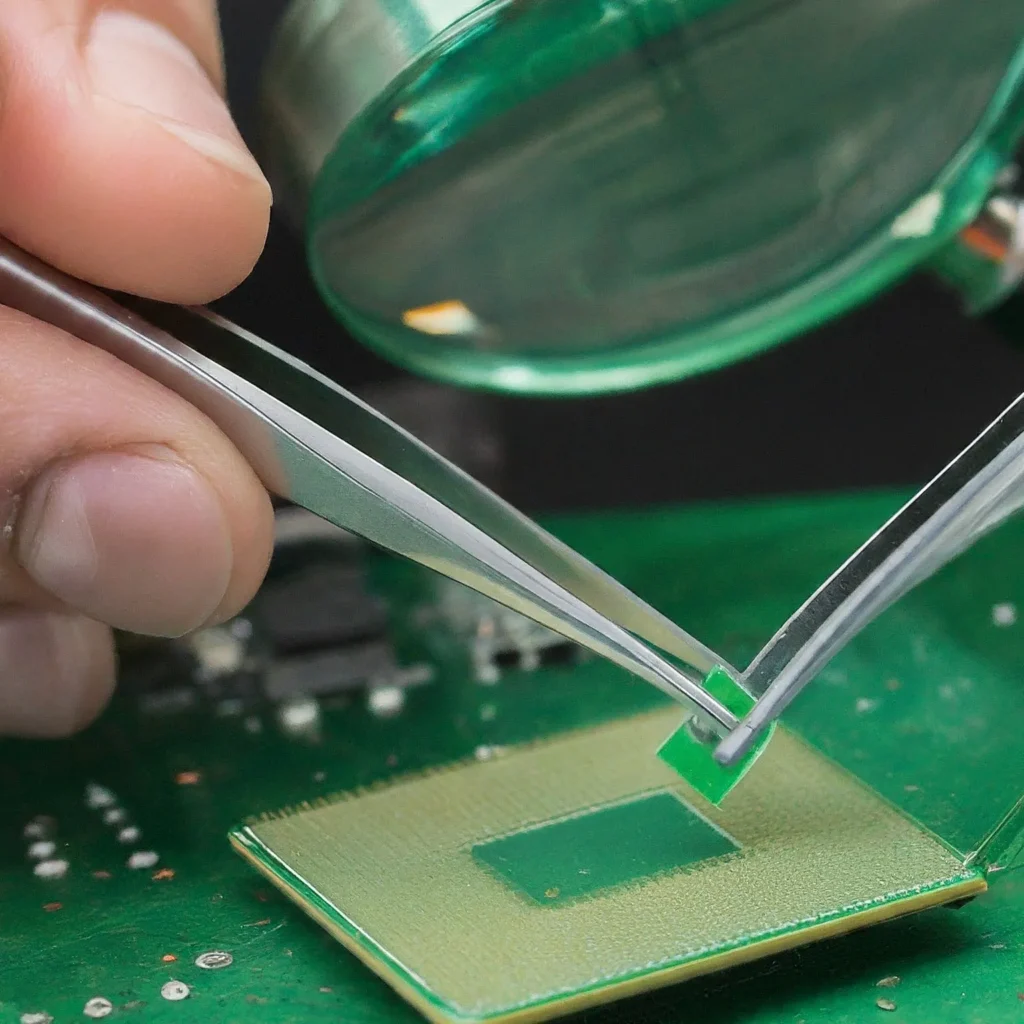
If replacement is supported, turn off and disconnect the equipment first. Use its disassembly procedure, retain the correct fasteners and avoid working on components that require professional service. Clean contact surfaces with the product-approved method, let them dry and protect the material from dust. Stronger solvent or a generic 99% alcohol rule is not a universal instruction for every coating or plastic.
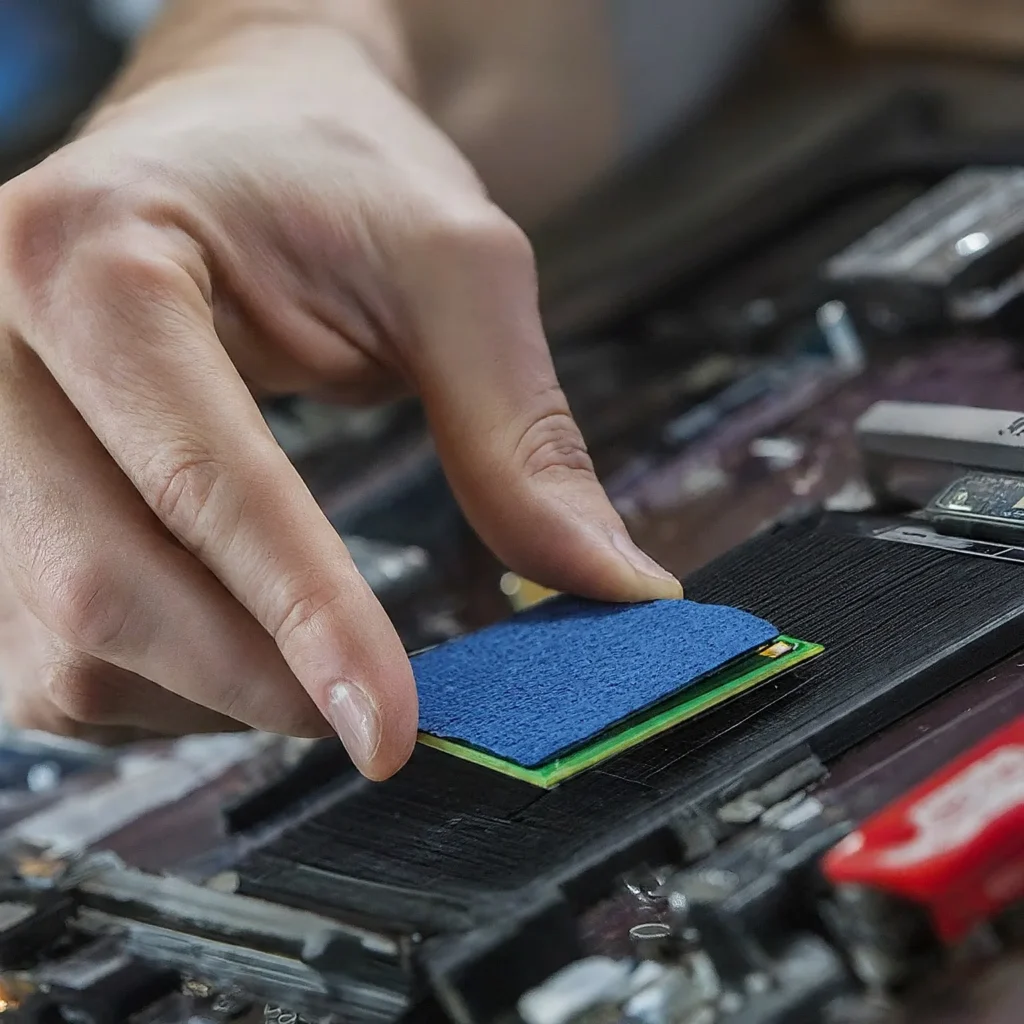
Cut to the required area while retaining protective liners where the material's instructions allow it. Remove the actual liners before final assembly, taking care not to stretch or tear the sheet. Do not mistake a product's permanent insulating layer for disposable packaging. Mount the cooler as instructed and check seating instead of applying arbitrary extra pressure.
Reusability is product- and condition-dependent. ARCTIC permits reuse of its TP-2 if it has not degraded, whereas Raspberry Pi warns about disturbing its fitted cooler. A torn, dirty or unsuitable part should not be reused merely because the product category sometimes allows it. Neither a fixed three-to-five-year lifespan nor a universal replacement calendar applies to all pads.
After maintenance, compare the relevant temperatures and normal workload with the previous setup under similar conditions. Note room temperature, fan behavior and any throttling. If behavior worsens sharply, stop and inspect the fit rather than assuming the pad needs an unspecified burn-in. Measurements from your exact assembly are more useful than an invented generic cooling result.
Which should you use?
I still regard thermal pads as a convenient option when the equipment is designed for them. ARCTIC and Thermal Grizzly remain useful brands to compare, but select the exact material for the job rather than choosing by reputation alone. The original ARCTIC pad reference and Thermal Grizzly reference remain available alongside current product documentation.
Use a documented gap pad for a gap, suitable paste or a specifically supported thin sheet for a closely clamped interface, and the original arrangement where maintenance is unnecessary. Correct contact, compatible electrical properties and a sound heatsink matter more than a promise that one material is always better.