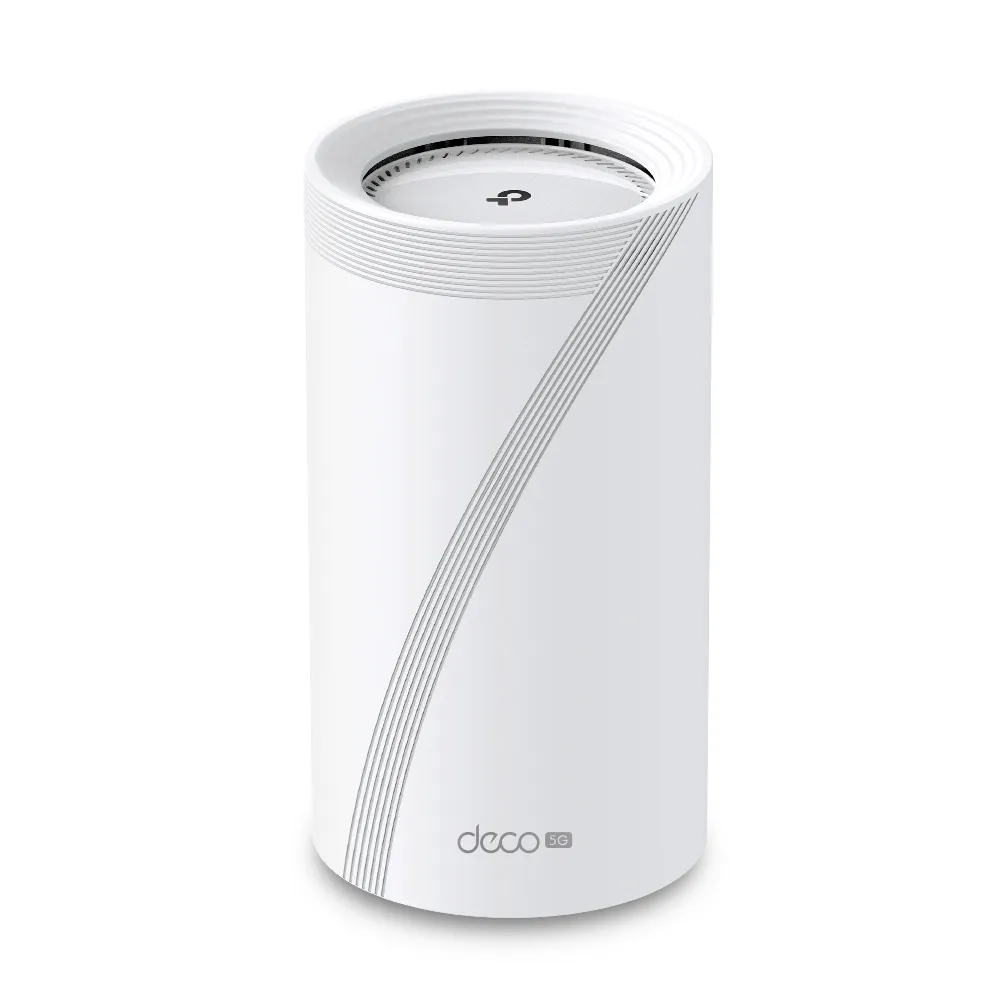
If parts of your home have weak Wi-Fi and your internet connection comes through a SIM card, the TP-Link Deco BE65-5G combines two useful functions: a cellular gateway and a mesh Wi-Fi node. It can also form part of a network with a fixed broadband connection and supported cellular backup.
It remains an appealing high-end option for households that need this combination, but check coverage, cost and the exact hardware version first. This guide's original June 2024 illustrations concern the EU V1-era BE9300 model. Newer revisions and other regional versions have different published specifications; those should not be applied retrospectively to the old images.
Mesh Wi-Fi solves the local coverage problem
Mesh nodes share network management and extend usable access into more rooms. Their connection back toward the main unit is called backhaul. That connection can be wireless or wired where supported, and it is just as important as the signal your phone sees from its nearest node.
The relay analogy is helpful, but a relay needs a reliable upstream link. Place a satellite where it can still communicate well with the rest of the mesh, rather than in the farthest dead spot. Thick walls, concrete floors, interference and placement can defeat a nominal coverage claim. A shared network name also does not force every client to roam without interruption.
Mesh coverage and cellular reception are separate problems. A satellite can improve your bedroom's Wi-Fi without improving the main gateway's connection to the mobile operator. The best position for the main unit may be near a window, while Ethernet backhaul and satellites distribute that service toward the rest of the home.
Wi-Fi 7 and 5G mean different things
Wi-Fi 7 concerns the local wireless network. 5G cellular concerns the operator link supplying internet. “5 GHz” is a Wi-Fi frequency band, not an abbreviation for 5G mobile service. A fast local Wi-Fi link cannot compensate for a congested operator tower or a limited data plan.
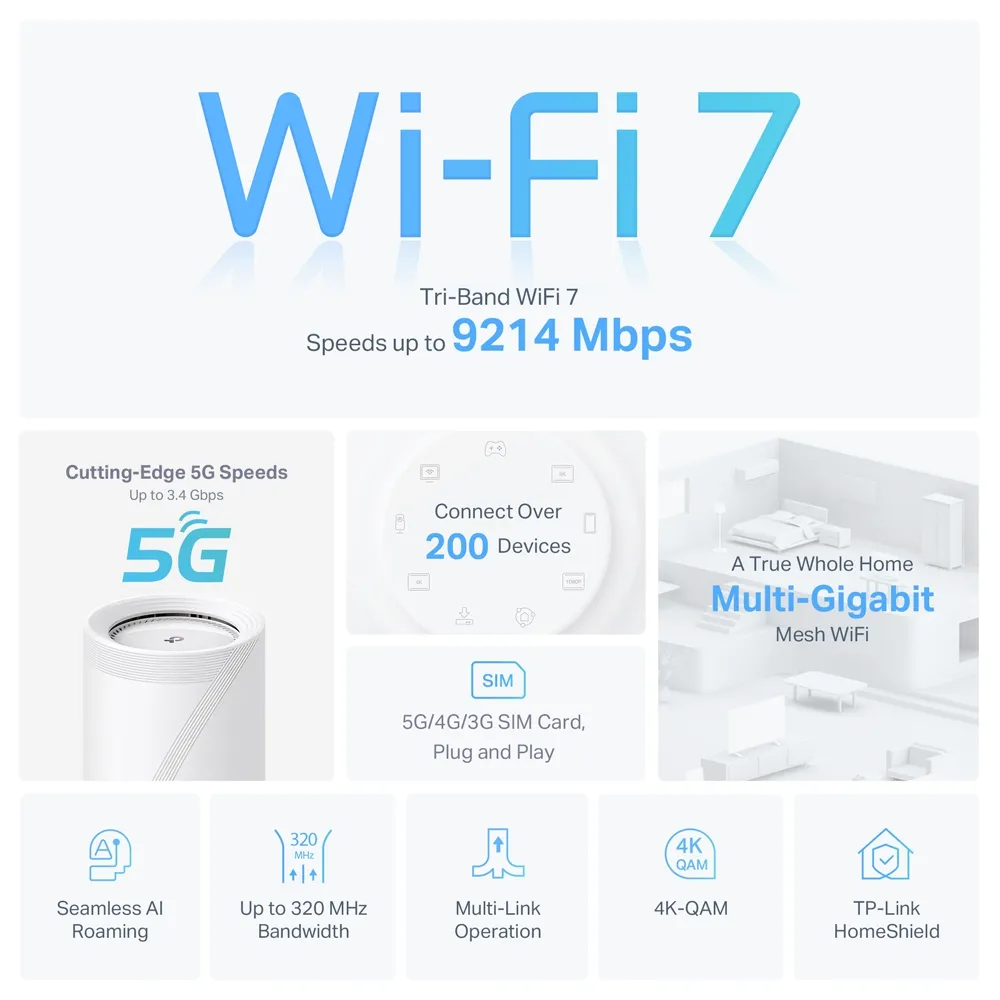
The V1 model has 2.4, 5 and 6 GHz Wi-Fi radios. It supports features such as Multi-Link Operation and up to 320 MHz channels on 6 GHz, subject to the regional rules and compatible clients. Older devices do not gain those capabilities automatically. Wi-Fi 6E already uses 6 GHz; a Wi-Fi 7 label alone should not be used as a promise of a unique interference-free band.
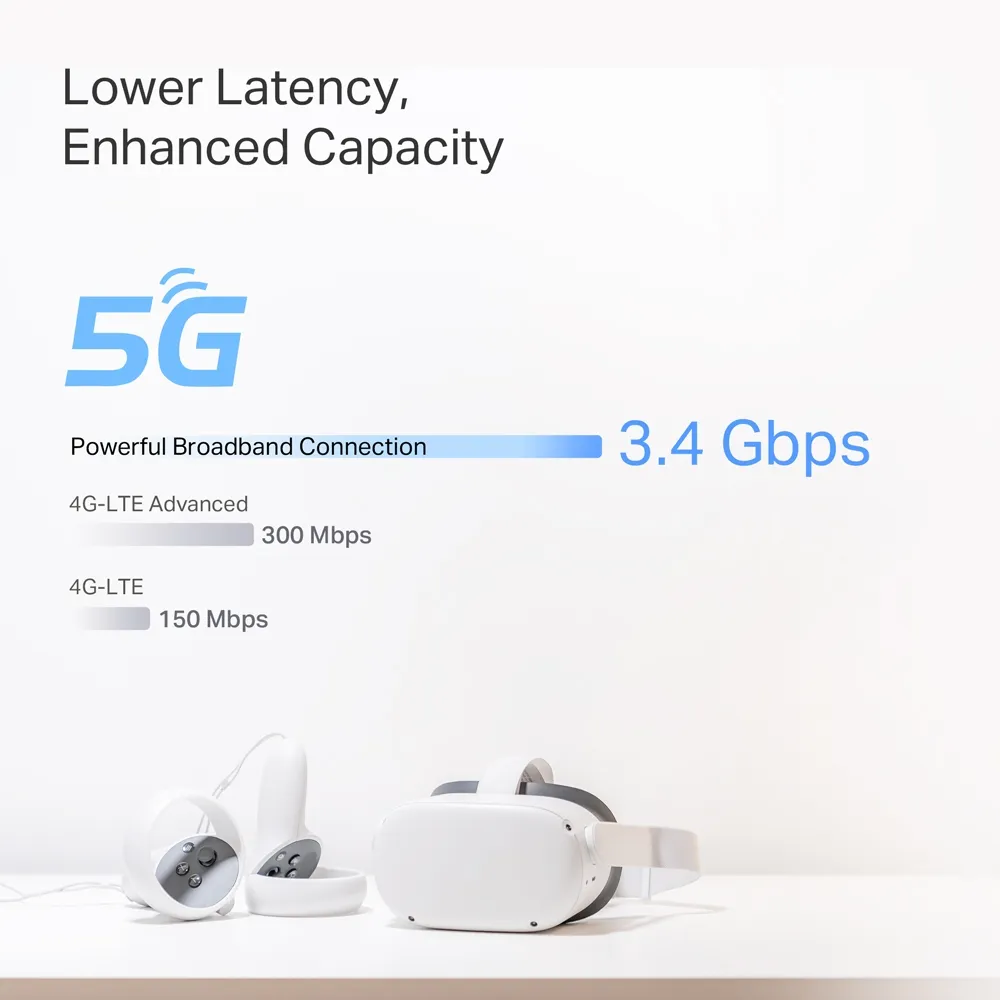
MLO can use multiple supported links, but it does not guarantee lower game latency or eliminate jitter across the entire internet path. Likewise, a 5G modem's theoretical speed is different from the usable throughput, upload capacity and responsiveness of your actual service.
EU V1 specifications and newer revision differences
| Feature | May 2024 EU V1 datasheet |
|---|---|
| Wi-Fi bands and rate class | BE9300 tri-band: 5,760 Mbps on 6 GHz, 2,880 Mbps on 5 GHz, 574 Mbps on 2.4 GHz. |
| Cellular theoretical maximum | 3.4 Gbps download and 900 Mbps upload; Sub-6 GHz service and supported operator bands. |
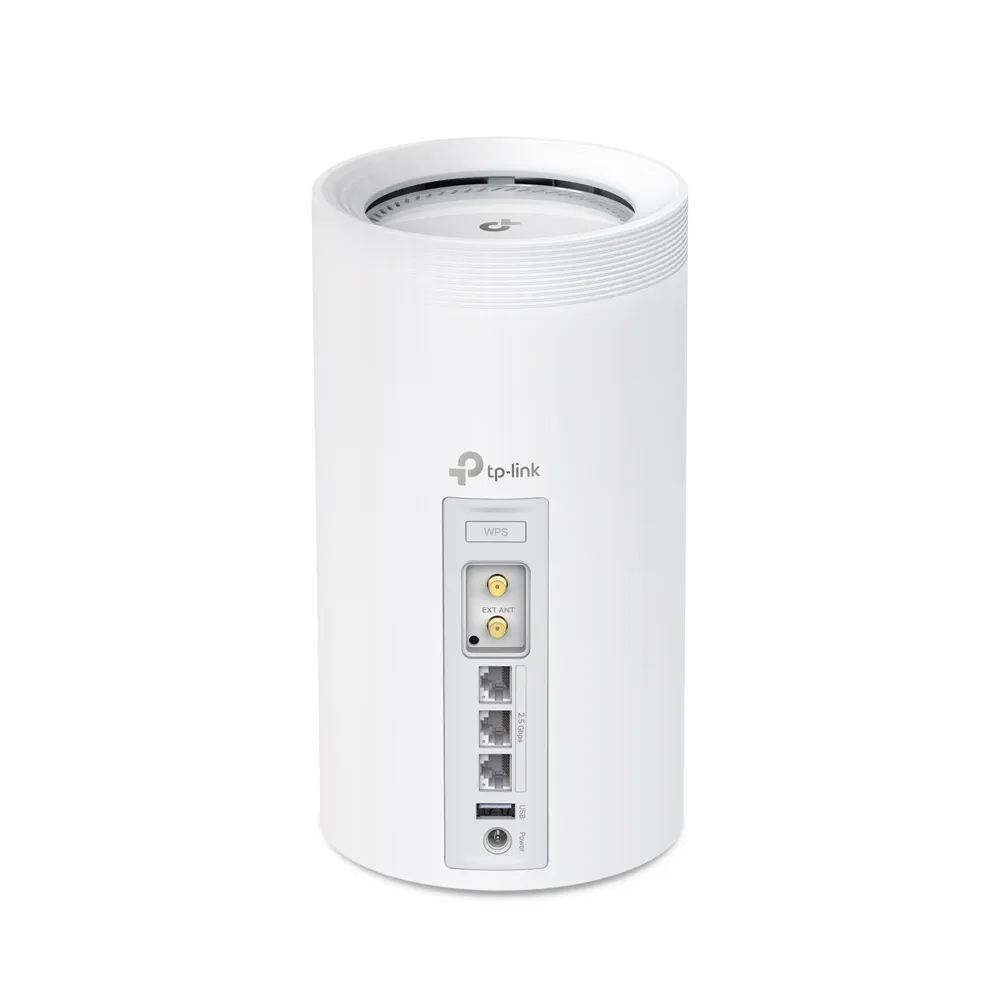
| Ethernet | Three 2.5 GbE WAN/LAN auto-sensing ports; one Ethernet WAN port at a time. |
| Other interfaces | USB port, nano-SIM slot and two external SMA-F cellular antenna interfaces. |
| Security services | HomeShield, with basic and paid features; compatible-client WPA3 support. |
| Expansion | Deco mesh; feature availability depends on the models, firmware and clients. |
TP-Link's UK support page now lists V2 separately. Its linked EU V2 datasheet gives 7.01 Gbps download and 1.25 Gbps upload cellular theoretical ratings and Wi-Fi rates of 5,765 + 2,882 + 688 Mbps. That is a distinct specification, not a firmware upgrade promised for every V1 device. Ask a seller for the hardware label and use the matching regional support page.
The current V2 document also says combined wired/wireless backhaul is not supported in the firmware described there and is planned for a future update. Do not treat that footnote as proof of a later release, or assume every revision supports aggregation today. Confirm the feature in the installed firmware's documentation.
Check the mobile service before buying
Confirm that the operator supports the exact regional model's bands and your intended router data plan. Check SIM size, activation, APN settings, allowance, throttling, contract conditions and coverage at the actual property. A coverage map is a starting point; indoor placement and the network's busy-hour load can change the result considerably.
Evaluate downloads, uploads and responsiveness at different times using a consistent device and location. If performance falls while the local Wi-Fi connection remains healthy, investigate the cellular link before buying extra satellites. A household with several cameras uploading continuously may need a different data allowance from one mainly browsing the web.
For remote access to a NAS or homelab, ask the operator about its address and inbound-connection options. Do not assume that setting a port forward on the gateway alone makes a service reachable through the mobile network. For a holiday property, reliable connectivity and support may matter more than the best short speed-test result.
External antennas are a targeted option
The rear antenna interfaces serve cellular reception, not the local Wi-Fi radios. The V1 documentation identifies SMA-F interfaces. Match the antenna's connector, frequency bands and intended installation to the specific revision, and account for cable losses and placement.
TP-Link's current external-antenna guide explicitly includes BE65-5G V1 and requires local app access to enable external antennas. Its cellular-router instructions and the separate backup guide have different mode context. Use the instructions for your firmware and intended operating mode; do not casually change a working backup network's mode just to expose a setting.
An external antenna may help weak reception, but it does not guarantee higher throughput when congestion, a plan limit or another constraint is responsible. Compare before and after under similar conditions before committing to a permanent mount.
Cellular backup needs a realistic test
TP-Link's September 2026 backup guide describes an active SIM in the main cellular Deco operating in Wi-Fi Router mode. When the wired service fails, it can switch to mobile service and return when the wired connection is restored. The guide recommends considering a fixed WAN-port assignment and provides data monitoring and detection settings.
Check that the feature exists for your hardware and firmware. Enable and test it during a planned window using actual calls, uploads and remote-access tasks. Switching internet paths can interrupt sessions; the documentation does not justify promising a fixed number of seconds or that no conference can drop.
Keep the backup SIM active and monitor its allowance. A gateway still needs electrical power, so cellular backup alone does not address a power outage. Plan for the relevant ONT, gateway, switch and satellites if continued service during an outage is essential.
Ports, mixed mesh and security
Three 2.5 GbE sockets are useful, but budget them for WAN, backhaul and clients. A slower switch, NAS adapter, satellite Ethernet port or cable link can still constrain the path. With a fixed-line WAN and a wired satellite uplink, fewer sockets remain for local devices.
Other Deco models can join the network, but an X50 does not gain a 6 GHz radio or Wi-Fi 7 features by joining a BE65-5G. Choose satellites for their actual location, radios, ports and backhaul needs. Match the main unit and operating mode to the gateway features required.
HomeShield is the relevant service name, rather than HomeCare. Review which functions are included and which require payment. WPA3 is useful with compatible clients; Learn why WPA3 is important. Keep supported firmware and strong administration credentials, and verify guest access behavior for the mode in use.
The USB port is an extra interface, not proof of NAS-level throughput or a particular backup protocol. If Mac Time Machine over shared storage is a requirement, verify a supported SMB Time Machine implementation for the exact firmware and macOS version before purchasing. Apple says AFP backups and data transfer are unsupported on macOS 27 and later.
Who should shortlist it?
The BE65-5G is a compelling candidate when cellular internet or backup and a capable Deco mesh are both needed. Gamers, streaming households, remote workers and smart-home users should evaluate their own link and workload rather than rely on guaranteed zero lag or flawless service.
The original buying considerations still apply: it can be expensive, a smaller home may need less equipment, reliable 5G is essential to the cellular benefit, and placement takes care. Compare the complete kit, ongoing data costs, any paid services and the support available locally. Choose the exact revision that meets those needs, then validate coverage and recovery before depending on it.


