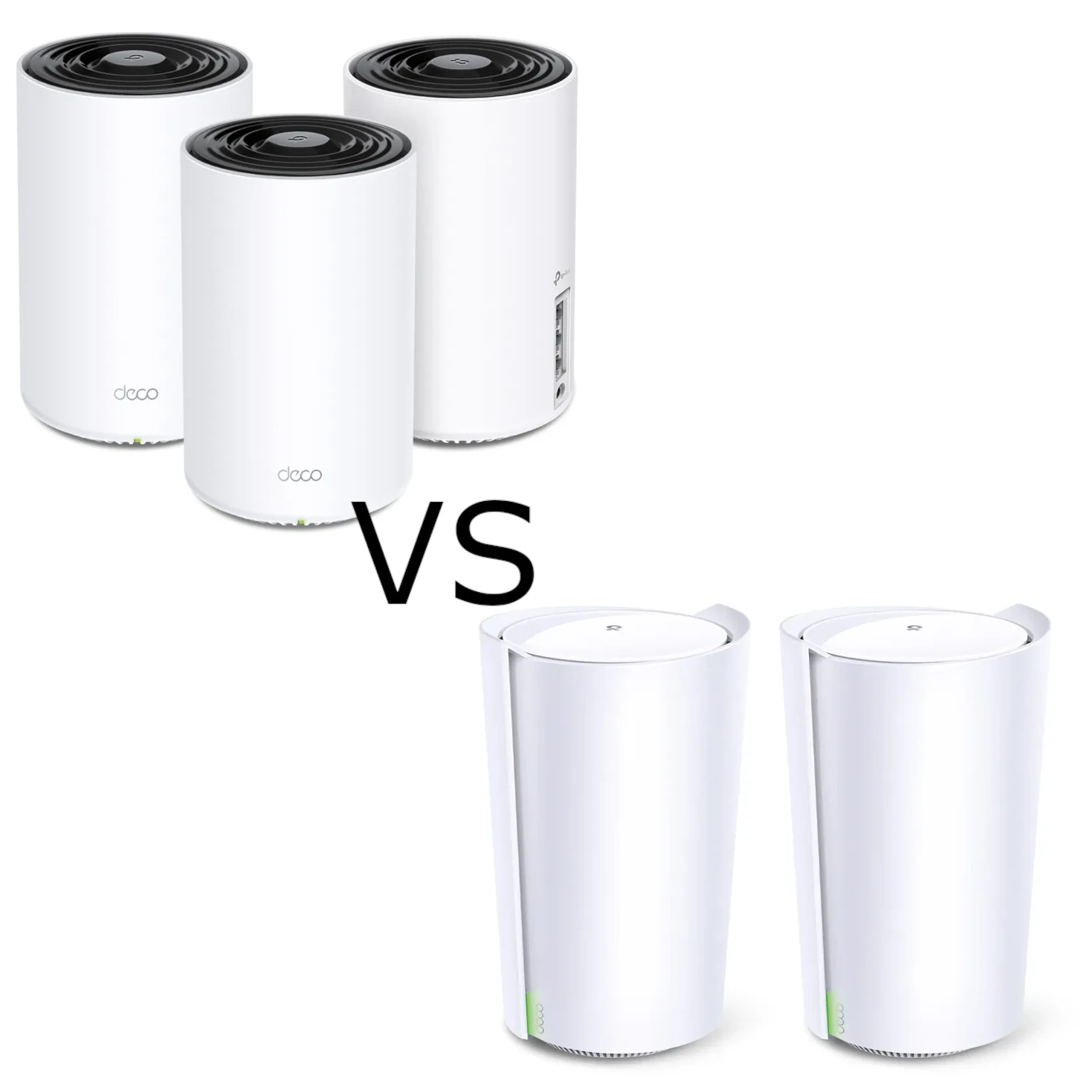
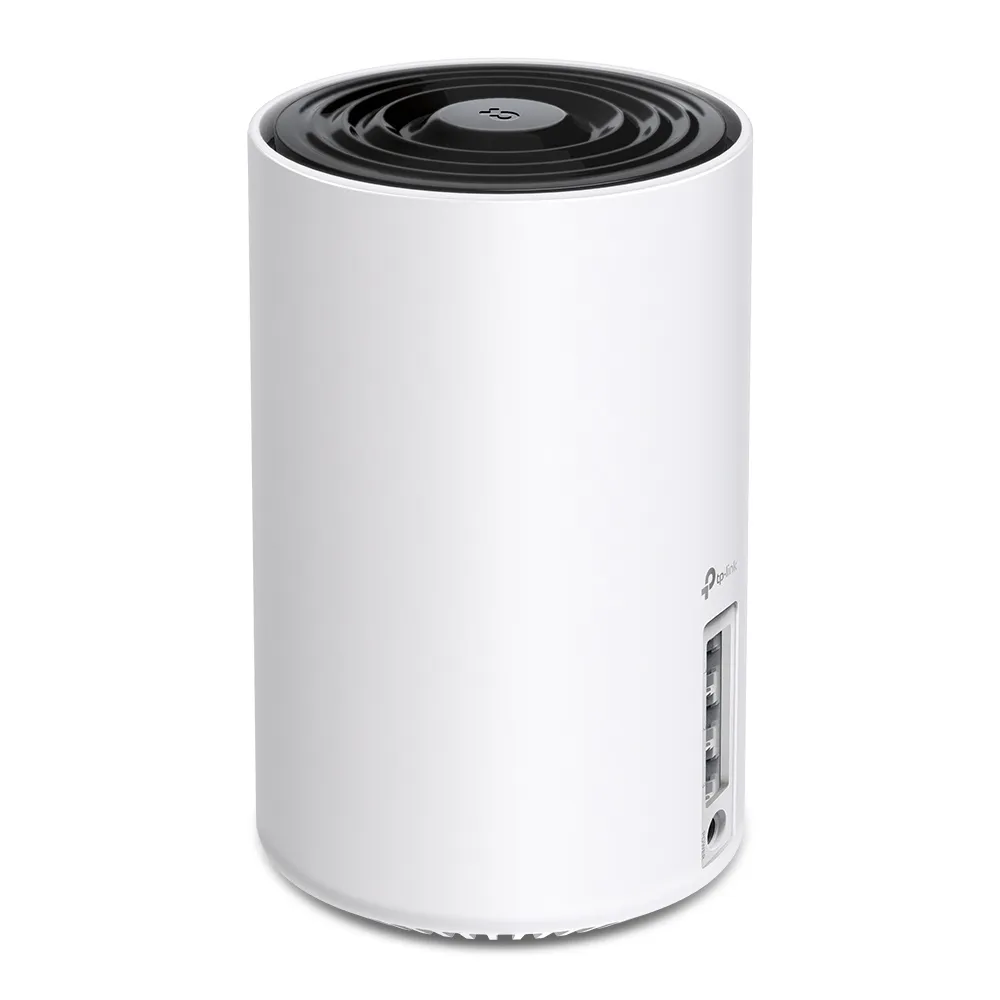
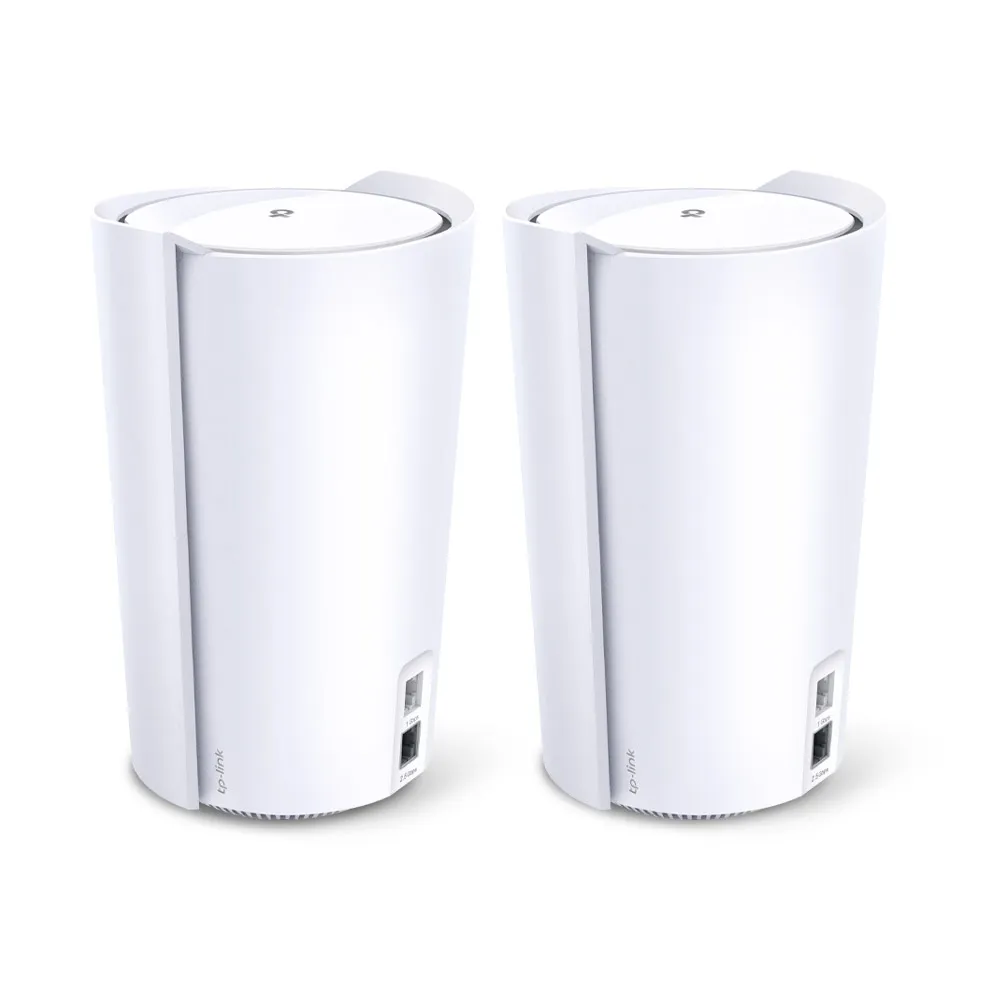
The TP-Link Deco X75 and X90 are both tri-band Wi-Fi 6 mesh systems. The X75 combines two equally rated 5 GHz radios with 2.4 GHz, while the X90 has a faster 5 GHz radio, a second lower-rate 5 GHz radio and 2.4 GHz. Their other practical difference is wired connectivity: three Gigabit ports on the X75 versus one 2.5 Gbps port and one Gigabit port on the X90.
My buying view remains that the X75 can offer good value for ordinary households, while the X90 is worth considering for more demanding use when its particular capabilities justify the cost. The decision needs more detail than a larger speed number. Neither guarantees the best result in every house, and current support status matters when comparing these older products.
Mesh and Wi-Fi 6: Start With the Connection Path
Think of mesh nodes as several lighthouses covering different rooms. Each provides a nearby wireless connection, but satellites also need a useful route back to the main router. That backhaul may be wireless or Ethernet. A strong connection to the nearest node is not enough if the satellite has a weak upstream path.
Mesh can make coverage and management more convenient, but roaming still depends on the client and network conditions. Losing a satellite may leave an alternative route where one exists; losing the main gateway or internet service is a different failure. Do not treat self-healing as a guarantee that every power loss leaves internet access uninterrupted.
Wi-Fi 6 features such as OFDMA and MU-MIMO help compatible devices share radio resources. They do not replace a good backhaul or guarantee lower gaming latency for every client. Wi-Fi 6 is no longer the newest generation. Both models here use 2.4 GHz and 5 GHz, so neither provides a 6 GHz connection to a Wi-Fi 6E device.
Verified Specifications
| Feature | Deco X75 | Deco X90 |
|---|---|---|
| Wireless class | Tri-band AX5400 | Tri-band AX6600 |
| Band rates | 5 GHz: 2,402 + 2,402 Mbps; 2.4 GHz: 574 Mbps | 5 GHz: 4,804 + 1,201 Mbps; 2.4 GHz: 574 Mbps |
| Total streams | Six | Eight |
| Internal antennas | Four high-gain antennas | Four high-gain plus two smart antennas |
| Ethernet per unit | Three Gigabit WAN/LAN ports | One 2.5 Gbps and one Gigabit WAN/LAN port |
| Published size | 105 × 105 × 169 mm | 130 × 123 × 210 mm |
| Advertised device capacity | Up to 200, subject to conditions | Up to 200, subject to conditions |
| Software | Deco app, HomeShield, router/AP modes | Deco app, HomeShield, router/AP modes |
The X75 V1 listing and US V2 datasheet, together with the current X90 specifications, support these differences. Check your local model and hardware revision when using a firmware or support page. Antenna counts, streams and physical rates describe hardware capabilities; they are not measurements from the author's installation.
What the Radio Rates Mean for Your Devices
The X90's faster 5 GHz radio has a higher published maximum, but an ordinary two-stream phone or laptop cannot use four streams merely by connecting to it. The client's supported channel width and signal conditions also matter. AX5400 and AX6600 add several radios' rates, rather than describing a single internet download.
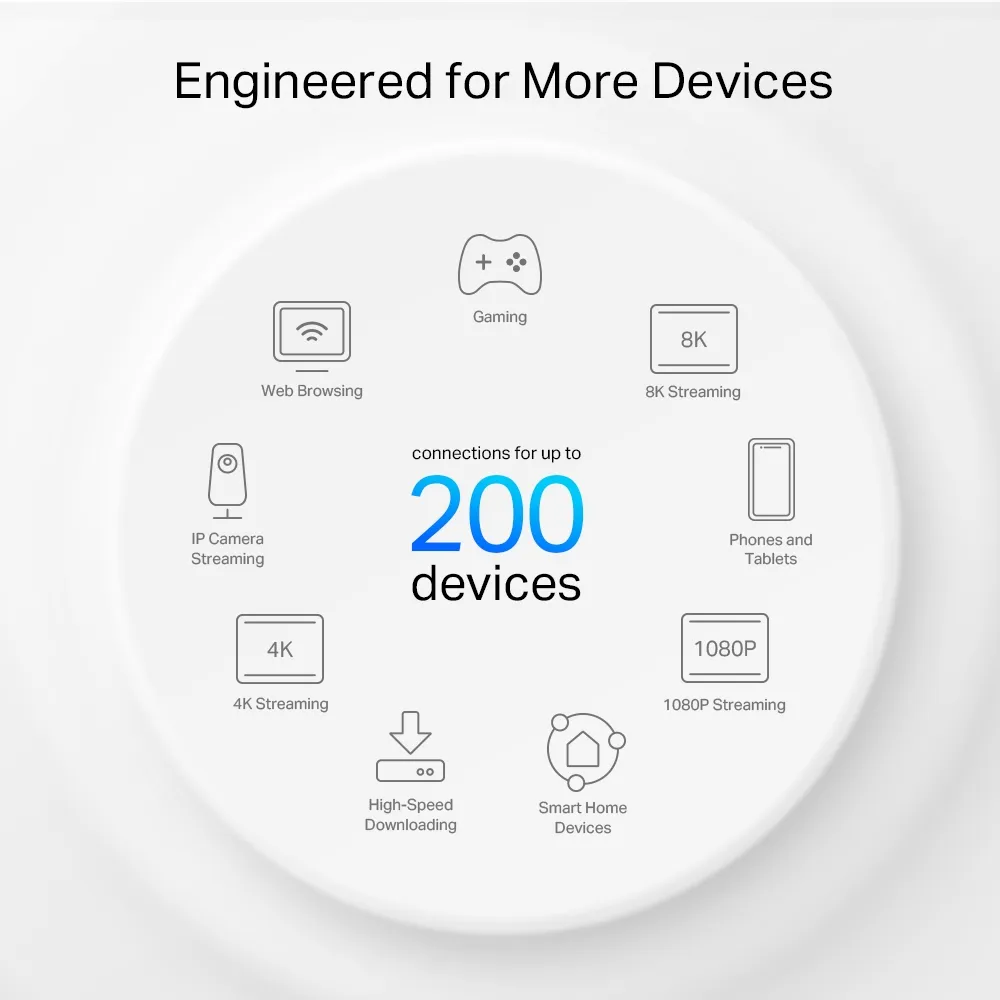
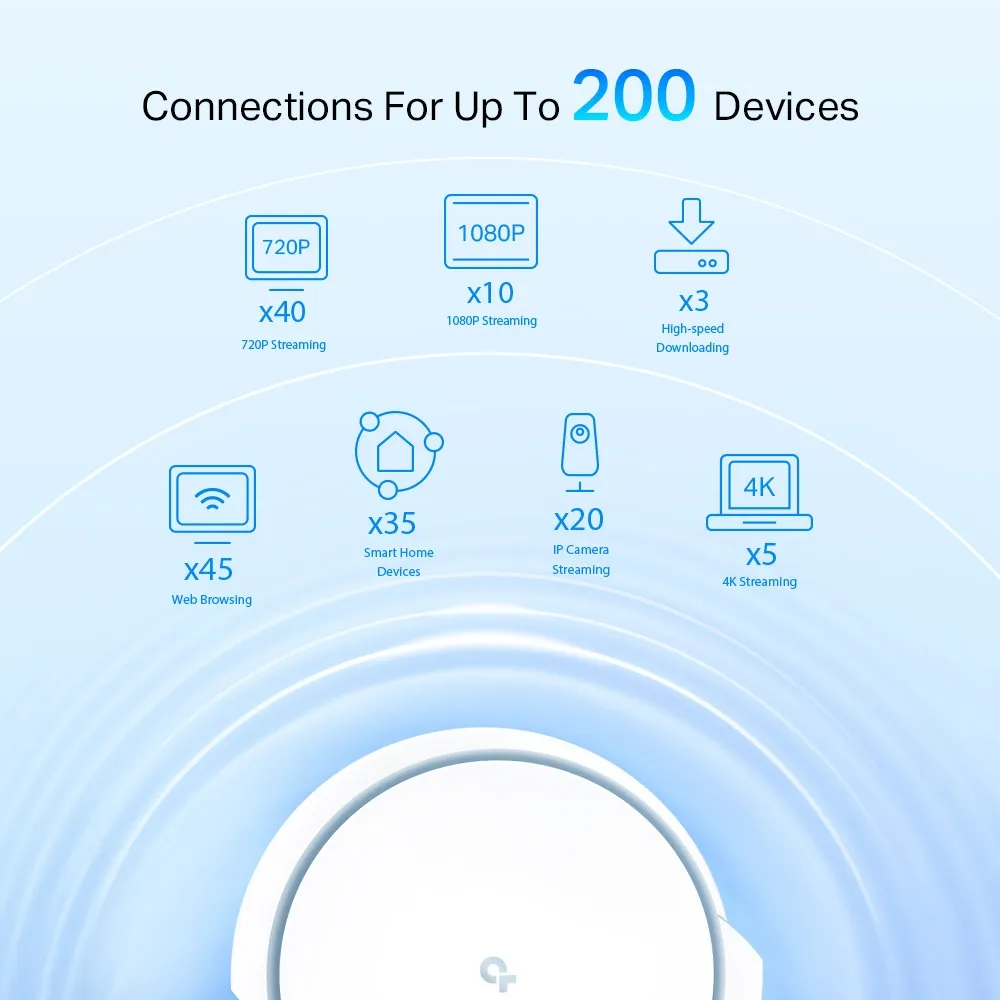
More streams can provide useful capacity with suitable clients and traffic, but “more capacity” is not the same as eliminating airtime contention. A house containing many mostly idle smart devices differs from one with several concurrent large transfers. Both current device-capacity claims are conditional; the number 200 does not guarantee 200 demanding sessions at their maximum rates.
Antennas and Backhaul: Avoid a Guaranteed Wall Ranking
TP-Link says the X90's smart antennas detect other Deco units and help establish a stronger backhaul. That supports the feature's purpose, not invented motorised antenna movement, a precise gain or guaranteed links through concrete floors. Likewise, the X90's larger enclosure does not prove an undocumented thermal advantage.
Do not assign a permanent client/backhaul role to each radio from the speed table alone. Firmware and settings affect availability. The X90 US V1 release page documents a 2025 update adding the ability to enable 5GHz_2. Use the actual app and release notes for your revision to check what a node is using.
For either system, place a wireless satellite where its upstream signal remains usable, then check the client room. There is no universal number of walls or fixed distance that makes one model the winner. Before paying for a more capable radio, consider whether moving a node or using available Ethernet addresses the actual problem.
Wired Port Tradeoffs
The X90 can accept an appropriate faster-than-Gigabit internet connection through its 2.5 Gbps port. If that socket is used for WAN, however, the remaining wired LAN connection is Gigabit. A wired satellite connected through that LAN path cannot inherit a 2.5 Gbps link just because it also has a faster socket.
Using the X90's Gigabit socket for WAN leaves its 2.5 Gbps port available for a local link, but caps internet traffic entering through that WAN at its Gigabit link. If you need multi-gigabit WAN and multi-gigabit wired LAN together, compare a system with at least two suitable faster ports. This is an important limit behind the X90's headline advantage.
The X75's three sockets can be more convenient for a desktop, television and other wired equipment, although internet and wired backhaul consume ports too. A switch expands the number of devices, but its uplink rate limits the traffic sharing that connection. Draw your intended cables and count the remaining sockets at each node before buying.
Setup, Software and Maintenance
For Ethernet backhaul, first add the Decos to the same network wirelessly, then connect the cables. In router mode, satellites belong downstream of the main Deco's LAN side. Confirm the wired connection in the app's network map and check the negotiated link speed where supported. Suitable cabling and switch behaviour still matter.
HomeShield includes basic and paid functions. Compare the features you need against the current local plan. Access point mode delegates routing to the upstream router and removes gateway functions such as QoS and parental controls from the Deco app. An IPTV VLAN setting should not be assumed to provide arbitrary segmentation for every wireless network.
Support status can change the value of a discounted kit. The UK X90 product page labels it EOL. The September 2026 US list gives end-of-sales dates of 1 January 2026 for the X90 two-pack US V1.0 and 19 May 2025 for V1.6. These are region/revision-specific entries; they do not establish one global deadline. TP-Link's policy distinguishes end of sales from later end of maintenance, with legal and possible extension qualifications.
The Buying Choice
I would keep the X75 on the shortlist when its price, three Gigabit sockets and Wi-Fi 6 capabilities fit an ordinary household. I would consider the X90 for a workload that can use its higher-capacity radio or single faster wired port, after checking the actual connection path and support status. Those are reasons to consider it, not a measured promise that it beats the X75 in every large home.
Compare equal pack sizes, local warranty and the installation cost. For an existing system, check firmware, node placement and backhaul before assuming the larger model is the only remedy. A useful comparison is the network each kit can provide for your devices, rather than a ranking based solely on its aggregated radio class.


