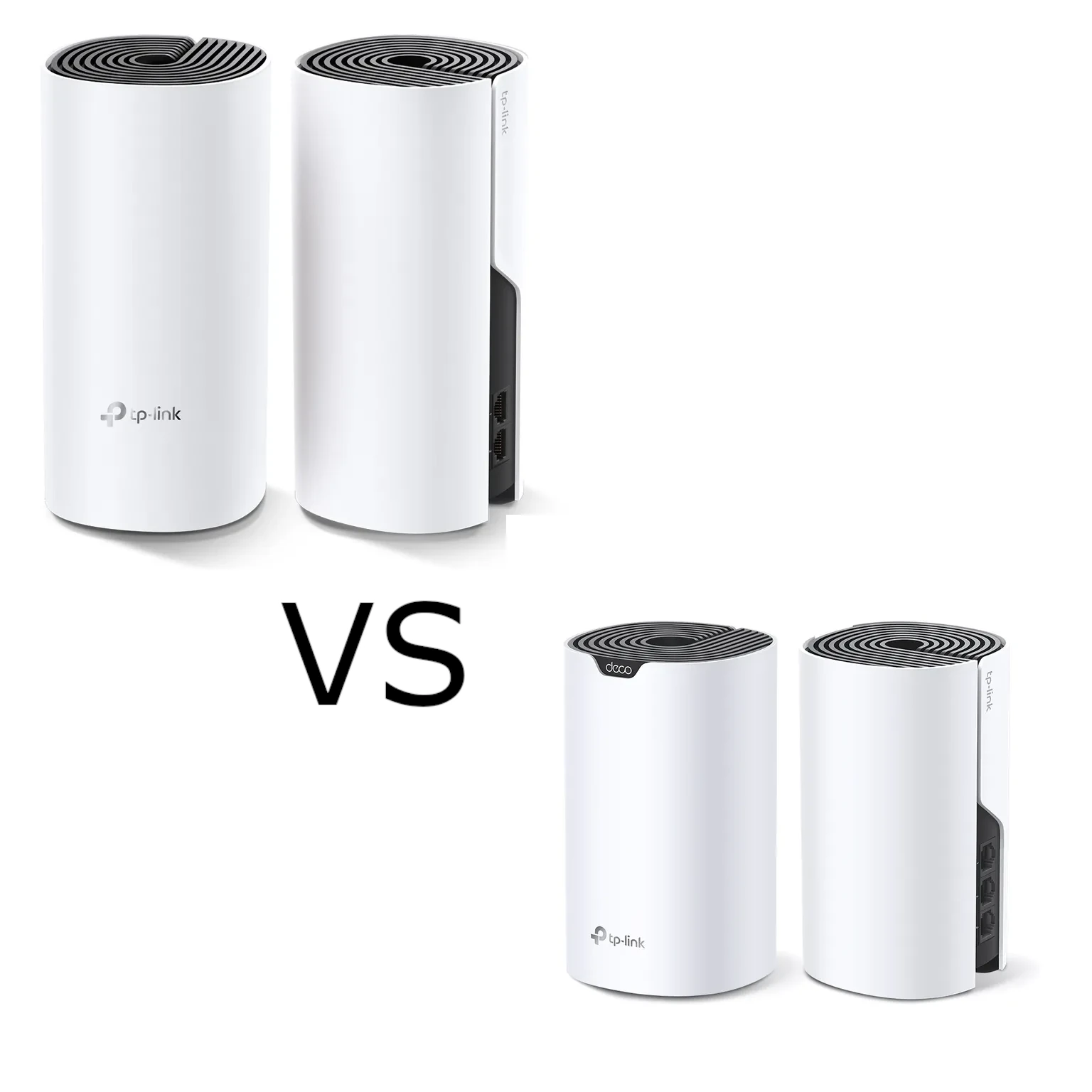
Deco M4 and S7 are both dual-band Wi-Fi 5 mesh options. S7 advertises a higher radio-rate class and has an extra Gigabit port per unit, but those differences do not guarantee a faster result on every phone or in every room. Compare the clients, backhaul and wired connections you actually need.
What is Mesh Networking?
Think of traditional routers as a single Wi-Fi tower. Mesh, however, uses multiple units (called nodes) that work together to create a singular, strong Wi-Fi network throughout your home. These nodes "talk" to each other, forwarding traffic over a wired or wireless backhaul. Stable coverage depends on the usable connection at every hop.
Benefits of Mesh Networking:
- Goodbye Dead Zones: Extend coverage with well-positioned nodes; indoor units are not a promise of outdoor coverage.
- Easy Setup: App-guided setup, with ISP and backhaul choices still needing attention.
- Seamless Roaming: Roaming assistance where supported; the client also controls its handoff.
- Scalability: Easily add more nodes to expand coverage if your needs change.
Let's Talk Wi-Fi 5 (802.11ac):
Wi-Fi 5 (IEEE 802.11ac) operates on the high-speed 5 GHz band, while dual-band AC routers pair it with 802.11n (Wi-Fi 4) on the longer-range 2.4 GHz band—providing a reliable dual-band connection for everyday tasks like browsing, streaming, and video calls.
TP-Link’s Deco M4 and Deco S7 are both formidable contenders in the mesh Wi-Fi system market. Their specifications are a starting point. Check the route from the main unit to a satellite and client before choosing a higher speed class.
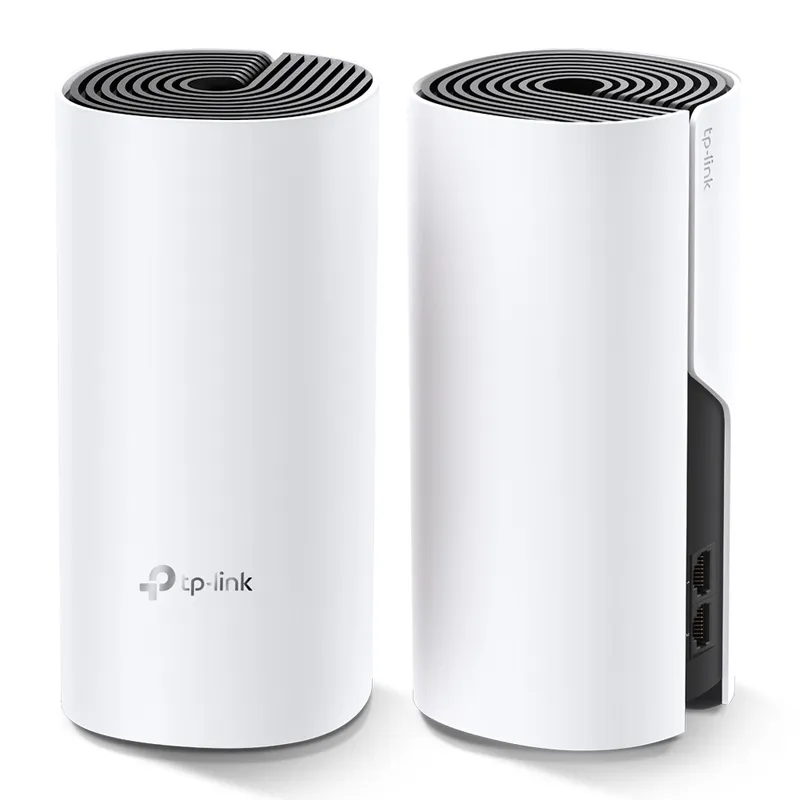
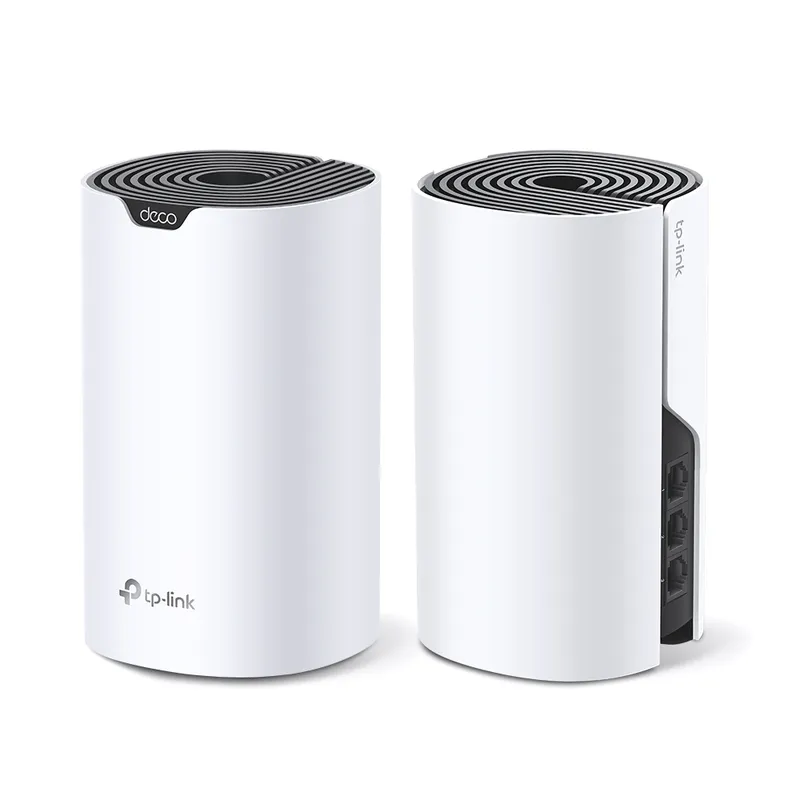
Similarities
Both the Deco M4 and Deco S7 share several features that make them stand out:
- Wi-Fi Standards: They support Wi-Fi 5 with IEEE 802.11ac/n/a 5 GHz and IEEE 802.11n/b/g 2.4 GHz.
- TP-Link Mesh Technology: This technology allows Deco units to work together, providing seamless coverage throughout your home.
- Beamforming: This feature concentrates wireless signal strength towards clients to expand WiFi range.
- Dual-Band: They distribute devices to different bands for optimal performance.
- MU-MIMO: This allows simultaneous communication with multiple MU-MIMO clients.
- Router and Access Point Modes: Both models can operate in router mode or as an access point.
- Security: They come equipped with SPI Firewall, Access Control, and WPA-Personal/WPA2-Personal WiFi encryption.
- Software Features: They support IPv4 and IPv6 protocols, offer URL Filtering and Time Controls for parental management, and provide Quality of Service (QoS) by device.
Differences
| Feature | Deco M4 | Deco S7 |
|---|---|---|
| WiFi Speeds | AC1200 | AC1900 |
| 5 GHz: 867 Mbps | 5 GHz: 1300 Mbps | |
| 2.4 GHz: 300 Mbps | 2.4 GHz: 600 Mbps | |
| WiFi Range | 3-5 Bedroom Houses (3-pack) | 2-4 Bedroom Houses (2-pack) |
| Antennas | 2× Antennas (Internal) | 3× Antennas (Internal) |
| Ethernet Ports | 2× Gigabit Ports | 3× Gigabit Ports |
| Dimensions | 3.6 × 3.6 × 7.5 in | 6.4 × 3.6 × 3.6 in |
Use Cases and Recommendations
M4 can be sufficient where its measured coverage and available ports meet the household workload. AC1200 is an aggregate physical-rate label, not the speed of each internet task.
S7 adds radio capacity and a third Gigabit port. That can be useful, but it does not establish a larger usable coverage area than an M4 kit with a different number or placement of nodes.
Conclusion
Neither model guarantees coverage or uninterrupted service in every building. Match the node count, placement and interfaces to the rooms and tasks you need to support.
For more information on the Deco S7: Deco S7 | AC1900 Whole Home Mesh Wi-Fi System | TP-Link
For more information on the Deco M4: Deco M4 | AC1200 Whole Home Mesh Wi-Fi System | TP-Link
You can also view our guide on setting up your Deco Mesh WiFi.
Why 3×3 MIMO on the Deco S7 Improves Wireless Backhaul
The S7 vendor page specifies 3×3 MU-MIMO and advertised rates of 1,300 Mbps on 5 GHz and 600 Mbps on 2.4 GHz. The M4 page lists 867 and 300 Mbps. A two-stream client cannot use a third spatial stream as its own extra stream. Rate negotiation also depends on channel width, signal and client capabilities.
A compatible S7-to-S7 connection may use more radio capacity than an M4 pair under suitable conditions. That is not proof of a 50-percent faster application transfer or a fixed through-wall improvement. Backhaul and client traffic can share airtime. A wired backhaul can change this comparison more than a headline radio-rate difference.
S7 has three Gigabit Ethernet ports per unit versus M4's two. Count the ports left after WAN or wired backhaul. The extra port may avoid a small external switch, but all these built-in ports remain Gigabit. Keep units ventilated and out of enclosing metal cabinets; a shorter enclosure is not a reason to hide a radio where its signal performs poorly.
Compare a Useful Upgrade with Wi-Fi 6
The Deco X50/X55 guide remains a related comparison. Check exact clients, ports, firmware and local prices rather than applying an invented 15–20-percent purchase threshold. Wi-Fi 6 efficiency features need compatible clients and do not guarantee lower latency whenever a particular number of IoT devices is connected.
If your main need is one extra wired socket, S7's additional port may be enough. If the problem is a weak inter-node path, test placement or cabling first. If you intend to use newer client features, compare a supported Wi-Fi 6 model and the complete kit cost. Existing working Wi-Fi 5 clients do not automatically need replacement because a newer generation exists.
Test the Client and Backhaul Separately
- Use one known client close to the main unit and record its band, negotiated rate and an ordinary transfer.
- Repeat at the satellite while keeping the test endpoint and file unchanged. Note the satellite's upstream connection.
- Where practical, compare a wired client on the satellite with a wireless client there. A poor result for both points towards the backhaul or upstream path.
- Test a local wired-server transfer separately from an internet test. This helps avoid mistaking an ISP limit for a radio limit.
- Move the node or change one setting, then repeat. Keep the earlier arrangement if the new result is worse.
Also test a call while walking between the rooms that matter. A shared SSID does not guarantee that a particular older client roams promptly. Check printers and smart-home devices after changing wireless settings, since those can have different compatibility requirements from a recent laptop.
Keep the Comparison Fair
The range rows above quote vendor pack descriptions: M4's three-pack and S7's two-pack are different configurations. They should not be read as a controlled test of which individual unit reaches farther. Compare equivalent node counts, hardware revisions and support availability for your region.
If reusing different Deco models, follow the mixed-model guide. The main unit affects app features, and a slower node still has its own link limits. Use AP mode when an existing router should retain routing, with its documented feature restrictions. Keep a configuration recovery copy before changing the network.
The useful choice is the kit whose ports and measured coverage fit your workload. The third antenna and AC1900 label are relevant specifications, but they should support a tested decision rather than replace it.


