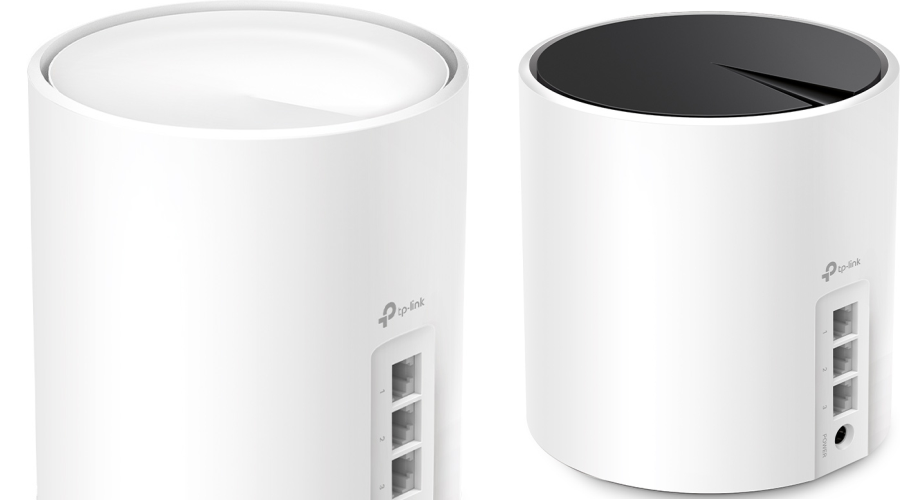
Are you tired of dead zones and spotty Wi-Fi in your home? Upgrading to a mesh Wi-Fi system can be a great solution, but with so many options on the market, choosing the right one can be confusing. Two popular choices from TP-Link are the Deco X50 and Deco X55. Both offer whole-home Wi-Fi coverage, but there are some key differences to consider.
Let's break down the similarities and differences between the Deco X50 and X55.
Similarities:
- Wi-Fi 6: Both the standard X50 and X55 support Wi-Fi 6, offering faster speeds, improved efficiency, and better handling of multiple devices compared to older Wi-Fi standards.
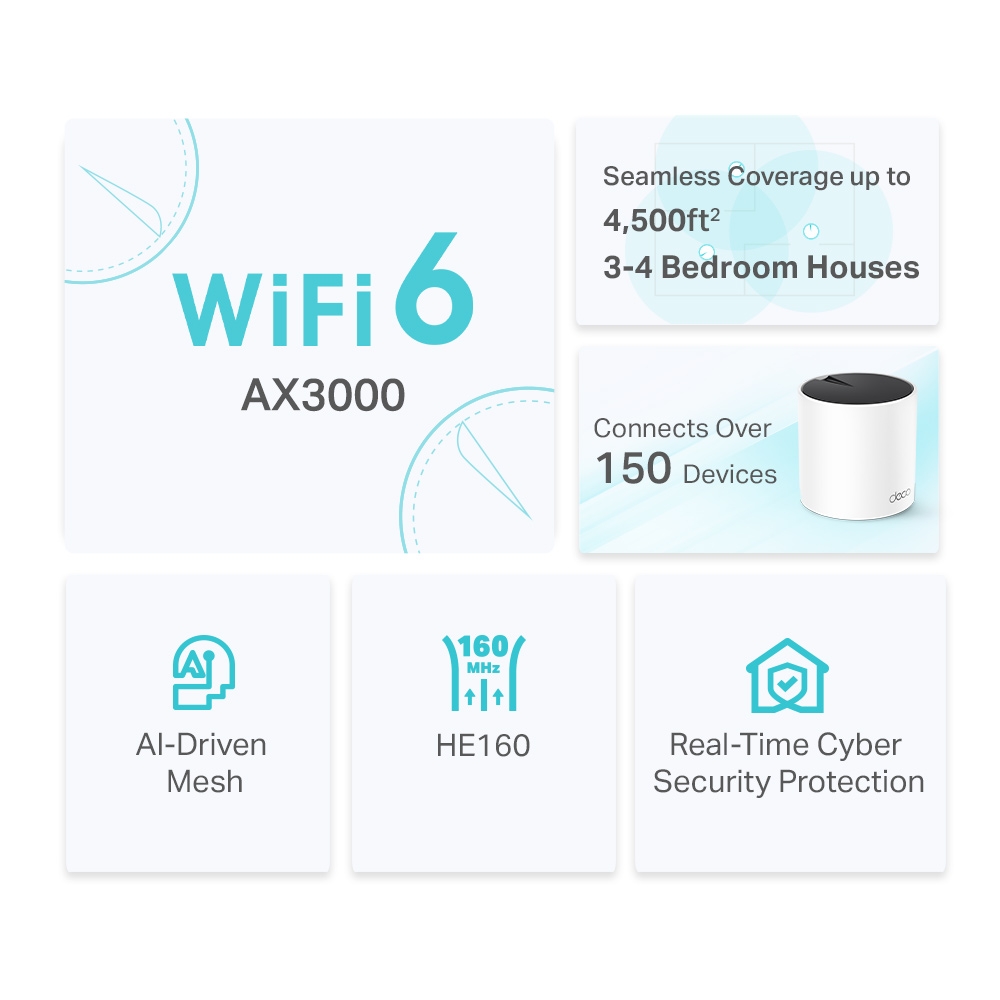
- Dual-Band Wi-Fi: Both systems offer a combined AX3000 wireless bandwidth (up to 2402 Mbps on the 5 GHz band and 574 Mbps on the 2.4 GHz band) to handle demanding tasks like streaming and gaming.
- Mesh Technology: Both Deco systems utilize TP-Link's mesh technology, creating a unified network name across nodes. Coverage and roaming still depend on placement, clients and the building.
- Easy Setup: Both systems are known for their user-friendly setup process through a mobile app.
- Parental Controls and Guest Network: Both offer features like parental controls to manage internet access and a guest network for visitors.
- Ethernet Ports: Both feature 3 Gigabit ports with LAN/WAN sensing
TP-Link Deco X50 vs X55 Specs
| Feature | TP-Link Deco X50 | TP-Link Deco X55 |
|---|---|---|
| Standard | Wi-Fi 6 (802.11ax) | Wi-Fi 6 (802.11ax) |
| Wireless Bands | Dual-band (2.4 GHz + 5 GHz) | Dual-band (2.4 GHz + 5 GHz) |
| Total Wireless Speeds | AX3000 (Up to 2402 Mbps on 5 GHz band + 574 Mbps on 2.4 GHz band) | AX3000 (Up to 2402 Mbps on 5 GHz band + 574 Mbps on 2.4 GHz band) |
| Ports | 3 Gigabit Ethernet ports (per unit) | 3 Gigabit Ethernet ports (per unit) |
| Mesh Technology | TP-Link Mesh | TP-Link Mesh |
| Backhaul | Wireless or Optional Ethernet Backhaul | Wireless or Ethernet Backhaul |
| Coverage Area | Check the specific regional pack; not a per-unit guarantee | Check the specific regional pack; not a per-unit guarantee |
| Features | WPA3-Personal support, HomeShield parental controls/QoS and guest network; feature conditions apply Learn why WPA3 is important | WPA3-Personal support, HomeShield parental controls/QoS and guest network; feature conditions apply Learn why WPA3 is important |
| OFDMA | Yes - Learn more about OFDMA | Yes - Learn more about OFDMA |
| MU-MIMO | 2x2 (Learn more about MU-MIMO) | 2x2 (Learn more about MU-MIMO) |
| Dimensions (W x D x H) | 4.33 x 4.33 x 4.49 in (110 x 110 x 114 mm) | 4.33 x 4.33 x 4.49 in (110 x 110 x 114 mm) |
Differences:
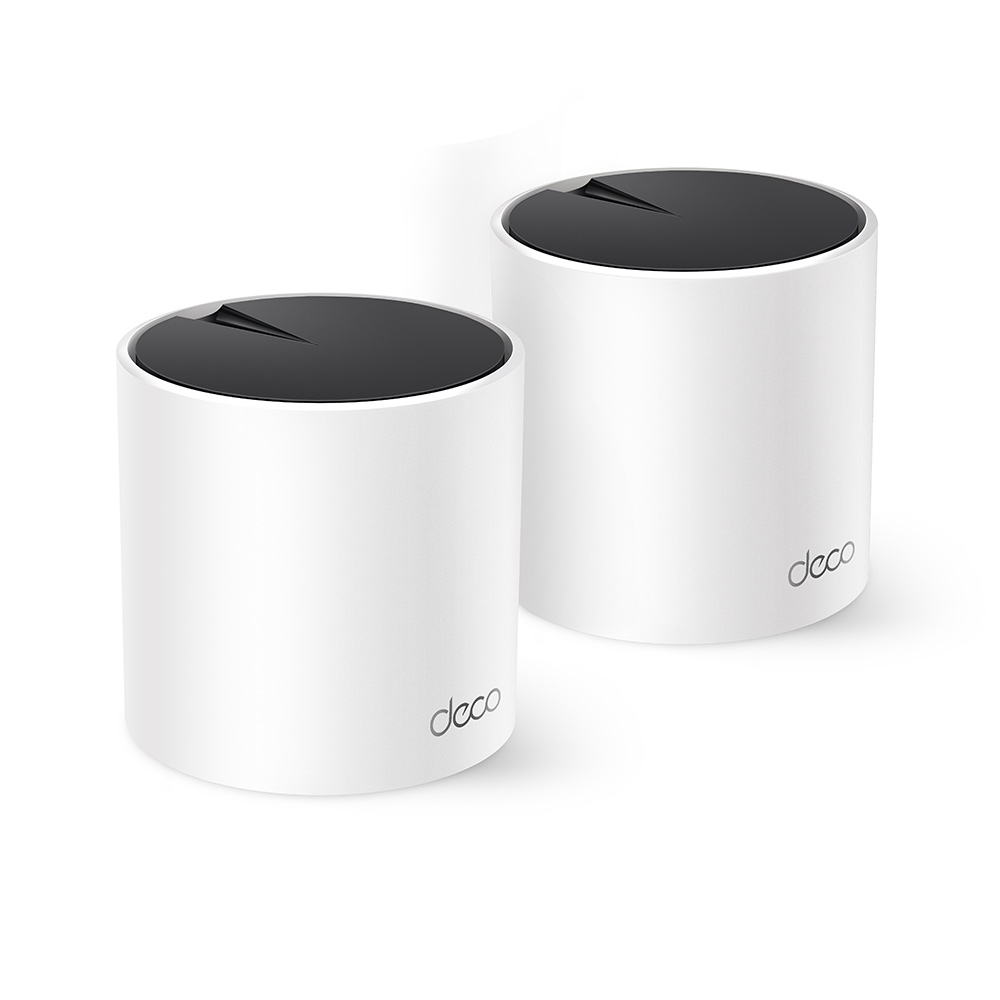
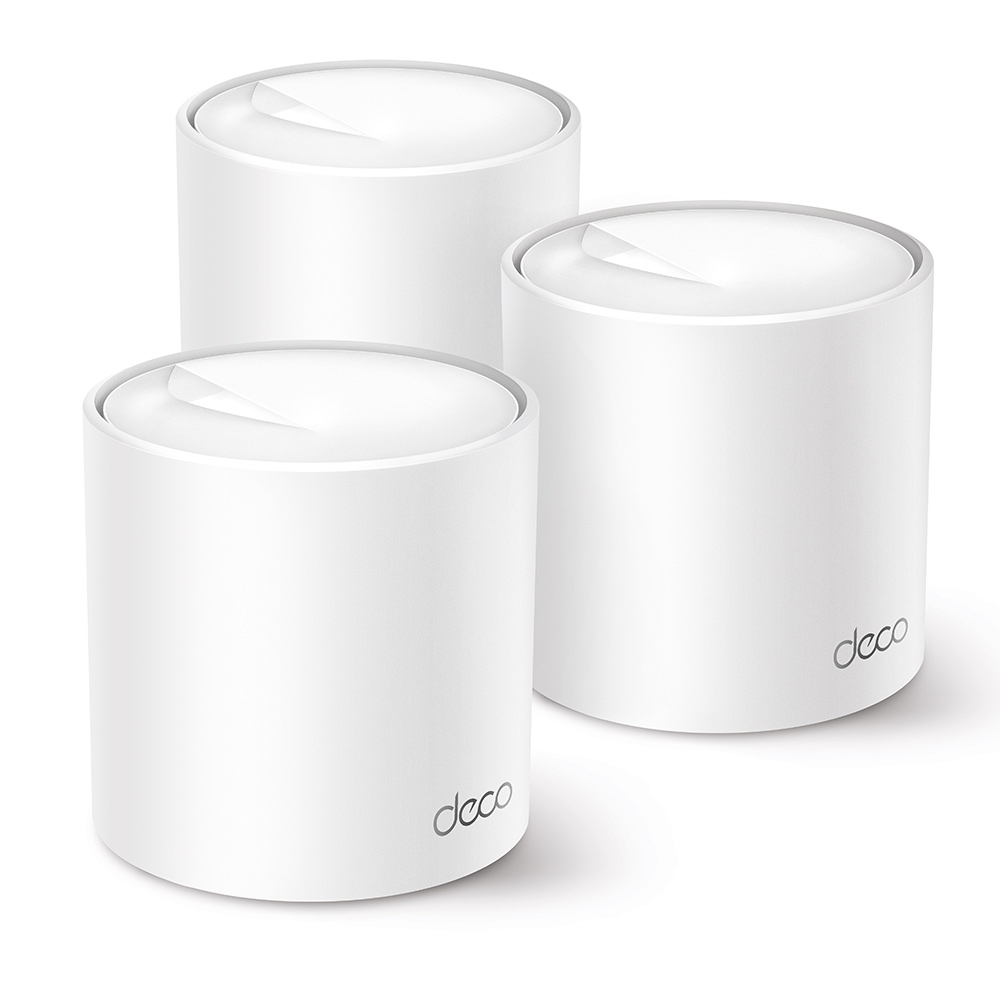
Yes, they look different, and styling can be a perfectly reasonable preference. Their headline radio rates and Gigabit port count are very similar, but check the exact revision before treating every internal component or firmware feature as identical.
Deco X50 and X55 units can work together in one mesh. In a mixed system, the main unit influences available app features and each node retains its own radio and port limits. Compatibility does not guarantee that a mixed arrangement performs exactly like two matching units. This can make a difference if only one of the two units is on sale or if you have a specific aesthetic that you want to stick to. Because the core wireless and wired specifications of the standard Deco X50 and Deco X55 are virtually identical, retail pricing and exterior styling are the primary reasons to choose one over the other.
Important Clarification on PoE: Standard X50/X55 vs. Deco X50-PoE
A common point of confusion when shopping online is Power over Ethernet (PoE) support:
- Standard Deco X50 & Standard Deco X55: Neither the standard cylindrical Deco X50 nor the standard Deco X55 supports Power over Ethernet—both use their supplied DC power adapters and feature 3× Gigabit WAN/LAN ports per unit.
- Deco X50-PoE (Dedicated PoE Variant): If you want to mount mesh nodes on ceilings or walls powered by a single Ethernet cable from an
802.3at PoE+switch, TP-Link sells a specialized low-profile model called the Deco X50-PoE. Check its revision: an earlier configuration has one 2.5Gbps and one Gigabit port, while the current checked international specification lists two 2.5Gbps ports. PoE power and Ethernet data are separate capabilities.
Conclusion:
Both standard models offer the same AX3000 headline rates, HE160 support and three Gigabit ports per unit. Our main reasons for choosing between them remain local value and preferred styling, once the exact revision and required features are confirmed. Supported Deco models can coexist in the same mesh, including the separately specified X50-PoE and X50-Outdoor.
Visit the official website for: TP-Link Deco X50 | TP-Link Deco X55
Specification, revision and pack size matter
AX3000 adds the published 2,402Mbps 5GHz and 574Mbps 2.4GHz physical rates. A normal client does not combine those two bands into one 3Gbps connection. HE160 needs a compatible client and usable 160MHz channel spectrum; regulatory limits and interference can affect availability. Each standard model's Gigabit Ethernet uplink also limits traffic that crosses it.
The checked international X50 specification distinguishes two internal antennas for V1.0–V2.0 from three for V3.0, while the X55 page lists two. That is a documented hardware distinction, but it does not establish a particular throughput advantage in your house. Compare model labels, regional documentation and release notes instead of inventing a performance difference from antenna count alone.
Both products are offered in different pack sizes. A three-unit kit is not a unique X55 feature, and a one-unit listing is not proof that an X50 suits only a small home. Compare like-for-like node counts and the rooms they must cover. Manufacturer area estimates are conditional, and concrete floors or distant outbuildings can change the layout substantially.
The X50 name also appears on specialist products such as X50-PoE, X50-Outdoor and cellular gateways. A suffix matters. The standard X50 does not acquire weather resistance, a SIM modem or PoE because another family member has it. Read the exact product's data ports, input power and installation rating; an Ethernet backhaul cable does not by itself provide power to an ordinary X50 or X55.
Backhaul and port planning
Both standard models support wireless and Ethernet backhaul. They are dual-band systems, so there is no separate third radio dedicated to the node-to-node link. Wireless clients and backhaul compete for airtime. A poor inter-node signal can limit a satellite even when the phone standing beside that satellite reports a strong signal.
For Ethernet backhaul, add the nodes to one Deco network first, connect the cable and check the backhaul type in the app. In Router mode, wire satellites downstream of the main Deco's LAN side, directly or through an appropriate switch. In AP mode, the existing router provides routing and satellites can use that LAN. Keep the mode-specific wiring consistent.
Three Gigabit ports are useful, but connections occupy them. The main unit needs an internet uplink and a wired satellite uses a port for backhaul. Count the NAS, PC, TV and onward links you plan to connect, then include a compatible switch if necessary. Cabling can remove the wireless inter-node hop; it does not guarantee a fixed download rate or eliminate every other bottleneck.
Check the features you will actually use
Both checked standard-model pages list HomeShield QoS and parental controls, rather than making QoS exclusive to the X55. HomeShield includes a basic tier and paid functions, so confirm which specific controls are included before treating every advertised feature as permanently free. If you use Access Point mode behind an existing router, routing-dependent Deco controls such as QoS and parental controls are unavailable according to TP-Link's mode comparison.
WPA3 support is useful when the clients also support it. Verify the actual security menu and test any older printer or smart-home accessory before enforcing a new mode across the whole household. Likewise, optional VPN, device-isolation or connection-preference functions should be checked against the unit's own firmware. Similar brochure rates do not guarantee matching software at every revision.
Evaluate performance in your home
- Choose a room where the existing connection fails and record a baseline using the same client and task.
- Check the new client's connected node, band and signal, plus the satellite's backhaul type. A 160MHz-capable device next to the main router is a different scenario from an older device behind two walls.
- Repeat a video call while walking through the usual rooms and a local file transfer where that matters. Compare with a wired test at the main unit to distinguish Wi-Fi limits from the internet connection.
- Change one satellite location or backhaul connection, then repeat. Keep the same device, server and time conditions where possible.
These checks make the choice practical without assigning an invented speed to either product. For a household that needs the same node count and feature set, our emphasis on price and appearance still makes sense. For a difficult floor plan, the backhaul route, placement and verified revision can matter more than the difference between the two model names.
See the current X50 specification, current X55 specification and separate X50-PoE specification when comparing an actual retail listing.


