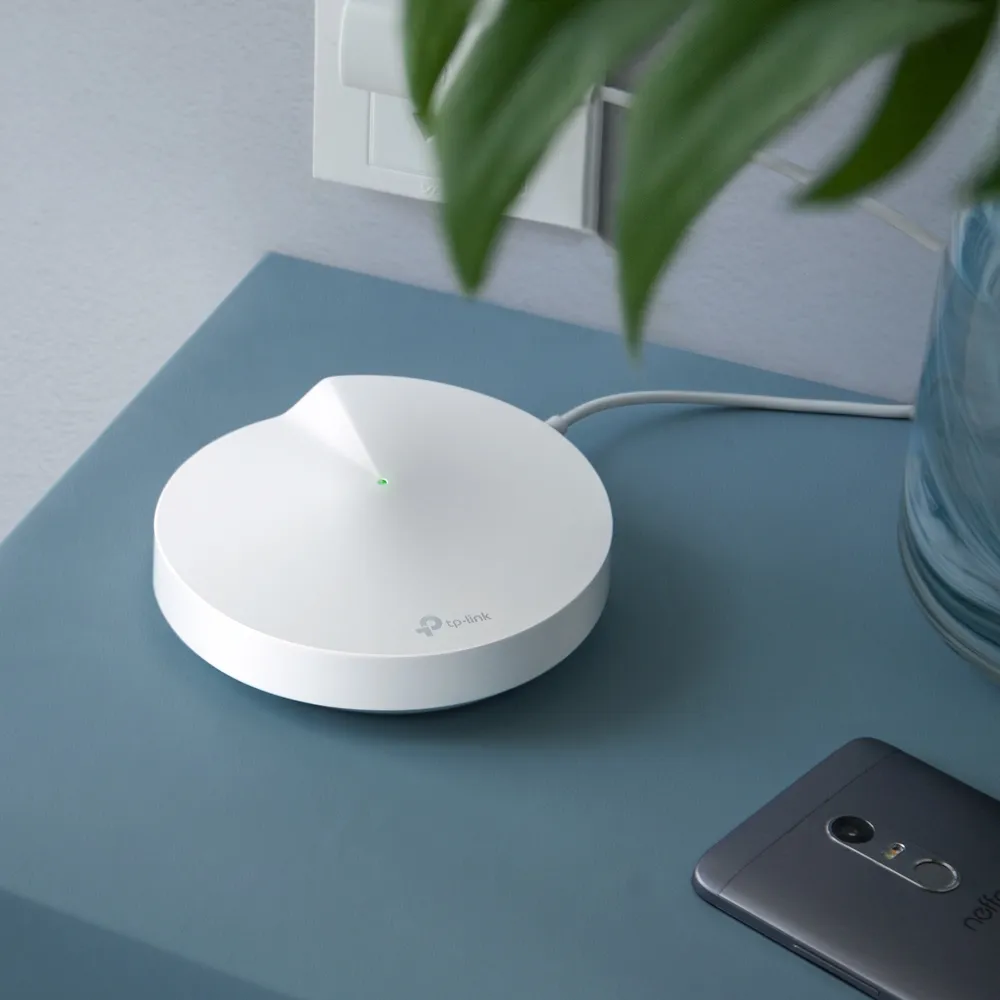
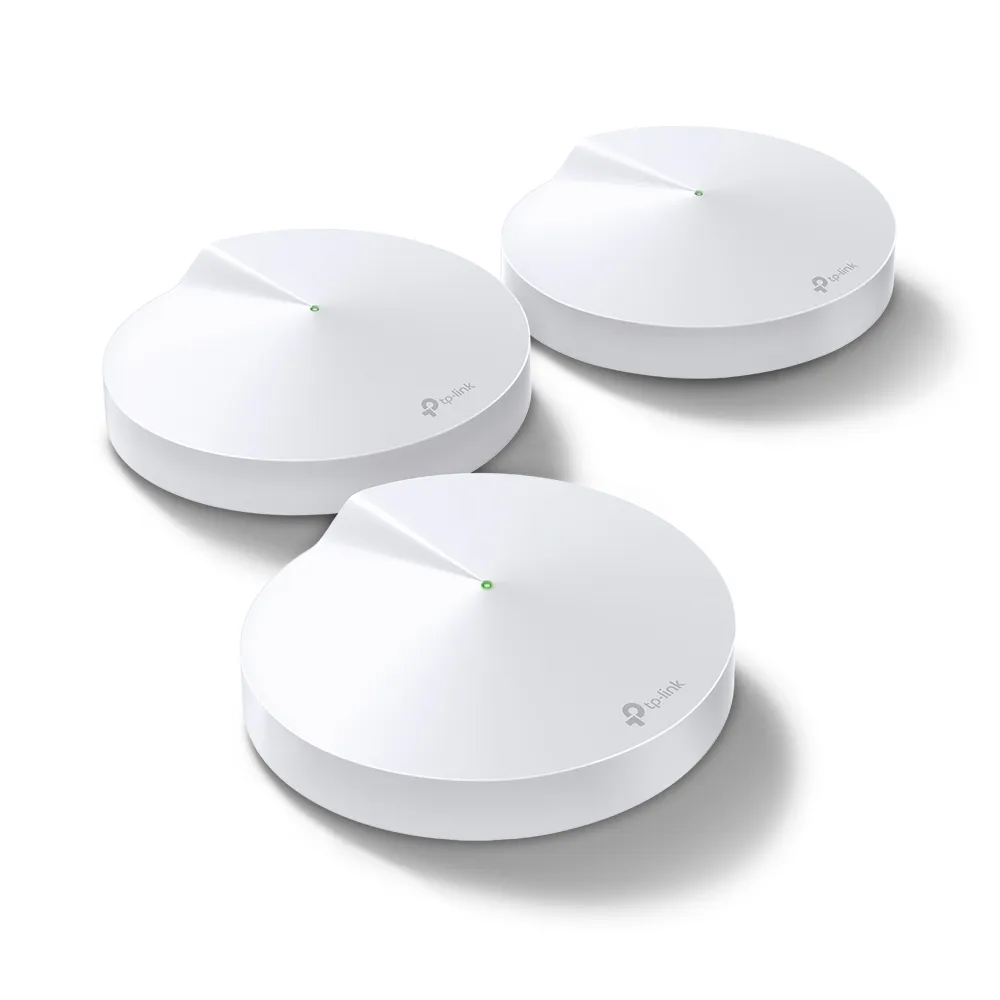
The TP-Link Deco P7 takes an unusual approach to home coverage: it combines Wi-Fi mesh with a powerline connection over electrical wiring. That gives nodes another communication path when walls weaken the radio link. The idea remains useful for difficult layouts, but it depends on the wiring as well as the Wi-Fi. It cannot guarantee a good connection simply because two rooms have power sockets.
For a new purchase, I would still look closely at a Wi-Fi 6 or later alternative. The P7's Wi-Fi 5 radios and support status matter alongside its useful hybrid feature. This is a specifications-based guide, rather than a report of measurements from a tested P7 installation.
Understanding Hybrid Mesh
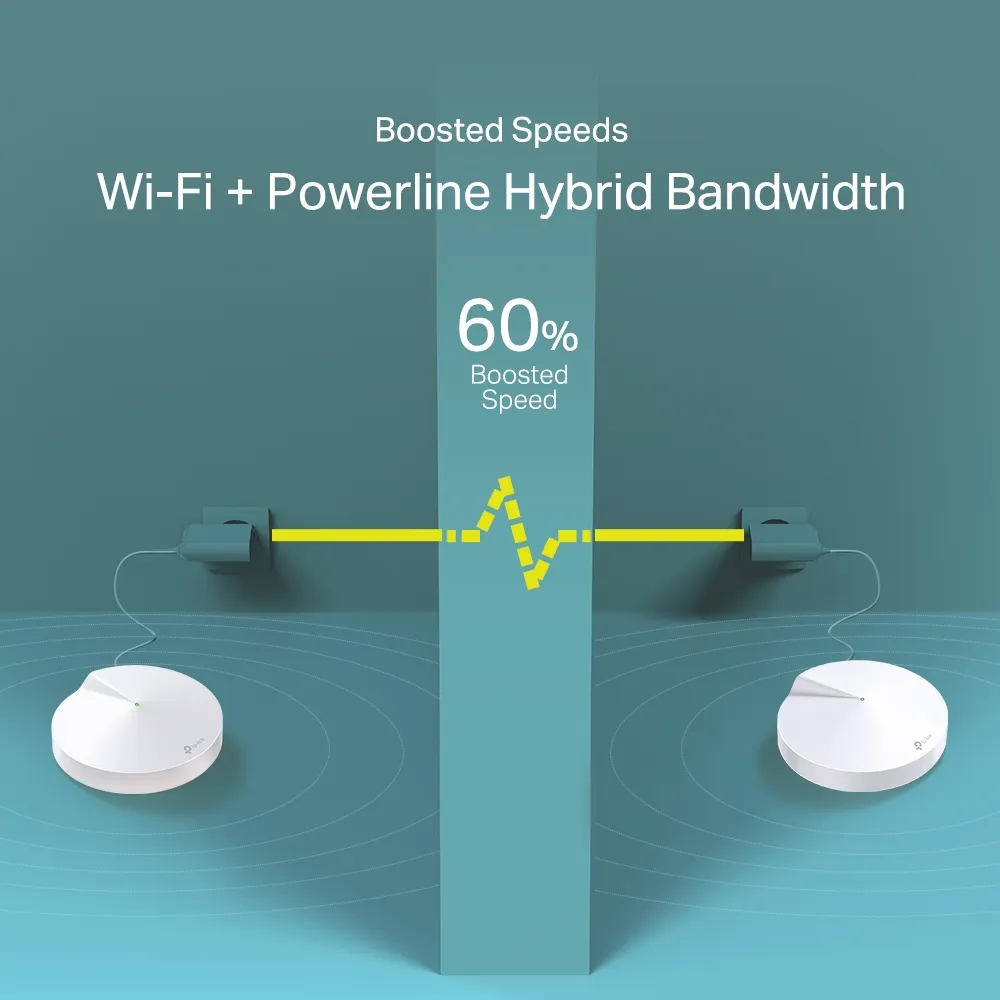
Mesh uses several nodes to extend one wireless network. The connection between nodes is called backhaul. A satellite can give a phone a strong signal while its own route to the main node is weak, which explains why full signal bars do not always mean fast Internet. The P7 supplements wireless backhaul with HomePlug AV600 powerline.
TP-Link describes Wi-Fi and powerline working together when there is no Ethernet backhaul. If Ethernet connects the units, its current support FAQ says only Ethernet backhaul takes effect. Do not simply add Wi-Fi, powerline and cable rates together and treat the sum as a single application's bandwidth. Each path has its own overhead and limitations.
Wireless and Wired Connections
The advertised radio rates are 867 Mbps at 5 GHz and 400 Mbps at 2.4 GHz, combined into the AC1300 class. The AV600 number is a separate maximum powerline link rating. These figures do not describe a guaranteed download speed. Clients, interference, placement, backhaul and the Internet plan affect useful performance.
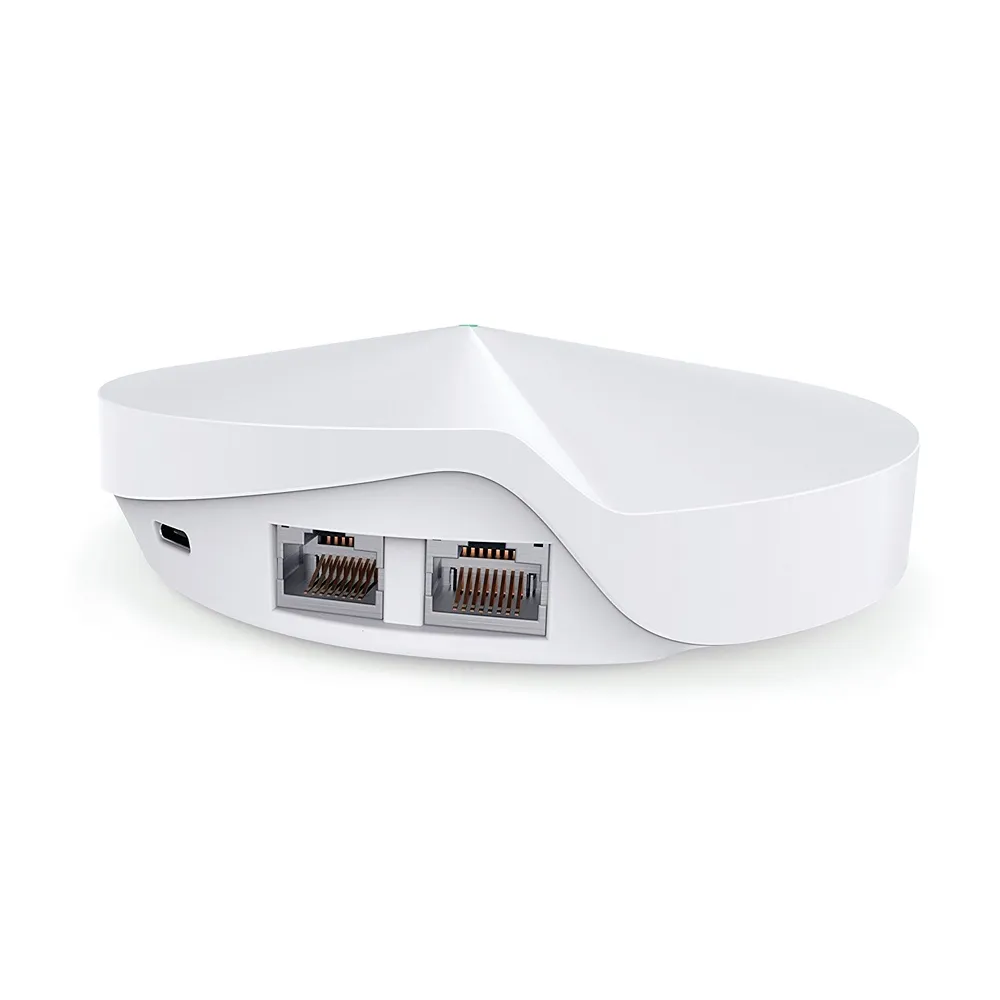
Each node has two Gigabit Ethernet ports with WAN/LAN auto-sensing. A wired computer attached to a satellite still relies on that satellite's backhaul to reach the rest of the network. If Ethernet cabling is available between rooms, using it can remove dependence on both the wireless hop and the electrical-wiring path.
Deco P7 Specifications and Limits
| Item | Documented capability |
|---|---|
| Wireless | Wi-Fi 5; 867 Mbps at 5 GHz, 400 Mbps at 2.4 GHz |
| Powerline | AV600 HomePlug; up to 600 Mbps link rate |
| Ethernet | Two Gigabit ports per node |
| Operating modes | Router and access point |
| Wireless encryption | WPA/WPA2; WPA3 is not listed |
| Management | Deco app; functions depend on model, mode and firmware |
| Manufacturer coverage claim | Up to 2000 square feet per unit under stated conditions |
TP-Link advertises connections for over 100 devices. Treat that as a capacity claim, not proof that one hundred clients can all stream at maximum speed. The manufacturer's South African page also marks the P7 End of Life. Check the regional support page, exact hardware version and available firmware before choosing a used kit or old stock.
Powerline Placement and Diagnostics
The P7's supplied power adapters include the powerline function, so keep the correct adapters with the nodes when buying second-hand equipment. A compatible-looking replacement that only provides power is not necessarily a replacement for the hybrid connection. The official datasheet lists power adapters with powerline in the pack contents.
TP-Link advises keeping the units on the same electrical grid or circuit and plugging directly into wall sockets. Power strips and extension leads can degrade the signal. It also recommends avoiding electrical noise from high-power appliances and considering proximity to DSL equipment. There is no reliable universal percentage for crossing phases or a guaranteed rate for a garage.
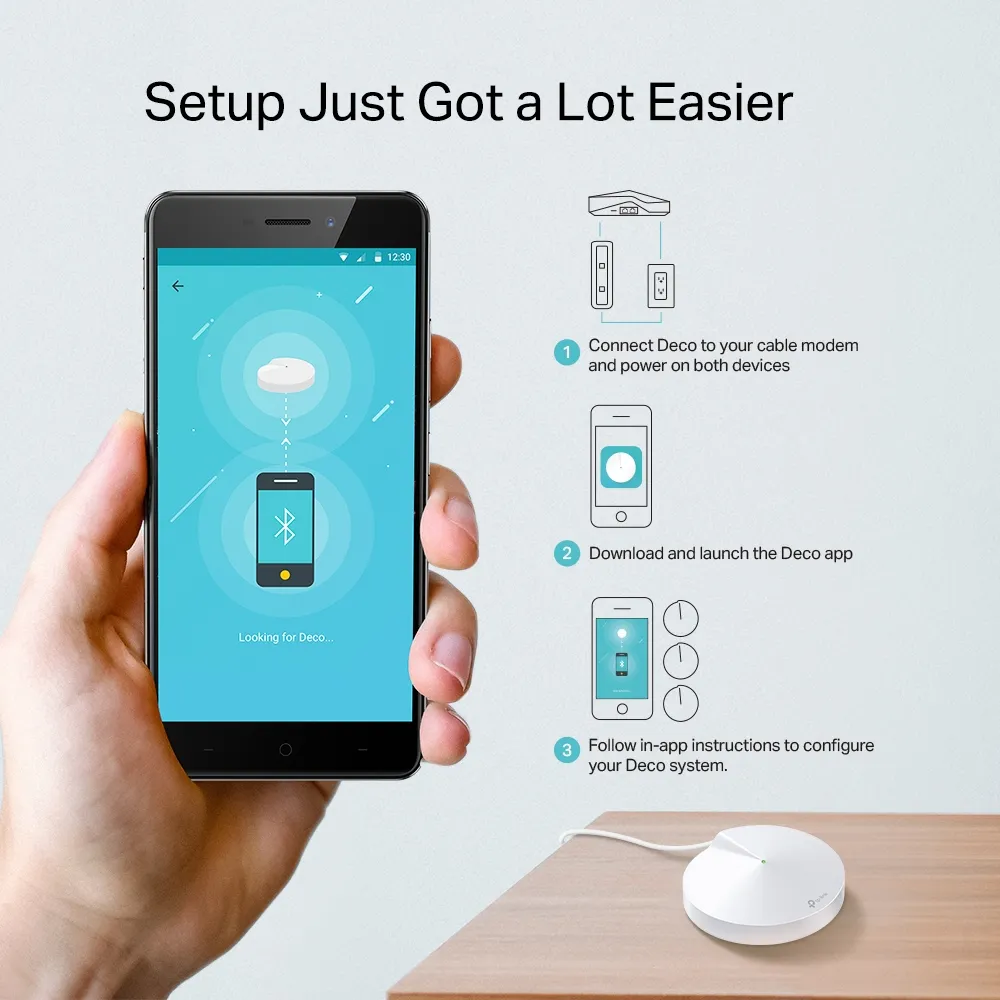
Start with the nodes close enough to confirm operation, then move the satellite to its intended room. The current FAQ says the P7 adapter's PLC indicator is green for a good powerline link and orange for a bad or unestablished one. Compare outlets and normal appliance conditions before deciding that the kit solves the problem. Avoid changing several placements at once, since that makes a fault difficult to isolate.
Use normal socket placement and manufacturer-supported connections; do not alter mains wiring to make a network link work. If an outbuilding has separate electrical arrangements, do not assume powerline will reach it. Plan an appropriate wired or wireless alternative when a stable connection matters more than avoiding installation work.
Mixing Deco Models and Powerline Standards
The current PLC FAQ says P7, P9 and PX10 can establish compatible HomePlug backhaul, with a supporting model as the main Deco. PX50 uses G.hn and cannot join that same powerline backhaul. Ordinary standalone powerline adapters also cannot pair into the Deco PLC topology, even when they share a HomePlug standard.
This distinction matters during an upgrade. A non-powerline Deco can extend Wi-Fi coverage without gaining a powerline chipset. Check the supported main-node arrangement before assuming an older P7 will retain hybrid operation in a mixed network. Refer to TP-Link's model-specific guidance rather than using a generic statement that every Deco feature works across every model.
Security and Management
The P7 offers HomeCare parental controls and QoS alongside firewall functions. The original datasheet describes a three-year built-in antivirus offer; verify current service availability and terms rather than assuming lifetime protection. Filtering is an additional layer, not a replacement for device updates, strong passwords and backups.
WPA2 remains the listed modern encryption option for this model; see our WPA2 versus WPA3 explanation when assessing newer alternatives. Keep administration access protected and test guest-network access to local services under the chosen operating mode. A guest SSID label alone is not proof of every isolation rule you want.
Router mode is relevant when the Deco manages the household network. Access-point mode can make sense behind an existing router, but routing-related controls may change. Confirm the functions you rely on before switching modes. Save your settings and network layout so a replacement or reset does not become an exercise in guesswork.
Testing and Buying Guidance
Test local and Internet performance separately. A file transfer to a wired computer can reveal the path through the mesh, while an Internet speed test includes your ISP and the remote server. Repeat checks at the desk or television that actually matters, including responsiveness while another device downloads. Record the node, outlet and connection type to make comparisons useful.
The original appeal remains thick walls and multiple floors where ordinary wireless backhaul struggles. Yet a home with suitable cabling may be better served by Ethernet, and a newer mesh with strong placement may be the simpler new purchase. Compare total cost, support, warranty and the ability to return a kit that performs poorly on your wiring.
Newer features such as OFDMA and improvements to MU-MIMO can help compatible networks, but no wireless generation removes the need for a sound backhaul. For existing P7 owners, careful placement and a working powerline path can still be valuable. For new buyers, verify the fit before investing in an older platform. See the original official P7 product page and current regional support information.