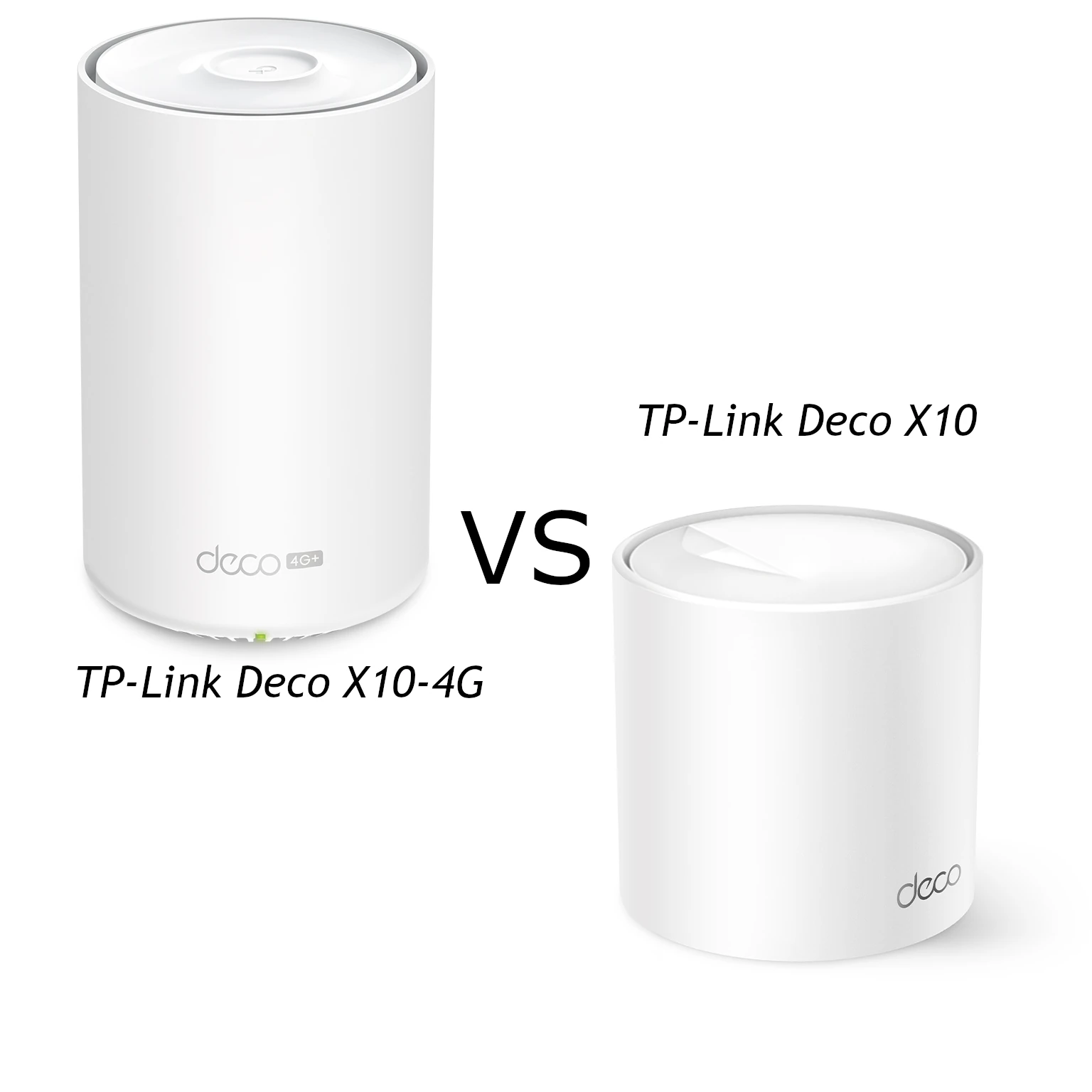
The TP-Link Deco X10 and X10-4G share an entry-level AX1500 Wi-Fi design, but solve different internet-access problems. The standard X10 takes an Ethernet connection from your broadband equipment. The X10-4G adds a mobile modem and Nano-SIM slot, so it can provide internet where fixed broadband is unavailable or serve as a compatible cellular backup gateway.
My recommendation remains straightforward: choose the X10 for reliable wired broadband, and consider the X10-4G when mobile internet is the requirement. The cellular model's suitability depends on the carrier, signal and data plan, rather than its Wi-Fi rating alone. This comparison explains the specifications and practical choices without claiming hands-on speed or power measurements.
The connections that distinguish them
TP-Link's X10 and X10-4G technical tables confirm the following configuration. Note the cellular model's extra Ethernet port.
| Feature | Deco X10 | Deco X10-4G |
|---|---|---|
| Internet input | Ethernet from broadband equipment | Cellular Nano-SIM or Ethernet |
| Local Wi-Fi rating | AX1500 | AX1500 |
| Maximum radio rates | 1201 Mbps on 5 GHz ; 300 Mbps on 2.4 GHz | 1201 Mbps on 5 GHz ; 300 Mbps on 2.4 GHz |
| Ethernet per unit | Two Gigabit ports | Three Gigabit ports |
| Cellular modem | None | 4G+ LTE Cat6, advertised up to 300 Mbps download |
| External cellular antennas | No cellular interfaces | Two SMB interfaces; SMB-to-SMA-F adapters supplied |
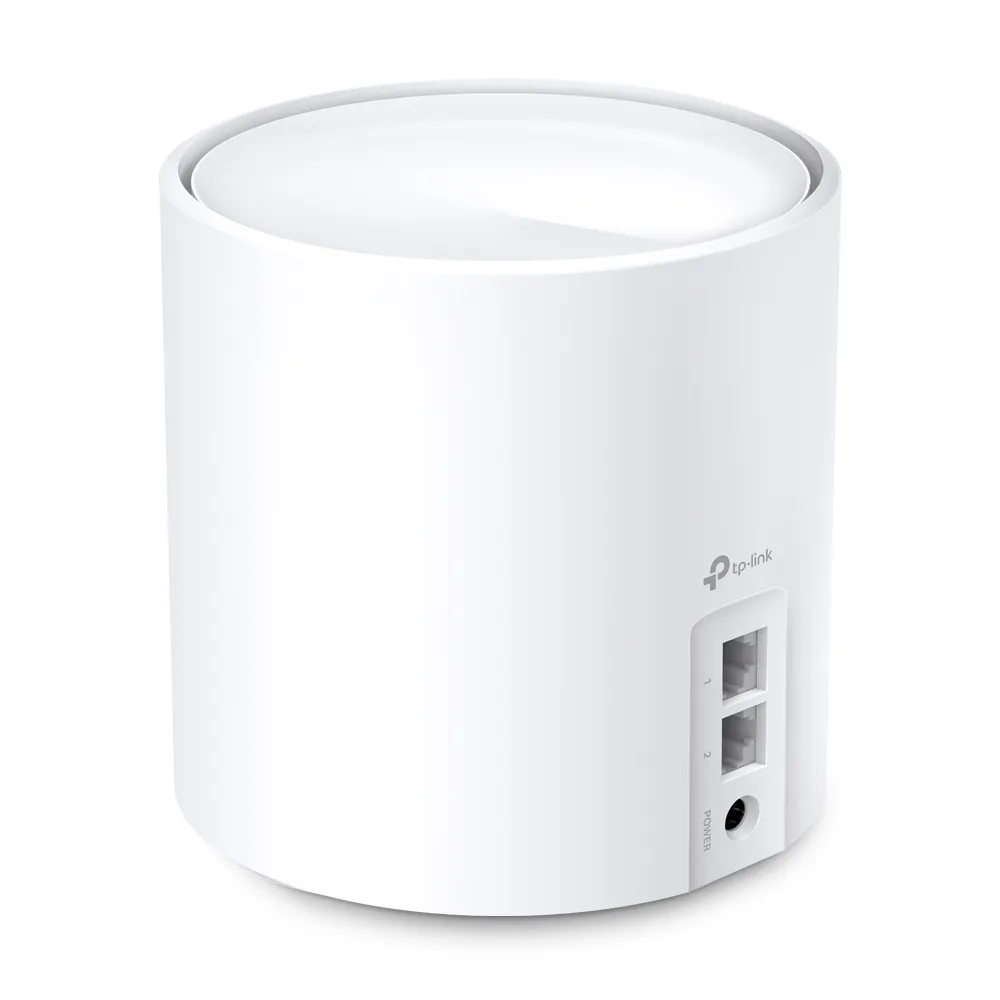
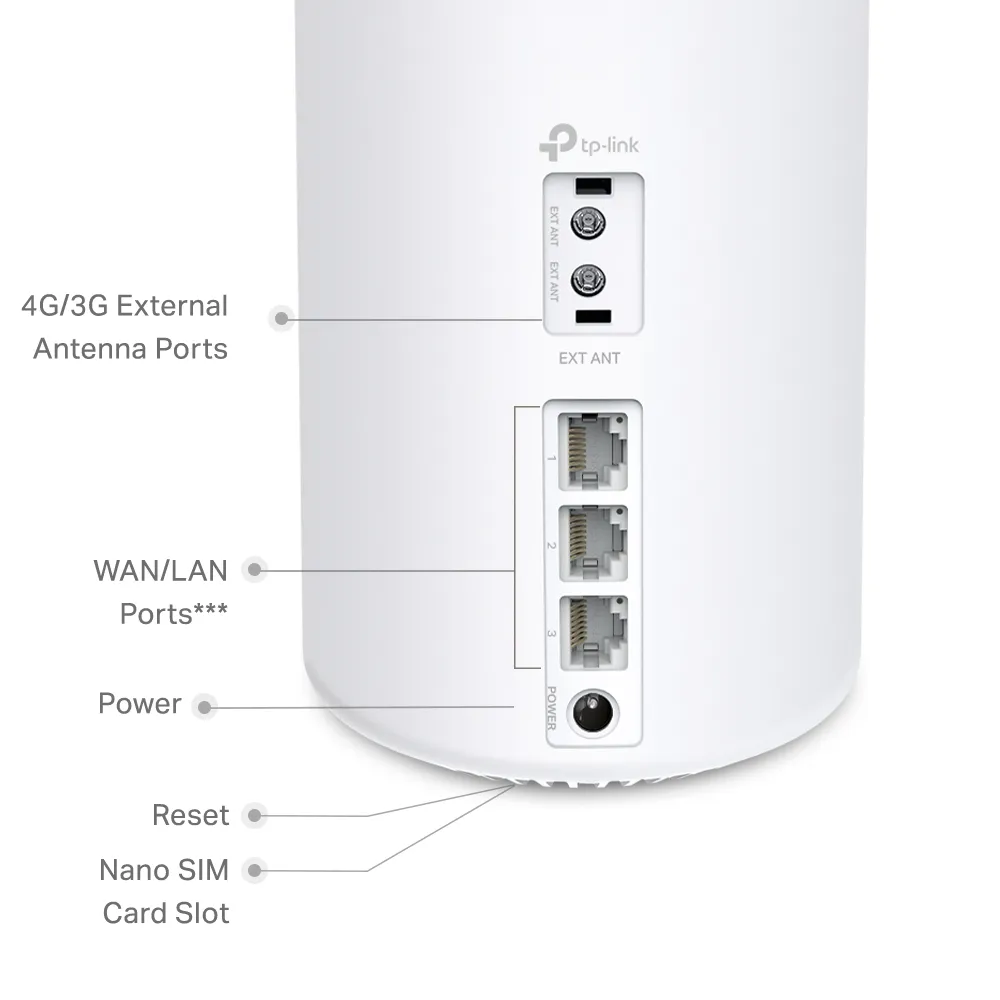
When the main X10 uses a port for internet, one remains for a device or wired backhaul. In Ethernet router mode, the X10-4G has two ports remaining after its WAN connection. Using one for a wired satellite leaves one spare. The X10-4G installation guide states that only one Ethernet port can serve as WAN at a time; auto-sensing does not mean you can bond multiple broadband services.
The cellular antenna connectors are also different from ordinary Wi-Fi antennas. They affect the mobile link towards the carrier, not the Wi-Fi link to a laptop. Use the correct adapters and suitable antenna arrangement, and check the installation guide before connecting accessories.
Wi-Fi speed and mesh coverage are separate from internet speed
Both models list Wi-Fi 6 operation on 5 GHz with a 1201 Mbps maximum signal rate, and 802.11n operation on 2.4 GHz at 300 Mbps. AX1500 combines those separate rates. A slow mobile connection does not become a 1.5 Gbps internet service because the local Wi-Fi has that label.
Compatible MU-MIMO and OFDMA clients can benefit from improved scheduling, but the devices and traffic still share available capacity. Neither model has an extra radio reserved for wireless backhaul, so a satellite's upstream path deserves attention.
The X10's UK page advertises up to 2100 square feet for one unit, 3900 for two and 5600 for three. The X10-4G's one-pack claim is 2100 square feet. These are manufacturer planning figures with coverage disclaimers, not proof of a speed in every room. Compare equal pack sizes and place satellites where they have a useful upstream signal rather than at the most distant dead spot.
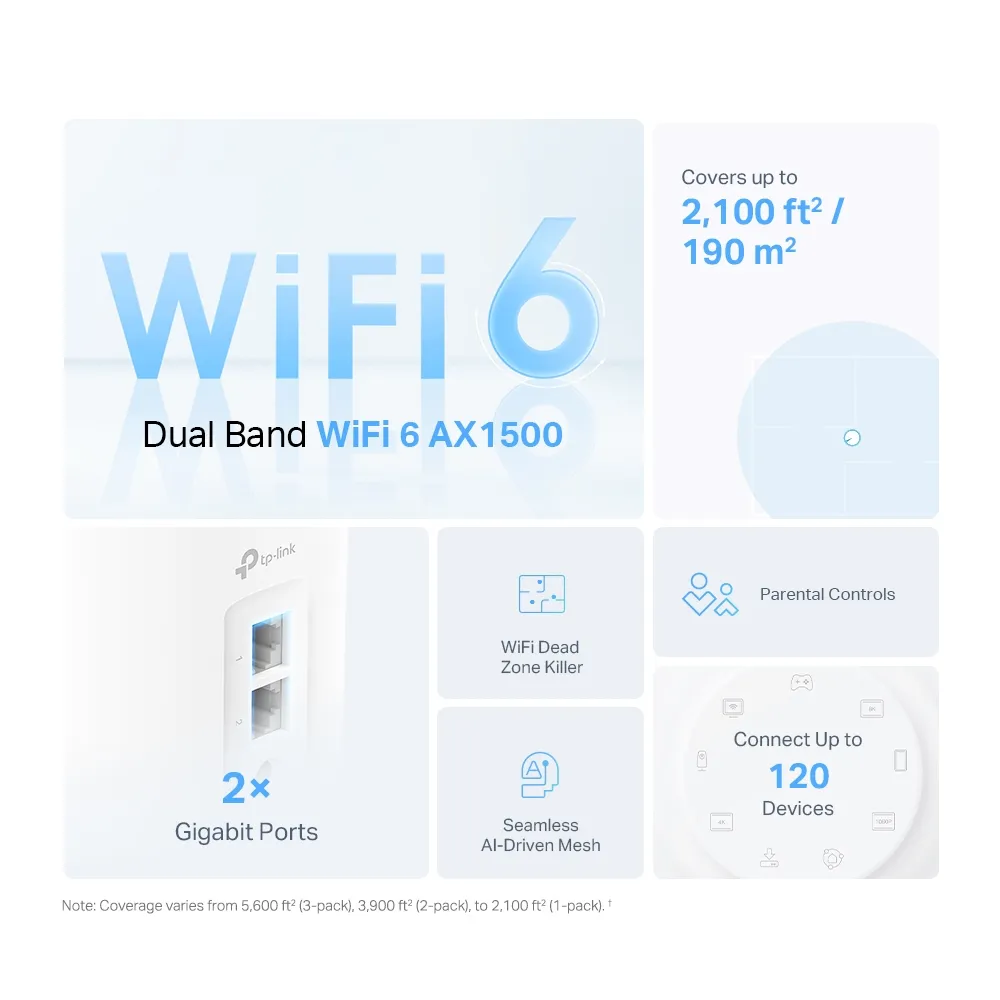
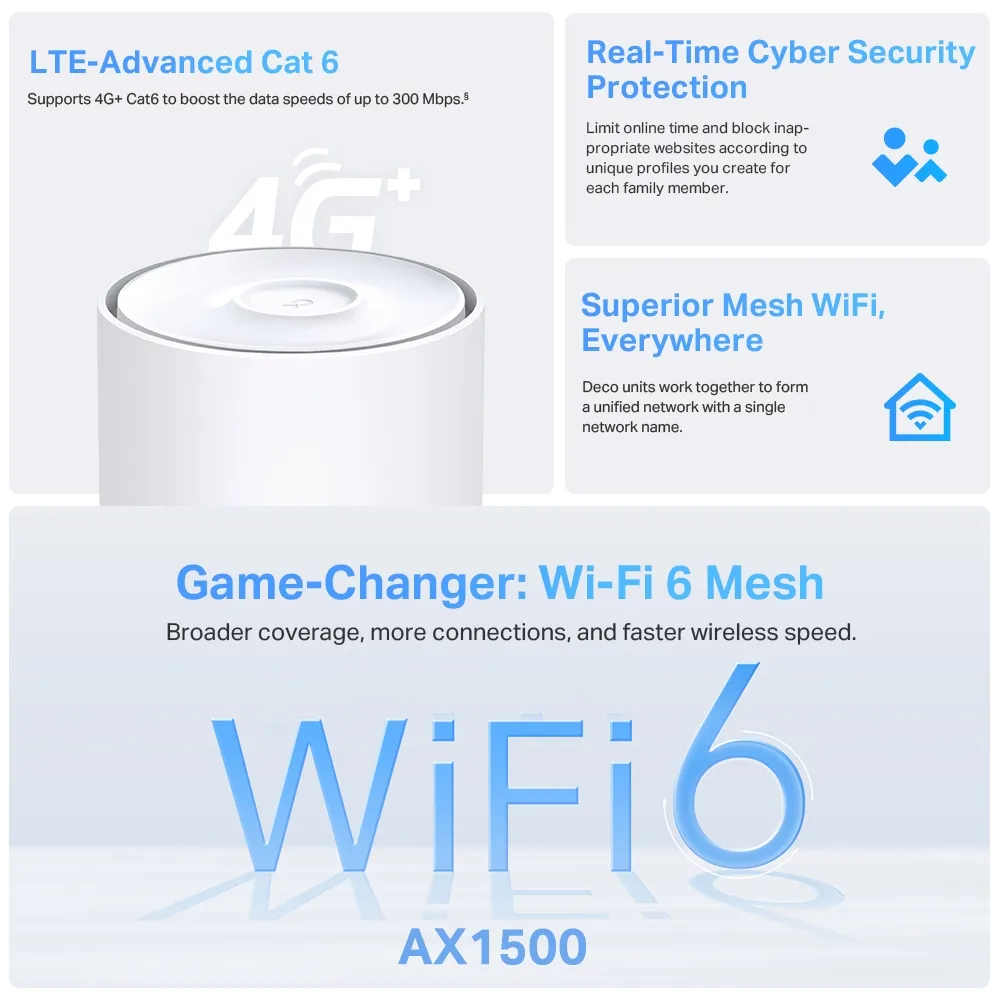
Both models can join a Deco network, allowing ordinary X10 units to extend coverage around a cellular gateway. That does not add a modem or SIM slot to those ordinary units. A shared network name also does not guarantee a transition under 100 milliseconds or an uninterrupted call: roaming depends on client support and the installation.
Check the carrier before buying the cellular model
The Cat6 download figure is a theoretical maximum, not a minimum service level. Reception, the carrier's available bands, congestion and the plan determine the connection you receive. Check the regional model's supported LTE bands against the carrier you intend to use instead of assuming it works on every mobile network worldwide.
Try the service at the intended indoor location before committing to a long contract. Test downloads, uploads and a call at busy times, because remote meetings can suffer from limited upload capacity even when a download result looks adequate. Compare a few sensible gateway positions while keeping enough Wi-Fi coverage or adding a satellite where needed.
The X10-4G V1 user guide includes SIM PIN and mobile-profile troubleshooting. If detection fails, obtain the correct profile or APN information from the provider rather than assuming the router always selects it instantly. Check the SIM's activation, plan allowance and permitted router use too.
For remote access to a home server, ask the carrier about inbound connections and public addressing. A working mobile internet connection does not itself establish that outside clients can reach your network. Consider those requirements before using the gateway for a remotely accessed camera or server.
Cellular backup needs configuration and a test
TP-Link's current backup guide explicitly includes X10-4G V1. It describes cellular backup while the unit operates in Wi-Fi Router mode, with configuration through local management. Confirm the matching hardware revision and firmware; the illustrated app screens use another model and may differ.
The guide includes offline detection, mobile settings and data-usage alerts. Configure the SIM and allowance before relying on backup, then disconnect the fixed broadband connection during a planned test and check the actual applications you need. Restore the wired connection afterwards and confirm the expected path returns.
Failover is not a promise that every active session survives. The internet address and network path can change, so a call or VPN may need to reconnect. Cellular coverage and power must remain available during the outage. A mobile plan with too little data can also be exhausted by automatic backups or software updates after the switch.
Installation, maintenance and power planning
For wired satellites, follow TP-Link's Ethernet backhaul instructions: add the units to one network first, then connect them in the topology appropriate to Router or Access Point mode. In Router mode, satellites connect behind the main unit's LAN, directly or through its switch. Check the app's network map rather than assuming a cable has activated backhaul.
The current model tables list parental controls, device-based QoS, access control and firmware upgrades. Check the exact controls in your firmware and operating mode instead of assuming HomeCare antivirus or a paid HomeShield bundle is included. Schedule maintenance when a short interruption is acceptable and keep the gateway's recovery details available.
The EU V1 X10-4G datasheet specifies a 12 V, 1.5 A adapter output and 14.6 W maximum consumption with the adapter. Those are not measured idle or typical figures. Use the supplied or manufacturer-recommended power equipment; a nominal 12 V vehicle or marine battery is not automatically a suitable regulated supply.
If backup power is needed, check the rated requirements for every unit and the runtime of suitable power equipment. The modem, fixed-broadband equipment and satellites may need power as well as the main gateway. Keep these indoor devices in appropriate conditions and consult the regional installation restrictions before considering vehicle or outdoor use.
Which model suits your needs?
The standard X10 is a sensible choice when fixed broadband already works and the task is improving Wi-Fi coverage. The X10-4G is the more useful option for an indoor location dependent on cellular service, or for a tested backup arrangement supported by its firmware.
Include the SIM plan, antenna accessories, extra nodes and any power backup in the total cost. Preserve the distinction between internet access and local coverage when choosing. The original Deco X10 and Deco X10-4G product links remain references for the models.