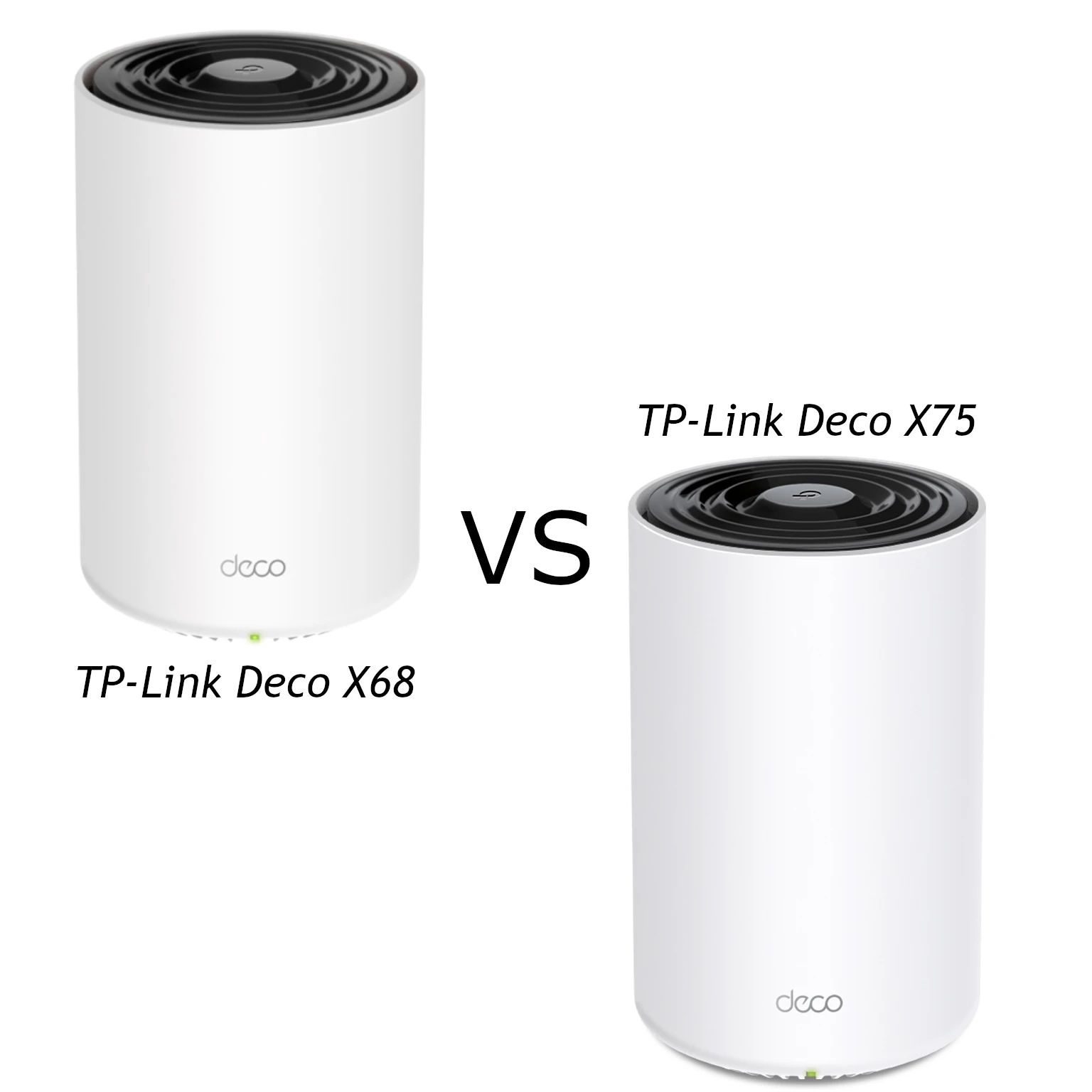
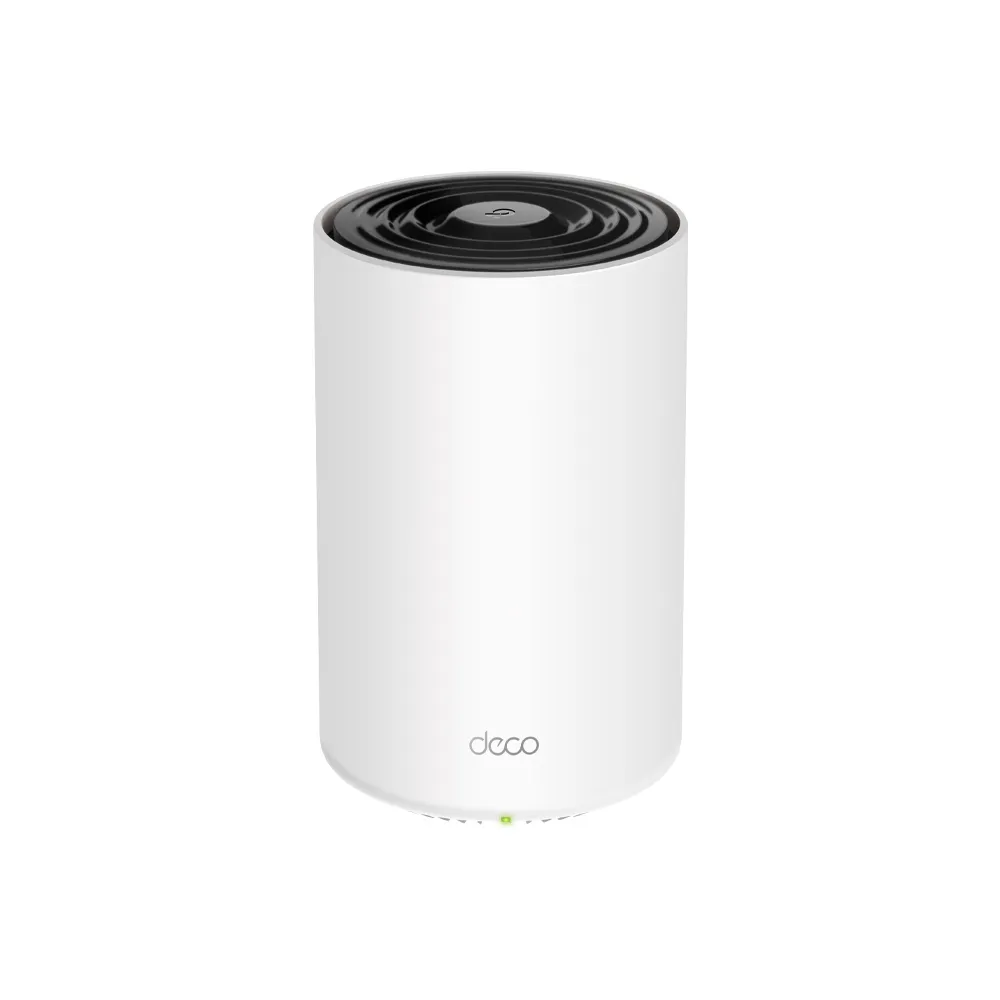
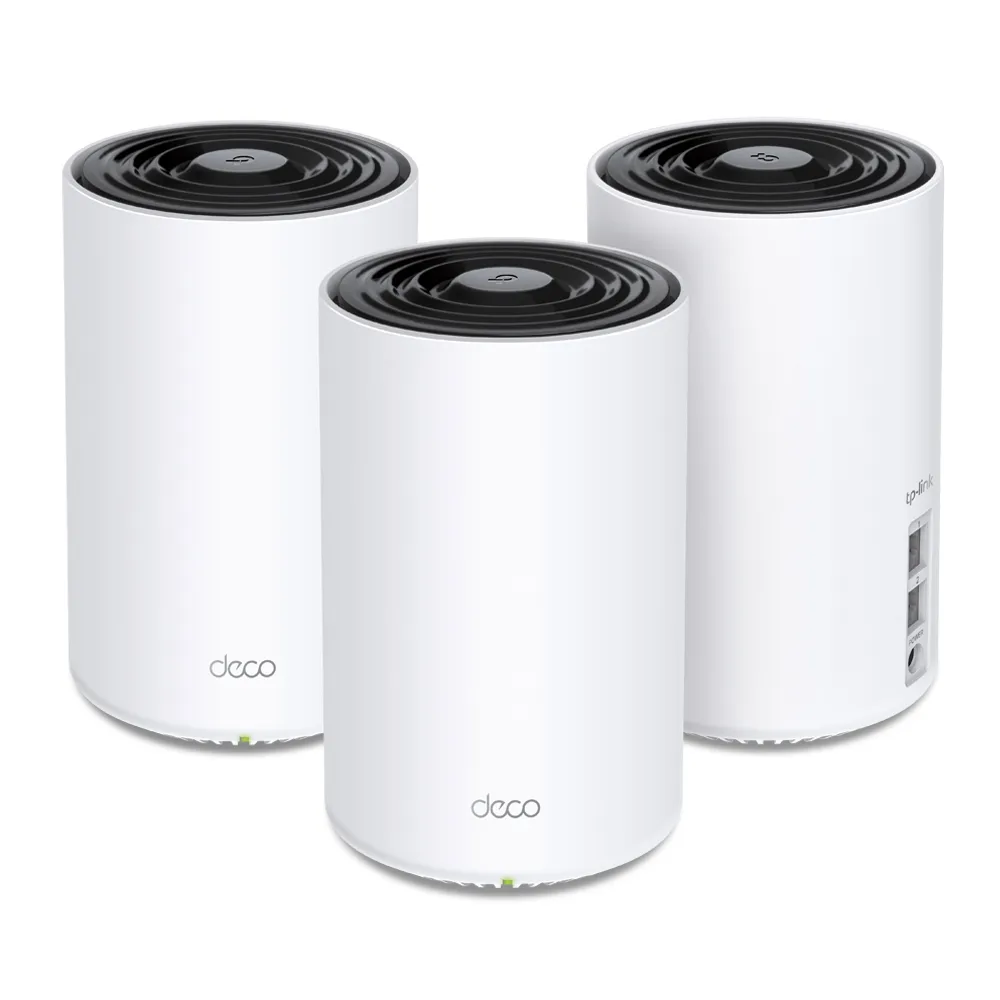
The TP-Link Deco X68 is a tri-band Wi-Fi 6 mesh system aimed at households that need coverage across several rooms and floors. I see it as a useful option for a busy home where running Ethernet to every access point is difficult. Its extra radio distinguishes it from simpler dual-band systems, but placement, clients and your internet connection still determine the result.
Think of a mesh as several access points sharing a route back to the main router. Adding a unit can improve coverage only if that unit has a useful connection upstream. A satellite placed deep inside a dead zone may repeat the problem rather than solve it. The X68 deserves consideration for larger homes, while a less expensive dual-band Deco such as the X60 may be enough for more modest needs.
Three Bands, Not a Single 3.6 Gbps Connection
The X68 combines 2.4 GHz with two separate 5 GHz radios. Its advertised physical rates are 574 Mbps, 1,201 Mbps and 1,802 Mbps, giving the AX3600 product class. Those numbers describe radio links across bands; they are not one laptop's download speed. Application traffic also includes protocol overhead and can encounter a slower backhaul or internet connection.
This is Wi-Fi 6, with no 6 GHz radio or Wi-Fi 7 MLO. TP-Link advertises seven spatial streams across its radios, including a three-stream 5 GHz radio. A common two-stream client cannot use every stream or combine all three bands as one connection. Check the Wi-Fi capabilities of the laptop or phone you intend to improve before paying for a headline rate.
MU-MIMO and OFDMA can improve resource sharing with compatible clients. They do not guarantee that every older smart-home device gains the same efficiency or that gaming latency always falls. A network of mostly idle sensors also has very different demands from several cameras continuously uploading video.
Understand the Backhaul Description
Backhaul is the connection between mesh units. For the X68, TP-Link's June 2022 V1/V2 datasheet describes an extra 5 GHz band working exclusively as dedicated backhaul. Its June 2024 V1 datasheet and current US product page instead describe tri-band wireless backhaul. These documents use different wording; they do not establish a particular firmware transition or prove the same radio allocation on every installed version.
For buying and configuration decisions, verify your exact hardware revision, firmware and regional documentation. Do not assume that one band is always reserved, that a specific radio becomes available to clients after wiring, or that Ethernet automatically doubles wireless capacity. The practical advantage to assess is whether the actual path between your nodes can carry the traffic you need.
Wireless links are affected by walls, interference and placement. Avoid treating every mesh hop as a fixed percentage penalty: shared airtime and topology matter, and the result varies. Put a satellite where it can still communicate well upstream, then check the Deco app's network map. A good location may be between the main unit and the room with poor coverage rather than inside that room.

Hardware and Port Budget
| Item | Deco X68 specification |
|---|---|
| Wireless | Wi-Fi 6; 2.4 GHz plus two 5 GHz radios |
| Advertised signal rates | 574 + 1,201 + 1,802 Mbps; AX3600 class |
| Spatial streams | Seven across the radios |
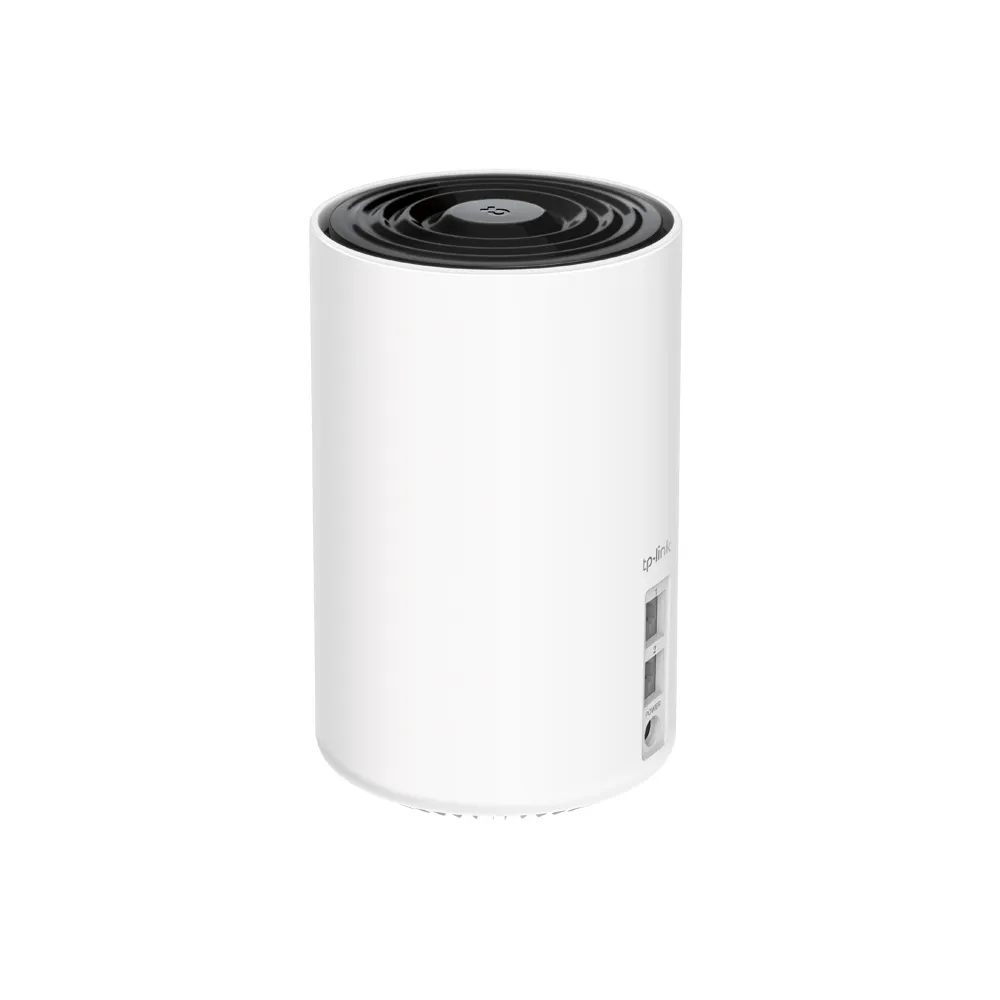
| Ethernet | Two Gigabit auto-sensing WAN/LAN ports per unit |
| Operating modes | Router or access point |
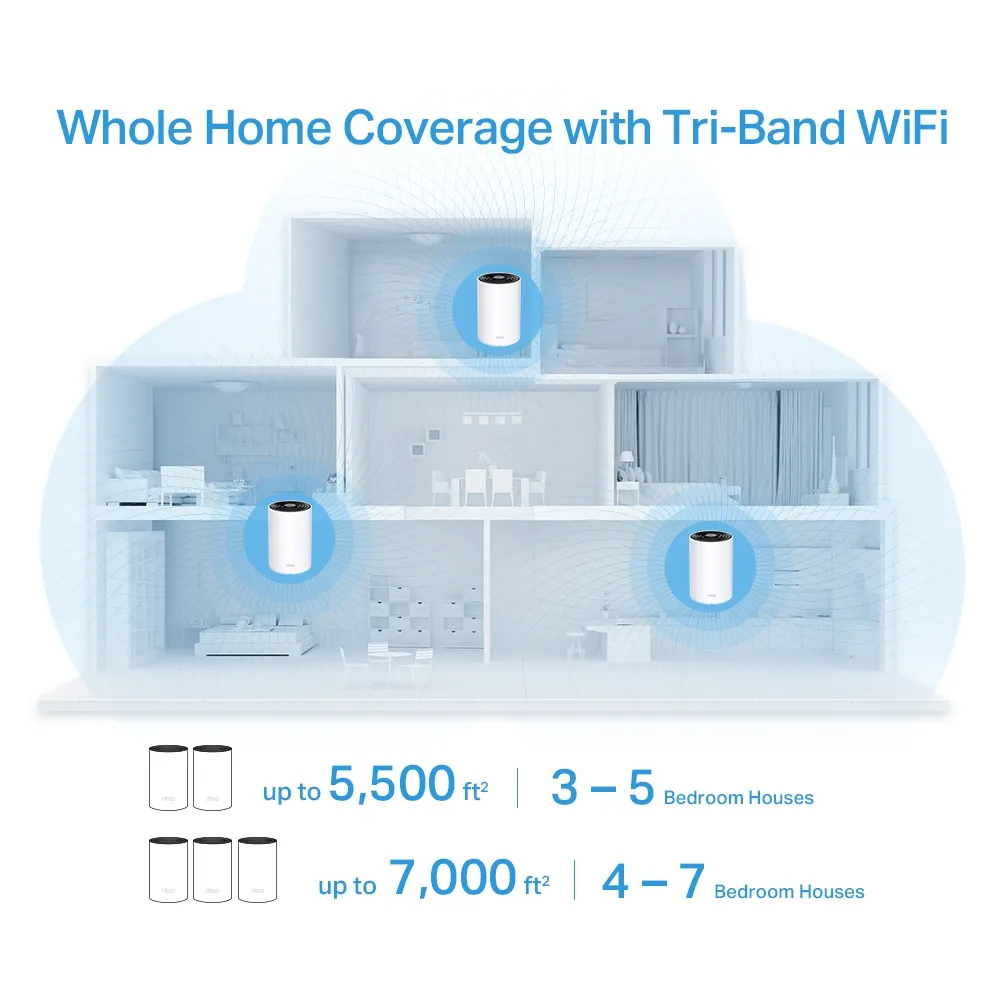
| Advertised coverage | Two-pack: up to 5,500 sq ft; three-pack: up to 7,000 sq ft |
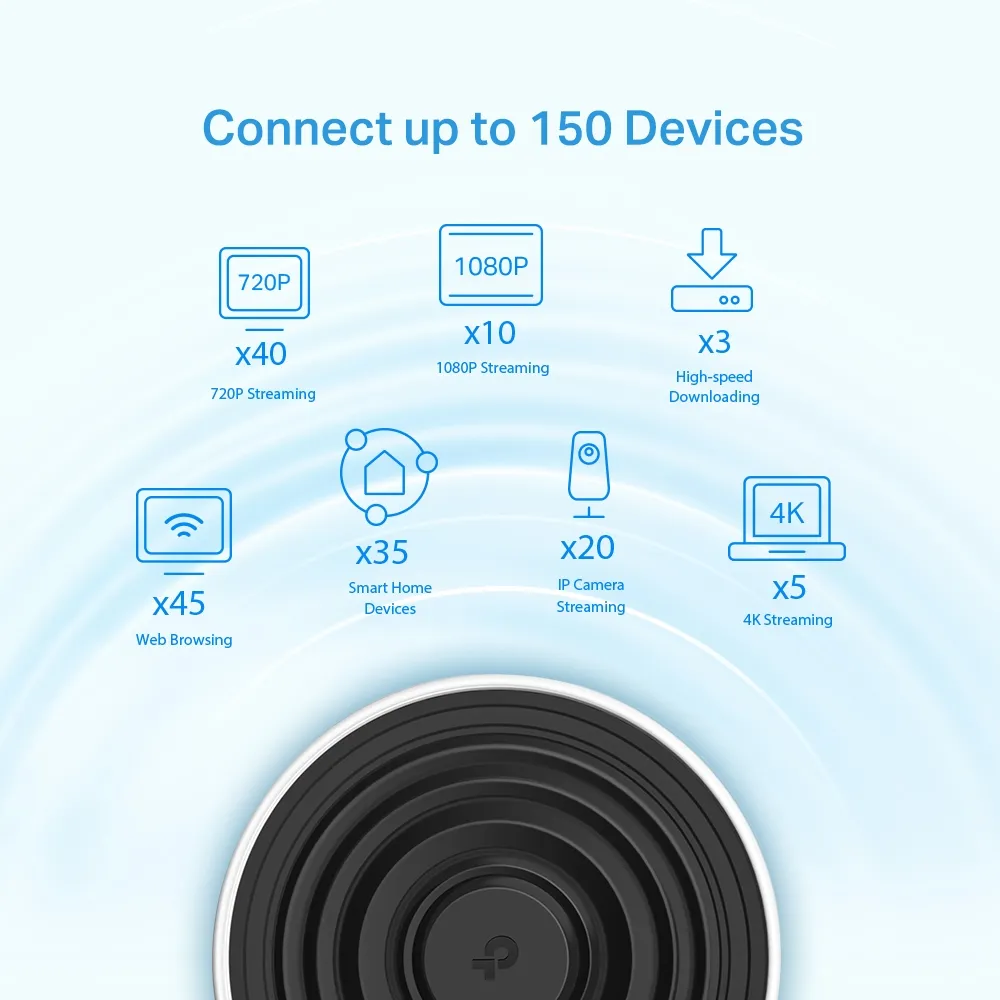
| Advertised clients | Up to 150; traffic and environmental conditions apply |
| Security and controls | WPA/WPA2/WPA3 support; HomeShield with free and paid features |
In router mode, the main unit uses a port for the internet connection, leaving one for local equipment or backhaul. A wired satellite also spends a port on its uplink. Include a suitable switch if you need a desktop, NAS and several wired nodes. You need more switch ports, not a collection of additional routers creating separate networks.
Gigabit Ethernet limits each wired link. An X68 does not provide a multi-gigabit WAN or wired NAS path simply because its combined wireless class exceeds 1 Gbps. For a fast local transfer, consider both endpoints, the client's Wi-Fi link and every intervening cable or mesh hop. A switch can add connections, but cannot upgrade the X68's port speed.
Wire Nodes with the Correct Topology
TP-Link advises adding all units to the same Deco network through the app before connecting their backhaul cables. In router mode, wire satellites downstream of the main Deco's LAN port, directly or through its LAN switch. Do not attach satellites to a modem-side switch that bypasses the main Deco. In access-point mode, the upstream router's LAN can serve the nodes.
You can combine wired and wireless satellites. When a wired backhaul is established, the corresponding wireless backhaul disconnects; unwired nodes still depend on radio links. Confirm the active connection in the app instead of assuming that plugging in a cable completed the change. Wiring removes a wireless hop, but the client's own wireless connection still affects performance.
If a node remains wireless or becomes unstable, try another cable and port, then connect the units directly to bypass the switch. An IPTV-assigned port cannot simultaneously provide this backhaul. TP-Link's guidance also discusses IEEE 1905.1 forwarding and switch compatibility. Investigate the specific switch if direct wiring succeeds, and avoid creating extra cable paths or indiscriminately disabling network protections.
Choose Router or Access-Point Mode
Use router mode when the X68 should manage your home network. If an existing gateway already handles routing, access-point mode can avoid another layer of NAT. That changes the feature set: controls such as DHCP, address reservations, port forwarding, QoS and HomeShield depend on the routing gateway rather than remaining available in the Deco app.
Choose the mode before planning reservations for printers or local services. Read the feature table for your firmware instead of assuming that every screenshot from another Deco model applies. Deco models can share a mesh, but a faster or newer node does not turn the X68 into a 6 GHz or MLO-capable access point. Evaluate the weakest link on the route you actually use.
Security, Subscriptions and Maintenance
The X68 uses HomeShield, rather than assuming every feature belongs to the older HomeCare package. Basic and paid features differ, so check current terms before budgeting for advanced controls. Security software and parental controls also do not replace secure client devices, backups or careful decisions about exposing services.
WPA3 support is a capability, not proof that every connection uses WPA3. Check the configured mode and older-device compatibility; our WPA2 versus WPA3 explanation covers the distinction. A guest network name alone does not prove arbitrary VLAN segmentation or every form of client isolation. Verify behavior in your selected operating mode before putting untrusted devices beside private NAS shares.
Keep the exact hardware revision and regional firmware in mind when updating. Save important settings and schedule the update when a short interruption is acceptable. Roaming assistance depends on client support, so test the actual phone during a call instead of expecting a guaranteed interruption-free handoff.
Support lifecycle matters when comparing older stock. TP-Link's September 2026 US end-of-sale list names the X68 two-pack revisions 1.0 and 1.6, with an end-of-sale date of 9 January 2024. This is a regional, revision-specific entry, not a statement about every X68 pack worldwide. End of sale concerns new manufacturer orders; it is distinct from end of maintenance. TP-Link's policy says maintenance usually ends three years after end of sale, with legal and extended-maintenance exceptions. Do not treat that interval as a guaranteed shutdown date. Confirm the exact unit's current regional support before buying.
Who Should Consider It?
My preference for the X68 is strongest when a larger, busy home needs flexible wireless coverage and the price makes sense beside newer options. If Ethernet already reaches every intended node, compare cheaper systems and their port counts too. If your priority is a fully multi-gigabit network, the X68's Gigabit interfaces are an important reason to look elsewhere.
Start evaluation with a wired internet test at the main unit, then use the same Wi-Fi client nearby and in the problem rooms. If only a satellite is slow, investigate its backhaul before replacing the ISP connection. For local storage performance, compare a local transfer separately from an internet speed test. Record the room, connected node and client so later changes are meaningful.
Check local pack prices, warranty and firmware support rather than relying on an old price claim. The original Deco X68 product link remains a useful starting point, alongside documentation for the precise version offered by your retailer.