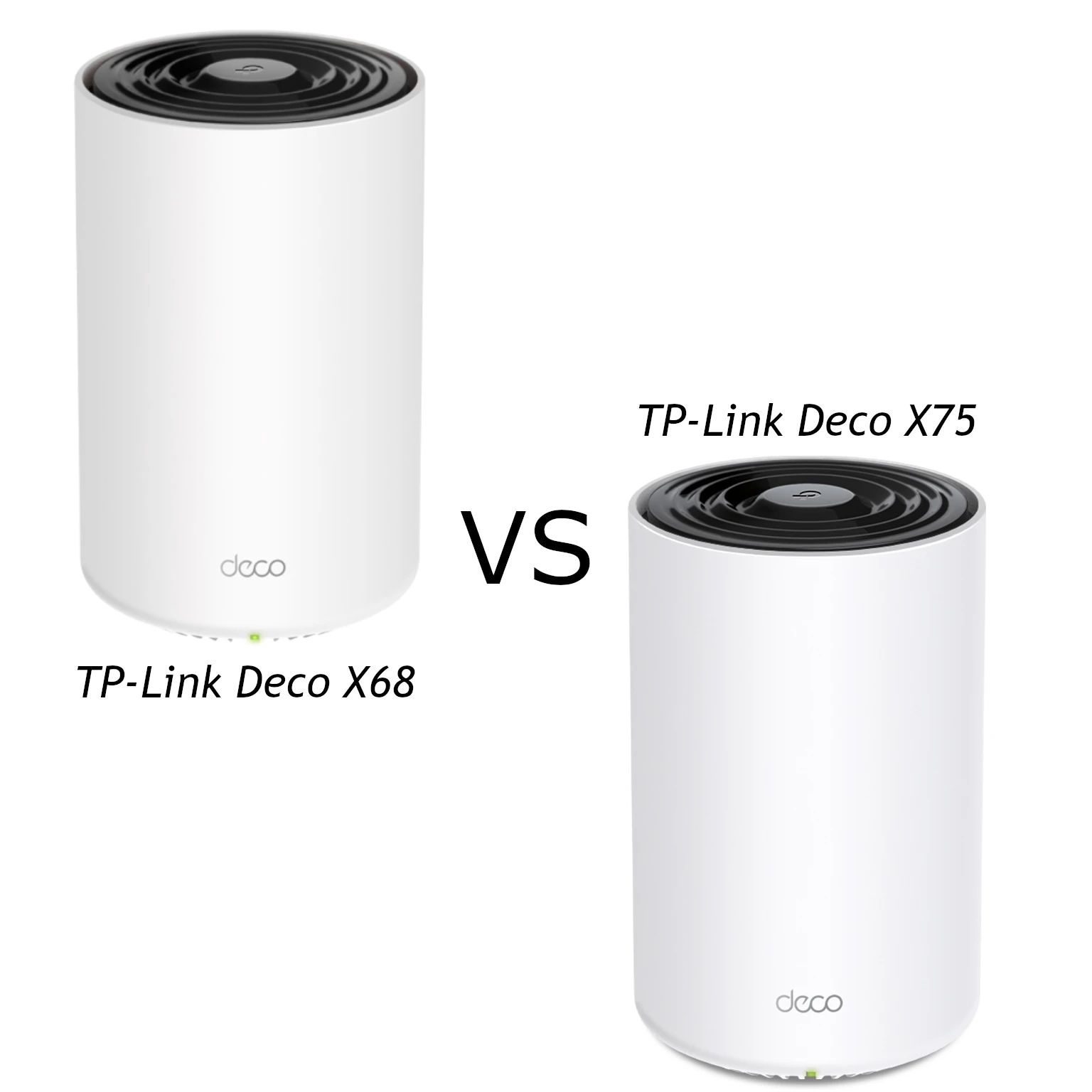
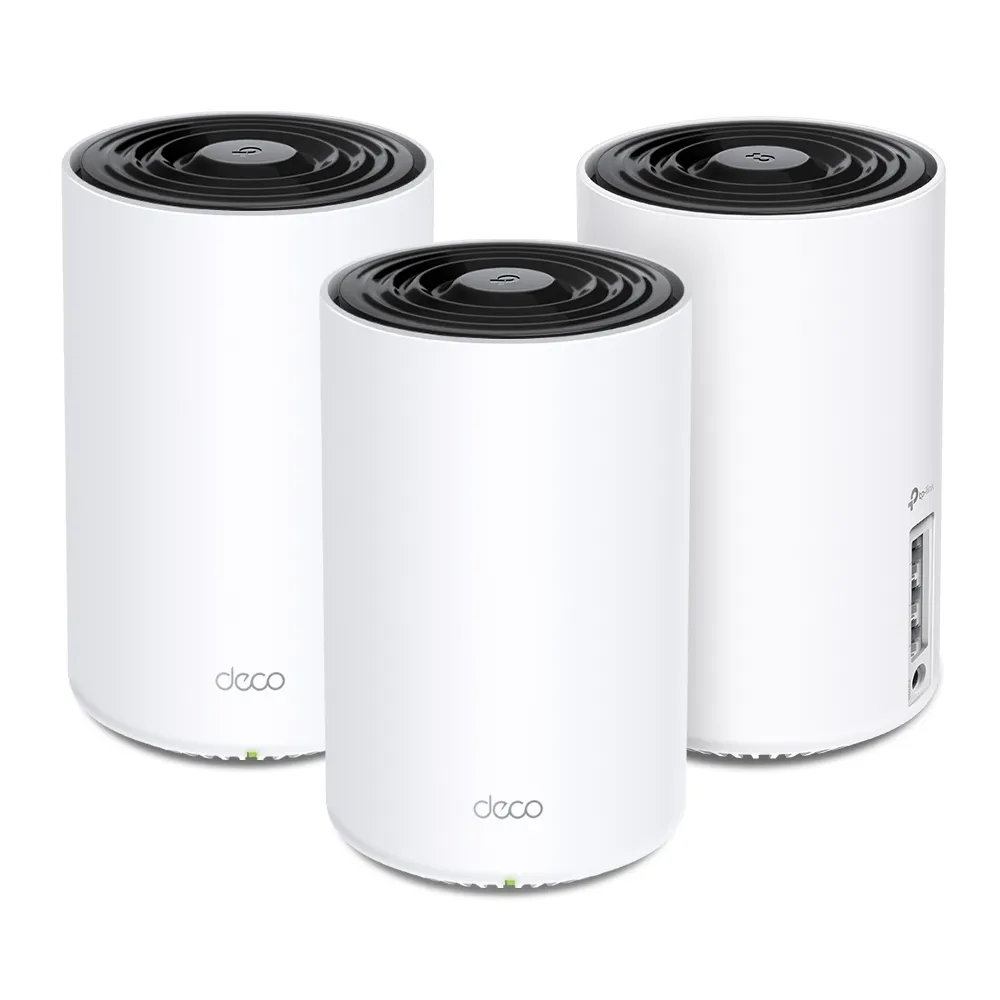
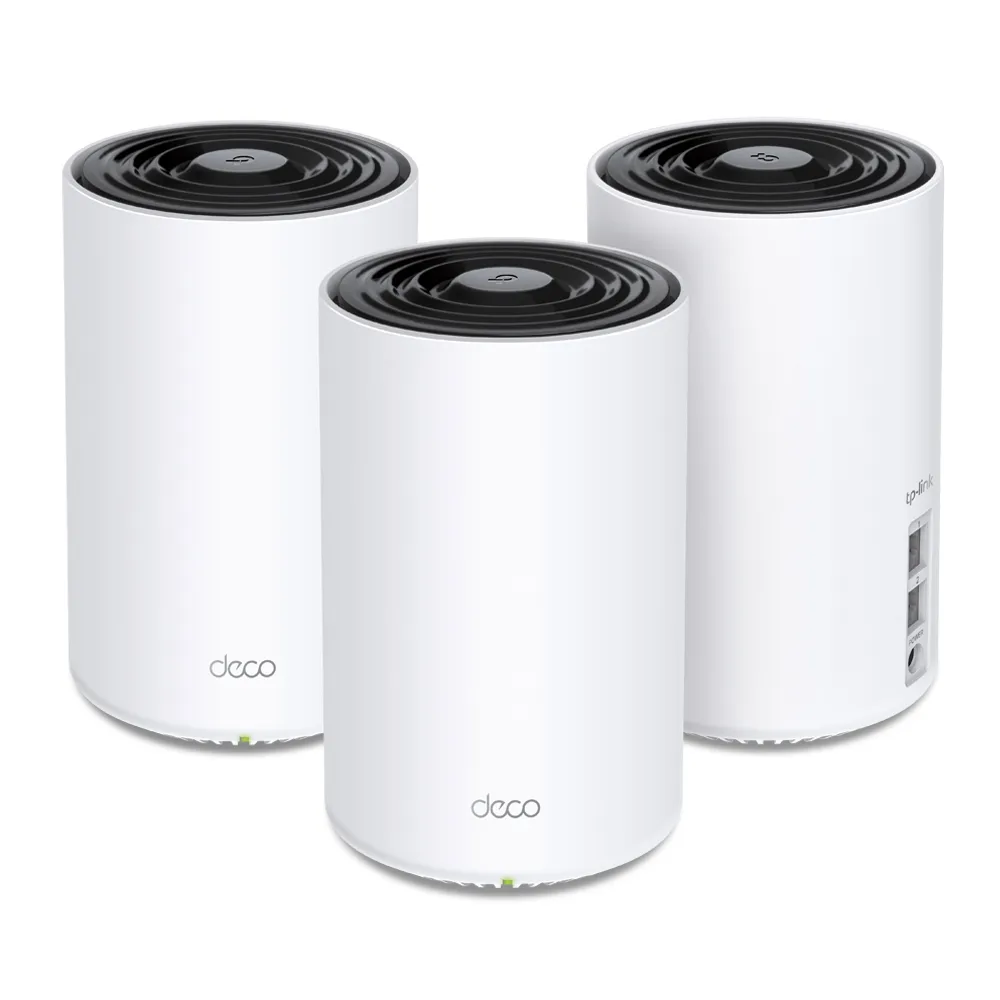
The TP-Link Deco X68 and X75 are both tri-band Wi-Fi 6 mesh systems with 2.4GHz and two 5GHz radios. Neither has a 6GHz radio. Their most useful differences are the published rates of those radios, channel-width capability and two versus three Gigabit Ethernet ports per unit.
I see the X68 as the budget-oriented option when the price is attractive, and the X75 as the stronger candidate for households wanting higher advertised wireless capacity and more direct wired connections. That choice should still reflect your clients, floor plan and local support options. A larger speed-class number does not prove that a particular room will be faster.
Radio specifications compared
The exact product pages list the following capabilities. The rates are maximum physical connection rates, before protocol overhead and real-world limitations.
| Feature | Deco X68 | Deco X75 |
|---|---|---|
| Wi-Fi class | AX3600, Wi-Fi 6 | AX5400, Wi-Fi 6 |
| 5GHz radios | 1802 Mbps and 1201 Mbps | 2402 Mbps and 2402 Mbps |
| 2.4GHz rate | 574 Mbps | 574 Mbps |
| Streams in total | Seven | Six |
| 5GHz channel-width context | 80MHz radios in TP-Link's US X68 disclosure | HE160 listed for both 5GHz radios; regional limits apply |
| Ethernet per unit | Two Gigabit WAN/LAN ports | Three Gigabit WAN/LAN ports |
| Manufacturer three-pack coverage | Up to 7000 square feet | Up to 7200 square feet |
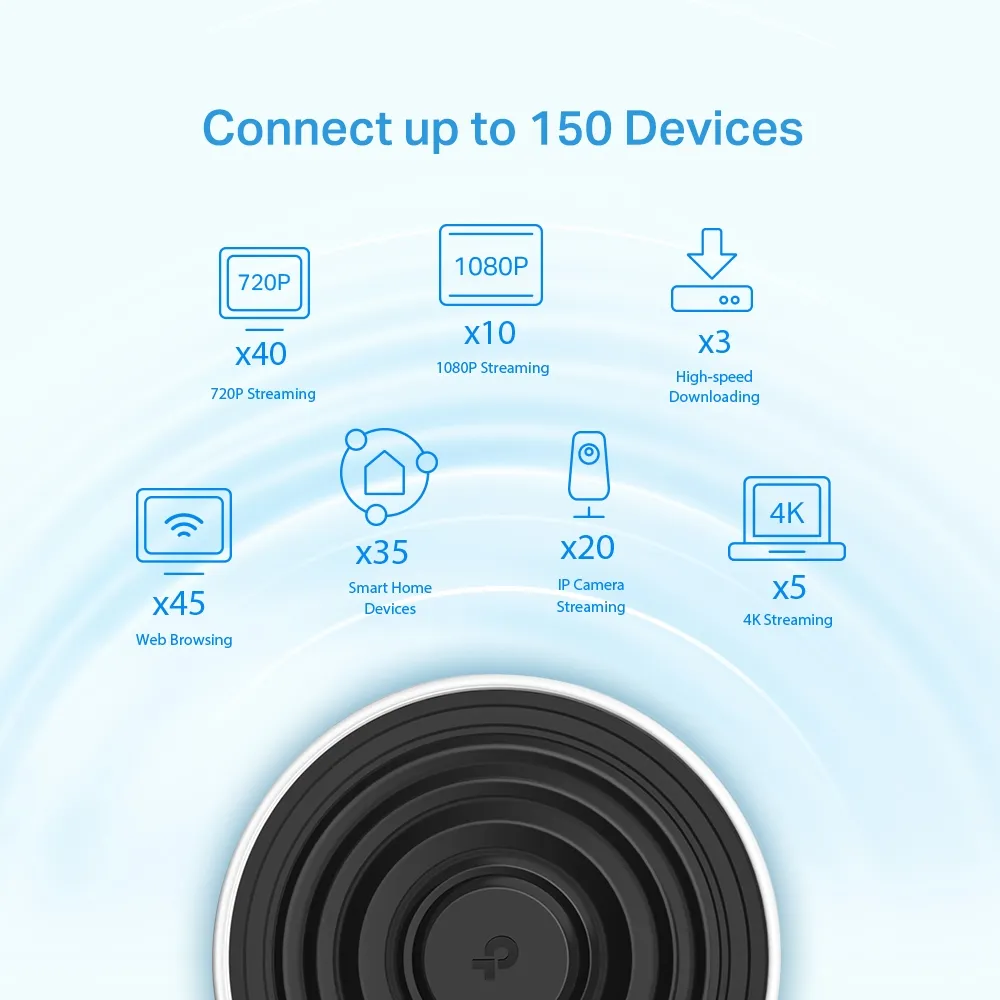
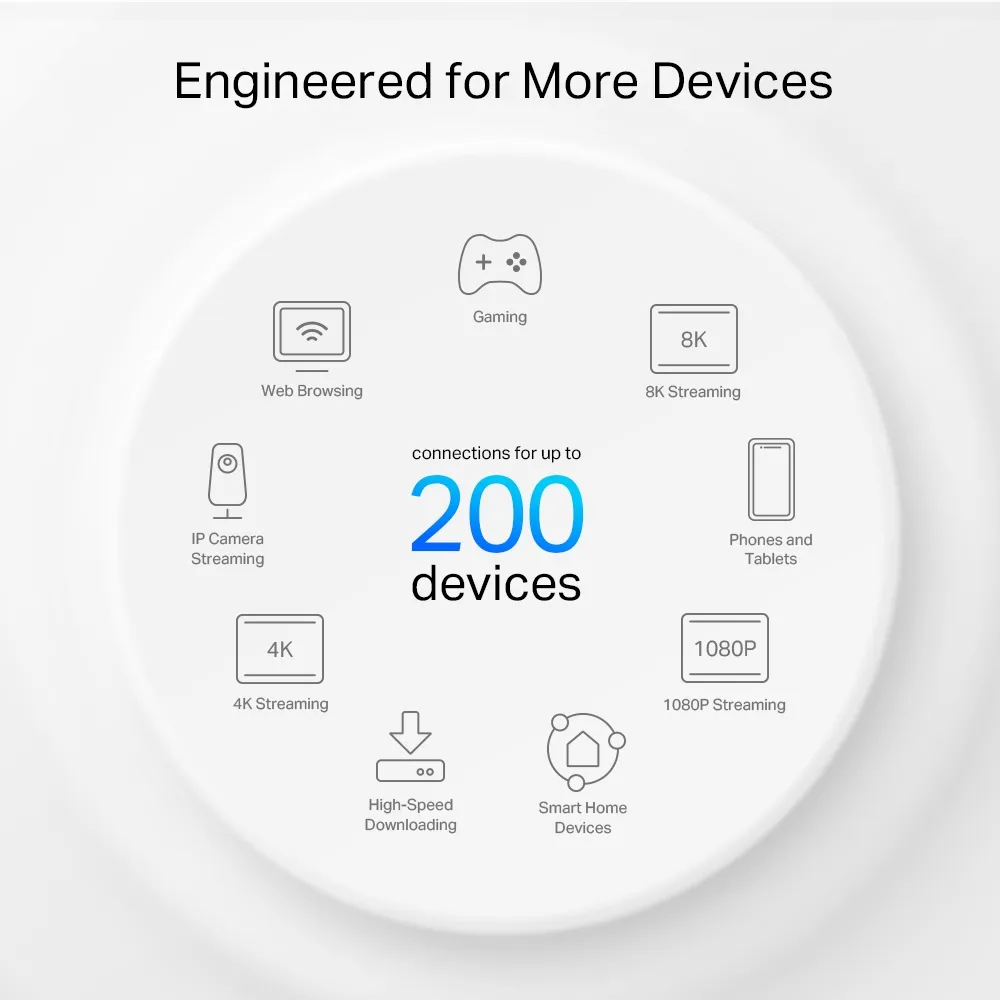
| Advertised connected-device count | Up to 150 | Up to 200 |
| Security service | HomeShield | HomeShield |
The X68's seven streams do not make it automatically faster than the six-stream X75. Streams are distributed across radios. The X75's wider 5GHz channels provide a higher published rate despite that lower total. One client uses a particular radio with its own capabilities; it does not combine all the kit's streams and all three bands into one AX5400 connection.
A compatible 160MHz client can make better use of the X75's advertised 2402Mbps 5GHz link than an 80MHz-only client. That advantage depends on the client, available spectrum, signal and regional restrictions. A congested environment or a narrower negotiated channel can reduce it. No measured 25% speed improvement follows from these specifications alone.
What the extra radio means for mesh
Mesh nodes connect your devices to a single managed network, while backhaul carries traffic between the nodes and the main router. Both models offer an additional 5GHz radio compared with a typical dual-band kit. TP-Link describes the X68 as using tri-band Wi-Fi backhaul, so treating one radio as an exclusively reserved and completely unhindered link is too simplistic.
When buying for wireless satellites, consider both halves of the journey: the client-to-node link and the node-to-router link. A fast connection shown on a laptop does not establish that the backhaul can carry data at the same speed. Placement, traffic and intervening walls affect the result. More nodes also need somewhere with a useful upstream signal.
Ethernet backhaul is supported by both. It removes dependence on a wireless inter-node path, but these models' wired connections are Gigabit. If your goal is to carry multi-gigabit internet or NAS traffic through the router's Ethernet path, neither model provides a 2.5Gbps upgrade. A faster cable or switch cannot increase a Gigabit port's negotiated rate.
Count the ports you will actually have free
In router mode, the main unit normally uses one port for the modem or upstream service. That leaves one X68 port or two X75 ports for direct LAN connections. A wired satellite also uses a port for backhaul, leaving one or two respectively. This is a practical distinction at a desk with a desktop and printer, or an entertainment area with a console and TV.
A compatible Gigabit switch can add connections to either system. Plan its uplink and the devices sharing it instead of assuming all ports can deliver separate full-speed transfers through the same router link. If most endpoints already connect to an existing switch, the X75's extra port may have less value to you.
Follow TP-Link's Ethernet backhaul topology guidance. In router mode, put downstream nodes on the main unit's LAN side rather than wiring every Deco beside the main router into the upstream modem. Verify link speed and topology before attributing a slow wired satellite to the wireless model choice.
Interpret coverage and device claims sensibly
The difference between 7000 and 7200 square feet is not a measured coverage boundary. Both figures are vendor planning estimates for a three-pack. Walls, floors, construction materials, neighbouring networks and node positions can matter more than that small numerical difference. Match the kit size to useful node locations, not just the home's advertised floor area.
Likewise, 150 or 200 connected devices does not mean that many simultaneous high-bandwidth streams. A thermostat's traffic differs greatly from a backup, several cameras and a video call. List your busy activities and where they happen, then prioritise those rooms during placement and testing.
Mesh can make roaming more convenient, but clients still influence when they switch nodes. A single network name is not a guarantee that every phone always picks the closest unit or that calls can never pause. Wi-Fi 6 efficiency features also require compatible clients; older equipment remains limited by its own capabilities.
Security features and support
Both published specifications list WPA3-Personal and HomeShield, rather than HomeCare. Read the WPA2/WPA3 comparison before choosing settings for older clients. HomeShield includes basic free functions and paid options; confirm the features you need and their current plan conditions.
OFDMA can help compatible clients share radio resources, but it cannot remove a slow internet subscription or weak backhaul. Router and access-point modes also provide different functions. If another router handles your network, check which parental-control, QoS and gateway features remain available in AP mode.
Check firmware and lifecycle information for the exact hardware revision before buying discounted stock. TP-Link's September 2026 US EOS list includes X68 two-pack revisions 1.0 and 1.6 with an end-of-sales date of 9 January 2024. Its policy distinguishes end of sales from end of maintenance, which is usually three years later but can vary. This is not a universal shutdown date for every X68 or X75; verify local support and replacement terms.
Which one makes more sense?
I would consider the X68 where it offers a worthwhile saving and meets the household's needs. The X75 remains my preference between these two when its HE160 capability and extra Ethernet port are useful, especially for a busy home with compatible clients. Compare the actual prices and revisions instead of assuming the X68 must always be cheaper.
Neither kit can promise a specific wall-throughput result, power draw or uninterrupted coverage from these specifications. For their official details, retain the Deco X68 page and Deco X75 page.