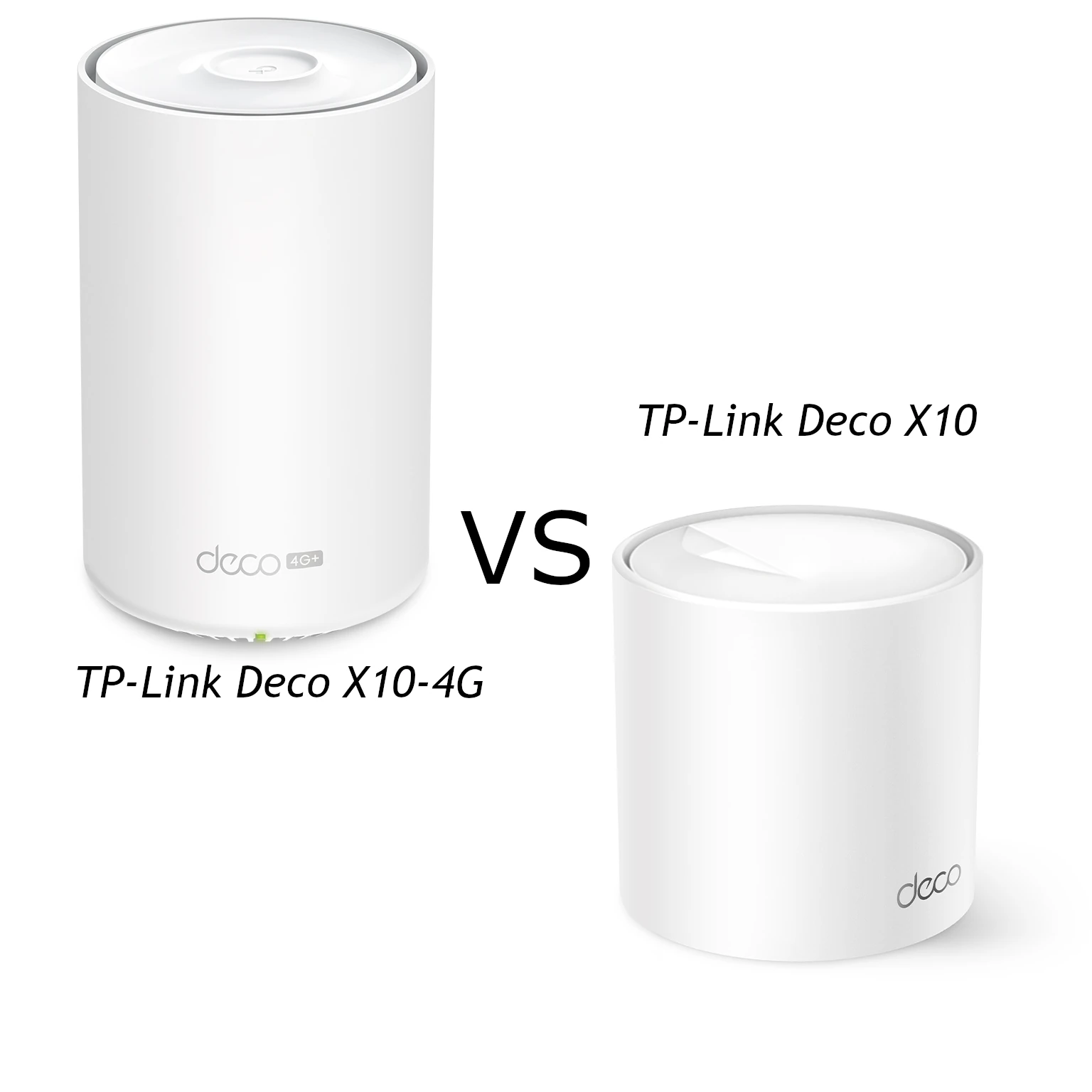
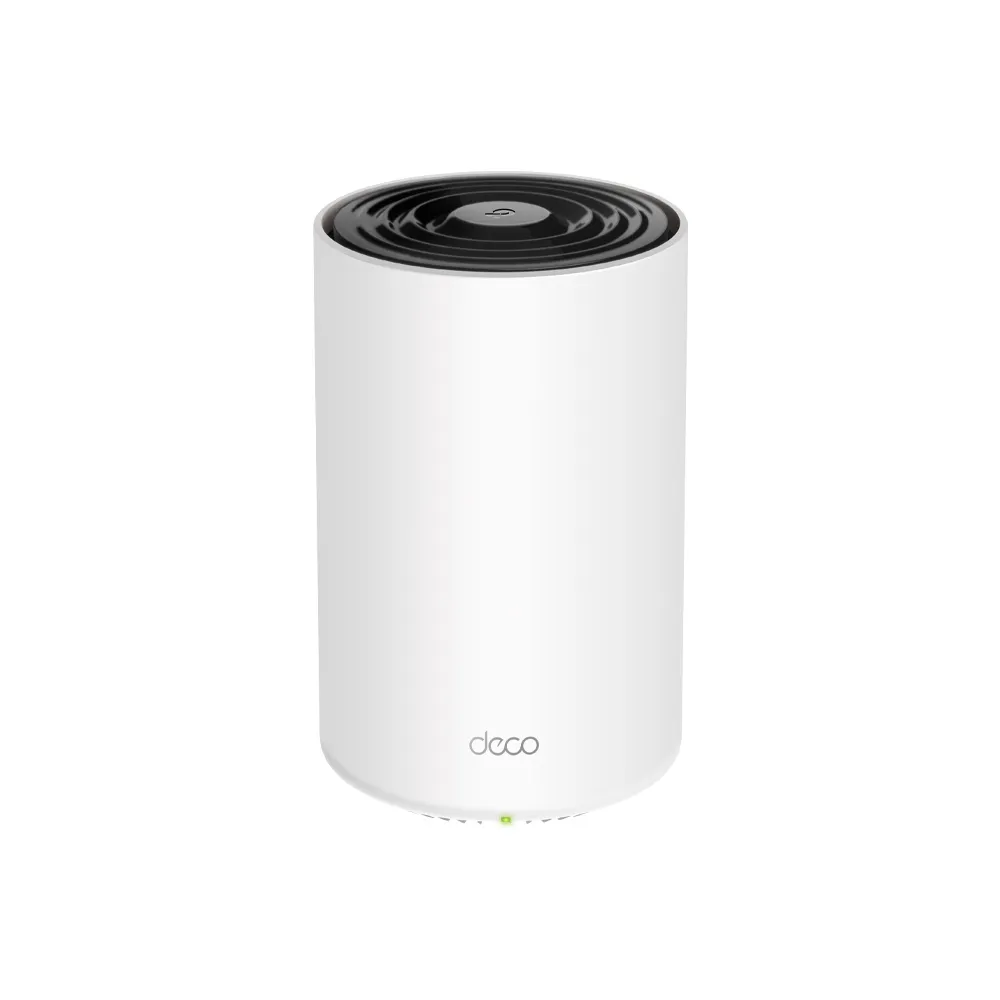
The TP-Link Deco X10-4G combines a cellular modem with a dual-band AX1500 mesh gateway. It can provide mobile internet where fixed broadband is unavailable, or serve as a backup to a wired connection in an appropriate configuration. Our view is that it is a useful option for homes with unreliable broadband, rural properties and households that value an alternative connection.
The buying decision has two parts: can the chosen mobile network provide useful service at your location, and can the mesh cover your home? A strong Wi-Fi connection to a node does not prove a fast cellular connection to the tower. Check both paths before treating the unit as a replacement for fixed broadband.
Separate mobile internet from local Wi-Fi
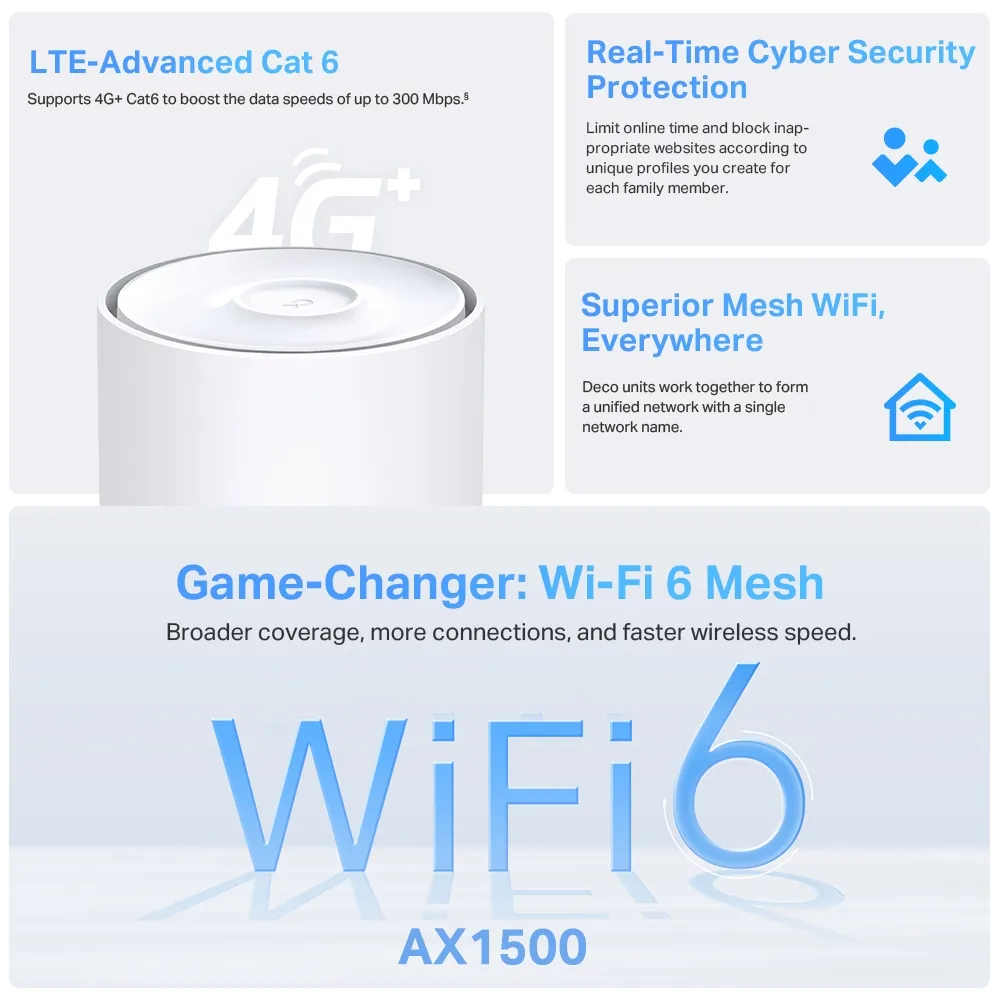
The X10-4G supports LTE-Advanced Cat6 with a manufacturer maximum downlink rate of up to 300 Mbps. That is a modem capability, not an expected download result in every area. Carrier bands, plan conditions, tower capacity, radio conditions and the installed hardware’s regional support all affect what you receive.
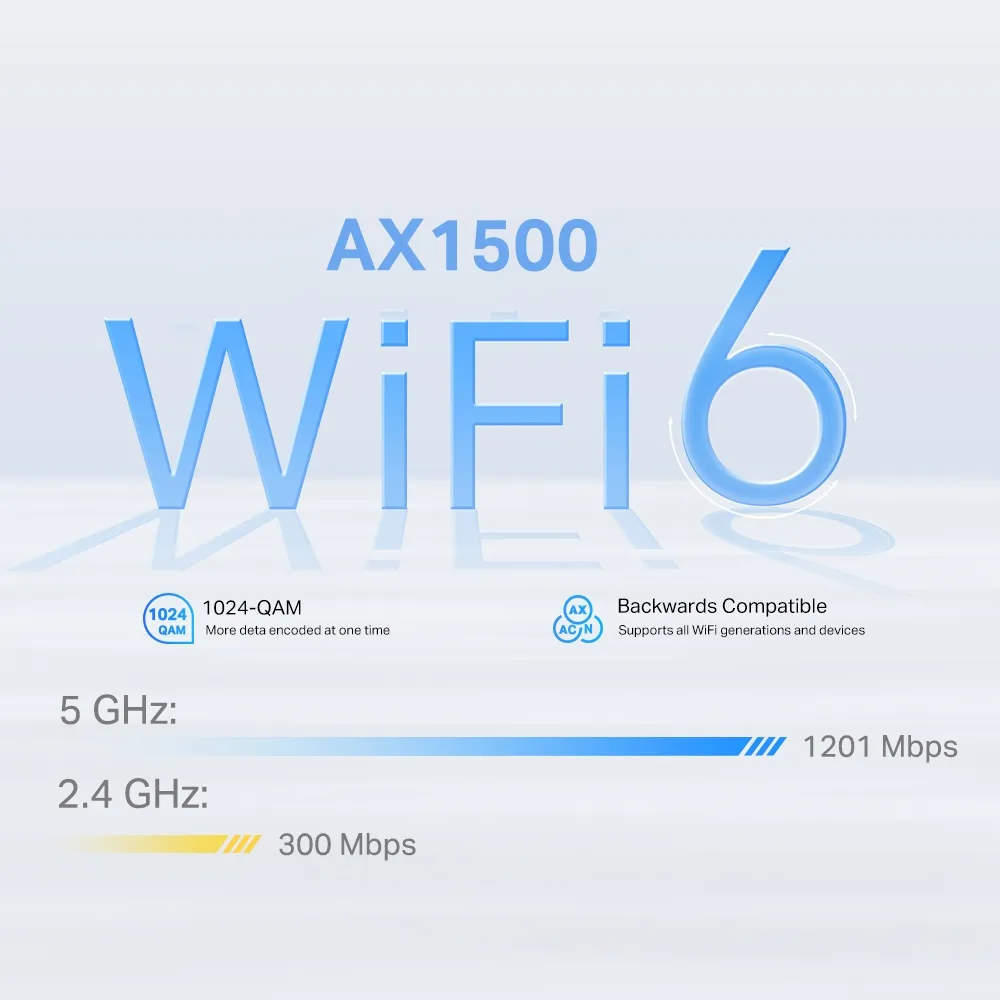
Locally, the documented rates are 1,201 Mbps on 5 GHz and 300 Mbps on 2.4 GHz. Their combined class is AX1500. They describe maximum physical Wi-Fi rates, not an internet connection obtained by adding mobile broadband to Wi-Fi. A local file transfer and an internet download can encounter different bottlenecks.
Wi-Fi 6 applies to the 5 GHz radio in the cited specification; the 2.4 GHz radio uses 802.11n and older compatible standards. Supported MU-MIMO and OFDMA features require compatible clients for their corresponding benefits. Older devices can still connect without gaining all newer capabilities.
Verify the hardware and connectors
| Item | Documented X10-4G specification |
|---|---|
| Cellular | 4G+ LTE Cat6; up to 300 Mbps downlink |
| SIM format | Nano-SIM |
| Local Wi-Fi | AX1500: 1,201 Mbps on 5 GHz + 300 Mbps on 2.4 GHz |
| Ethernet | Three Gigabit WAN/LAN ports |
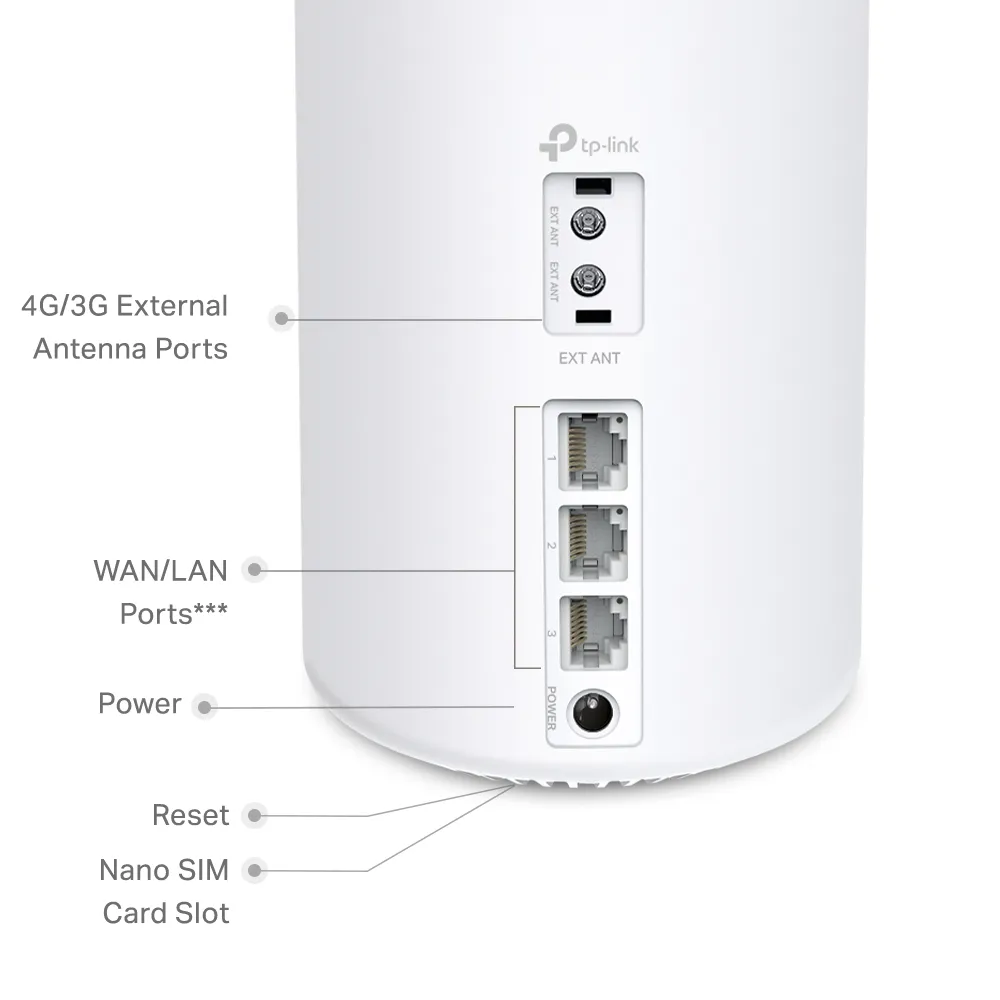
| External cellular interfaces | Two SMB sockets; supplied SMB-to-SMA adapters |
| Manufacturer single-unit coverage estimate | Up to 2,100 square feet / 190 square metres |
| Security service | HomeShield, with basic and paid advanced features |
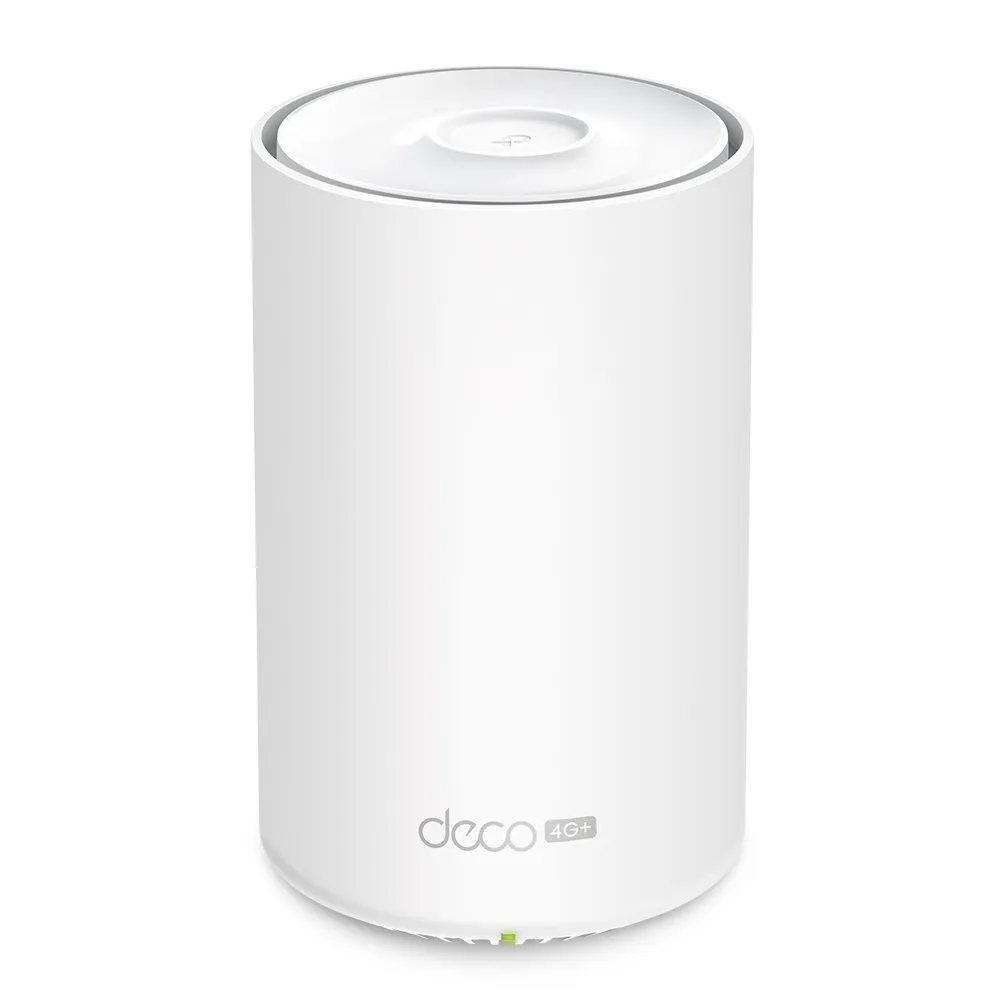
Check the exact regional model and firmware. A nano-SIM fitting the slot does not establish worldwide carrier compatibility or permission to use a particular mobile plan in a router. Compare the carrier’s bands and service requirements with the unit’s official specifications. This model is a 4G gateway; it does not acquire 5G service simply because a plan or SIM is marketed for 5G.
Find a useful mobile connection
Begin by trying suitable indoor positions where the gateway receives a stable mobile signal, then assess both download and upload performance at the times you normally work. Calls, cloud backups and cameras can depend heavily on upload capacity. A fast result at an otherwise quiet time may not represent the busiest period.
If mobile service does not connect, check SIM activation, available data, any PIN requirement and the carrier’s settings. The correct account or internet profile matters; more mesh satellites will not fix an inactive SIM or an unsuitable carrier plan. Use the app’s status information to distinguish a cellular problem from a local Wi-Fi problem.
The external antenna interfaces serve cellular reception, not the client-facing Wi-Fi radios. The unit’s documented sockets are SMB, with adapters supplied for SMA connections. Match antenna bands, connectors and installation requirements to the manufacturer’s guidance. An antenna change can help a suitable radio path, but cannot guarantee a particular speed improvement or remove carrier congestion.
Configure and verify backup behavior
When the cellular Deco is the main gateway in Wi-Fi router mode, the documented 4G/5G Backup function can use its SIM connection when the wired service fails. The shared app guide shows a backup option under advanced settings, with menus varying by firmware and model. Confirm the actual option offered by your installed X10-4G and ensure the SIM can connect before depending on it.
Newer supported Deco combinations can also offer Hybrid Mesh Backup, using a cellular Deco as a satellite. TP-Link qualifies support by model and firmware; ordinary mesh compatibility alone does not prove that every combination can use this arrangement. Check the matching release notes and available app settings before adding a cellular node to an existing system.
Failover can restore internet access, but should not be described as preserving every session without interruption. Changing the upstream connection may require an application or VPN to reconnect. Test the work you actually rely on: disconnect the wired service in a controlled check, confirm that the app shows mobile backup, then restore the connection and verify the return to wired service.
Also plan for power. A mobile connection does not keep the gateway, satellites, switches or modem running during a power failure. Use suitable equipment and the specified power supply requirements if continuity through outages matters. A nominal 12 V input is not a reason to attach the device directly to an arbitrary vehicle battery.
Manage data allowances and operating costs
The app guide documents mobile data monitoring, configured limits and warnings. It also allows manual correction when the displayed total is inaccurate. Treat those figures as a useful management aid, while checking the carrier’s own billing and allowance information. A warning cannot guarantee that the provider will never charge an overage.
Before enabling backup, consider cloud backups, large game downloads, video streaming and cameras that may continue using data during an outage. Decide which activities can wait and verify the available controls. A long fixed-line outage can consume a small mobile allowance quickly even when the backup connection performs well.
The shared mobile app documentation also provides SMS send/receive functions in supported cellular or backup modes. This can help with carrier messages without moving the SIM to a phone. Availability and menus depend on the model and software; avoid assuming that every carrier message or account function is supported identically.
Plan mesh coverage and wired devices
The X10-4G works with other Deco units to extend the shared network. Use the cellular gateway’s position to obtain a good mobile signal, then place satellites to serve the rooms you need. A single-unit coverage estimate is a vendor planning claim, not a promise through any wall or floor. Roaming also depends on clients and conditions.
Three Gigabit sockets provide more wired flexibility than a two-port description suggests. In wired router operation, the WAN connection consumes one socket. Ethernet backhaul and local devices use the remaining sockets, so a switch may be useful. A wired device on a wireless satellite still traverses the wireless mesh upstream.
Where practical, use the documented Deco Ethernet backhaul topology. In router mode, wired satellites belong behind the main gateway’s LAN side. Confirm the path in the app rather than assuming a connected cable guarantees correct backhaul. The Gigabit interfaces and radio paths retain their limits regardless of whether internet access comes from LTE or a modem.
Security and our buying view
The model documentation lists WPA3 options with compatible-client requirements. HomeShield is the appropriate service name, and advanced packages can require a subscription; it should not be presented as universal protection included forever. Our WPA2 versus WPA3 guide provides background.
Access-point and cellular-bridge arrangements have different responsibilities from using Deco as the main router. Check the mode’s supported functions and put routing, addressing and security policy on the device responsible for them. An access-point layout should not be assumed to retain Deco gateway features or the same cellular-backup behavior.
We still consider the X10-4G a versatile choice when its mobile modem and mesh capabilities match the need. For rural access, prioritize carrier suitability and reception; for backup, prioritize a verified switching arrangement and a sensible data plan. Compare the complete cost with a standard mesh plus another backup option before buying. See the official X10-4G specification for the regional hardware details.