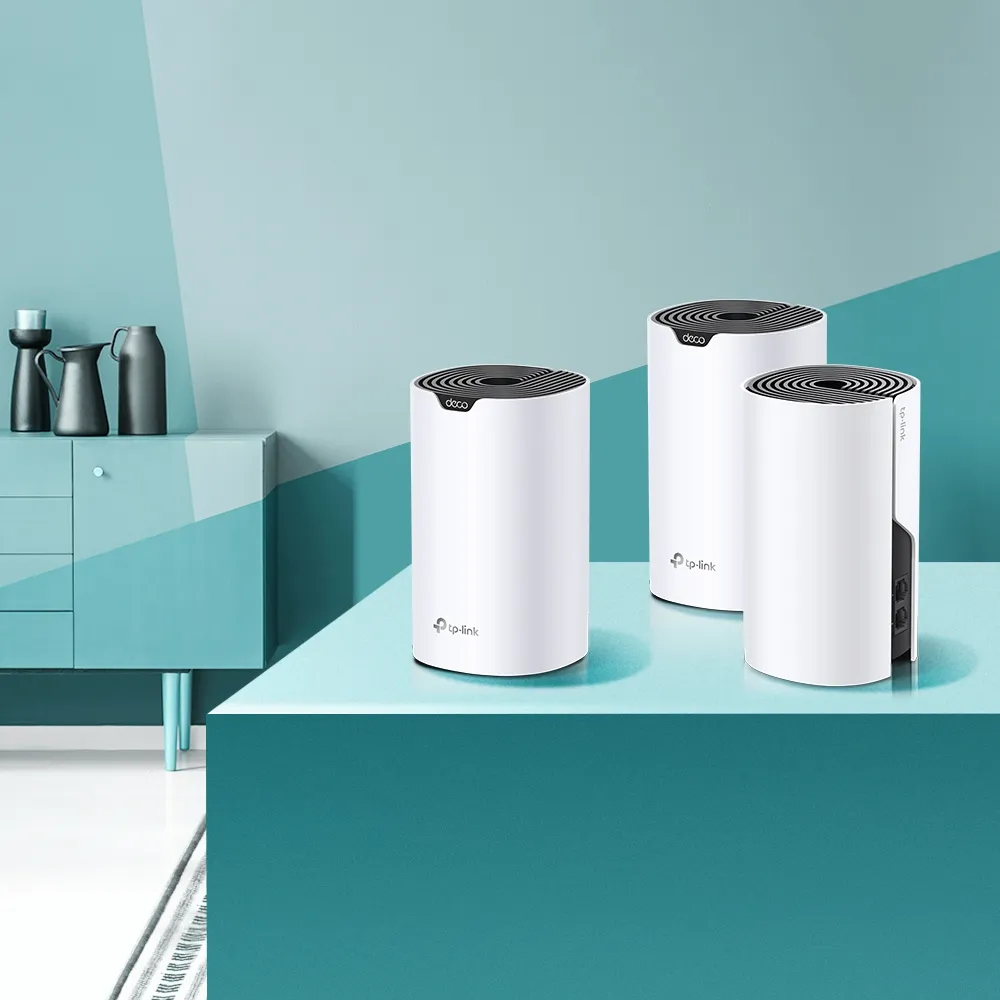
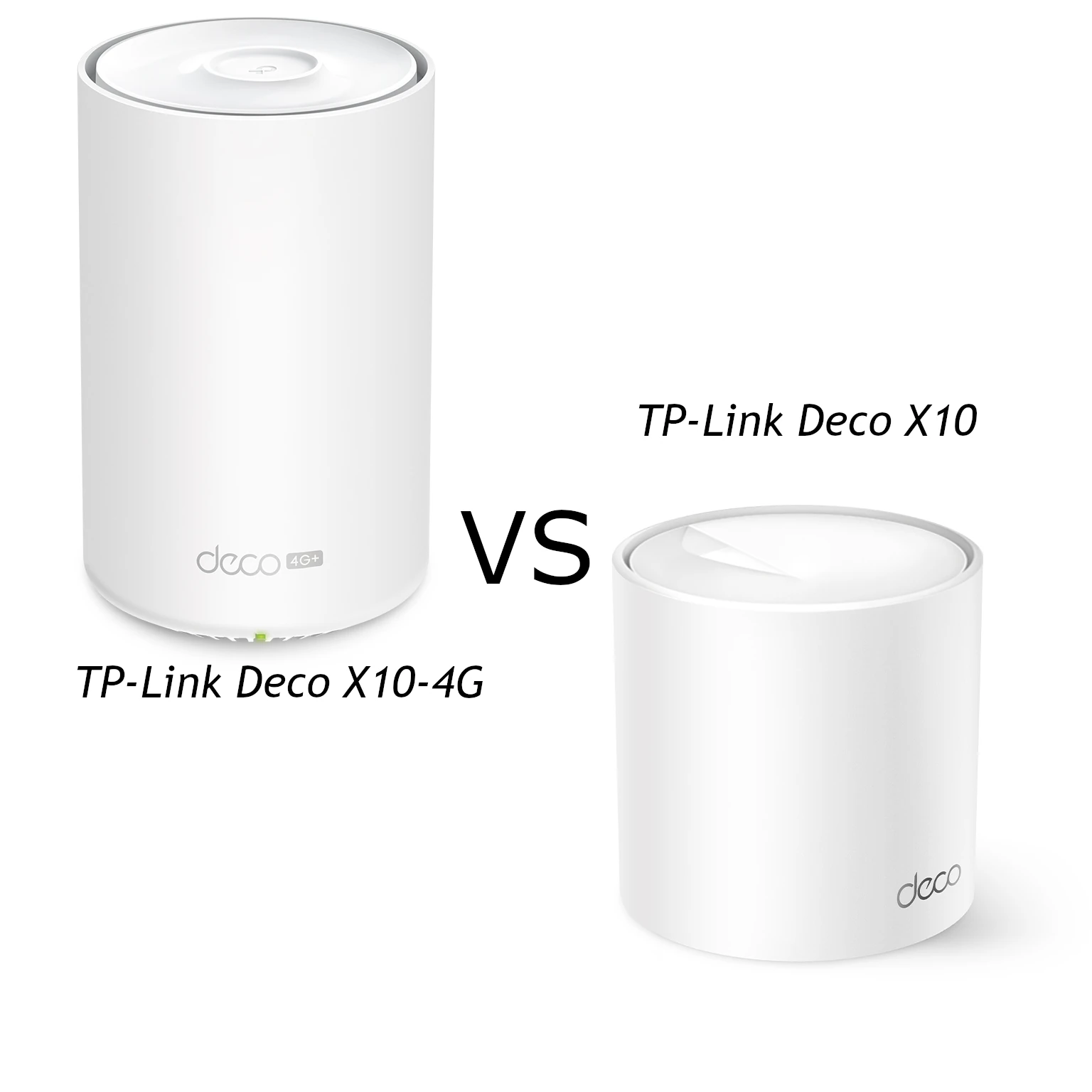
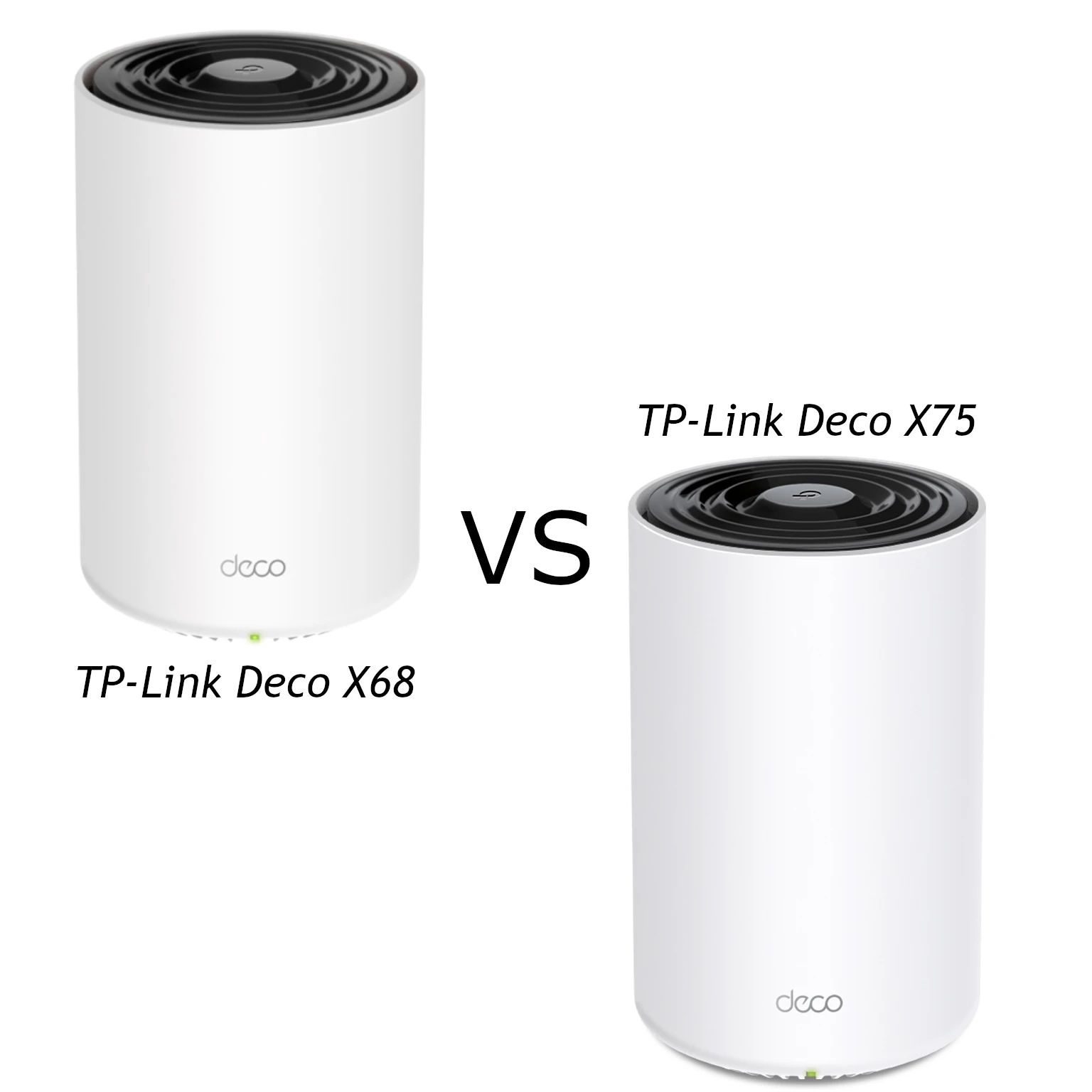
The TP-Link Deco X50-4G combines a built-in LTE gateway with AX3000 Wi-Fi 6 and Deco mesh networking. Its main advantage is flexibility: it can provide internet from a suitable SIM where fixed broadband is unavailable, or offer mobile backup for an unreliable wired service. It remains worth considering if a discounted kit suits your needs, even with the Deco X50-5G also available.
My view is that the price of this 4G model can matter more than newer features for many home users. That depends on the actual local price and carrier service. It is not a claim that LTE is always faster, cheaper or more reliable than 5G. Check the service you can obtain at the intended location before choosing either gateway.
Verified specifications
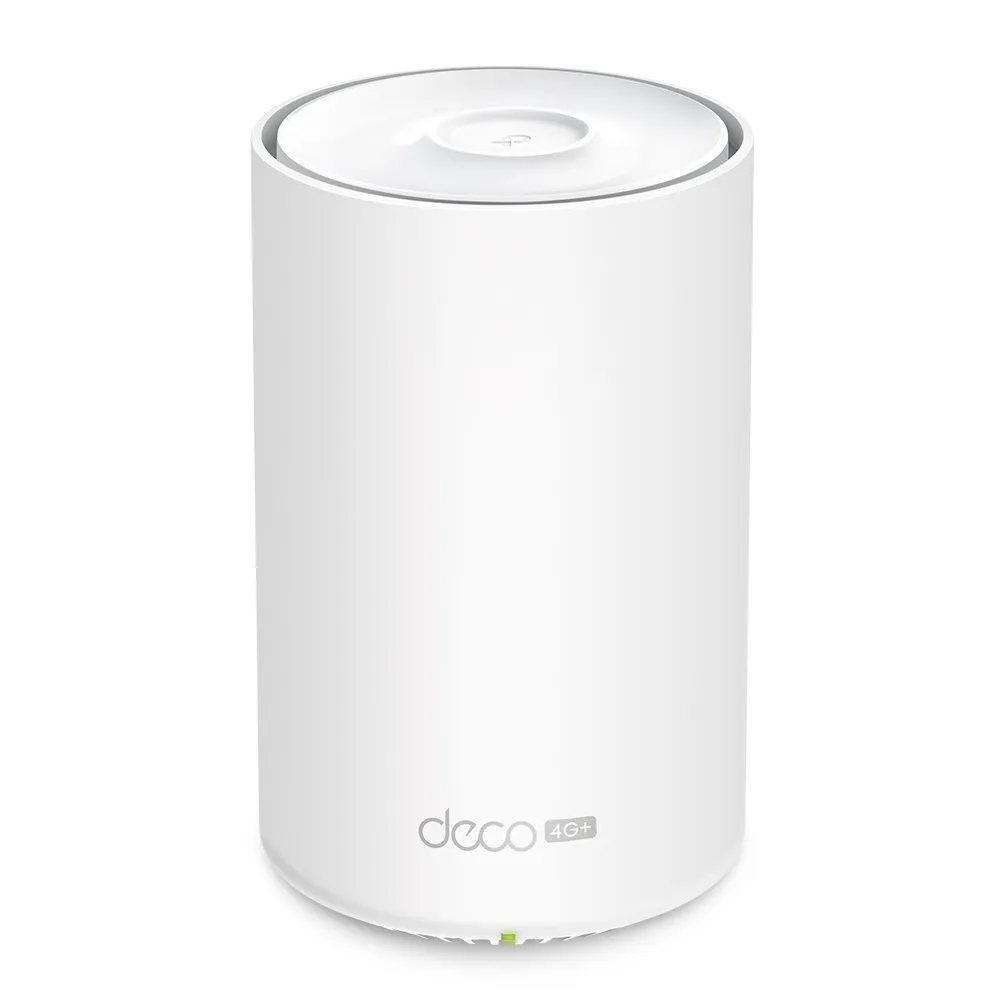
The V1 product page and EU datasheet describe this configuration:
| Feature | Deco X50-4G |
|---|---|
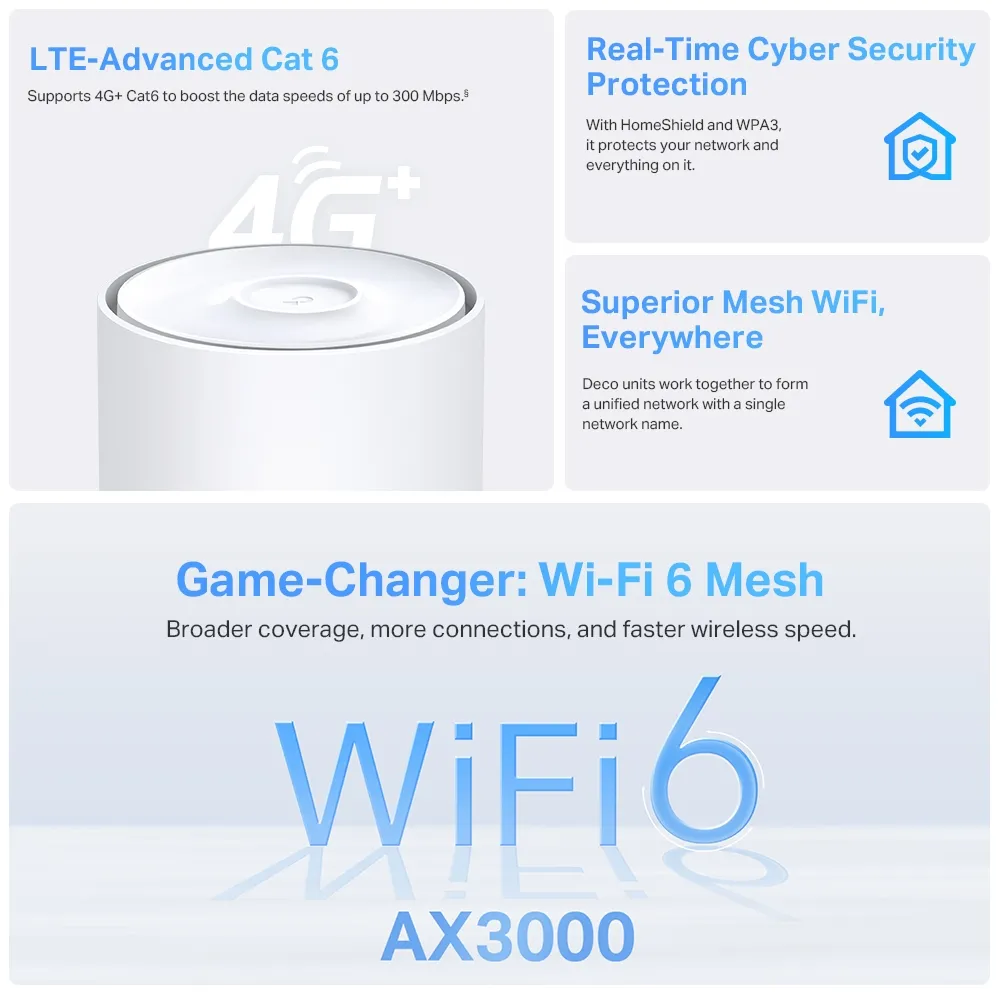
| Mobile broadband | LTE-Advanced Cat6, advertised downloads up to 300Mbps |
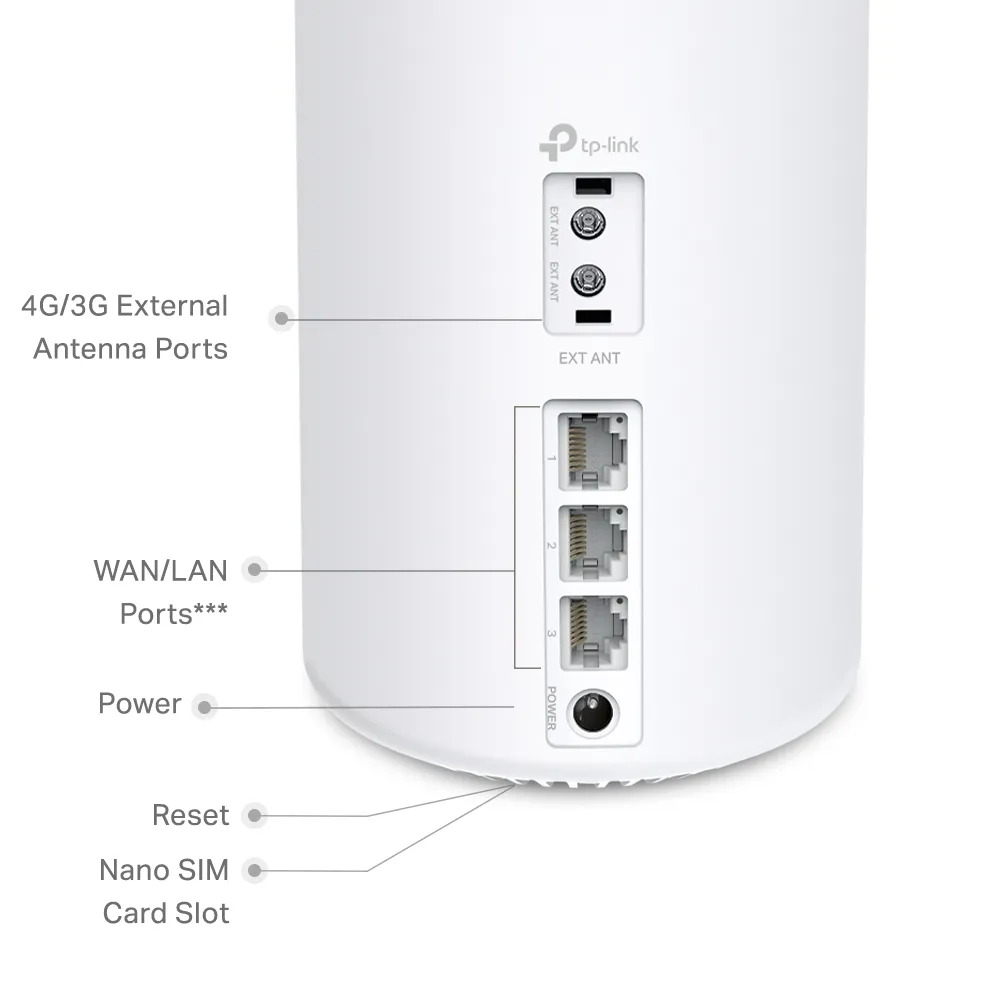
| SIM | Nano-SIM |
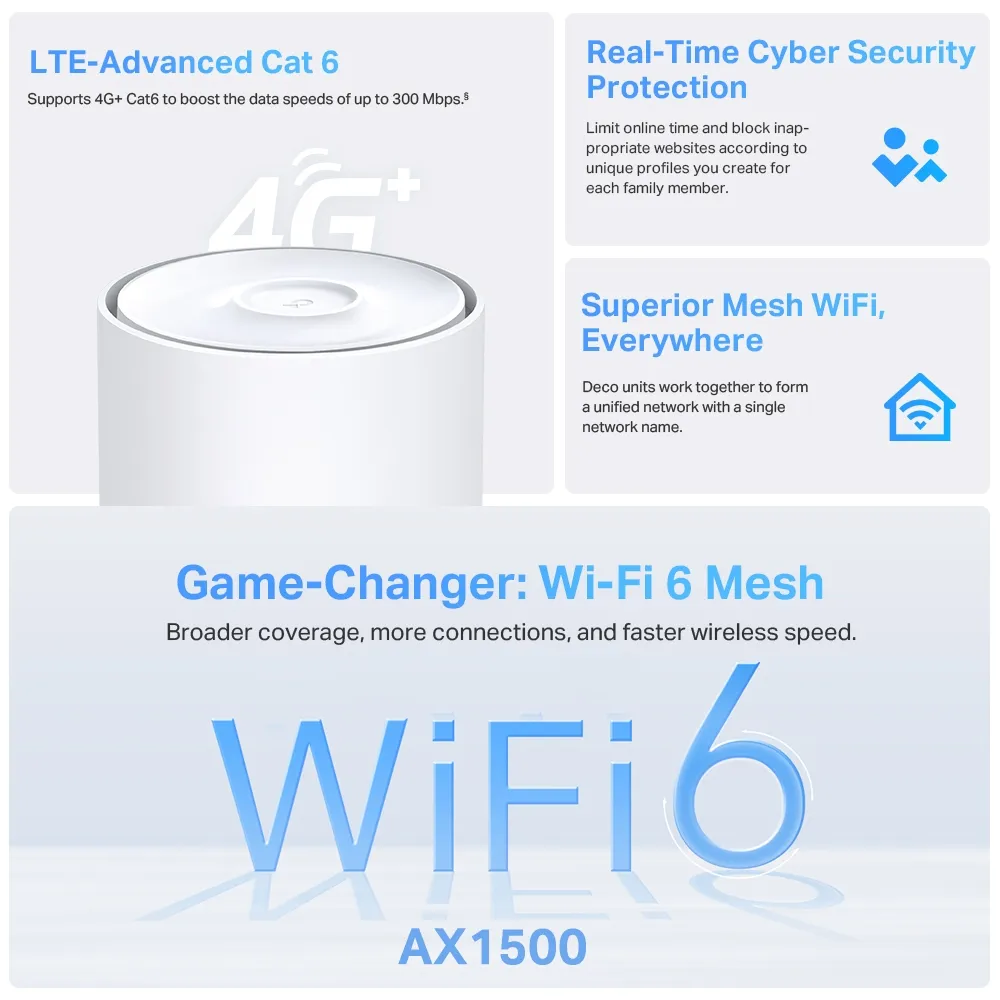
| Local Wi-Fi | Dual-band AX3000 Wi-Fi 6 |
| Physical band rates | 2402Mbps at 5GHz; 574Mbps at 2.4GHz |
| Ethernet | Three Gigabit WAN/LAN ports |
| External antenna interfaces | Two SMB interfaces; two SMB-to-SMA female adapters supplied |
| Internal antennas | Two LTE and two Wi-Fi antennas listed |
| EU V1 processor | 1.7GHz quad-core |
| Modes | Mobile router, wireless router and access point |
The LTE maximum and Wi-Fi rates describe different connections. AX3000 adds the two radios' theoretical physical rates; a phone does not receive a 3Gbps internet download over a 300Mbps LTE service. Actual cellular performance depends on the operator, plan, supported bands, signal and network load. Local network transfers can follow a different path and face different limits.
Choose the carrier and plan first
Verify that the exact regional unit supports your operator's LTE bands, then check whether your plan permits use in a router. A compatible SIM may still need the right APN, PIN settings or account activation. Do not assume a model bought in another market will work with every named operator merely because the SIM fits.
Test reception in several suitable indoor positions, including near a window, and assess busy-hour service rather than only an early-morning speed result. A phone using the same carrier can provide an initial indication, but its modem and antennas differ from the Deco. Compare real work requirements such as upload capacity and call stability, not just download speed.
Consider total plan cost, allowance, throttling and roaming conditions. Streaming, cloud backups and automatic downloads can consume a limited allowance quickly. If the gateway is a backup, decide what traffic is essential during an outage and how you will notice that the mobile connection has taken over.
Wi-Fi 6 and mesh expansion
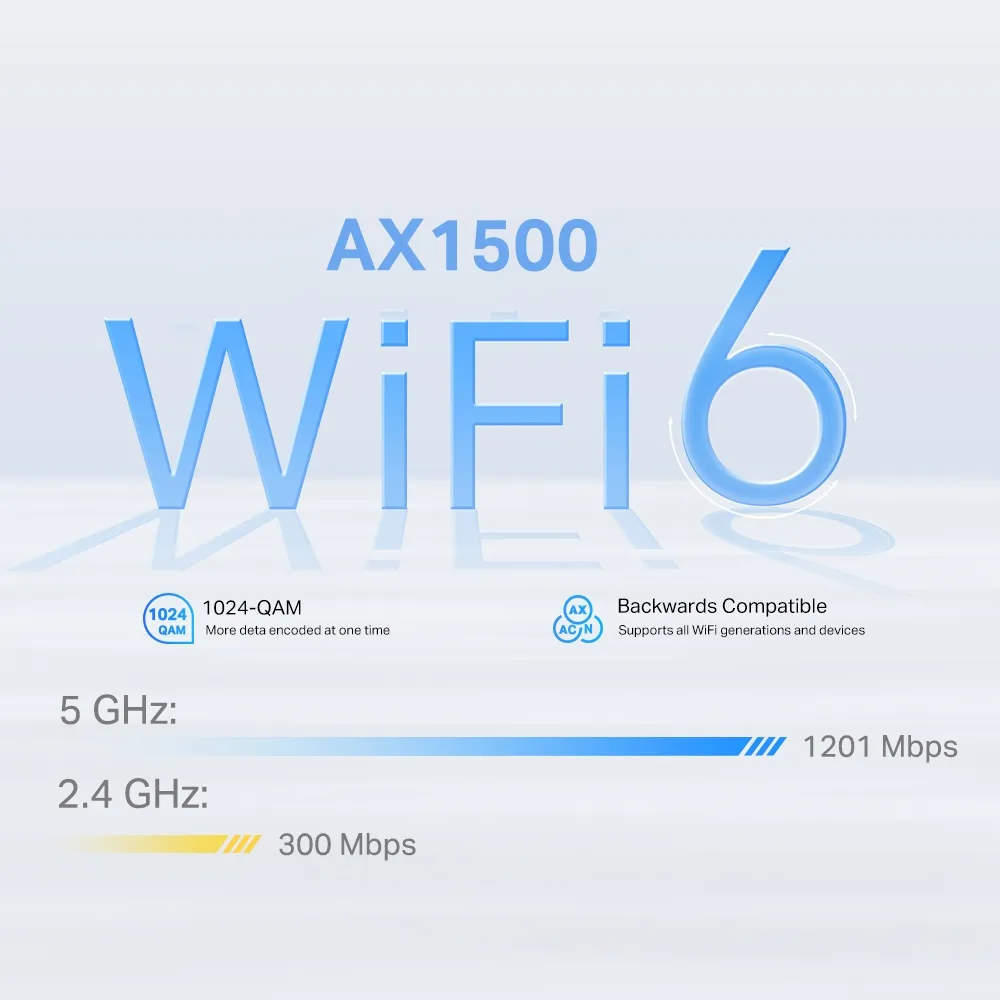
This is a dual-band Wi-Fi 6 model, not a Wi-Fi 6E or Wi-Fi 7 system. Its 2402Mbps 5GHz maximum depends on compatible channel-width and client capabilities; the datasheet qualifies 160MHz availability by region. MU-MIMO and OFDMA can help suitable clients share resources, but cannot create more LTE capacity.
Additional Deco units can extend the network. Place wireless satellites where they have a useful backhaul connection, rather than inside the deepest dead zone. One managed network name simplifies use, while roaming behaviour still depends on the client and environment. Mesh cannot guarantee equally strong coverage in every room.
Check what is actually in the box. The EU V1 datasheet lists the two-pack as one X50-4G plus one ordinary X50, and the three-pack as one X50-4G plus two X50 units. Those additional units provide coverage; they do not each contain another SIM modem. Confirm your seller's regional package before assuming all nodes have cellular backup.
Ethernet and the free-port budget
Three Gigabit ports offer useful flexibility. In mobile-router mode, they can connect local devices or suitable wired backhaul. In wireless-router mode, using one as WAN leaves two for the LAN. A satellite and desktop can therefore be connected directly without an extra switch if the topology permits.
Ethernet backhaul can avoid a weak wireless path, but the ports remain Gigabit. A multi-gigabit switch or premium cable does not increase the speed of the gateway's Gigabit uplink. Follow the documented LAN-side topology when the Deco acts as your router, then confirm each link's negotiated speed before blaming slow performance on Wi-Fi.
What backup can and cannot do
The Deco app guide documents mobile backup in Wireless Router mode, with the cellular settings available after backup is enabled. Verify that the SIM provides internet on its own, select the correct Ethernet WAN port, and test failure and recovery locally. Do not assume an access-point configuration retains all router or backup functions.
Automatic switching can restore access after the primary service fails, but it cannot guarantee an unbroken call or VPN session. The public address and route may change, and fault detection takes time. Test a disconnected WAN cable and a connected modem whose upstream service has failed; those are different situations.
The mobile network and router still require power and a working operator service. A backup plan that depends on the same local power or infrastructure outage may fail too. Record the expected recovery behaviour and have a way to reconnect while investigating a longer outage.
External antennas and power
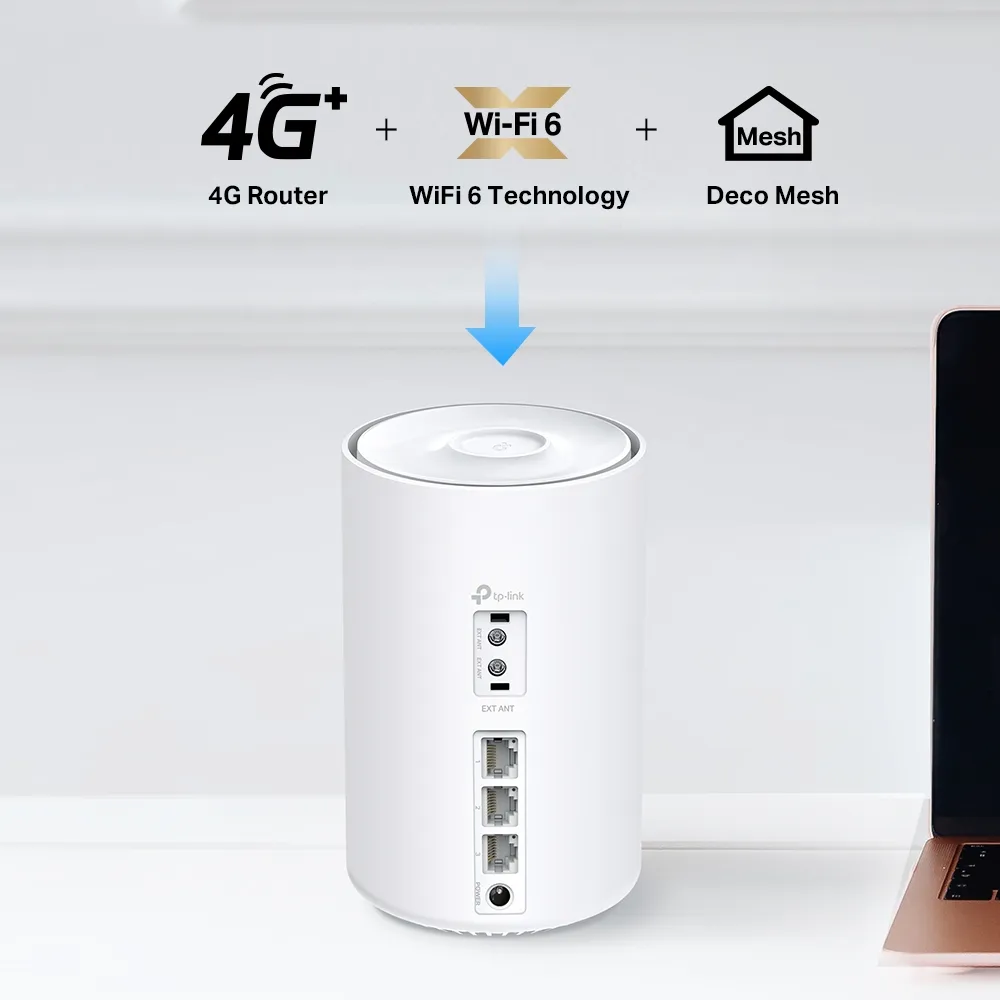
The two sockets on this model are SMB interfaces, with supplied adapters for compatible SMA antenna connections. Match the connector, frequency bands and cable requirements. Both cellular antenna connections need to be installed and the external option enabled locally in the app where required. They improve cellular reception, not the coverage of the home Wi-Fi radios.
TP-Link does not guarantee a gain from third-party antennas. Compare placement and antenna configurations rather than promising that any directional panel will deliver a particular dB improvement or 80Mbps service. Manual band selection is documented for supported Deco cellular models and firmware, but a wrong selection can reduce service or disconnect it; retain automatic selection as a baseline.
The EU V1 datasheet lists a 12V, 1.5A adapter. That rating is not a measurement of normal power use and does not authorise a direct connection to an unregulated vehicle or marine battery. Use the specified supply or a compatible regulated power solution, keep ventilation clear and follow the model's indoor operating conditions.
Management and buying verdict
The app provides data usage settings, warnings and SMS, with availability depending on mode and local management. Compare its counter with the carrier's billing record; a local estimate cannot guarantee that all overage charges are prevented. HomeShield has free basic functions and paid options, and WPA3 requires compatible clients. Keep firmware and account security maintained.
I still regard the X50-4G as a solid, adaptable option when the price and LTE service are right. For rural access or occasional backup, buying it on sale can make sense. If your carrier's 5G service materially improves the connection you need, compare the total cost with a 5G gateway rather than buying solely on the lower price.
Use the official X50-4G page and exact regional support documents to check the kit before purchase.