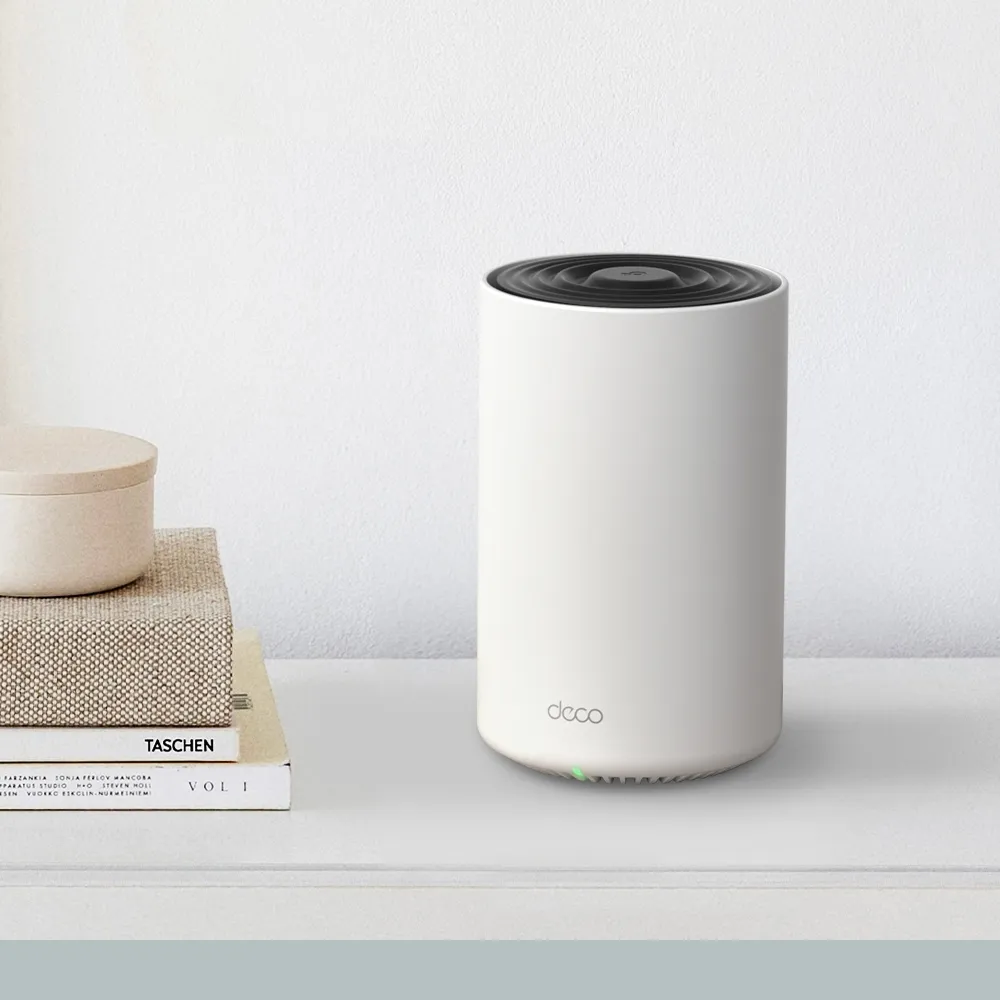
Imagine placing speakers in several rooms for a family gathering. Each needs a good connection to the music source for the result to work well. Mesh Wi-Fi has a similar practical requirement: placing more units around the house helps only when the connections between them are usable. The TP-Link Deco X75 is a compelling option for households wanting wider coverage and app-based management, with some important limits to understand before buying.
The X75 uses tri-band Wi-Fi 6 and coordinated Deco nodes. One unit connects to your modem or existing network, and the others extend access. Its value lies in matching the layout and clients, rather than promising that every dead zone disappears or every call survives movement between rooms.
What Wi-Fi 6 contributes
Wi-Fi 6, or 802.11ax, includes mechanisms aimed at using airtime efficiently when compatible devices share a network. OFDMA divides resources among supported clients, while MU-MIMO can serve multiple streams. Their usefulness depends on clients and traffic; they do not guarantee a fixed speed increase for every older device.
Target Wake Time is a Wi-Fi 6 mechanism that can let supported clients coordinate wake periods. It is not a promise that every connected battery device lasts longer. Wi-Fi 6 is also no longer the newest generation: choose it because its capabilities and cost fit your household, not because the name guarantees permanent future-proofing.
Radio and hardware specifications
The X75 V1 datasheet and model-specific specifications describe the following. These are manufacturer figures, rather than results from a personal installation.
| Item | Deco X75 |
|---|---|
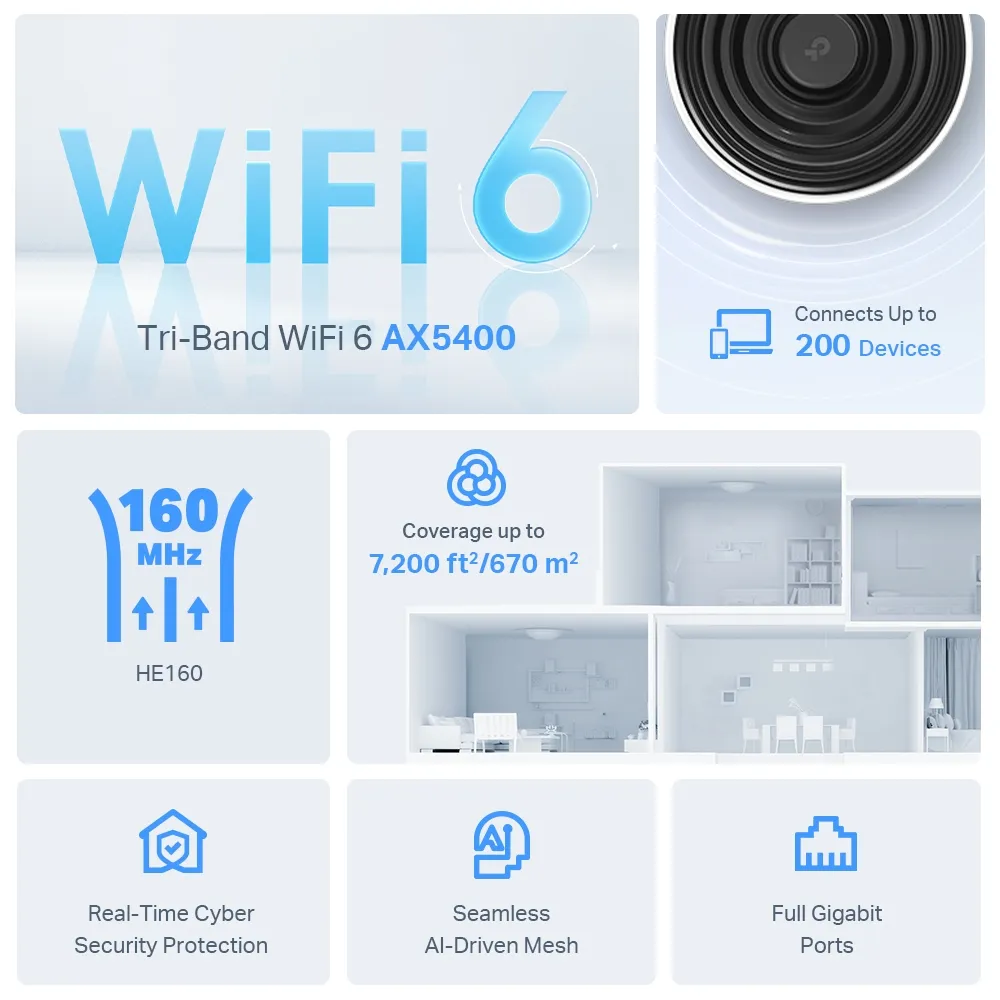
| Wi-Fi | AX5400 tri-band Wi-Fi 6 |
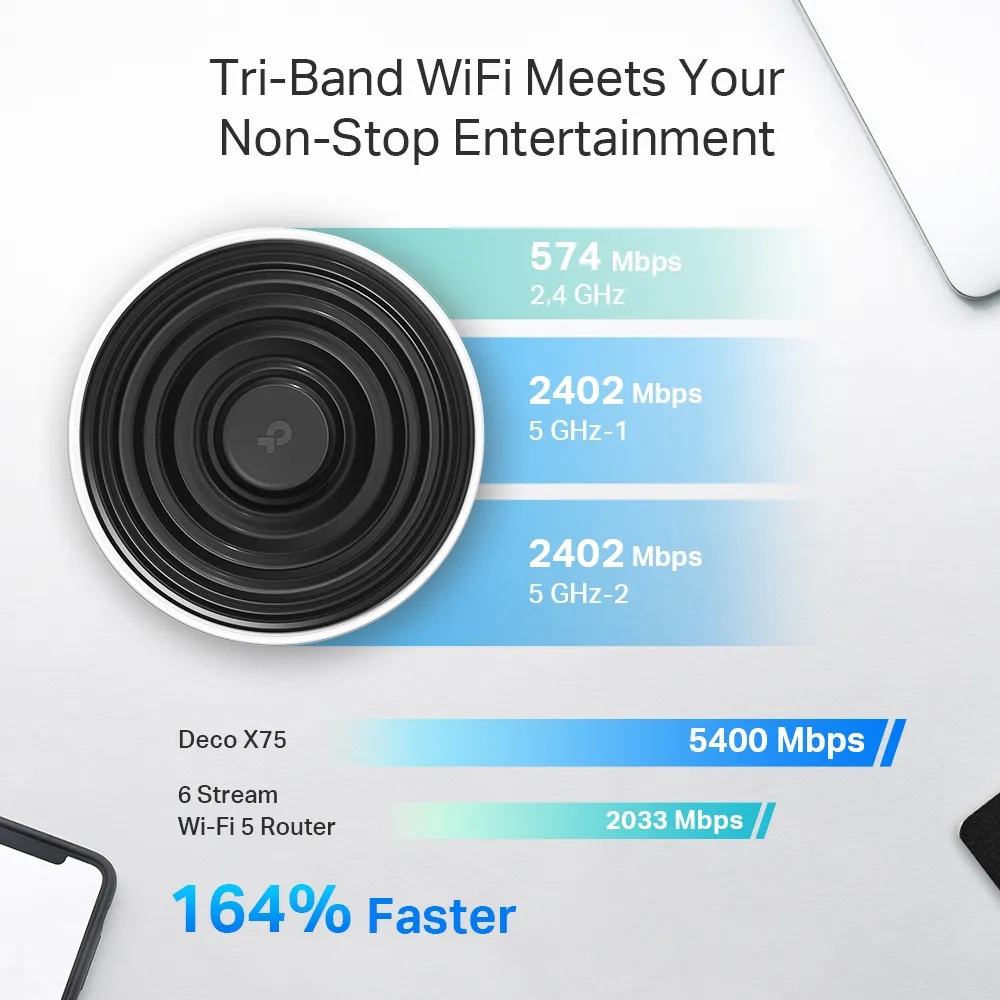
| 5 GHz radio 1 | 2,402 Mbps, HE160 |
| 5 GHz radio 2 | 2,402 Mbps, HE160 |
| 2.4 GHz radio | 574 Mbps |
| Streams/antennas | Six advertised radio streams, 2×2 MU-MIMO; four internal high-gain antennas |
| Ethernet | Three Gigabit ports per unit, WAN/LAN auto-sensing |
| Modes | Router or access point |
| Dimensions | 105 × 105 × 169 mm |
| Management/security | Deco app, WPA3-Personal and HomeShield features with plan limitations |
The AX5400 name adds all radio ratings. It is not a 5.4 Gbps download speed available to one client. A laptop's stream count, channel width, signal and software determine its connection; many clients cannot use all the advertised capability of the system. A Gigabit Ethernet hop also limits a transfer using that hop, irrespective of the combined Wi-Fi rating.
Choose the pack for the layout
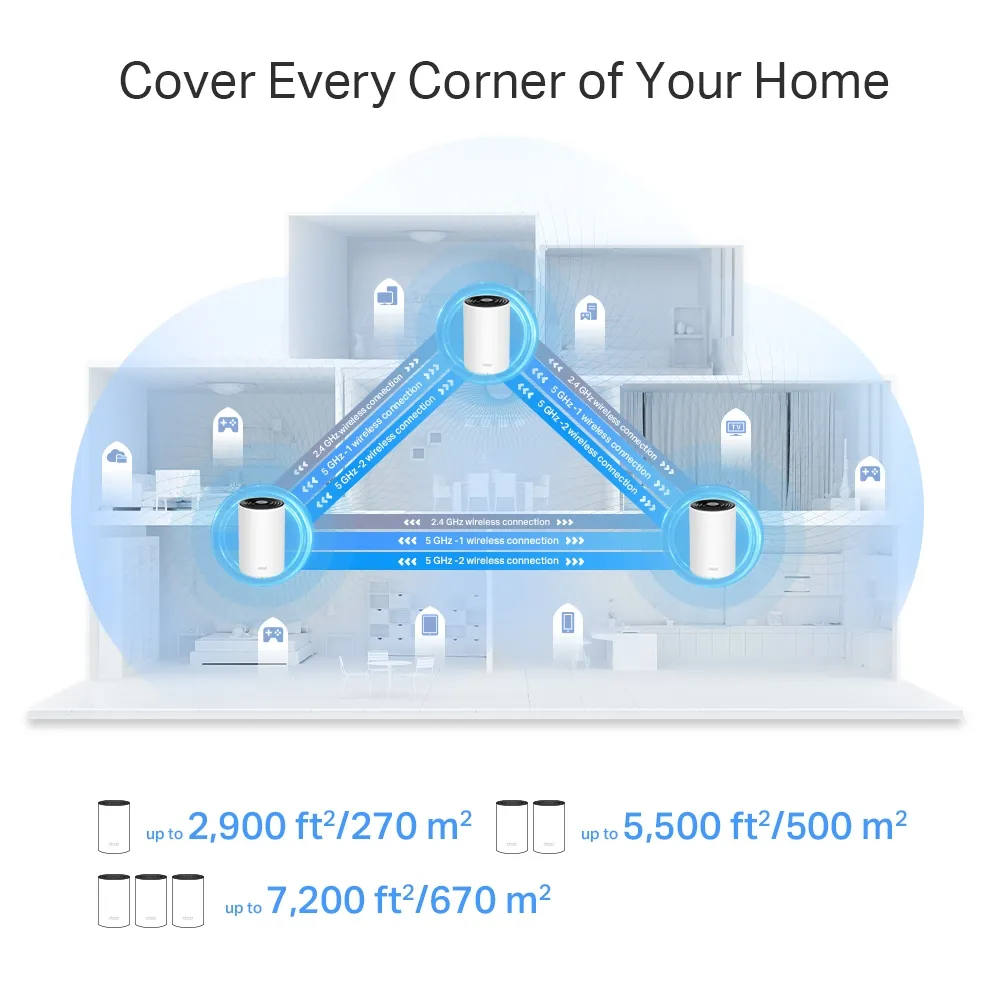
TP-Link advertises coverage up to 2,900 sq. ft. for one unit, 5,500 sq. ft. for two and 7,200 sq. ft. for three. The retained graphics use those pack distinctions. Consider them a starting point for planning, not a guarantee about solid walls, floor construction or a distant garden room.
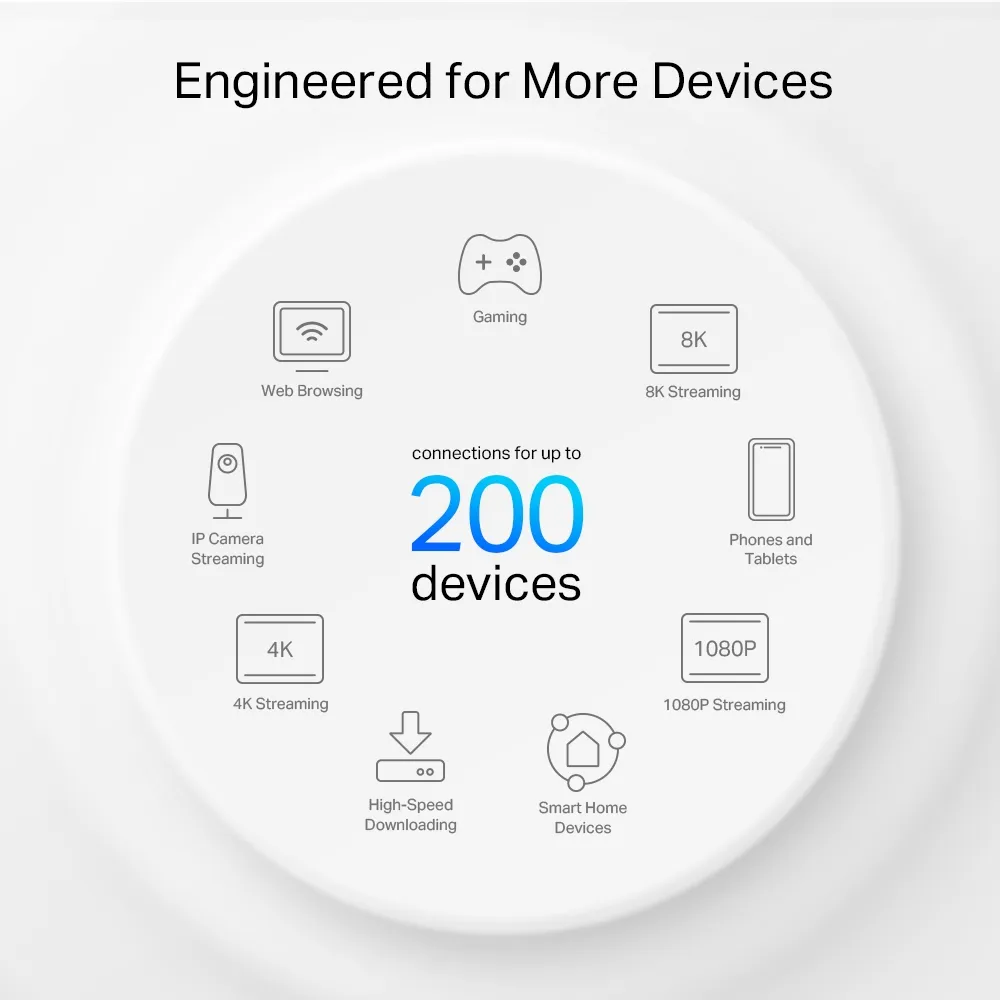
The up-to-200-device figure includes varied workloads, not a promise that 200 clients can each stream at maximum speed. A house full of mostly idle sensors has different demands from simultaneous video uploads, games and backups. Count active tasks as well as the number of connected devices.
Backhaul needs a good path
The connection between nodes is called backhaul. An extra radio offers more resources, but the checked X75 material does not establish one permanently exclusive second-5-GHz backhaul allocation. The coverage graphic depicts node links on all three bands. Avoid assuming that client traffic and backhaul never compete or that a particular band assignment guarantees steady latency.
Place a wireless satellite where it can still reach the main network well, then test the rooms it serves. Putting it in the deepest dead zone may leave it unable to relay data effectively. More nodes are not automatically better if their placement creates poor links or unnecessary overlap.
Where supported, Ethernet backhaul avoids relying on that wireless hop. TP-Link's guide explains creating the network before connecting cables and using the correct Router/AP topology. In router mode, satellites belong behind the main Deco's LAN connection. Verify the link type in the app after wiring rather than judging it only by a cable being plugged in.
Three ports are useful, with simple arithmetic
Only one port on a Deco serves as WAN at a time. On the main X75, the modem uses one socket, leaving two for LAN equipment or backhaul. A wired satellite uses one socket for its uplink, leaving two for clients. A wireless satellite may have all three available, but its clients still share the wireless path back toward the router.
If the main unit connects two wired satellites directly, all three sockets are occupied by WAN and those links. Add an appropriate switch when you need more connections. A TV, console and NAS do not automatically fit on a satellite already using one socket for Ethernet backhaul. Plan those roles before comparing the kit's price with a two-port alternative.
Management and protection
The X75 documentation lists device prioritization, guest networks, parental controls and HomeShield. Free and paid functions differ; confirm the current plan and regional offer before treating a promotional security graphic as an included lifetime service. Wireless protection also needs compatible clients and sensible passwords. Read why WPA3 matters and the related TechDecode explanation for background.
Choose router mode when Deco should handle the network gateway role, or supported access-point mode when another router does that work. Check which controls remain available in the chosen mode. A documented IPTV VLAN option is not evidence of arbitrary VLAN segmentation for every wireless client, and app screenshots can change with software versions.
Before buying an older kit, check the exact hardware revision and regional support downloads. Keep a record of your settings and test important devices after firmware or security changes. Include any subscription and additional cabling/switch costs in the overall purchase price.
A practical buying check
The X75 can suit larger or busy homes, but it should earn that recommendation through usable placement and compatible devices. Compare a wired baseline, the same wireless device near the main unit, and the device near each satellite. Use both a local transfer and an Internet test to identify where a limit appears.
Try video calls while another device uploads, and separately test movement between rooms. Record the firmware, node, connection type and device used. That gives more useful evidence than a promise of zero buffering or a comparison between different laptops in different positions.
The Deco X75 remains a compelling Wi-Fi 6 choice when its coverage approach, three Gigabit ports and app features fit the home and budget. If you need multi-gigabit wired transfers or a 6 GHz radio, those needs point toward a different specification. Choose the kit for the problem it can realistically solve and the ongoing support you can maintain.


