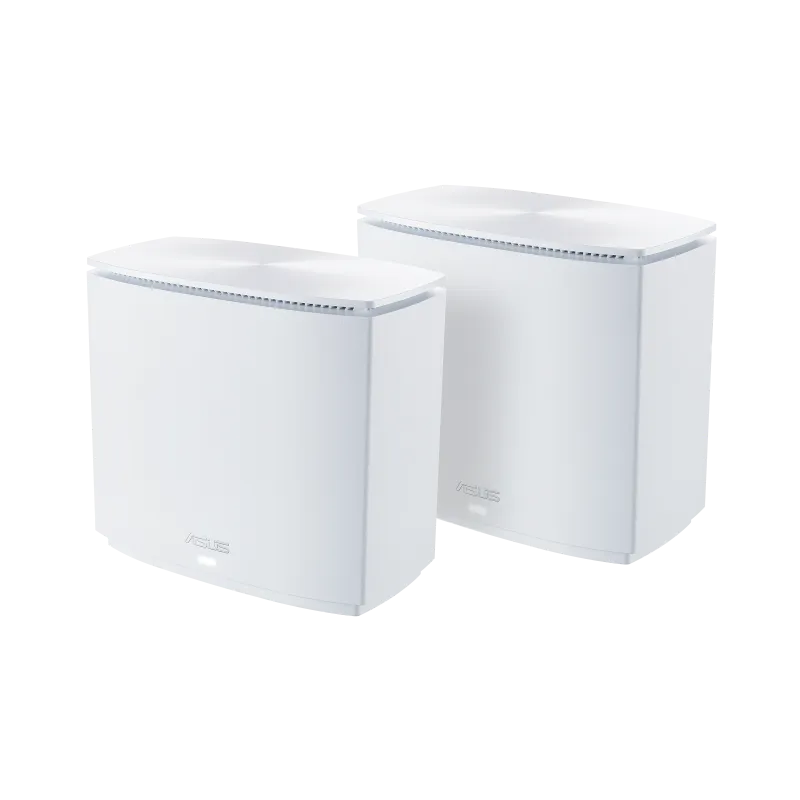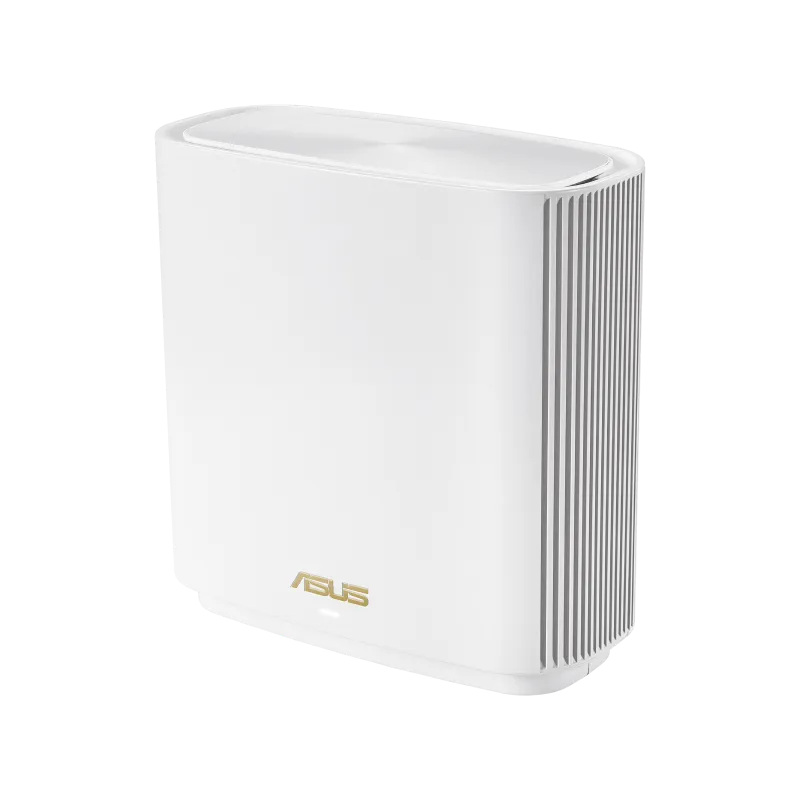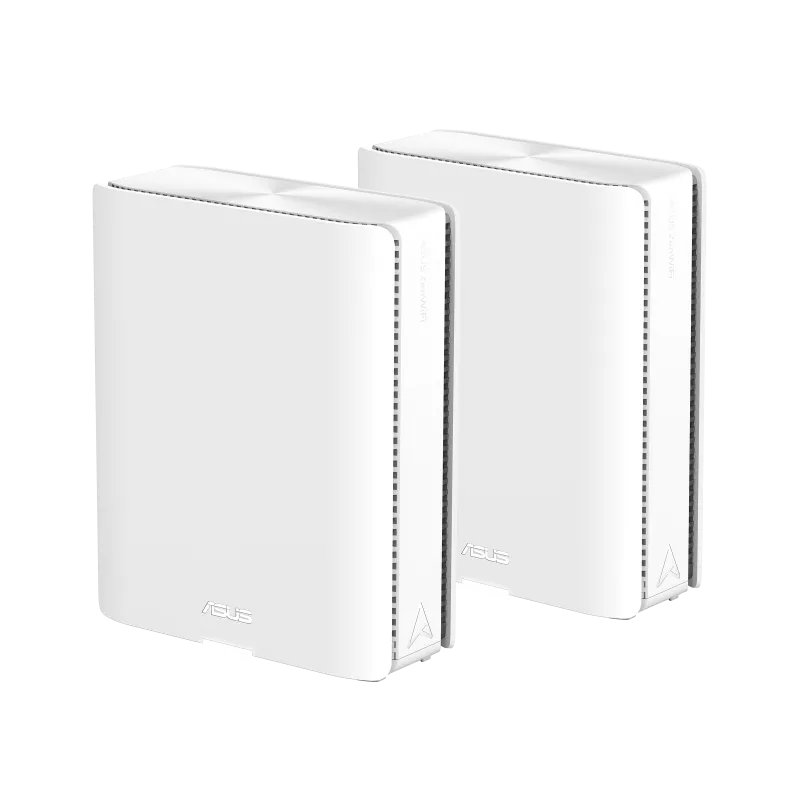
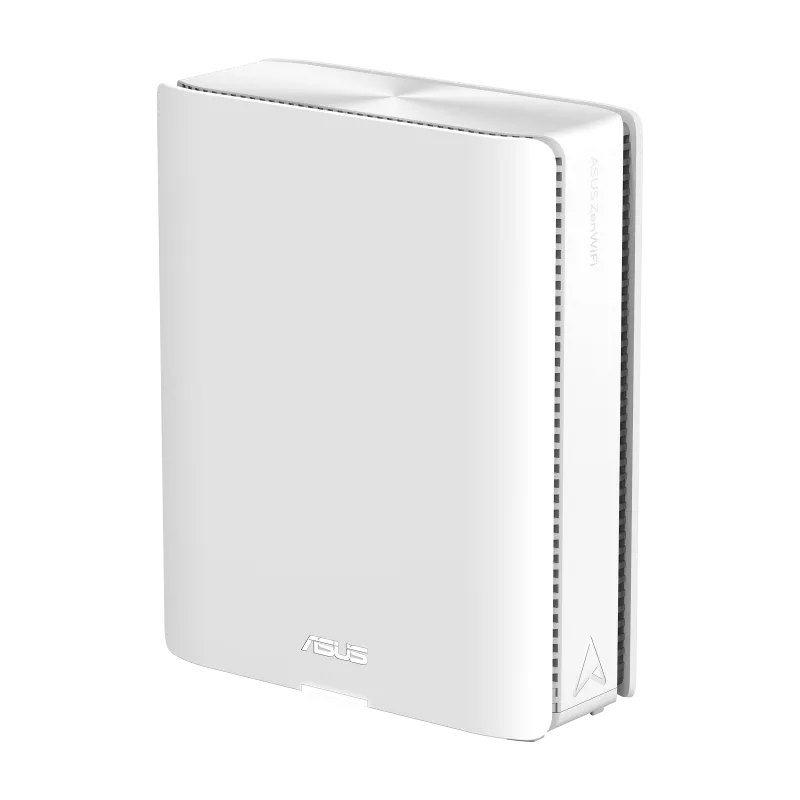
The ASUS ZenWiFi BQ16 Pro is a premium quad-band Wi-Fi 7 mesh system with two 6 GHz radios and two 10 Gbps Ethernet ports per unit. I find its wireless headroom and fast wired connections appealing for a large home or a demanding network. The price and your actual requirements still matter: a smaller home or ordinary workload may be served well by a less expensive mesh.
A mesh spreads coverage through connected nodes, like several small routers working as a team. Those units still need useful upstream links. They cannot guarantee that every corner is fast or every call uninterrupted merely because the product class is high. The BQ16 Pro is best assessed as a complete network design, including clients, backhaul and the devices at the other end of each transfer.
Check the Exact Model and Region
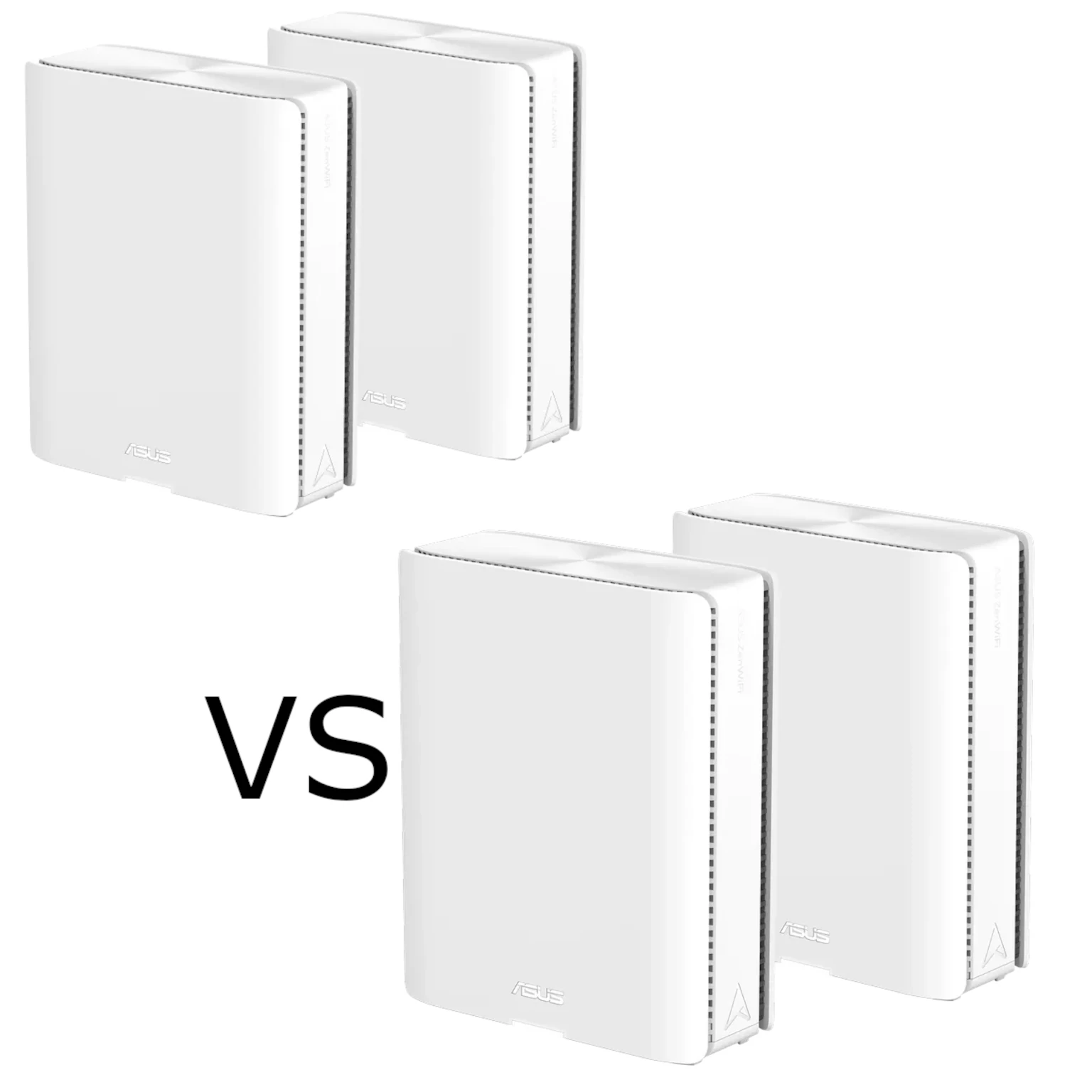
This guide uses ASUS's BQ16 Pro US specifications. The Pro model combines 2.4 GHz, 5 GHz and two separate 6 GHz radios. The similarly named BQ16 is a different quad-band model: its detailed specification lists two 5 GHz radios and one 6 GHz radio. Do not mix their rates or assume a regional retailer supplies the Pro version.
Available 6 GHz spectrum and channel widths depend on regional rules. Use the local model and firmware, and confirm that your intended clients support the required bands. A Wi-Fi 6 laptop without 6E cannot use 6 GHz merely by connecting to this system, while an older compatible device can still use supported lower bands.
What BE30000 Actually Describes
| Radio | Advertised Wi-Fi 7 physical link rate | Transmit/receive |
|---|---|---|
| 2.4 GHz | 1,376 Mbps | 4×4 |
| 5 GHz | 5,764 Mbps | 4×4 |
| 6 GHz-1 | 11,529 Mbps | 4×4 |
| 6 GHz-2 | 11,529 Mbps | 4×4 |
BE30000 sums rates across the radios into a product class. It does not mean one phone downloads at 30 Gbps, and it is not a measured internet or file-copy result. ASUS lists twelve internal antennas and sixteen streams across the radios; antenna count and stream count are different descriptions of the design.
Many clients support fewer than four streams, so they cannot use a four-stream radio's full headline rate. The advertised 320 MHz channels apply to compatible 6 GHz connections, with regulatory and client requirements. Protocol overhead, signal quality and the rest of the path reduce application throughput below the physical rate.
4K-QAM can represent more information per symbol under suitable conditions, while OFDMA helps compatible devices share radio resources. These features are useful capabilities, not promises that every game has lower latency or that all existing smart-home devices gain the same improvement. Check the actual adapter and workload before paying for a ceiling you cannot use.
The Correct Port Layout
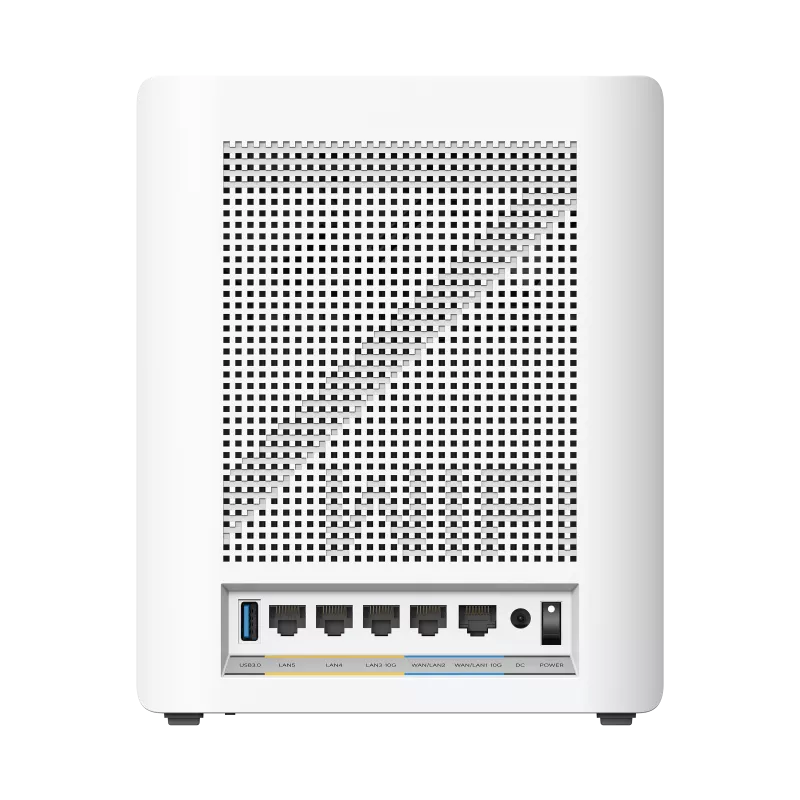
| Connection per unit | Published capability |
|---|---|
| Fast WAN/LAN | One 10 Gbps RJ45 port |
| Fast LAN | One 10 Gbps RJ45 port |
| Other WAN/LAN | One Gigabit RJ45 port |
| Other LAN | Two Gigabit RJ45 ports |
| USB | One USB 3.0 port |
| Memory | 2 GB RAM and 256 MB flash |
The two fast Ethernet ports are a practical strength. In router mode, the fast WAN/LAN socket can take an ISP uplink while the fast LAN socket connects to a switch, storage server or satellite. That is different from a mesh with only one multi-gigabit socket. The remaining Ethernet ports are Gigabit; the published layout does not include an additional 2.5 Gbps socket.
A satellite using a fast socket for its uplink has fewer free sockets for local equipment. Count connections before deciding whether a switch is needed. To build a fast NAS path, check every switch, cable and endpoint interface. The radio class cannot bypass a slower wired link, and a fast internet subscription is unnecessary for traffic that stays entirely on the LAN.
ASUS advertises a quad-core 2.6 GHz CPU. Its clock-rate comparison with an older model is not a guarantee of a corresponding increase in every VPN, storage or routing workload. Enabled security and QoS features, clients and firmware can affect performance. Evaluate the task you want to improve rather than treating hardware specifications as benchmarks.
Backhaul, MLO and Mixed Nodes
ASUS describes dedicated mesh backhaul alongside AiMesh's ability to aggregate or switch between bands through MLO. That does not establish a permanently exclusive 6 GHz-1 or 6 GHz-2 assignment for every configuration. Check the installed firmware and backhaul settings instead of assigning fixed radio purposes from a product diagram.
MLO can use multiple supported links, but it does not eliminate interference, every wireless-hop cost or upstream congestion. Its behavior depends on both ends of the connection. ASUS's current support FAQ also limits MLO backhaul to the same model and the first node when several Wi-Fi 7 nodes are present. Ordinary AiMesh compatibility is broader than that specific backhaul feature.
The FAQ warns that a non-MLO Wi-Fi 6E node can lose its 6 GHz broadcast when the main Wi-Fi 7 router has MLO enabled. Verify those constraints before combining older routers with a new pack. Mixing models does not upgrade an older node's radios or port rates, and clients still influence roaming decisions.
Ethernet is useful where walls or radio congestion make an upstream link difficult. ASUS distinguishes Ethernet-first priority, which can fall back to wireless, from Ethernet Backhaul Mode, which requires all nodes to be cabled. Check the active route after changes. Wiring removes that radio hop; it does not guarantee a particular client's speed at the satellite.
Coverage and Placement
ASUS advertises up to 8,000 sq ft for a two-pack and 4,000 sq ft for one unit. Treat these as conditional coverage estimates, not guarantees for an arbitrary floor plan. Thick walls, floors, metal and the position of the internet entry point affect useful reach. More nodes without good upstream links can add cost without helping the room you care about.
For wireless backhaul, try a satellite where it still receives a useful connection from the rest of the mesh rather than putting it deep inside a dead zone. Leave suitable ventilation and use the supplied adapter. No measured house throughput, temperature, power draw or fixed handoff time follows from the specifications here.
Profiles, Security and VPN Choices
Smart Home Master provides profiles for IoT, children's devices and VPN use. ASUS's model-specific FAQ includes BQ16 Pro and requires firmware 3.0.0.6.102_34946 or newer. Check the installed interface and mode before planning profiles, because screenshots and menus can change with releases.
An IoT profile is useful for compatible older devices, but a separate wireless name alone does not prove every desired isolation rule. Verify access to the main LAN and needed local services. The IoT network is not universally restricted to 2.4 GHz; configure its bands and security around the devices you actually have.
Children's-network filtering is documented as DNS-based, so understand its scope and test the intended device. A VPN profile needs a configured tunnel and appropriate credentials; an external provider has its own terms and costs. Instant Guard also requires a public IPv4 WAN address according to the product page, so carrier-grade NAT can matter.
AiProtection Pro is advertised as subscription-free and includes security assessment, malicious-site blocking, two-way IPS and infected-device controls. These are additional protections rather than proof of immunity to malware. Keep firmware and clients updated, secure management access and avoid exposing services unnecessarily. Router, AP and AiMesh-node modes also have different responsibilities and feature availability.
USB Sharing, Backup and Mobile Tethering
The USB port supports documented storage-sharing functions and mobile tethering. Check the exact phone/modem compatibility, mobile plan and power requirements before counting on backup internet access. Moving to a different WAN can interrupt existing sessions, and the router cannot keep an ISP or cellular network available when that service itself fails.
If Time Machine is essential, verify the exact router firmware, macOS version and supported backup protocol before buying or formatting a drive. Apple documents Time Machine over SMB for compatible NAS devices and says AFP backup/data transfer is unsupported in macOS 27 or later. Ordinary SMB file sharing alone does not prove supported SMB Time Machine. ASUS's own model page also includes version-specific backup restrictions that require checking.
A router USB share can be convenient, but it is not automatically a replacement for a NAS or an independent backup. Check access permissions and maintain recoverable copies elsewhere. Test a restore using the actual supported backup arrangement before relying on it for important files.
My Buying View
I still regard the BQ16 Pro as an ambitious premium option for a large or demanding home network, especially when its fast wired ports and compatible newer clients will be used. Wi-Fi 7 devices are available; the relevant question is whether your exact equipment supports the capabilities that justify the price.
Compare local pack pricing, warranty and firmware support with less expensive alternatives. Begin evaluation with a wired internet baseline and the same Wi-Fi client near the main unit and in problem rooms. Test local storage separately, and record the serving node and backhaul. That is more useful than treating BE30000 as a current universal fastest-router ranking.
For more information, visit the official page for the ASUS ZenWifi BQ16 Pro.