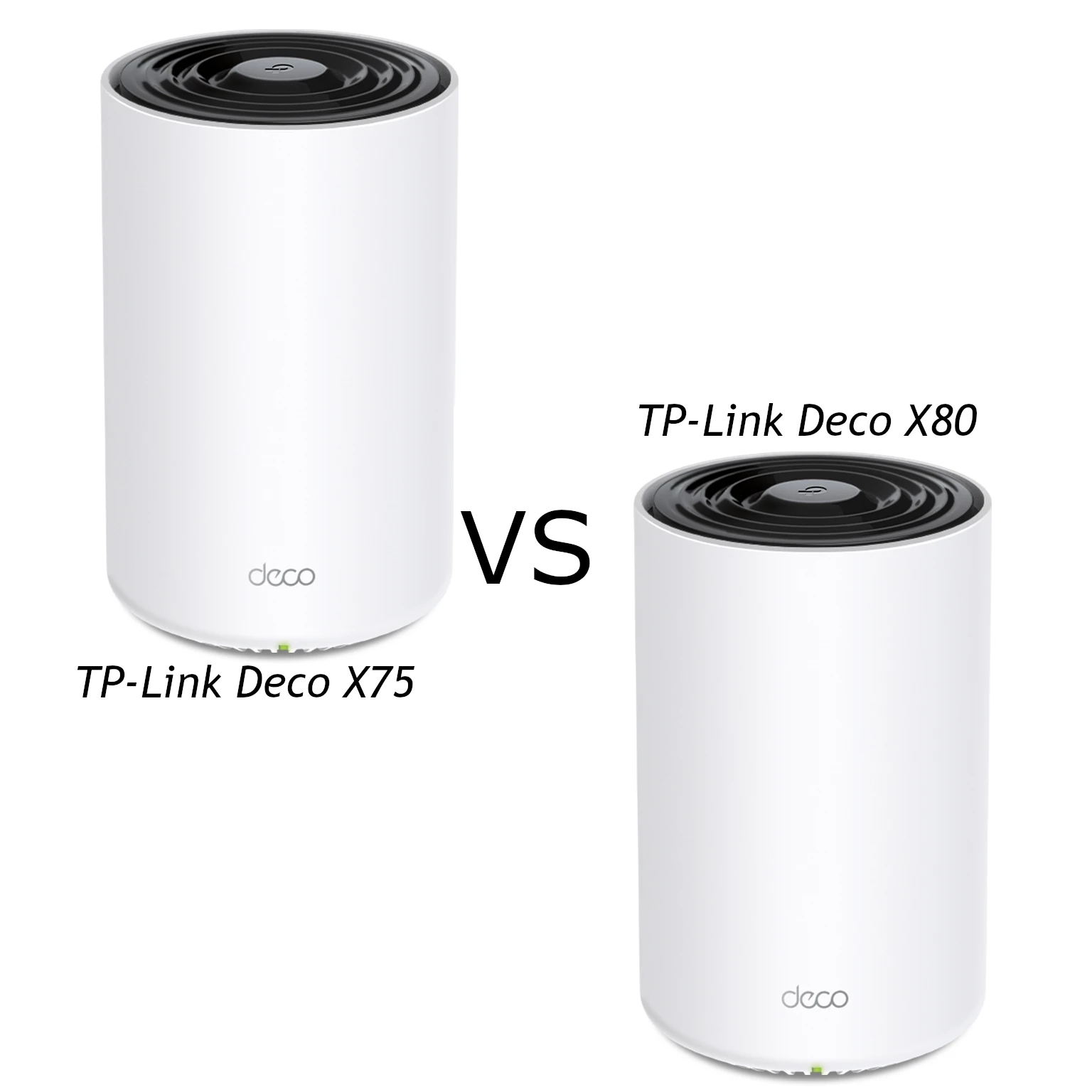
The TP-Link Deco X75 and Deco X80 approach a demanding home network differently. The X75 combines three Wi-Fi bands with Gigabit Ethernet; the X80 uses two bands, more spatial streams and one 2.5GbE port per unit. Both are Wi-Fi 6 mesh systems. The useful question is which arrangement fits your rooms, devices and cabling, rather than which AX number is larger.
Our recommendation is that the X75 is a solid option for family browsing, streaming and everyday use when its price is attractive. The X80 is the premium option to consider for more demanding connectivity, especially when its faster Ethernet socket solves a specific bottleneck. Check local prices, hardware revision and pack size before paying extra: neither model can promise a particular speed in every home.
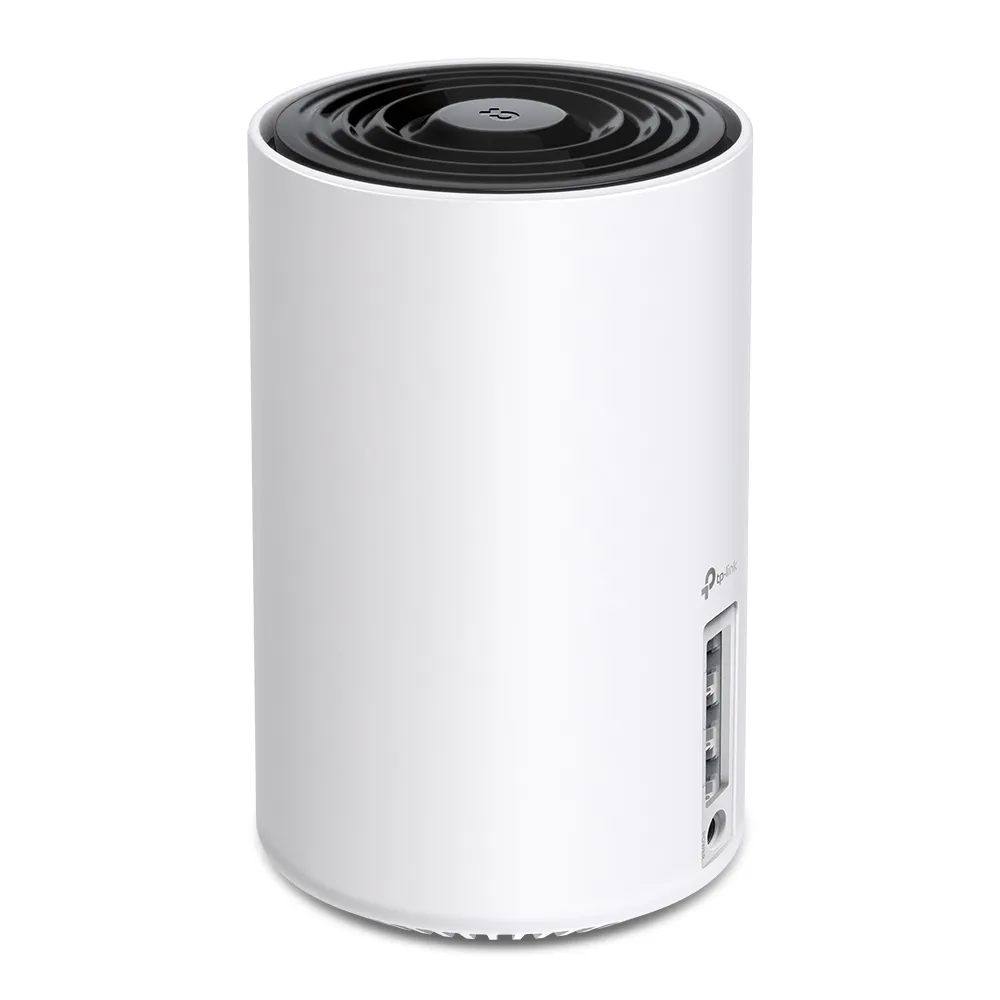
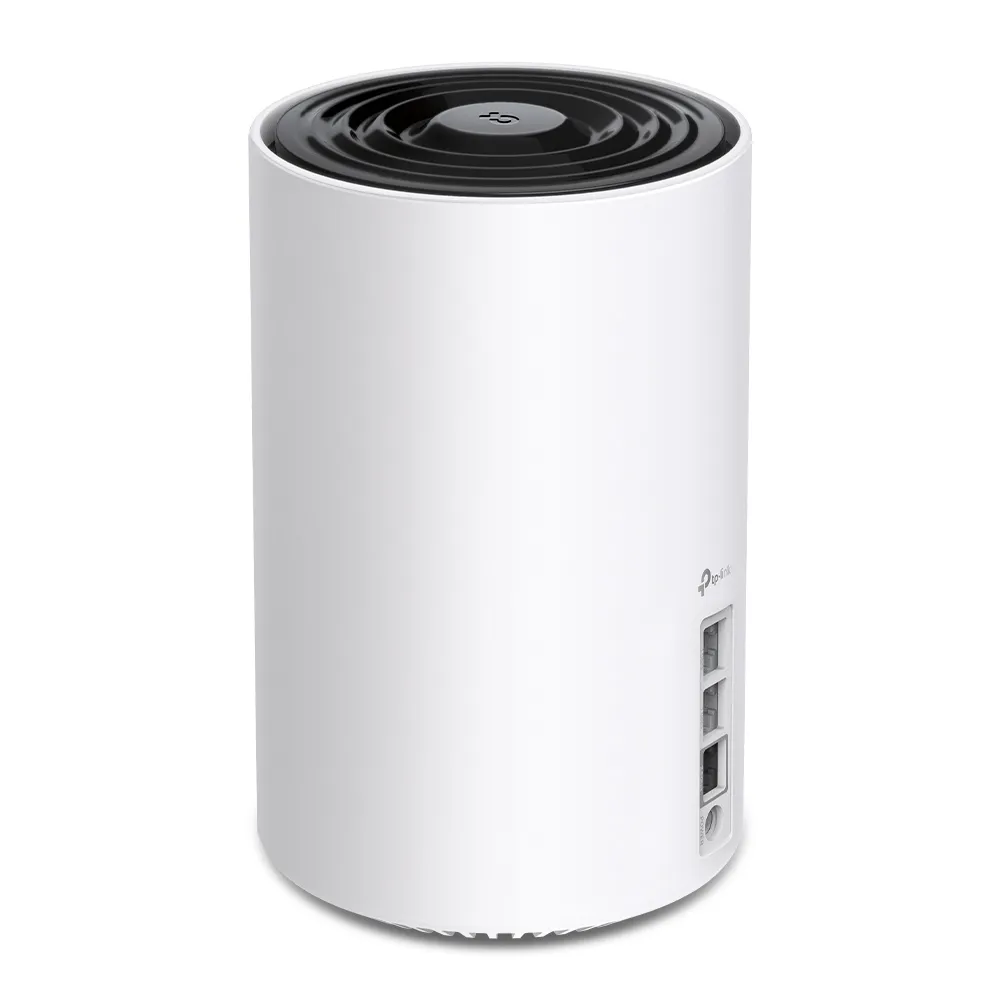
Tri-band X75 versus dual-band X80
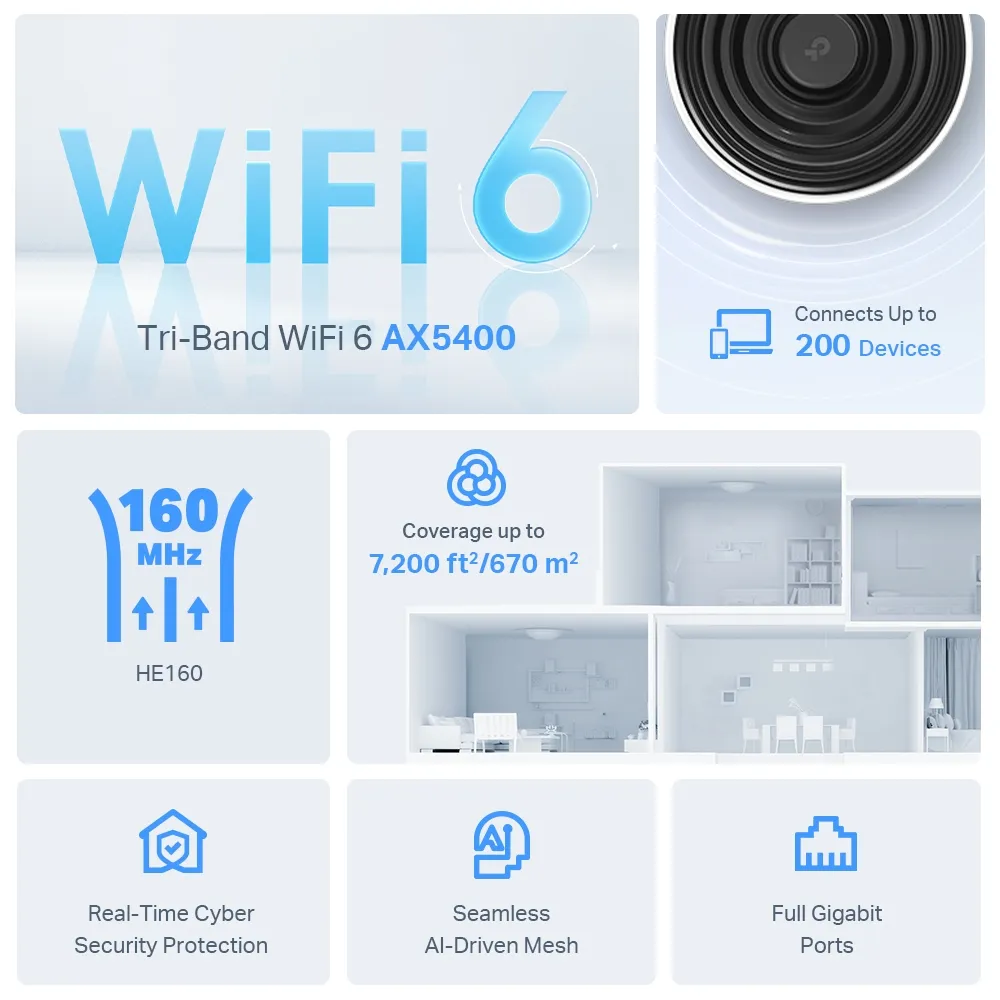
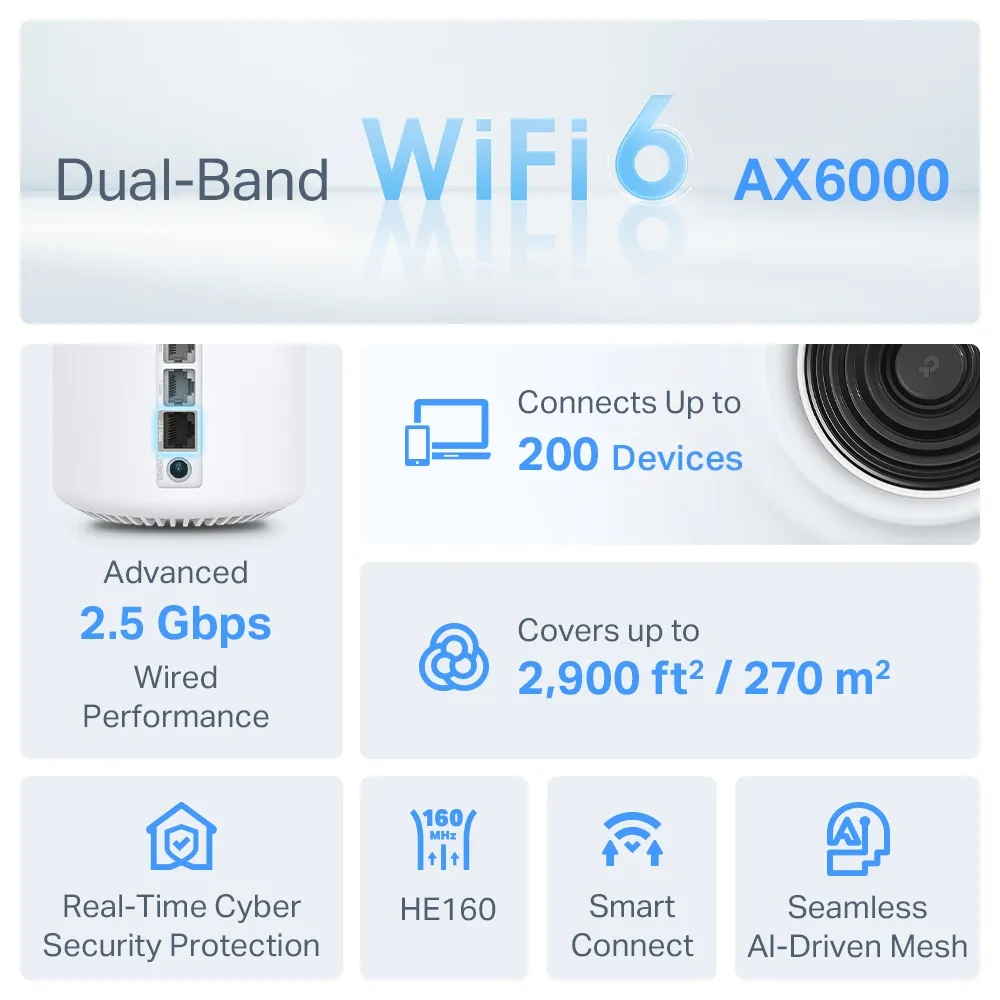
The X75 has a 2.4 GHz radio rated at 574 Mbps and two 5 GHz radios rated at 2,402 Mbps each. The X80 has a 2.4 GHz rating of 1,148 Mbps and a 5 GHz rating of 4,804 Mbps. These are maximum physical link rates, summed to produce the AX5400 and AX6000 labels. A phone does not combine all those bands into one connection, and usable data transfer is lower than the link rate.
X75 is a Wi-Fi 6 model with two separate 5 GHz radios, not the similarly named XE75 with 6 GHz. Neither X75 nor X80 supplies a 6 GHz network. The X75’s extra radio gives its wireless mesh a different allocation of resources from the X80’s single 5 GHz radio. Wireless backhaul means traffic between nodes must still travel through the house; interference and weak links remain relevant even with a third radio.
TP-Link lists six streams and 2×2 MU-MIMO for X75, versus eight streams and 4×4 MU-MIMO for X80. Extra router streams can support communication with compatible clients, but cannot turn a two-stream laptop into a four-stream device. Both support 160 MHz channels, subject to client capabilities and regional restrictions. A wider channel also needs suitable radio conditions; the headline rate is not a reason to assume every room will run faster.
What both systems provide
Both support Wi-Fi 6 features including MU-MIMO and OFDMA, with compatible devices required to benefit from the corresponding features. They offer router and access-point operating modes, optional Ethernet backhaul, guest networking and management through the Deco app. Wi-Fi 5 and older compatible devices can still connect; they do not gain Wi-Fi 6 capabilities simply by joining a newer router.
The mesh presents a shared network name, helping devices move around a house without manually selecting a different access point. Roaming depends on the client as well as the mesh, so seamless marketing should not be read as a guarantee of zero interruptions. A laptop that stubbornly stays on a distant node may need troubleshooting even when the rest of the network works well.
Specifications that affect the decision
| Feature | Deco X75 | Deco X80 |
|---|---|---|
| Wireless standard | Wi-Fi 6 | Wi-Fi 6 |
| Bands | 2.4 GHz + two 5 GHz radios | 2.4 GHz + 5 GHz |
| Maximum listed rates | 574 + 2,402 + 2,402 Mbps | 1,148 + 4,804 Mbps |
| Streams / MU-MIMO | Six / 2×2 | Eight / 4×4 |
| Ports per unit | Three Gigabit WAN/LAN ports | One 2.5GbE and two Gigabit WAN/LAN ports |
| Wired backhaul | Supported; Gigabit interfaces | Supported; speed depends on the ports used at both ends |
The comparison uses TP-Link’s US/EU version 1 datasheets and regional product listings. Firmware features and availability may vary by market. Check the label on a unit and the matching regional support page before using another model’s firmware or assuming every advertised software option is present.
Plan how each Ethernet port will be used
The X80’s single 2.5GbE socket can serve a faster WAN or LAN connection. It is useful for an internet service above Gigabit, provided the upstream equipment and cable negotiate the faster link. However, using that socket for WAN leaves two Gigabit LAN sockets on the main unit. A wired satellite reached through one of those LAN ports has a Gigabit segment in its path, even if the satellite’s end uses 2.5GbE.
Similarly, a NAS plugged into a 2.5GbE socket is not automatically able to deliver multi-gigabit transfers to every client. Follow the whole route: NAS, switch, Deco uplink, client interface and storage. The slowest relevant segment limits that transfer. An access-point layout with an existing router and suitable switch may allow a different arrangement, but draw the connections before buying equipment.
The X75 provides three Gigabit sockets per unit. A wireless satellite can use its sockets for local wired devices, although their upstream traffic still crosses the wireless mesh. A satellite using Ethernet backhaul consumes a socket for that cable, leaving two. On the main router, an internet cable and a backhaul cable leave only one free socket. Both models have three physical Ethernet ports, so X75 does not have greater port count; its distinction is that all three are Gigabit.
Coverage and backhaul matter more than box figures
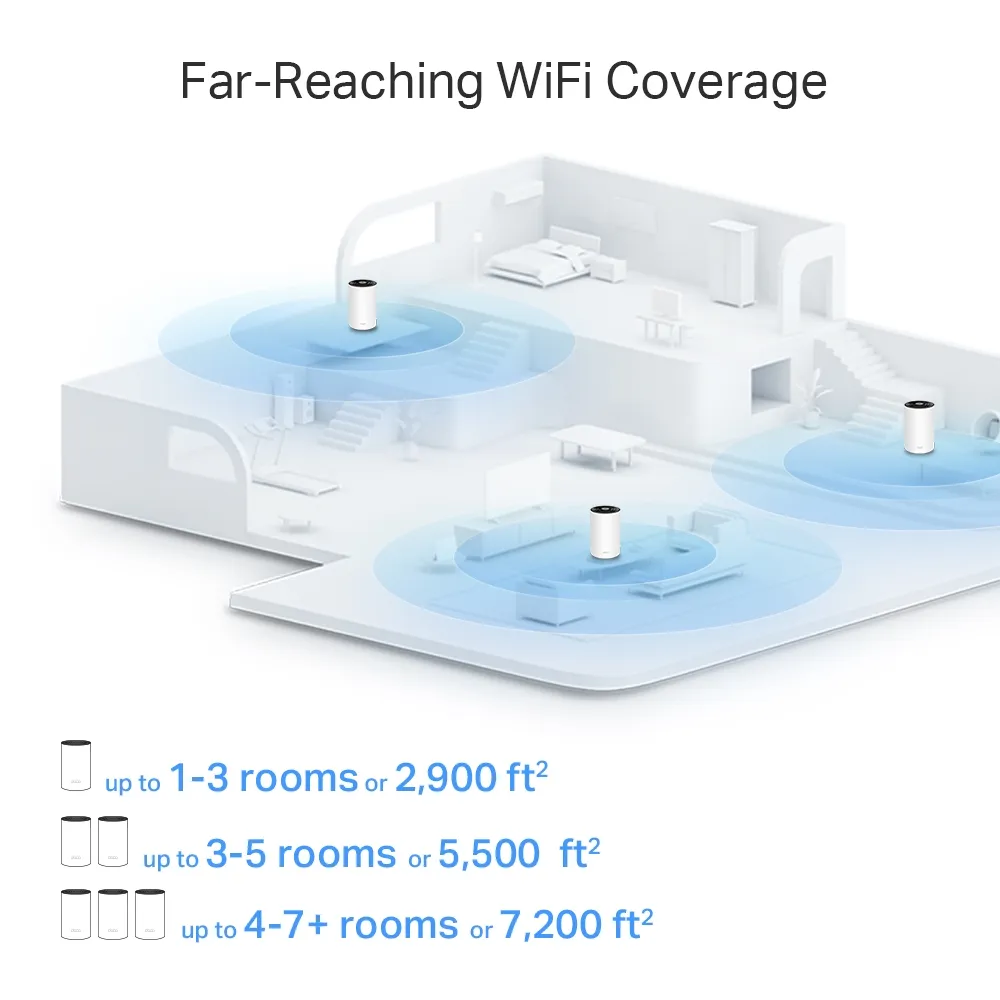
The illustrations distinguish single-unit and multi-unit coverage estimates. Compare the same number of nodes, and treat the numbers as manufacturer planning claims. Thick masonry, floors, furniture and neighboring networks can change results. Two systems with similar advertised coverage need not perform identically in your home, nor does AX6000 inherently guarantee a wider usable signal than AX5400.
Put wireless satellites where they can still communicate well with the main unit, rather than at the far end of an existing dead zone. Start with the route between nodes, then assess coverage of the room. Adding another node without improving a poor upstream link can create more signal bars without fixing the data path.
Both models support Ethernet backhaul. TP-Link’s instructions say to set up the Decos first, then attach the cables; the wired link activates automatically. In router mode, satellites belong behind the main Deco’s LAN port, directly or through a switch. In access-point mode, the existing router handles routing and the wiring options differ. Check the app’s network map to confirm a satellite actually uses Ethernet.
Software costs and checks before choosing
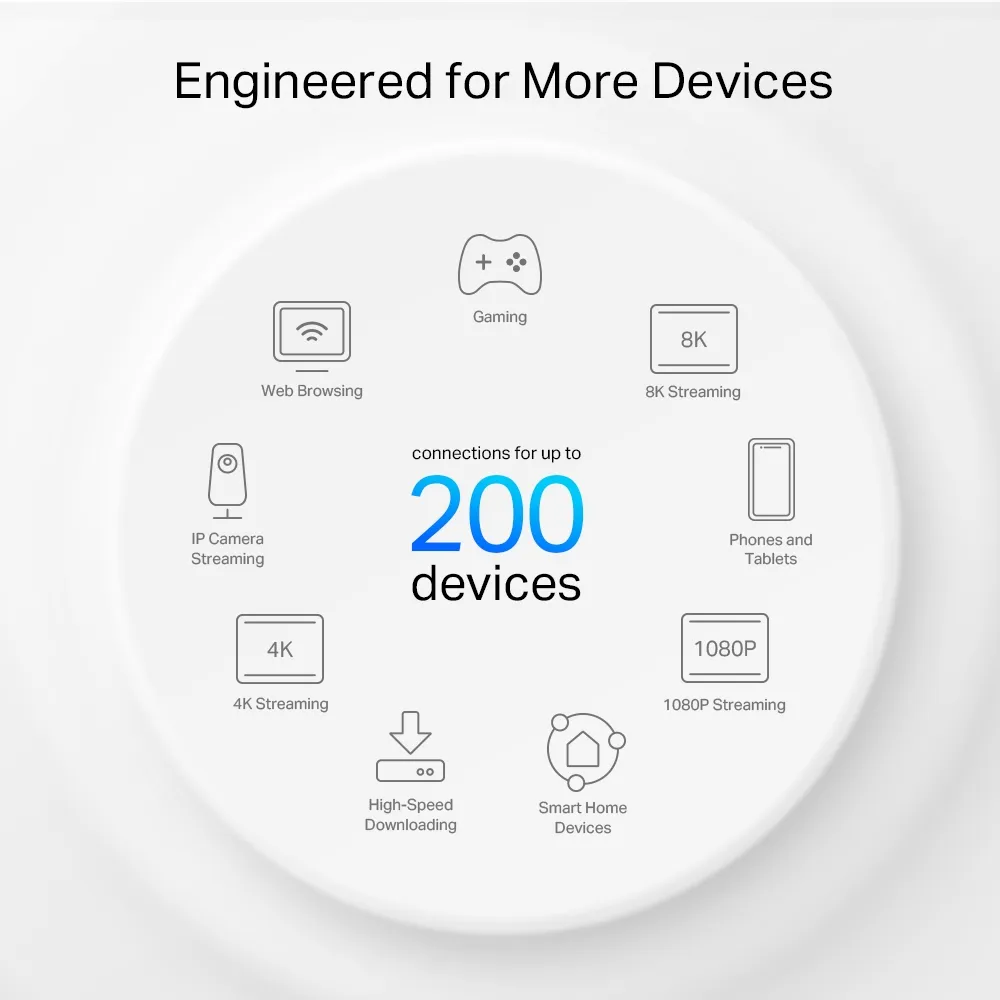
HomeShield includes free basic functions, while advanced security and parental-control packages require subscriptions. Compare the actual features offered in your region and app, rather than assuming everything in a promotional image is permanently included. If Deco runs in access-point mode, routing-related features such as Deco parental controls and QoS are unavailable; the upstream router becomes responsible for those functions.
For an existing installation, compare a wired baseline near the main router with the same device at a satellite. Check its connected node, negotiated Ethernet speed where applicable and whether backhaul is wired or wireless. Use the same test endpoint and repeat at representative busy times. This helps distinguish an internet-service limit from a mesh-placement problem without relying on somebody else’s floor plan.
Which would we choose?
The X75 remains our sensible value choice for ordinary household use when it costs less and Gigabit Ethernet meets your needs. Its tri-band design deserves consideration when running cables is impractical. The X80 is worth the additional investment when your devices and topology can use its stronger radio configuration or 2.5GbE socket. Gamers and streamers should still prioritize a stable path and good placement; a bigger AX number alone does not guarantee lower latency.
Visit the official pages for Deco X75 and Deco X80, and compare the X75 and X80 version 1 datasheets before ordering.