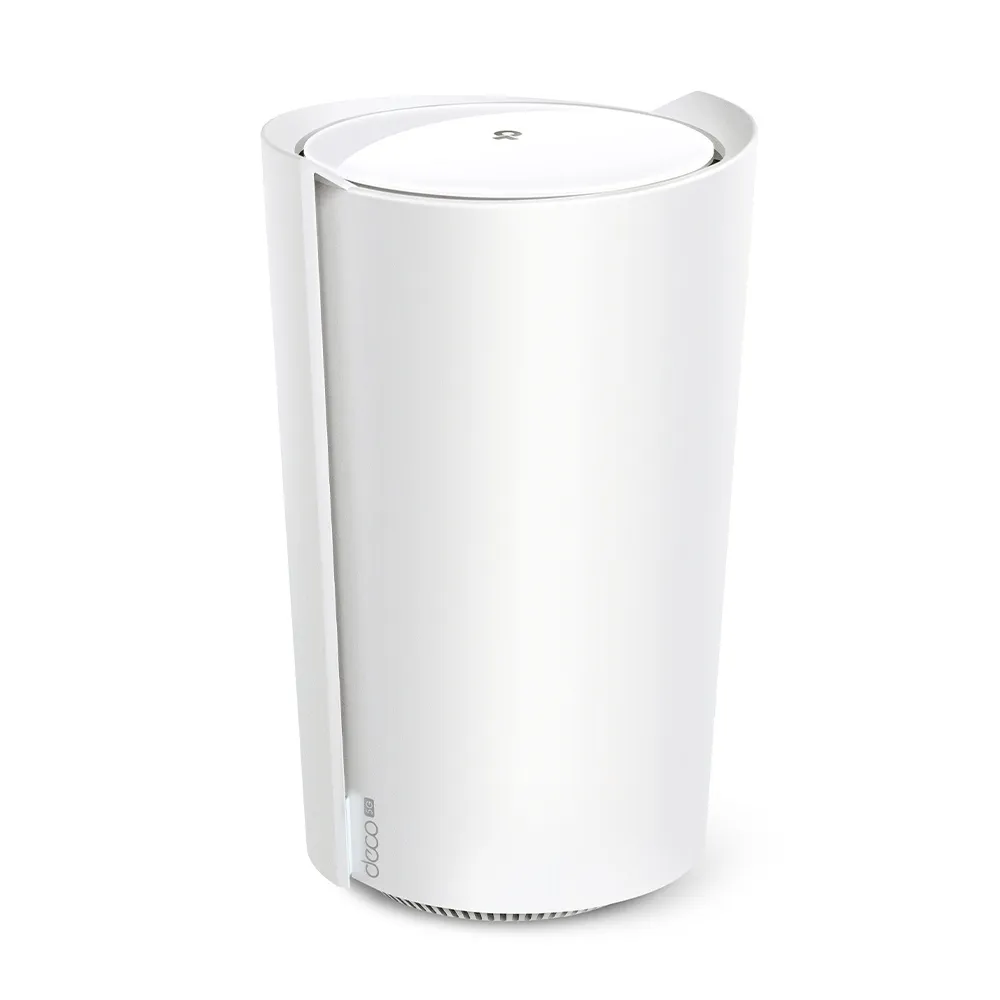
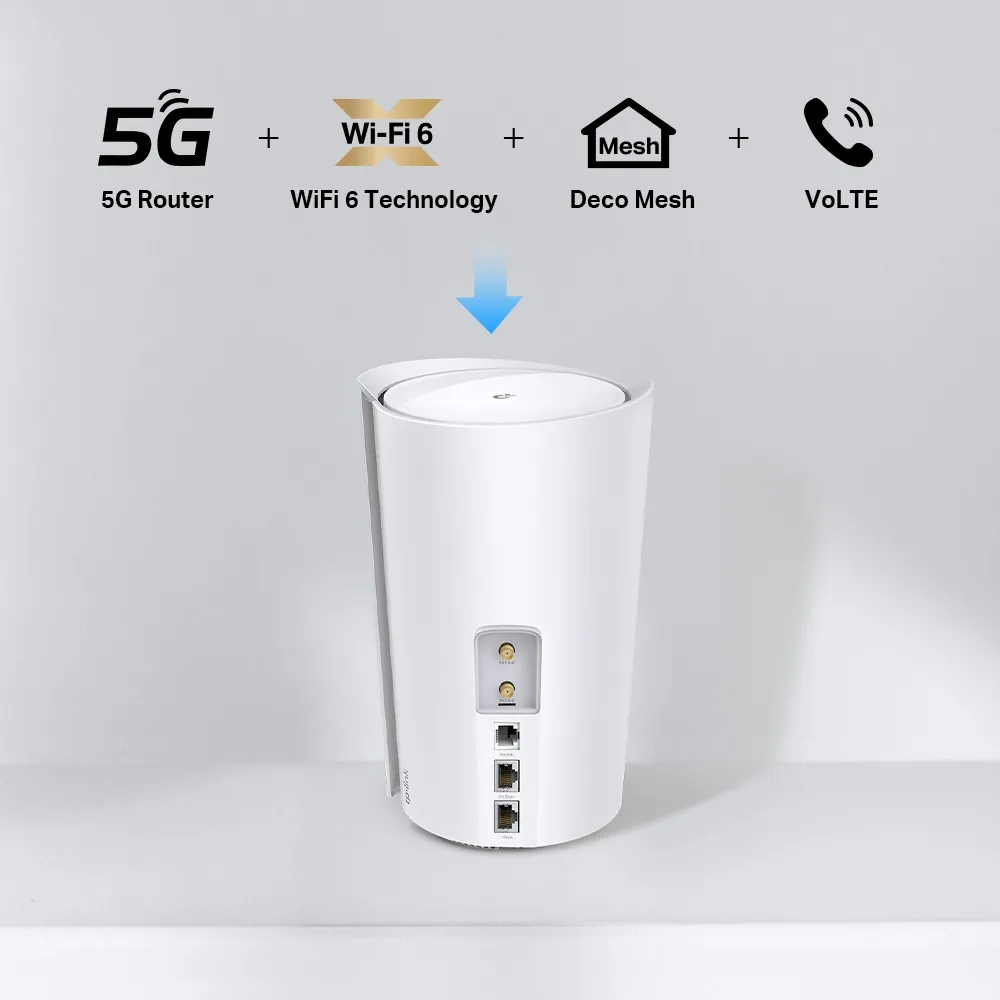
The TP-Link Deco X80-5G combines a mobile broadband gateway with AX6000 Wi-Fi 6 and Deco mesh networking. Its appeal is straightforward: a home with limited wired broadband can use a suitable SIM for internet access, while a home with unreliable broadband can configure a mobile backup. I consider that a useful combination for remote work and busy households, provided the carrier service is good where the gateway will sit.
Separate three connections when judging it: the cellular link to the operator, Wi-Fi between your devices and the Deco, and the backhaul between mesh units. A high advertised rate for one connection does not guarantee the same speed through the entire path. This is a specification and buying guide, rather than a measured speed test.
The X80-5G hardware
The South African product page and EU V1 datasheet list the following configuration. Check the label and local documentation for the unit you buy, especially an operator-supplied version.
| Feature | Published configuration |
|---|---|
| Local Wi-Fi | Dual-band Wi-Fi 6, AX6000 |
| Maximum physical band rates | 4804 Mbps at 5GHz; 1148 Mbps at 2.4GHz |
| Cellular access | 5G and 4G, with region-specific supported bands |
| Ethernet | One 2.5Gbps WAN/LAN port and one Gigabit WAN/LAN port |
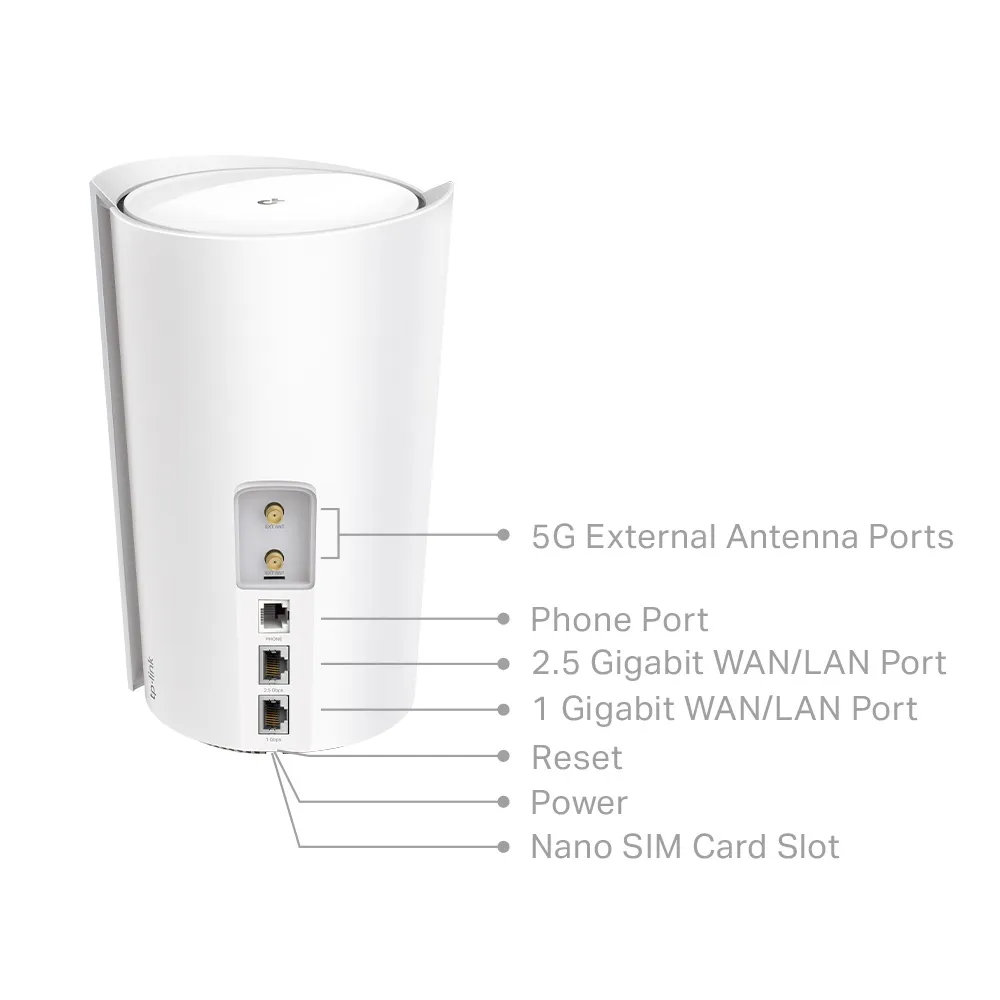
| Other connections | Nano-SIM slot, phone port and two external cellular antenna interfaces |
| Antennas listed in EU V1 datasheet | Eight internal Wi-Fi and eight internal LTE/5G antennas, plus two external interfaces |
| Security service | HomeShield, with basic and paid features |
There are two Ethernet ports, not three. The phone socket is for compatible VoLTE telephony and is not another Ethernet port. In wired-router mode, one Ethernet port serves as WAN, leaving the other for your LAN. Using the 2.5Gbps port for a faster wired internet connection therefore leaves a Gigabit direct LAN connection; a faster switch on that port still has a Gigabit uplink.
Cellular speed and carrier compatibility
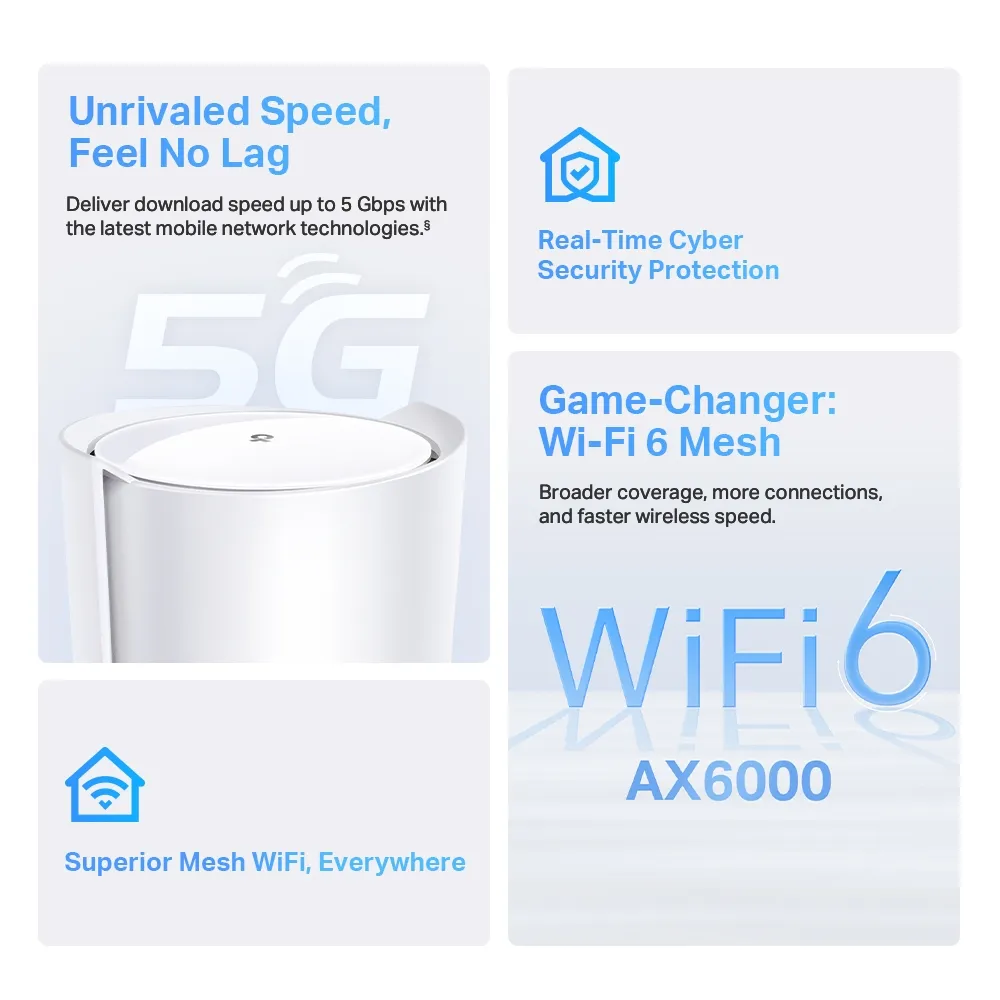
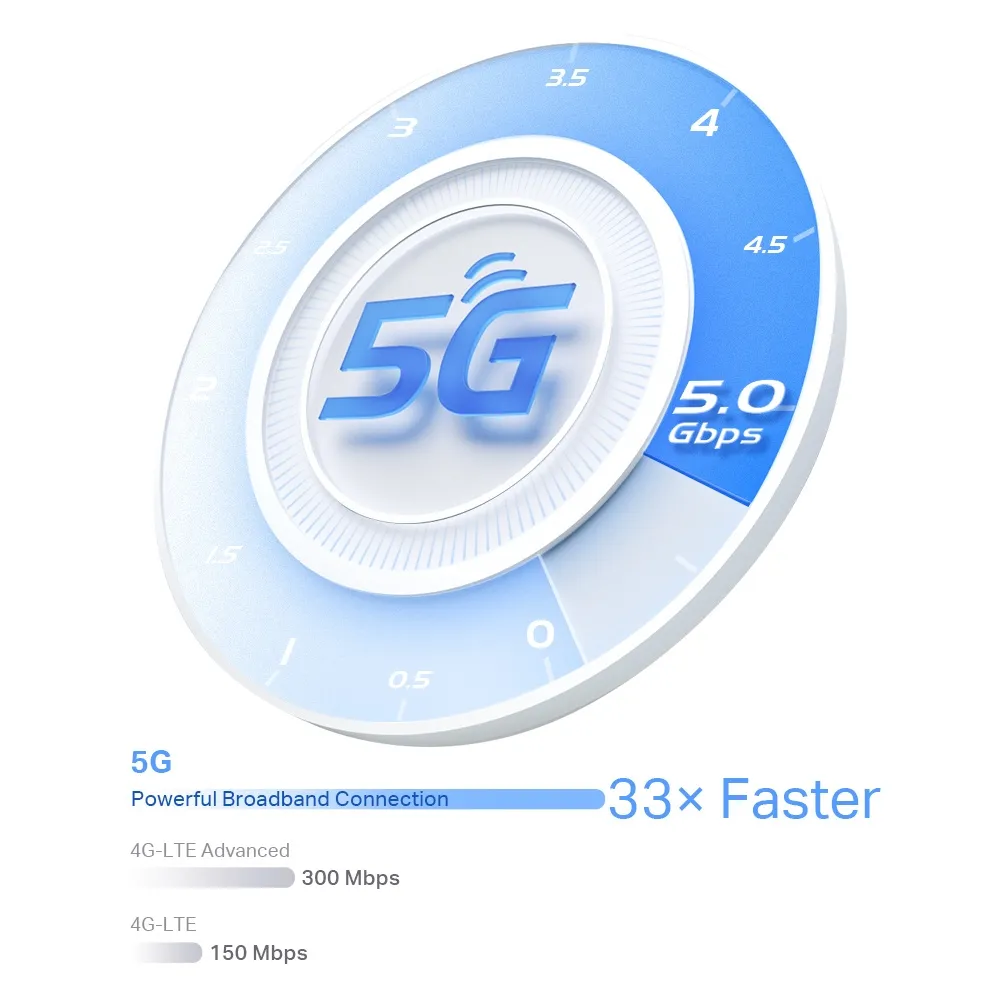
The current South African page advertises downloads up to 5Gbps. This is a manufacturer maximum, not a promise for a SIM or address. Operator coverage, available bands, the data plan, signal conditions and load on the mobile network all affect the actual connection. A 5G icon alone does not show that the service will sustain your household's required speed.
Before buying, confirm the exact regional model's bands against your carrier, whether the plan permits use in a router, and any fair-use, throttling or data limits. Check its access-point name (APN) requirements and SIM PIN settings. Inserting a SIM can make setup simple, but it is not proof that every carrier and plan is automatically compatible.
Try candidate locations and compare service during busy hours as well as quiet periods. A phone test can provide an initial indication, but different modems and antennas mean it cannot establish the Deco's eventual performance. If inbound connections to a home server matter, ask the provider about public addressing and carrier-grade NAT before assuming port forwarding will work.
Wi-Fi 6 and mesh coverage
AX6000 combines the theoretical physical rates of the two Wi-Fi bands. It is not a 6Gbps download to one phone. Wi-Fi 6 features such as OFDMA and MU-MIMO help suitable clients share radio resources, but client support, channel width, placement and traffic still matter. Wi-Fi 6 on this dual-band model does not add a 6GHz band.
The X80-5G can work with other Deco models to extend coverage. A single gateway is still a single Wi-Fi location until another node is added. Wireless satellites need a good link back toward the gateway; putting one where the signal is already unusable is unlikely to solve the underlying backhaul problem. Ethernet backhaul is another option when the topology and available ports support it.
TP-Link advertises up to 2900 square feet for one unit and over 200 connected devices. These are planning claims, not guarantees through dense walls or proof that hundreds of devices can all transfer at maximum speed together. Roaming also depends on the client. Test the rooms and activities that matter, such as a work call at the far end of the house.
Using mobile internet as a backup
The model's manual documents 4G/5G Backup in Wireless Router mode. Configure the SIM connection locally, verify it can provide internet independently, enable backup, and confirm which Ethernet port is WAN. When the primary connection fails, the gateway can use the mobile connection; when it recovers, it can return to the wired service.
Do not assume that switching is instantaneous or that an existing call, SSH connection or VPN tunnel will survive. The internet-facing address and route can change. TP-Link's backup troubleshooting guidance describes detection taking around a minute in some situations, rather than guaranteeing a switch within seconds. Test both a disconnected cable and an upstream service failure, then test recovery.
Mobile backup also needs power, an active plan and a working cellular network. An outage affecting local mobile infrastructure can remove both options. If uninterrupted work is important, consider how the router, nodes and other required equipment will remain powered, and maintain another way to reconnect while the backup is being assessed.
External antennas: check more than the connector
The EU V1 manual specifies SMA-male antenna connectors and requires both antennas to be attached and enabled in the app. These connections serve cellular reception, not your household Wi-Fi. An external antenna can help where placement alone cannot obtain a useful mobile signal, but it does not create carrier capacity or coverage.
Confirm the supported bands for the external interfaces separately from the modem's full internal-antenna band list. The older EU V1 manual lists n41/n77/n78 for external 5G antennas, while TP-Link's current compatibility FAQ includes a broader X80-5G V1 table. Use current guidance for your exact regional unit and firmware rather than assuming every internally supported band uses the external connectors.
TP-Link does not guarantee third-party antenna performance. Choose equipment and cables suitable for the required bands, compare results after changing one variable at a time, and retain the internal-antenna configuration as a baseline. There is no basis here for promising a 9–14dB improvement from any particular antenna.
Data management, security and voice
The app provides mobile data settings, allowance warnings, SMS and SIM PIN management, with functions depending on operating mode and local versus remote management. The manual allows the used-data counter to be corrected when inaccurate. Compare it with your carrier's billing counter; a warning or local limit cannot guarantee protection against every overage charge.
The phone socket's VoLTE service is carrier dependent. The datasheet requires a compatible carrier and VoLTE enabled on the SIM's plan, so confirm that before buying this as a landline replacement. An ordinary data-only plan may not provide the voice service you expect.
WPA3-Personal is listed, but compatible clients are needed. See the WPA2 versus WPA3 explanation when choosing settings. HomeShield has free basic features and paid packages; it should not be described as complete enterprise security included forever. Maintain firmware and account security alongside the router's network controls.
Is the X80-5G a good fit?
My positive view of the combined gateway and mesh concept stands: it is especially useful where wired service is limited or a mobile backup has real value. I would prioritise verified carrier reception, plan cost and the two-port layout over an impressive headline rate. If your wired broadband already works well and you have no backup requirement, compare the cost with a conventional mesh kit before paying for the cellular gateway.
Check the official Deco X80-5G page and the exact hardware version's support documents before purchase.