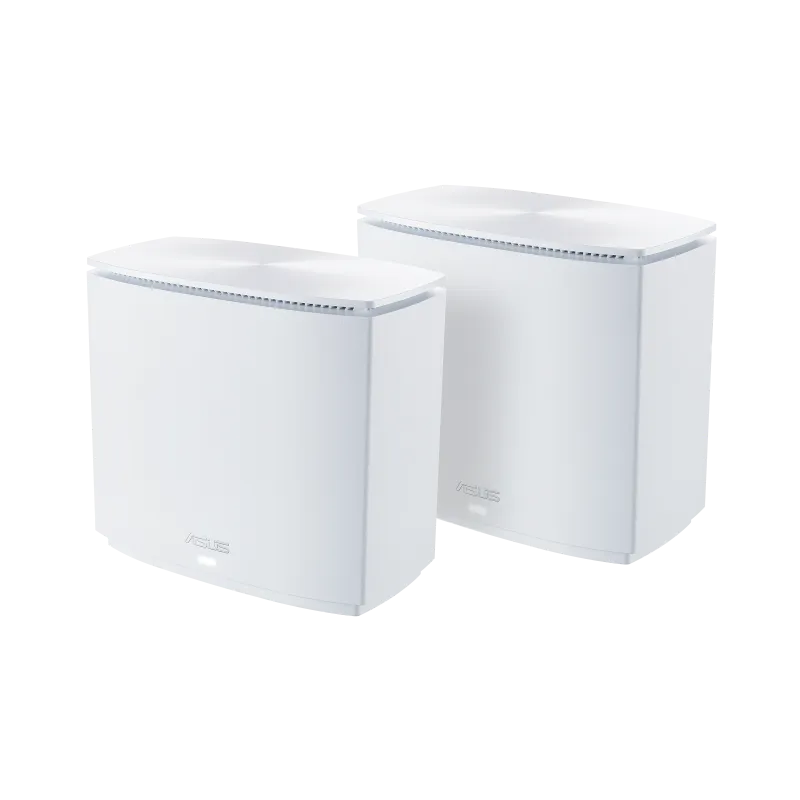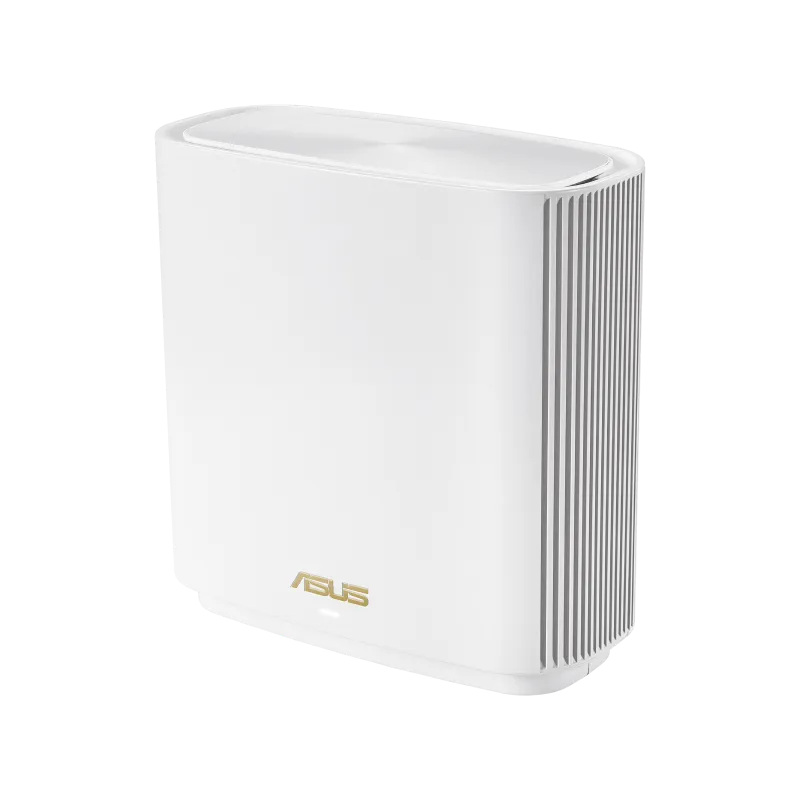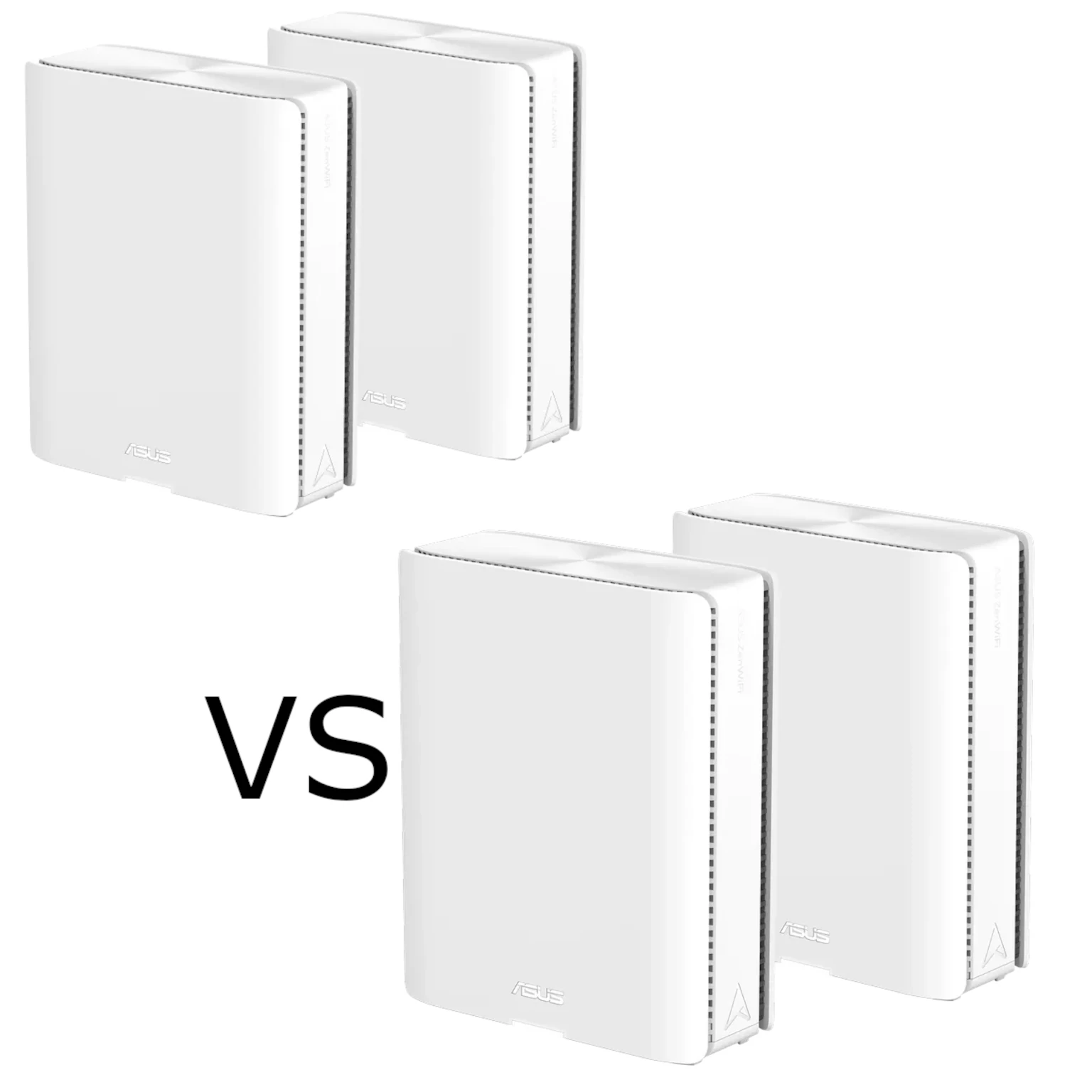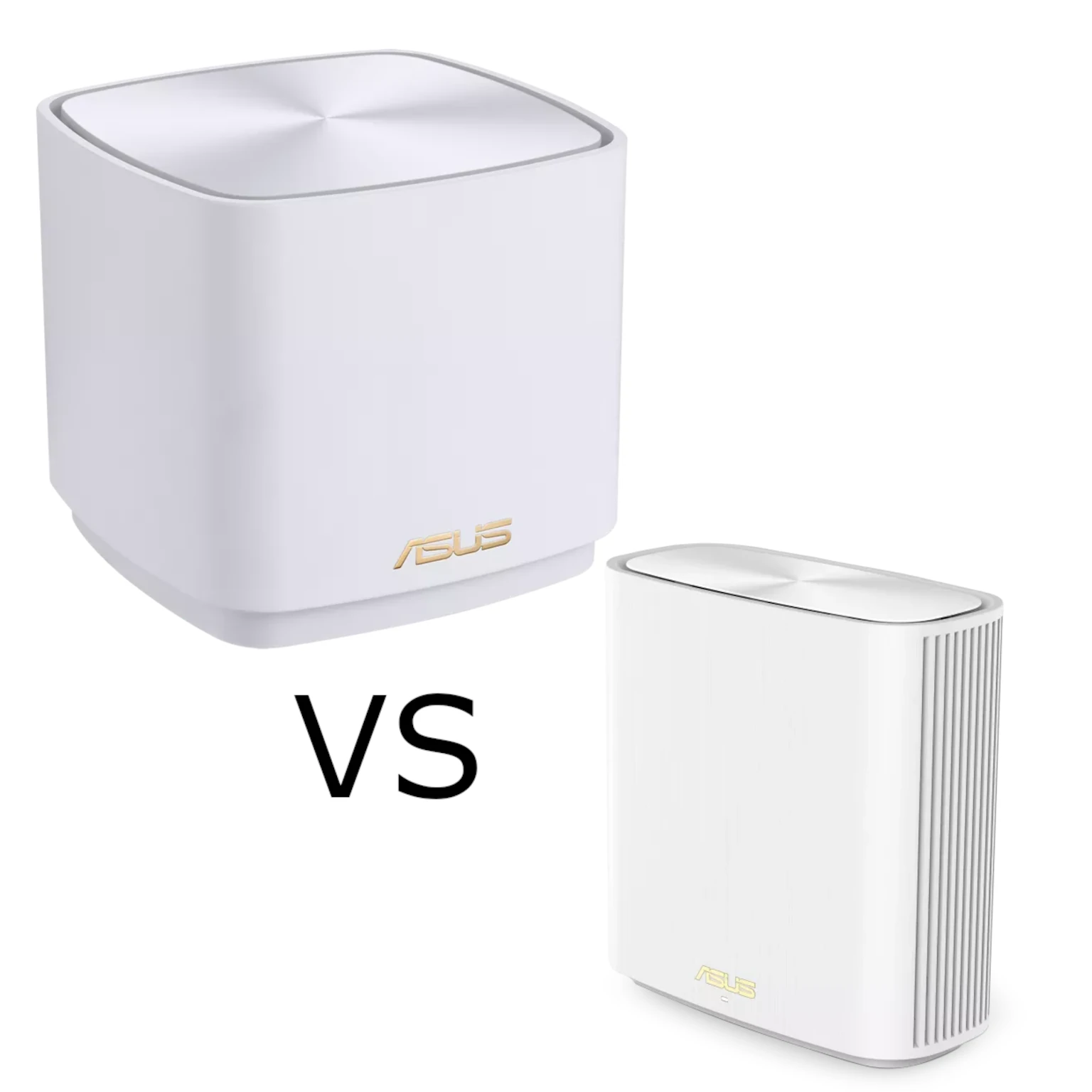
Does your Wi-Fi signal drop in certain corners of the house? The ASUS ZenWiFi XD5 and XD6 combine Wi-Fi 6 with AiMesh management to help extend coverage. We favour the compact XD5 for simplicity and affordability, and the XD6 for homes that can use its larger 5 GHz radio capability and additional wired connections.
Choosing well means looking beyond AX3000 versus AX5400. The backhaul route, client capabilities, port requirements and installed cost determine whether the larger model is useful. This is a specification-based comparison; the examples below are planning scenarios, not measurements from a household test.
What Is Wi-Fi 6?
Wi-Fi 6 is 802.11ax, operating here on 2.4 and 5 GHz. These models do not provide 6 GHz; that requires suitable Wi-Fi 6E or Wi-Fi 7 hardware. Wi-Fi 6 improves efficiency through features such as OFDMA and supported MU-MIMO operation. Its name does not guarantee that every client uses every feature, or that a slow internet line becomes faster.
Target Wake Time can help compatible devices schedule activity, but battery improvements depend on the device and workload. Likewise, modulation, channel width and spatial streams determine a negotiated link rate. That rate includes radio overhead and is not the same as the speed of an application transfer.
What Is a Mesh Network?
AiMesh connects compatible ASUS routers and nodes into one managed network. The nodes communicate through a backhaul link, which may be wired or wireless. Place each wireless node where it still has a reliable upstream signal and can serve the intended room. Adding a node at the far edge of an already weak connection may improve the signal bars without improving throughput.
A common network name supports a consistent connection experience, but the client participates in deciding when to roam. Test important phones, laptops and smart-home devices rather than assuming every handoff is instantaneous. More nodes are not automatically better if they add contention or are placed too close together.
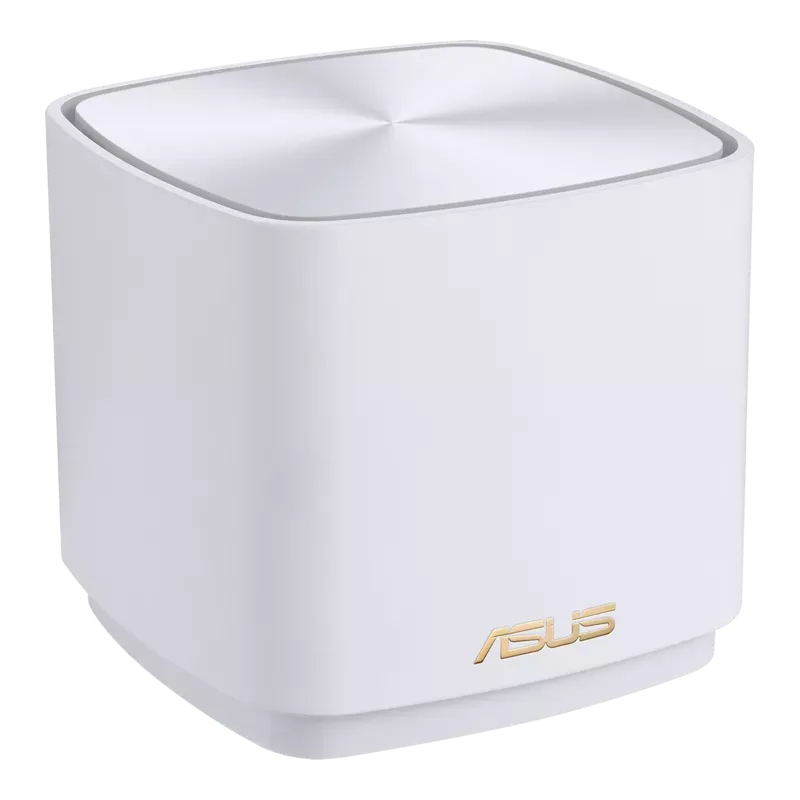
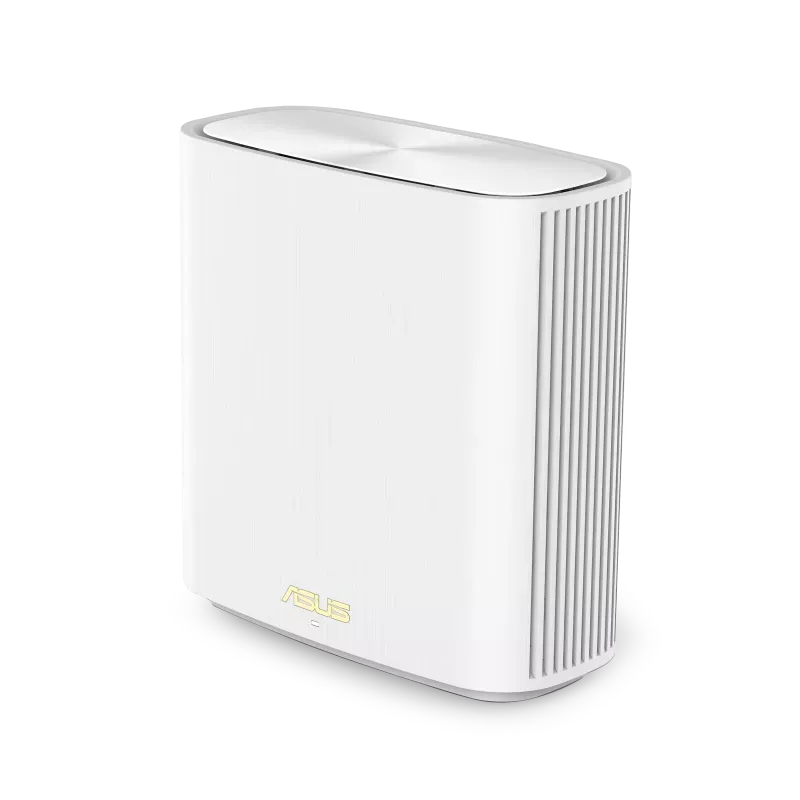
XD5 and XD6: The Useful Differences
| Feature | ZenWiFi XD5 | ZenWiFi XD6 |
|---|---|---|
| Speed class | AX3000: 574 Mbps on 2.4 GHz plus 2,402 on 5 GHz | AX5400: 574 Mbps on 2.4 GHz plus 4,804 on 5 GHz |
| Transmit/receive design | 2×2 on both bands | 2×2 on 2.4 GHz; 4×4 on 5 GHz |
| Internal antennas | Two dual-band antennas | Six antennas |
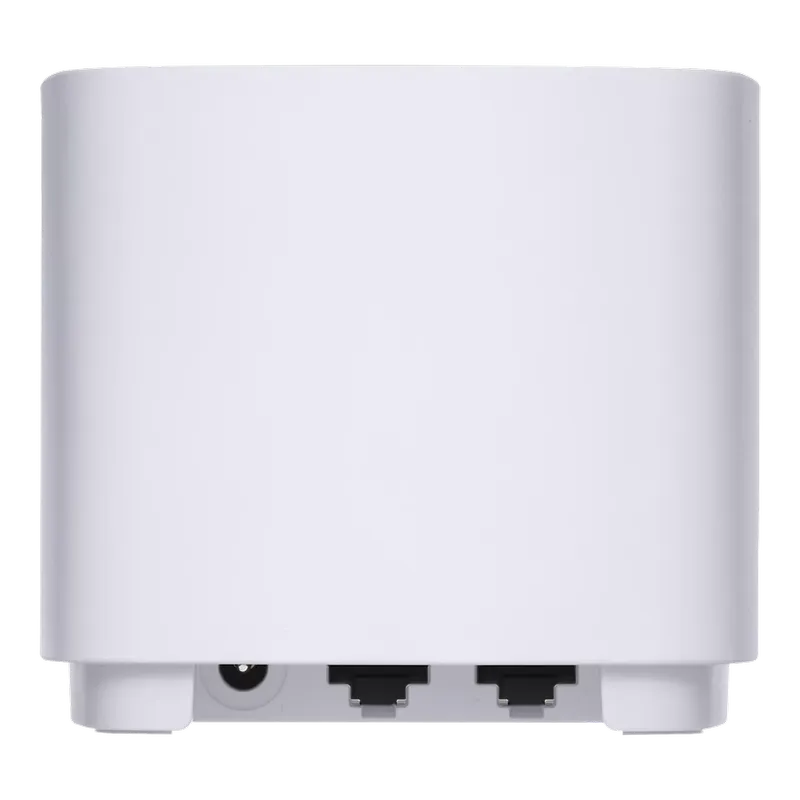
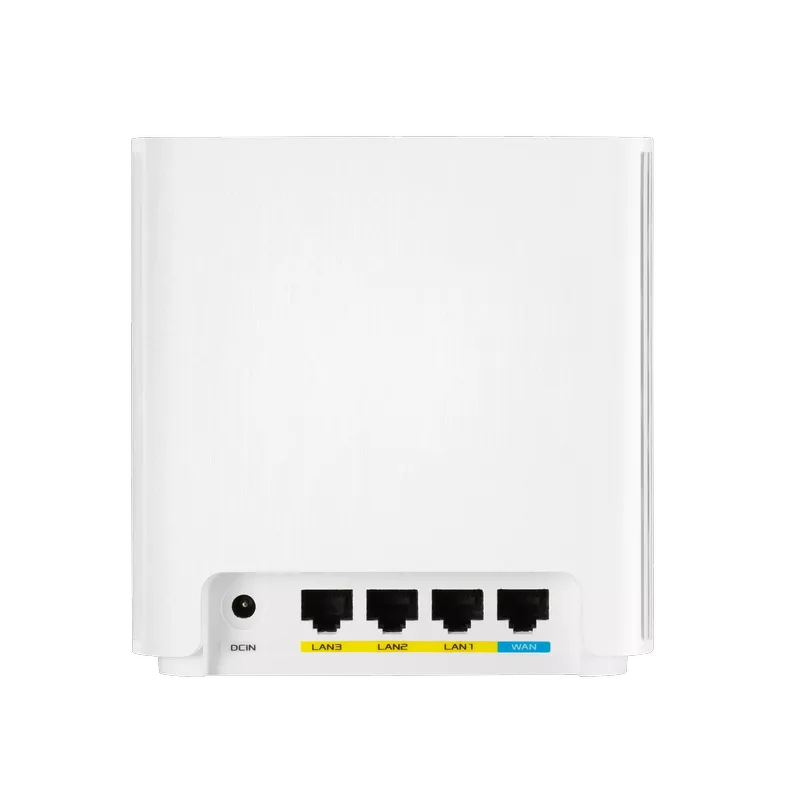
| Gigabit Ethernet | One WAN/LAN plus one LAN port | One WAN plus three LAN ports |
| Processor | 1.7 GHz quad-core | 1.5 GHz tri-core |
| Dimensions | 90 × 90 × 85 mm | 126.4 × 59.05 × 129.7 mm |
| AiProtection | Classic | Pro, including Two-Way IPS in the current specification |
The XD6S shares the family product page but has one WAN and one LAN port, not the XD6's four-port layout. Check the full model designation on the box and invoice. Neither model in this comparison has a multi-gigabit Ethernet port, and CPU core counts or clock rates alone do not establish which is faster at every router task.
Radio Headroom and Backhaul
Both models support 160 MHz on 5 GHz where permitted. A compatible 2×2 Wi-Fi 6 client can theoretically negotiate up to 2,402 Mbps with either under suitable conditions. It does not negotiate that rate automatically in every room. An 80 MHz client, weaker signal or a different channel configuration changes the comparison.
The XD6's 4×4 5 GHz design provides more radio capacity for compatible links and traffic patterns. That is useful context for our preference in demanding homes, but it does not prove double real-world speed for every laptop. A 2×2 laptop remains a two-stream device, and wireless airtime still has to accommodate client and backhaul traffic.
These are dual-band systems, without a separate third radio devoted to backhaul. More spatial streams do not make client transmissions and mesh forwarding cost-free, and MU-MIMO does not guarantee two laptops receive full-speed traffic simultaneously. A stronger radio can help, but it cannot promise superior penetration through every ceiling or wall.
Ethernet backhaul removes the wireless forwarding hop from the node-to-node path. The gigabit ports then bound that wired connection; the radio's 2.4 or 4.8 Gbps headline cannot turn it into a multi-gigabit cable link. A well-placed wired XD5 may be a more useful choice for a particular room than a poorly connected wireless XD6.
Management, Security and VPN Features
Both use the ASUS Router app and support AiMesh. ASUS advertises included AiProtection and parental-control features without a separate subscription for these products, but the feature sets differ. The XD5 lists Classic; the XD6 lists Pro and its intrusion-prevention feature. Check the actual controls you need rather than assuming the branding means an identical package.
AiProtection supplements firmware maintenance, device security and sensible account settings. ASUS says it is unavailable in Access Point mode. If an existing router already manages the network, decide which device should route and provide filtering before relying on a feature that disappears in the chosen operating mode.
VPN support also needs a model and firmware check. The current XD5 specification lists WireGuard client and server support. The referenced XD6 family table lists OpenVPN and IPSec server features but does not list WireGuard. Confirm the support page and installed firmware before buying for a specific VPN protocol; do not assume identical support across both models.
Test the guest network's intended isolation and availability on the nodes you use. Give the administrator account a distinct password, install appropriate firmware and retain a configuration backup. Network filtering and guest access should be checked from a real client, not inferred from the presence of a checkbox.
Mixing Models and Wiring Nodes
AiMesh supports mixing compatible ASUS models, so an XD6 main router with XD5 nodes is an option. The main router does not give a satellite extra antennas, ports or radio bands. A mixed link must work within the capabilities and signal conditions of the participating nodes.
For Ethernet backhaul, follow ASUS's firmware-specific instructions. Its all-wired Ethernet Backhaul Mode requires the nodes to be cabled before enabling it; an uncabled node can lose its uplink. For a mixed wired and wireless arrangement, use the documented connection-priority settings rather than assuming the all-wired switch is suitable.
Which Fits Your Household?
XD5: Our compact, budget-conscious choice for a household with ordinary browsing, streaming and gaming needs, especially where wiring provides reliable backhaul. It is not restricted to HD streaming or “light” games. Check that its port count leaves space for your wired devices after WAN or backhaul connections.
XD6: Our choice when the extra LAN ports, 4×4 5 GHz capability or Pro security features justify the local price difference. Compare equivalent pack sizes and include any switch or cabling costs. A larger home may benefit, but the floor plan and node locations matter more than assigning every large house to one model.
Make the Decision With a Small Test
Before committing, list the rooms and wired devices, check the exact XD6/XD6S designation, and confirm your intended mode and firmware features. Then compare the same client near the main router and at the satellite, using both a local transfer and the applications you care about. Check backhaul status and test a normal busy-household workload. Those results show whether the XD5's value or the XD6's additional capacity is the better fit for your home.