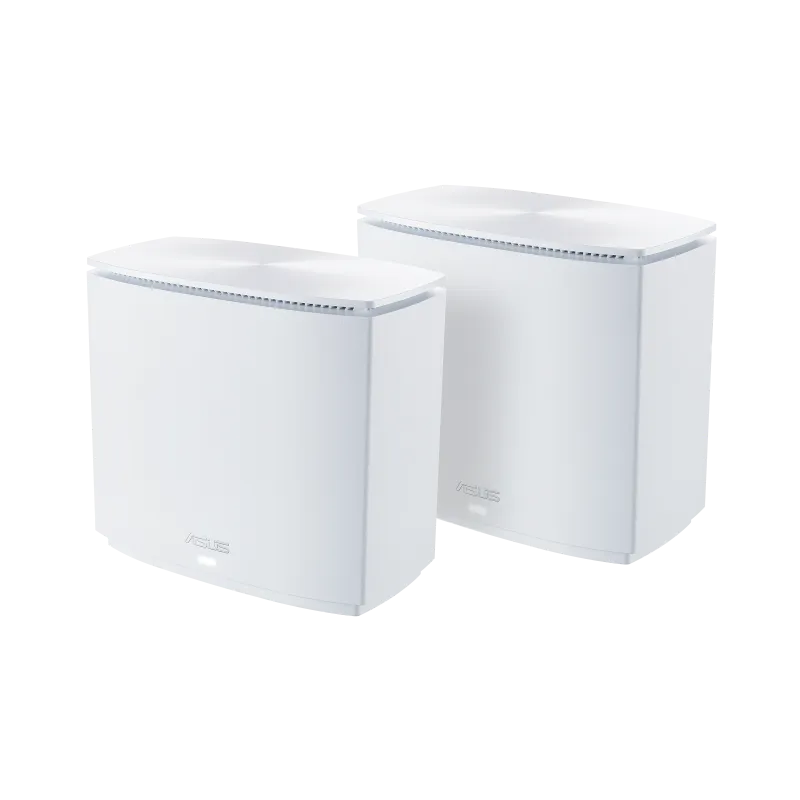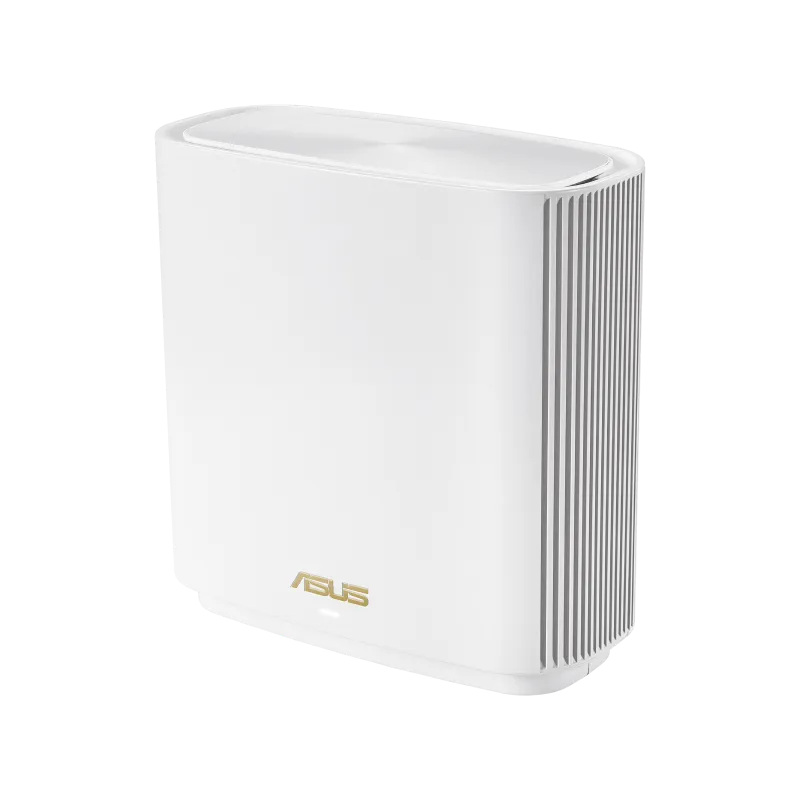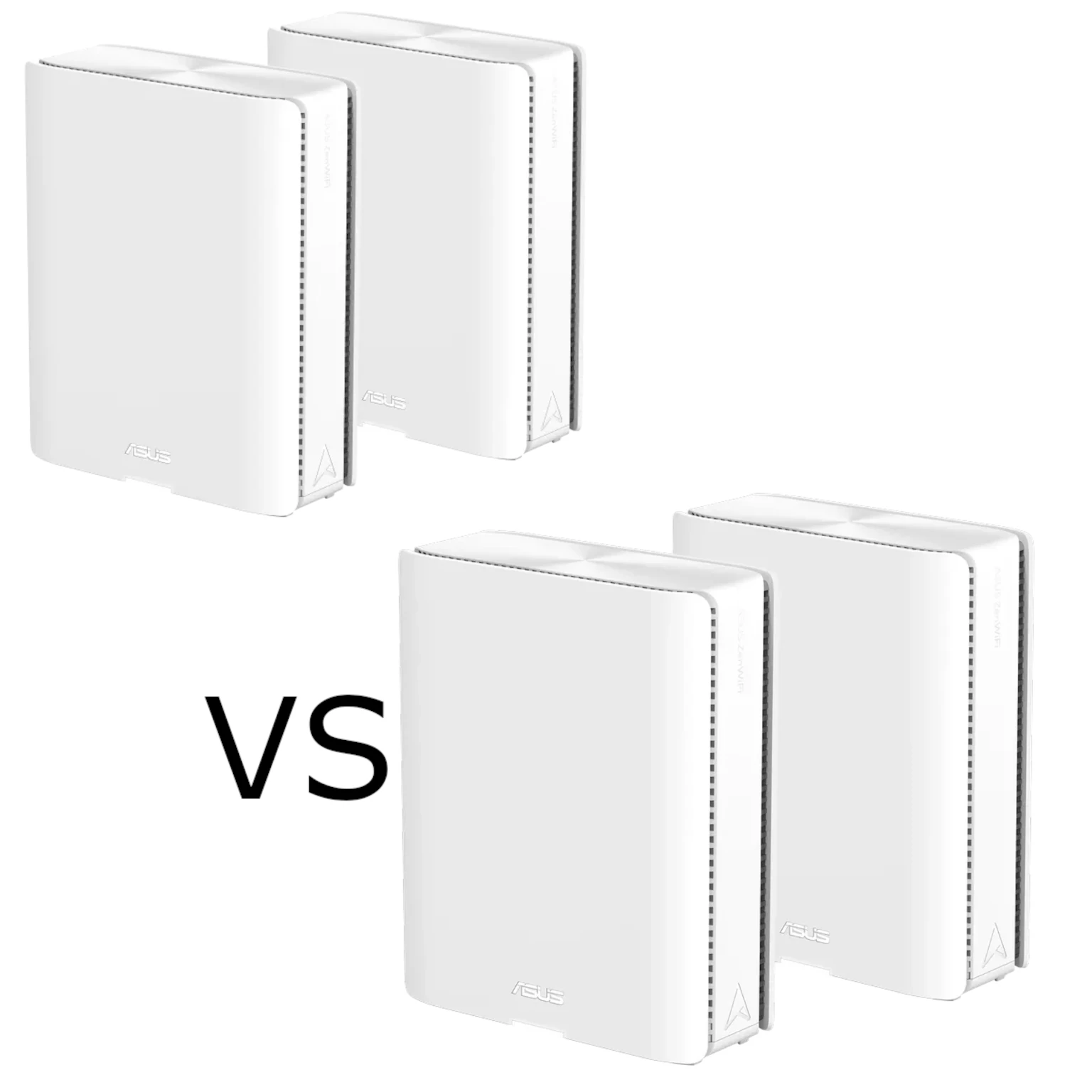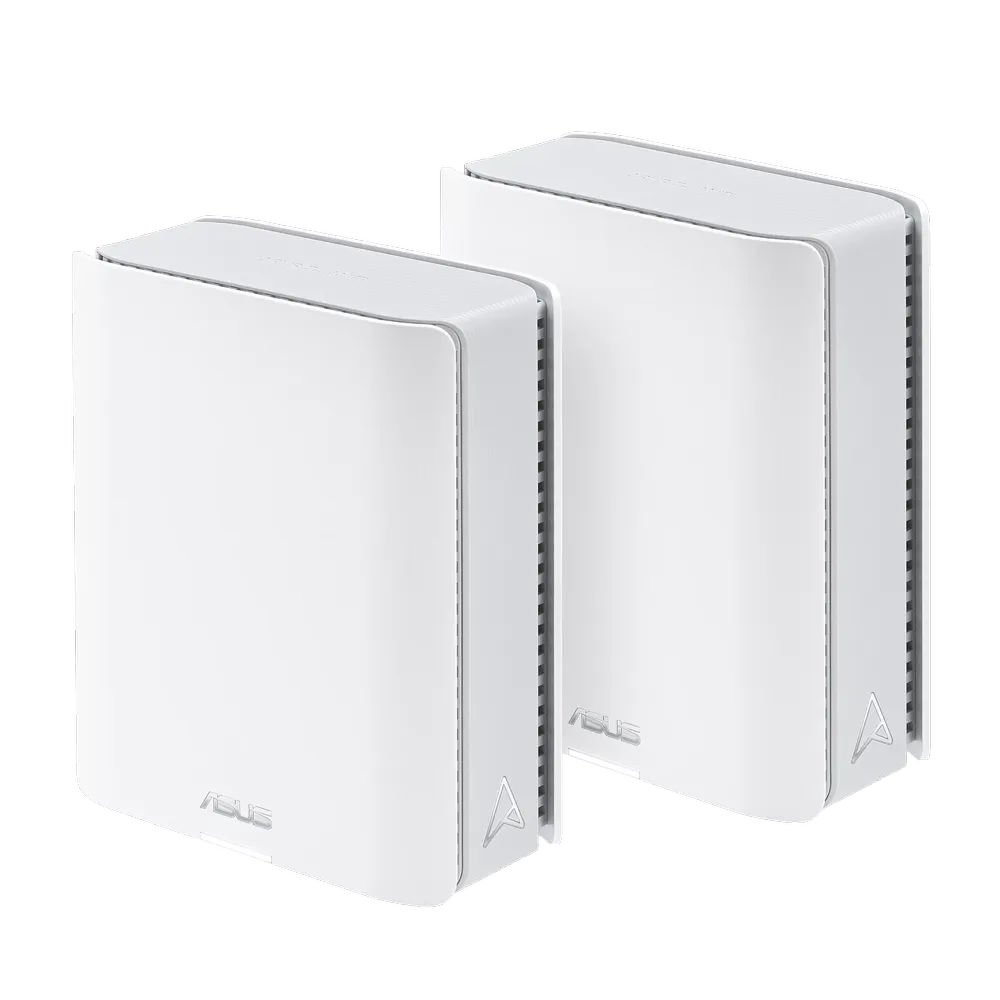
Patchy Wi-Fi can make streaming, calls and games frustrating in rooms beyond a router's useful range. The ASUS ZenWiFi BT10 combines a tri-band Wi-Fi 7 mesh with two 10-gigabit Ethernet ports per unit. It remains a compelling choice in our view for a household that can use those capabilities and is comfortable with the cost of a premium system.
A good result starts with the layout, rather than the headline speed. Mesh nodes extend the network through wired or wireless backhaul. Each needs an effective upstream connection as well as coverage for nearby clients. Thick walls and difficult floor layouts still require sensible placement, and sometimes a cable route.
What Wi-Fi 7 Adds
Wi-Fi 7, or 802.11be, adds capabilities such as Multi-Link Operation, 320 MHz channels on 6 GHz and 4096-QAM. Compatible clients, firmware, signal quality and local spectrum rules determine which features you can use. A Wi-Fi 6 laptop does not become a Wi-Fi 7 client simply by joining the network.
The BT10's BE18000 rating combines 688 Mbps on 2.4 GHz, 5,764 on 5 GHz and 11,529 on 6 GHz. These are theoretical radio rates. They are not one device's download speed, an internet-plan requirement or a guarantee that a game has no latency. Applications also depend on the client, backhaul and destination beyond your home.
6 GHz was already available with Wi-Fi 6E. On the BT10 it provides another radio band for capable devices and mesh traffic, with available channels depending on the region. It can be useful where spectrum is less crowded, but should not be assumed to penetrate difficult walls better than every lower-band option.
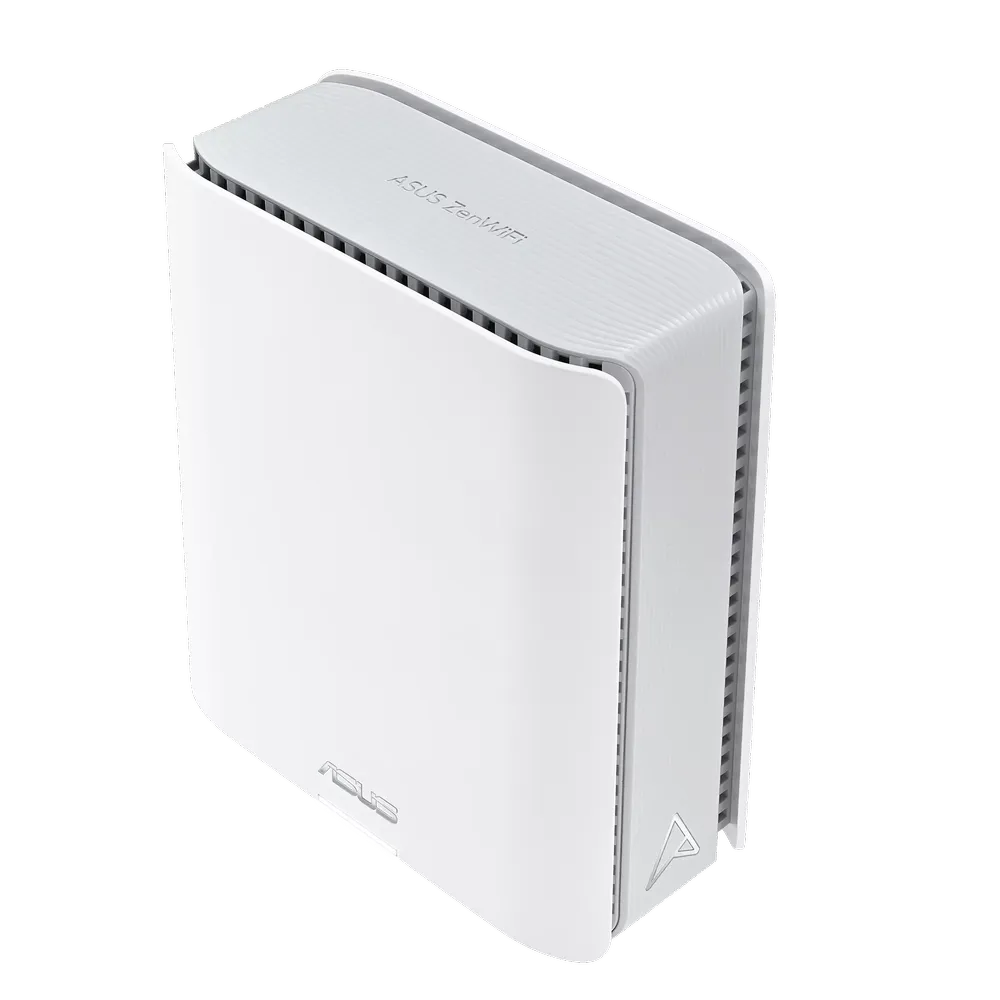
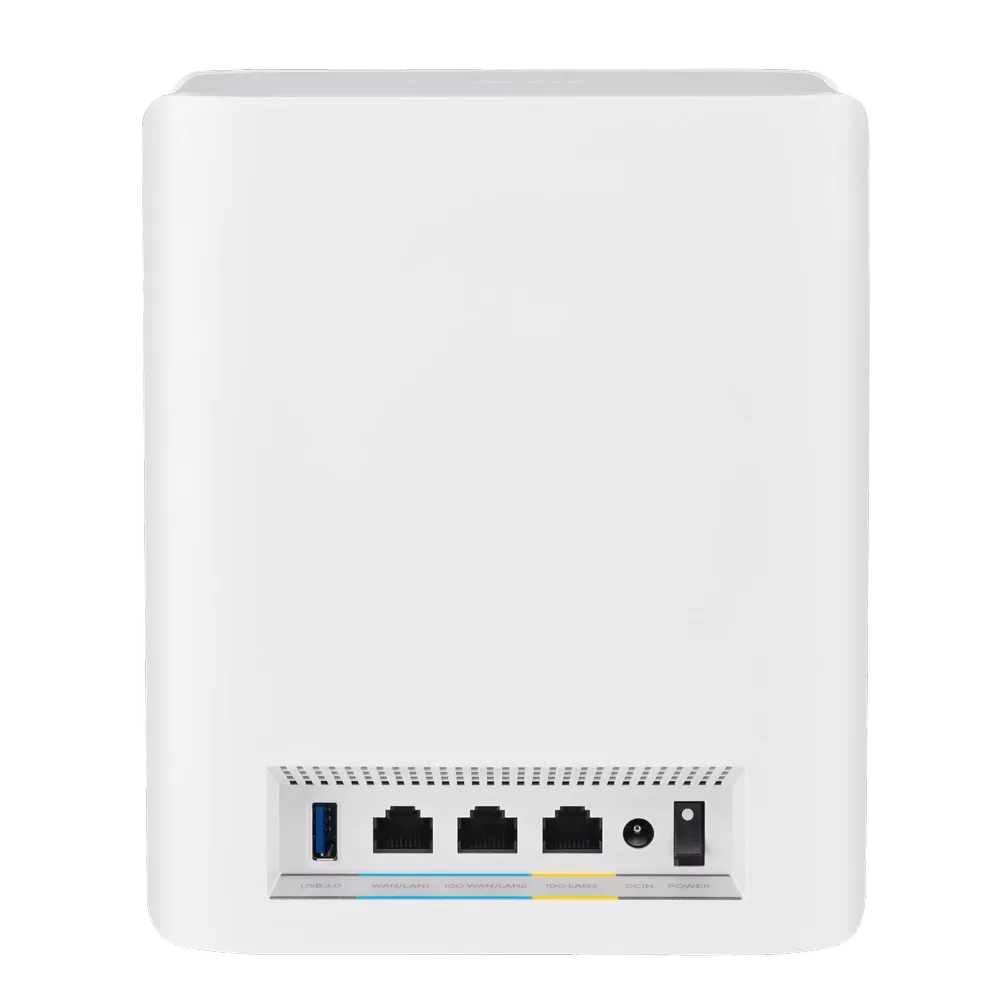
Hardware Specifications
| Feature | BT10 specification |
|---|---|
| Wi-Fi | Tri-band Wi-Fi 7, BE18000 |
| Transmit/receive | 2×2 on 2.4 GHz; 4×4 on 5 GHz and 6 GHz |
| Antennas | Eight internal antennas |
| Processor | 2.0 GHz quad-core |
| Memory | 2 GB RAM and 256 MB flash |
| Ethernet per unit | One 10G WAN/LAN, one 10G LAN and one 1G WAN/LAN |
| USB | One USB 3.0 port |
| Operating modes | Router, AiMesh node and Access Point |
| Security features | AiProtection Pro, subject to mode and configuration |
Check the local product page and package contents for the version you will buy. ASUS advertises up to 6,000 square feet for a two-pack and 3,000 for one unit on the referenced global page. Those are coverage estimates, not guaranteed floor areas. Construction, node spacing, interference and client location affect the useful coverage.
Why Two 10G Ports Matter
Two fast interfaces allow the main unit to connect a suitable high-speed WAN on one port and a fast LAN or wired-backhaul path on the other. A satellite connected through one 10G port can leave its other 10G port available for a suitable device or switch. This is useful flexibility when compared with using a single fast interface for everything.
The topology still needs planning. Connecting a satellite through the 1G port bounds that particular wired path; it does not reduce every local connection throughout the whole network to gigabit. Likewise, a 10G physical connection does not guarantee a 10 Gbps application transfer. Cables, switch ports, endpoints, routing features and storage can introduce other limits.
For wired AiMesh, follow the current ASUS backhaul guide. Its all-wired Ethernet Backhaul Mode requires the nodes to have working cable connections before enabling it. A mixed network needs the appropriate connection-priority settings instead. Check the connection shown for each node and compare a capable local endpoint before blaming the wireless radios for a wired bottleneck.
MLO Backhaul and Mixed AiMesh Networks
ASUS describes BT10 Smart AiMesh as aggregating or switching across supported bands using MLO. The two operations are different: not every client or node continuously transmits full-rate traffic on all three bands. The product page explicitly says supported MLO modes and bands vary by device.
There are also current implementation limits to check. ASUS's generic MLO FAQ states that only the first node can use MLO backhaul when several Wi-Fi 7 nodes are present, and that MLO backhaul supports the same model. It also warns that enabling MLO on the primary router can stop a non-MLO Wi-Fi 6E node from broadcasting 6 GHz.
Those conditions matter when reusing an older AiMesh unit or buying more than a pair. Confirm the exact models and current firmware guidance before relying on identical MLO behavior throughout a mixed mesh. A compatible AiMesh connection does not automatically mean the older node gains the BT10's radio features.
Smart Home Networks: Compatibility and Isolation
Smart Home Master provides network profiles for purposes such as IoT devices, children and VPN use. Current ASUS instructions rename the relevant menu to “Network” on specified newer firmware. Consult the instructions for your installed release; a menu name from a launch-era description may no longer match.
An IoT profile can keep older devices on suitable 2.4/5 GHz settings while a separate Wi-Fi 7 profile serves newer clients. This helps with compatibility, but it is not automatically an isolation policy. ASUS's current IoT guide says “Use same subnet as main network” is enabled by default for device control and connectivity.
Where separation is the goal, review that setting, the subnet and allowed intranet access. Then test the intended boundary from an IoT client and verify that legitimate controllers still work. A different SSID name alone does not prove a camera cannot reach a PC or NAS; some smart-home applications also need deliberate cross-network access.
A VPN network can associate devices with a chosen VPN service without installing software on each device. The BT10 lists OpenVPN, WireGuard and VPN Fusion capabilities. Verify the profile assignment, actual exit path and behavior if the tunnel disconnects. A dedicated Wi-Fi name is useful organisation, but is not evidence by itself that every packet follows the intended tunnel.
Security and Backup Connectivity
AiProtection Pro adds filtering and intrusion-prevention functions, but it complements maintained firmware and endpoint security. ASUS says AiProtection is unavailable in Access Point mode. Choose the mode and upstream router responsibilities before relying on the advertised protection package.
The USB port supports listed storage applications and 4G/5G mobile tethering. Tethering still requires a compatible phone or modem arrangement, a working mobile plan and configured failover. Test a controlled WAN outage and recovery before expecting automatic continuity. An alternative connection has its own capacity, signal and data allowance; it cannot promise every application session remains uninterrupted.
BT10, ET12 and BQ16 in Context
| Model | Radio design | Wired interfaces per unit |
|---|---|---|
| ZenWiFi Pro ET12 | Tri-band Wi-Fi 6E, AXE11000 | One 2.5G WAN, one 2.5G LAN and two 1G LAN |
| ZenWiFi BT10 | Tri-band Wi-Fi 7, BE18000 | One 10G WAN/LAN, one 10G LAN and one 1G WAN/LAN |
| ZenWiFi BQ16, referenced UK profile | Quad-band Wi-Fi 7, BE25000, with two separate 5 GHz radios | Two 10G interfaces and three 1G interfaces |
The BQ16's two 4×4 5 GHz radios are separate radios, not one 8×8 client link. Also distinguish BQ16 from BQ16 Pro and check regional profiles. The BT10's higher 6 GHz radio rating than ET12 is a capability comparison, not proof that every real transfer more than doubles.
Who Should Consider the BT10?
We still favour the BT10 for homes where premium mesh management, suitable Wi-Fi 7 clients and fast wired paths solve a real need. Compare equal pack sizes and include wiring or switches in the budget. For existing devices, check current capabilities rather than assuming most devices still lack Wi-Fi 7 because of the article's original publication period.
Test the same client near the main unit and in the difficult rooms, inspect backhaul status, and check a normal busy-household workload. Verify guest/IoT access and roaming with the devices you actually own. Those checks turn an appealing specification list into evidence that the system suits your home.