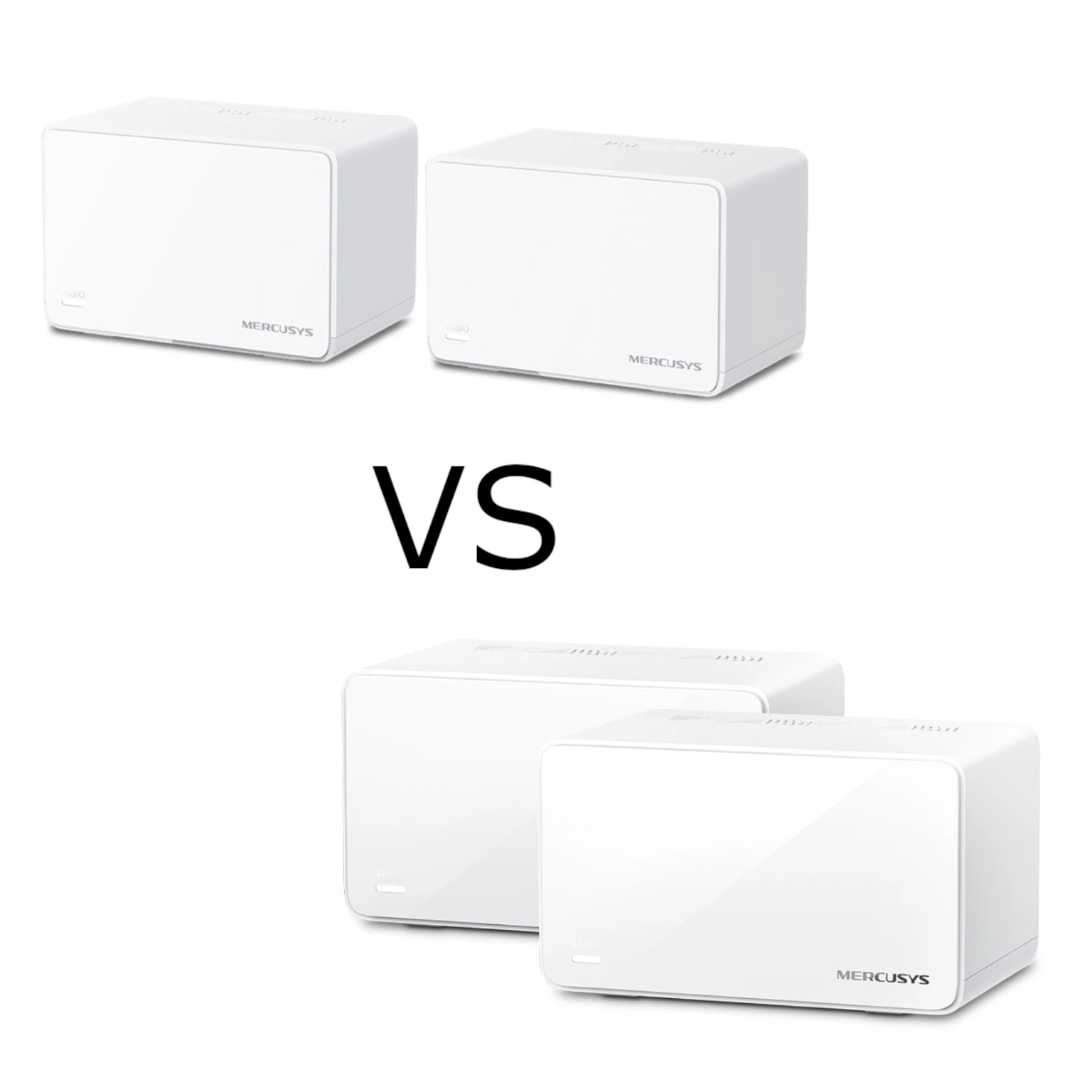
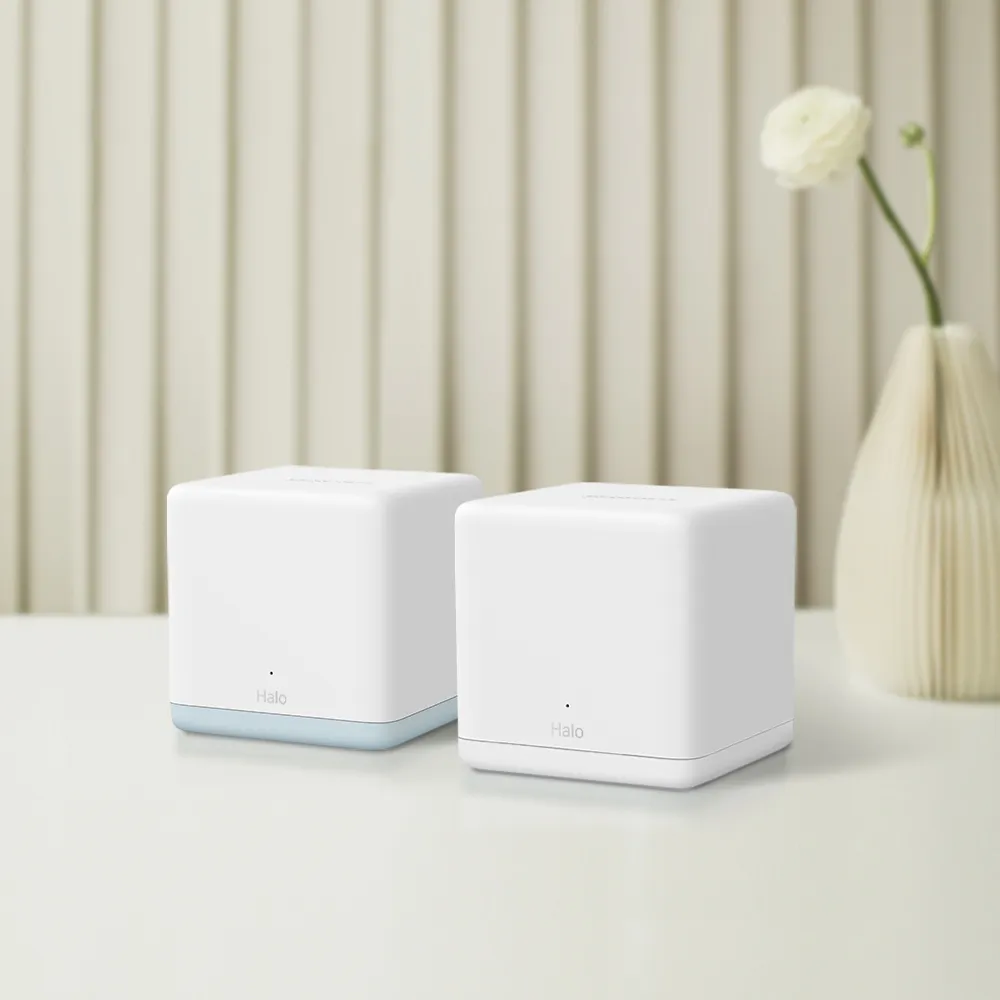
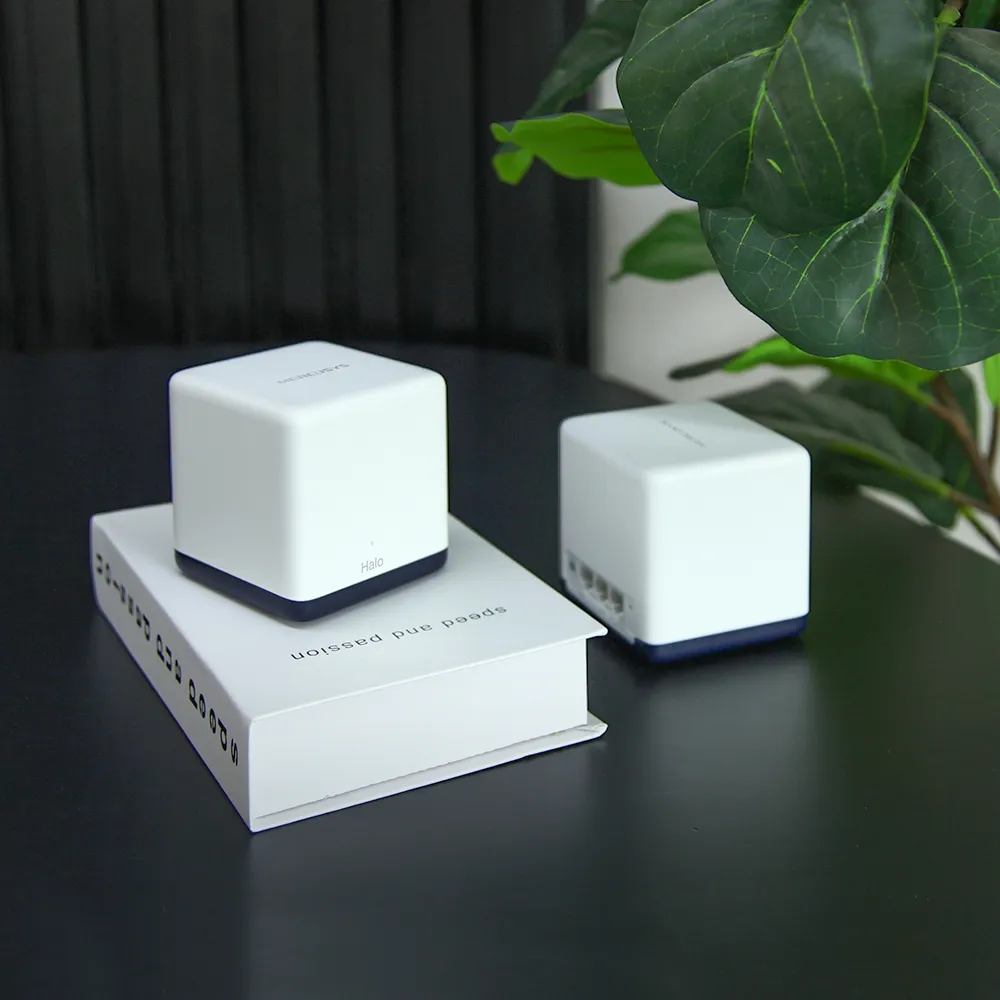
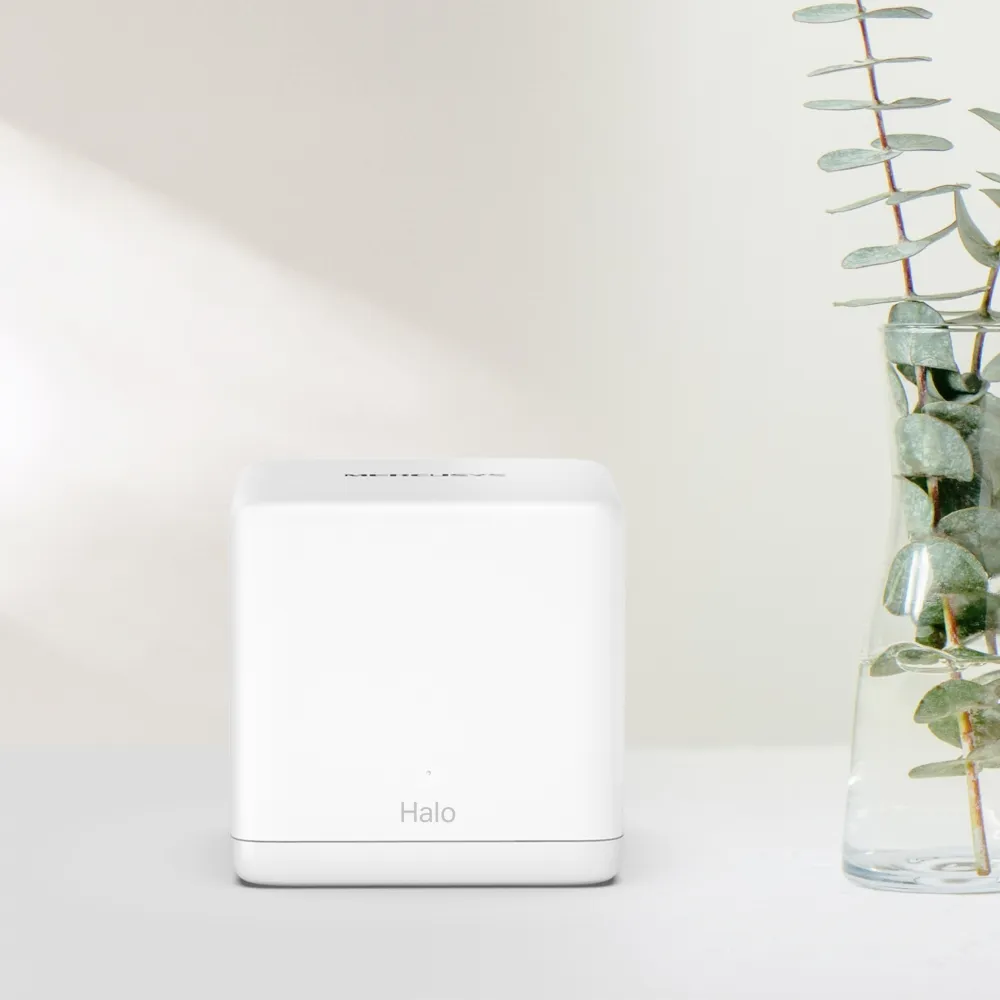
The Mercusys Halo H60X is a budget mesh option for improving home coverage through several connected access points. I find its combination of app-guided setup and an affordable specification appealing for households that want a straightforward upgrade. It is worth considering for home offices, everyday entertainment and smart devices, provided you plan around its port layout and radio limits.
Imagine replacing one light bulb trying to illuminate a whole house with several bulbs in useful positions. Mesh access points can improve coverage in a similar way, but each satellite still needs a connection upstream. A new unit placed where the original signal is already unusable may not solve the problem. Good placement or a cable between nodes can matter more than buying the largest pack.
AX1500: Wi-Fi 6 on the 5 GHz Band
The H60X advertises a physical link rate of 1,201 Mbps on 5 GHz and 300 Mbps on 2.4 GHz. These combine into the AX1500 class. The specification lists 802.11ax on 5 GHz and 802.11n on 2.4 GHz, so this is not an AX3000 system with Wi-Fi 6 features on both bands. It also has no 6 GHz radio or Wi-Fi 7 MLO.
A physical link rate differs from useful download or file-transfer throughput. Protocol overhead, interference, the client adapter and a satellite's backhaul all matter. You cannot add both band rates and expect one phone to download at the total. Nor does an AX class establish a fixed internet tier that the system will always deliver everywhere.
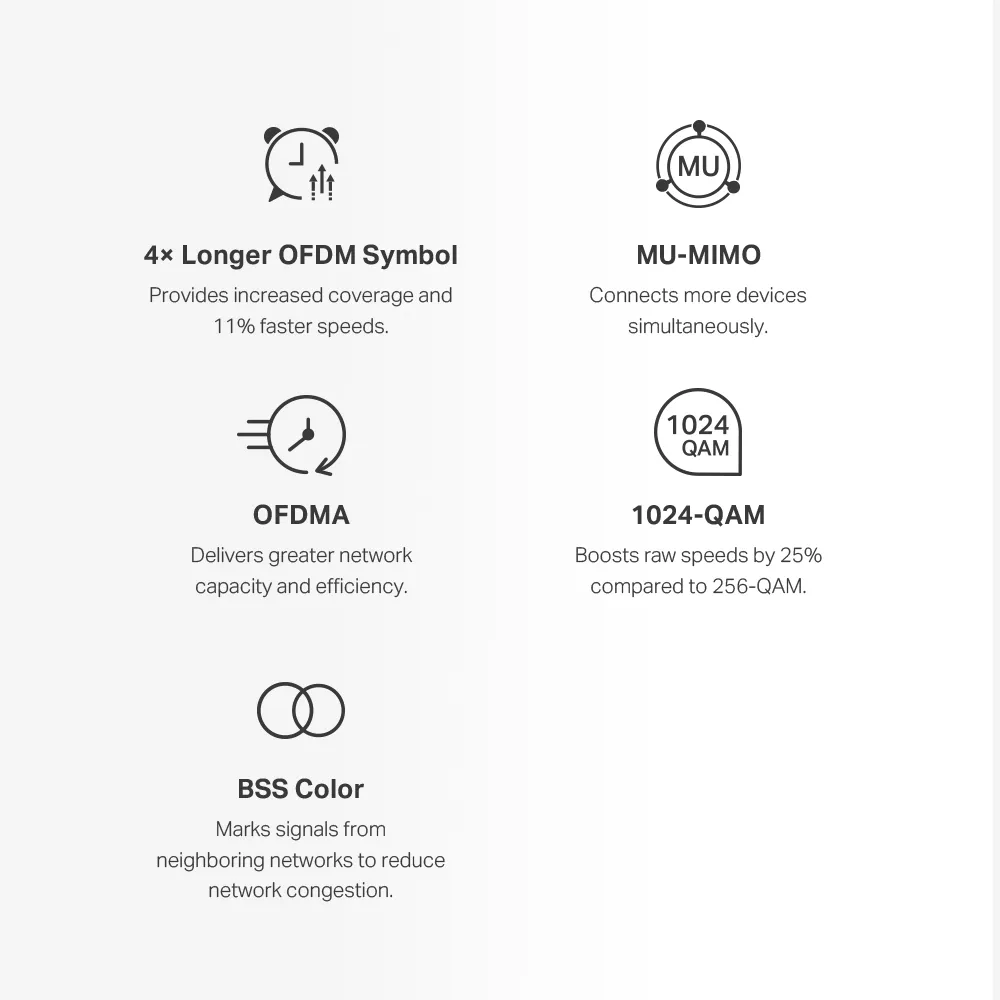
Features such as OFDMA and MU-MIMO help compatible devices share radio resources. Older smart-home devices do not acquire those capabilities merely because the main unit says Wi-Fi 6. For a small sensor or plug, a stable connection is usually more useful than a high headline rate. Check the device's band and security compatibility before planning its location.
The Main Unit and Satellites Are Different
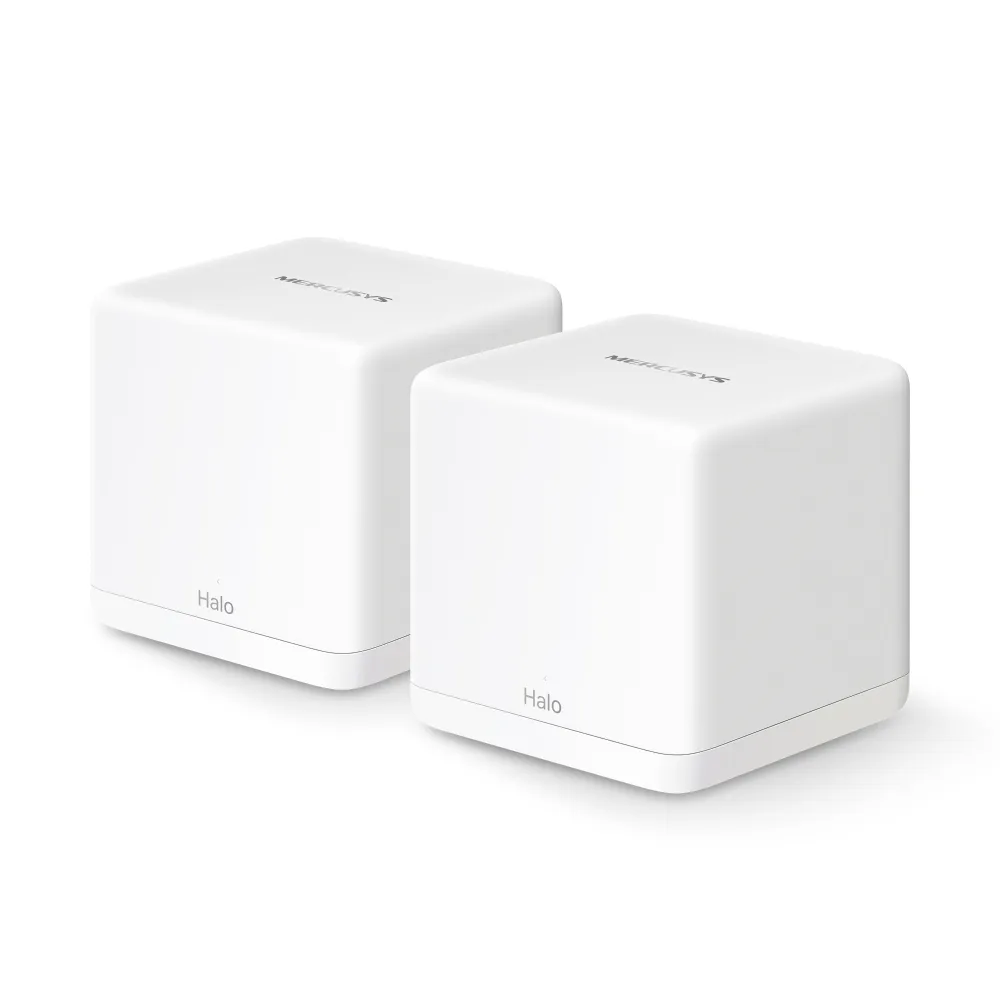
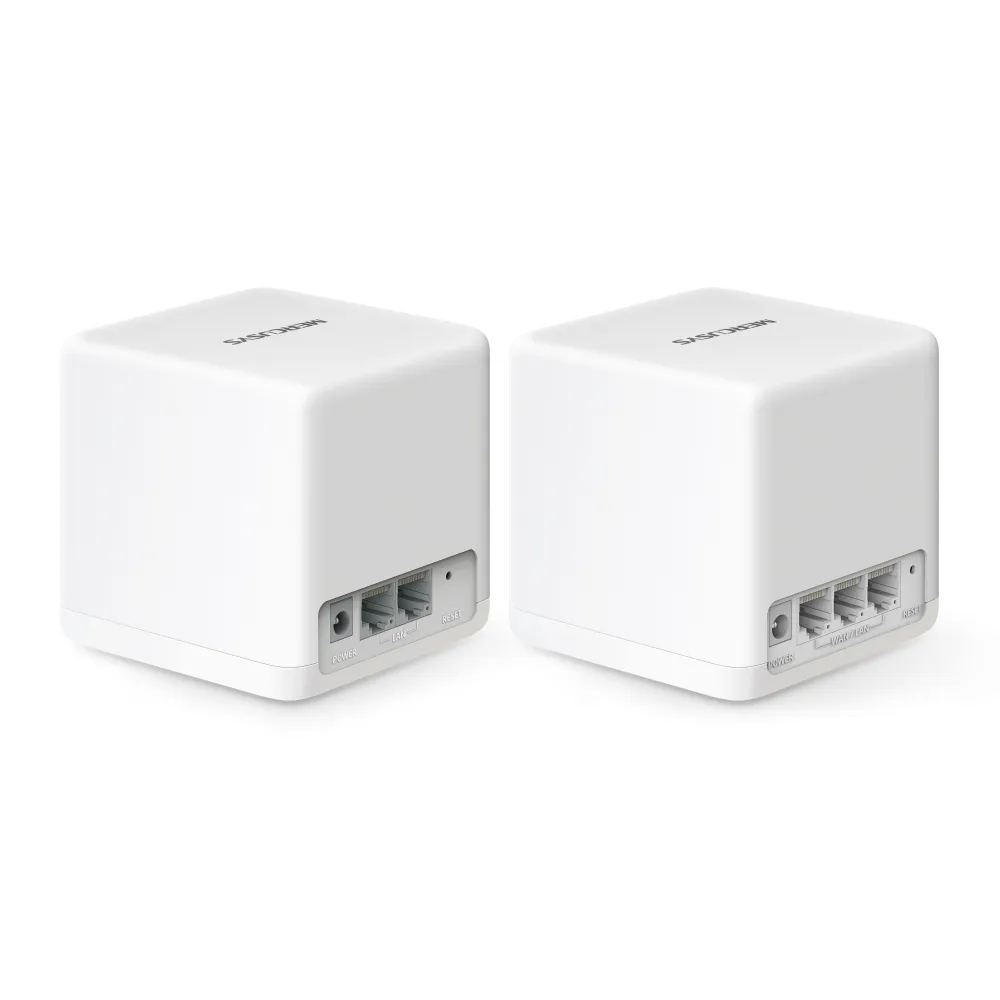
The documented V1 packs contain an H60XR main unit and H60XS satellites. H60XR has three Gigabit WAN/LAN ports; H60XS has two Gigabit LAN ports and is designated as a satellite. The two-pack contains one of each, while the three-pack adds a second H60XS. Do not treat the units as interchangeable routers when choosing where the internet connection enters the network.
In router mode, the H60XR uses one socket for its WAN connection, leaving two for local equipment or backhaul. A wired H60XS spends one LAN socket on its uplink and has one left for another wired device. If a room needs a desktop, printer and cable to another node, include a suitable switch rather than assuming every satellite has three spare sockets.
The original rear-view image is useful here: it shows the two-port satellite beside the three-port main unit. Check the label on a used or unpackaged unit before buying. A low price for an H60XS alone does not establish that it supplies the main-router role you need. Confirm the exact pack contents and regional hardware version.
Specifications and Advertised Coverage
| Item | Halo H60X V1 |
|---|---|
| Wireless | 5 GHz Wi-Fi 6; 2.4 GHz 802.11n |
| Advertised link rates | 1,201 Mbps on 5 GHz; 300 Mbps on 2.4 GHz |
| Main H60XR ports | Three Gigabit WAN/LAN ports |
| H60XS satellite ports | Two Gigabit LAN ports |
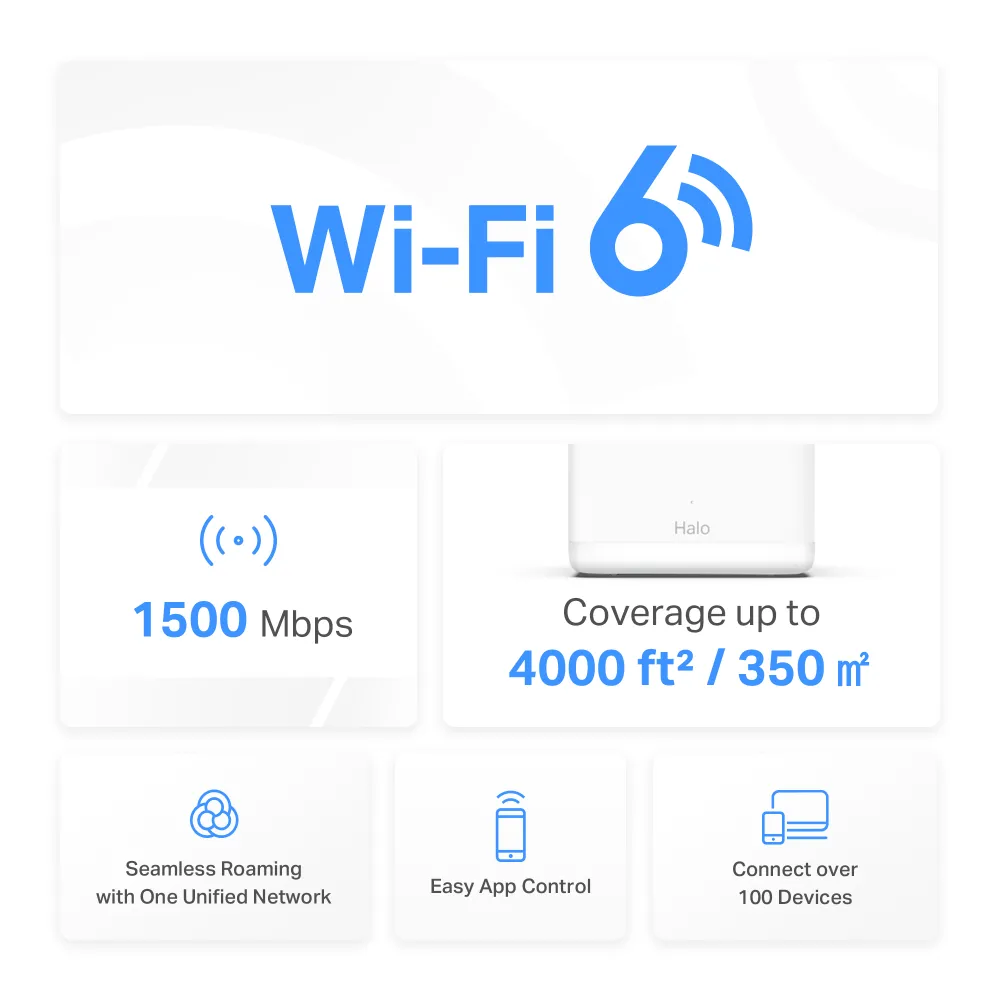
| Two-pack | One H60XR plus one H60XS; up to 4,000 sq ft / 350 m² |
| Three-pack | One H60XR plus two H60XS; up to 6,000 sq ft / 550 m² |
| Advertised clients | Over 100; conditions apply |
| Dimensions | 88 × 88 × 88 mm per unit |
| Modes and security | Router/AP; WPA-PSK/WPA2-PSK/WPA3 support |
Coverage estimates are not promises for every floor plan. Thick walls, metal, furniture and the main unit's position influence the result. Start by identifying the room that needs improvement and the route between it and the internet entry point. A satellite nearer that route can be more effective than one placed deep inside the dead zone.
Connected-device count also differs from capacity for simultaneous heavy traffic. Many idle sensors can place less demand on the network than several active security cameras. Consider when backups, calls and streaming overlap. The H60X's Gigabit ports also make it unsuitable for a fully multi-gigabit wired path, regardless of the wireless class printed on the box.
Backhaul and Wiring
This is a dual-band mesh. Wireless client and node traffic share the available radio resources, so a strong signal from a nearby satellite is not proof of a fast route to the main unit. Test different positions before assuming that the ISP connection or client device is the problem.
Ethernet backhaul avoids that wireless hop. Mercusys advises adding the units to the same network through the app before wiring them. In router mode, satellites connect downstream of the main Halo's LAN port, directly or through its LAN switch. In AP mode, they can connect through the existing router's LAN. Do not bypass the main Halo through a modem-side switch in router mode.
Check the app's network map to confirm the active connection. If Ethernet backhaul does not take effect, try another cable and port and bypass an intermediate switch. IPTV-assigned ports cannot simultaneously serve this backhaul, and switch forwarding or loop-detection behavior can matter. Diagnose the actual path rather than creating redundant cables or turning off protections indiscriminately.
Choose Who Manages Your LAN
Use the H60XR in router mode when it should manage client addressing and the local network. If an existing router already does that, access-point mode can avoid an extra routing layer. Mercusys' guide uses More > Advanced > Operation Mode in its example app interface; consult the installed version if the menus differ.
In AP mode, Halo does not act as the DHCP server. Keep DHCP enabled on the upstream router and use that gateway for reservations and port forwarding. Parental controls and other selected advanced functions disappear from the Halo app in this mode. Choose the mode before planning family controls or printer reservations.
A consumer mesh is not automatically a business VLAN access-point system. An ISP VLAN feature does not prove arbitrary VLANs for each wireless name. If isolation between homelab, guest and IoT devices is essential, confirm the exact supported behavior before building around it.
Controls, Security and Compatibility
The app provides device management and documented parental features such as profiles, time limits, website block lists and pausing access. Do not assume that a basic block list includes every automatic category-filtering feature offered elsewhere. Check the actual interface and test the rules on the intended device.
A guest network is useful for visitors, but a separate name alone does not prove all isolation behavior in every operating mode. Confirm the settings before allowing untrusted devices beside private shares. Likewise, WPA3 support requires a compatible client and a suitable security configuration; it is not evidence that every existing connection already uses WPA3.
Mercusys lists 802.11k/v/r roaming assistance. Clients influence transitions, so test the actual phone during a call instead of expecting a guaranteed handoff time. Halo H models can share a mesh, while H and S series cannot. Mixing models does not upgrade an older node's radio or ports. Keep regional firmware current and preserve important settings before updates.
Is It Good Value?
I still see the H60X as a worthwhile budget candidate for households that value straightforward coverage and app management. Its limits are important for enthusiasts who need more customization or a faster wired network. Compare the total pack and switch cost, firmware support and local warranty rather than accepting a claim that one mesh is always the cheapest.
Begin evaluation with a wired internet test at the main unit, then compare the same Wi-Fi client nearby and in the rooms you use. Test a local transfer separately if NAS access matters. Record the serving node and backhaul so later placement changes can be assessed. No fixed room throughput or power-consumption result is implied by the specification.
Use the original official Halo H60X link and matching pack documentation to confirm the exact equipment offered by your retailer.