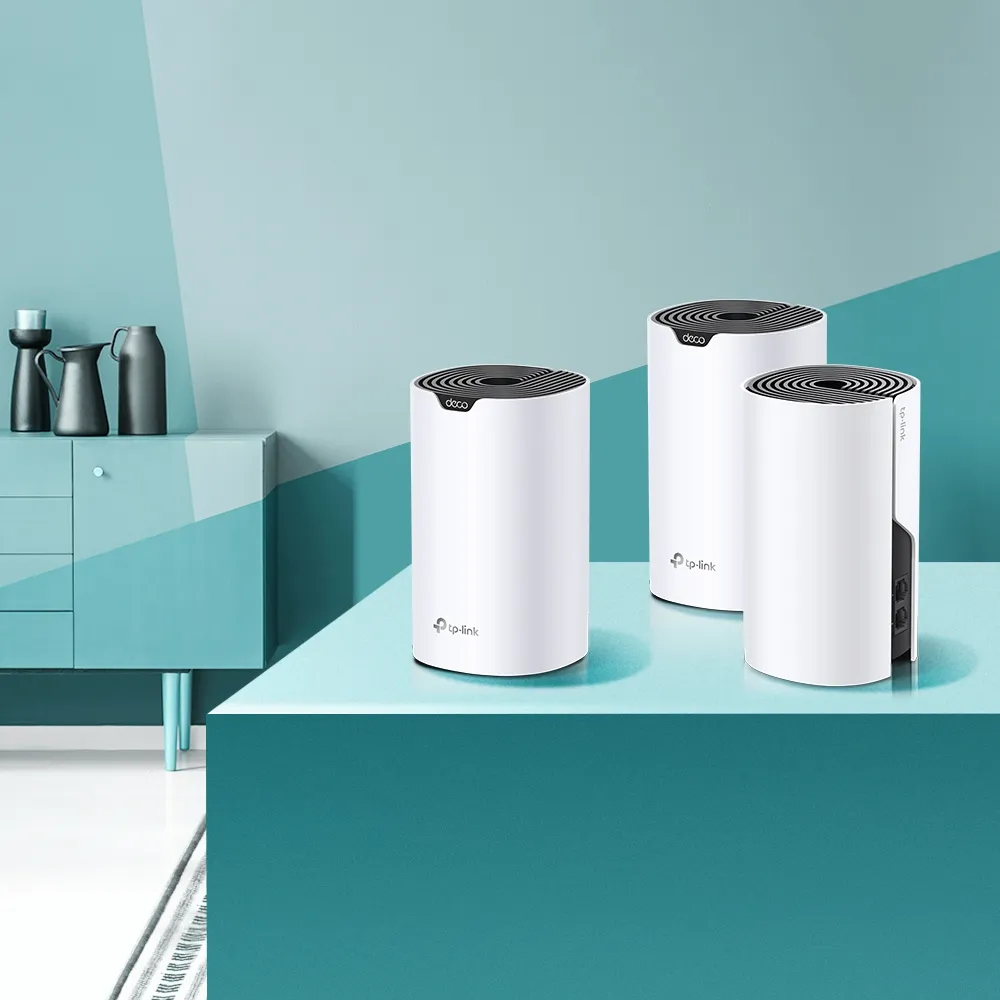
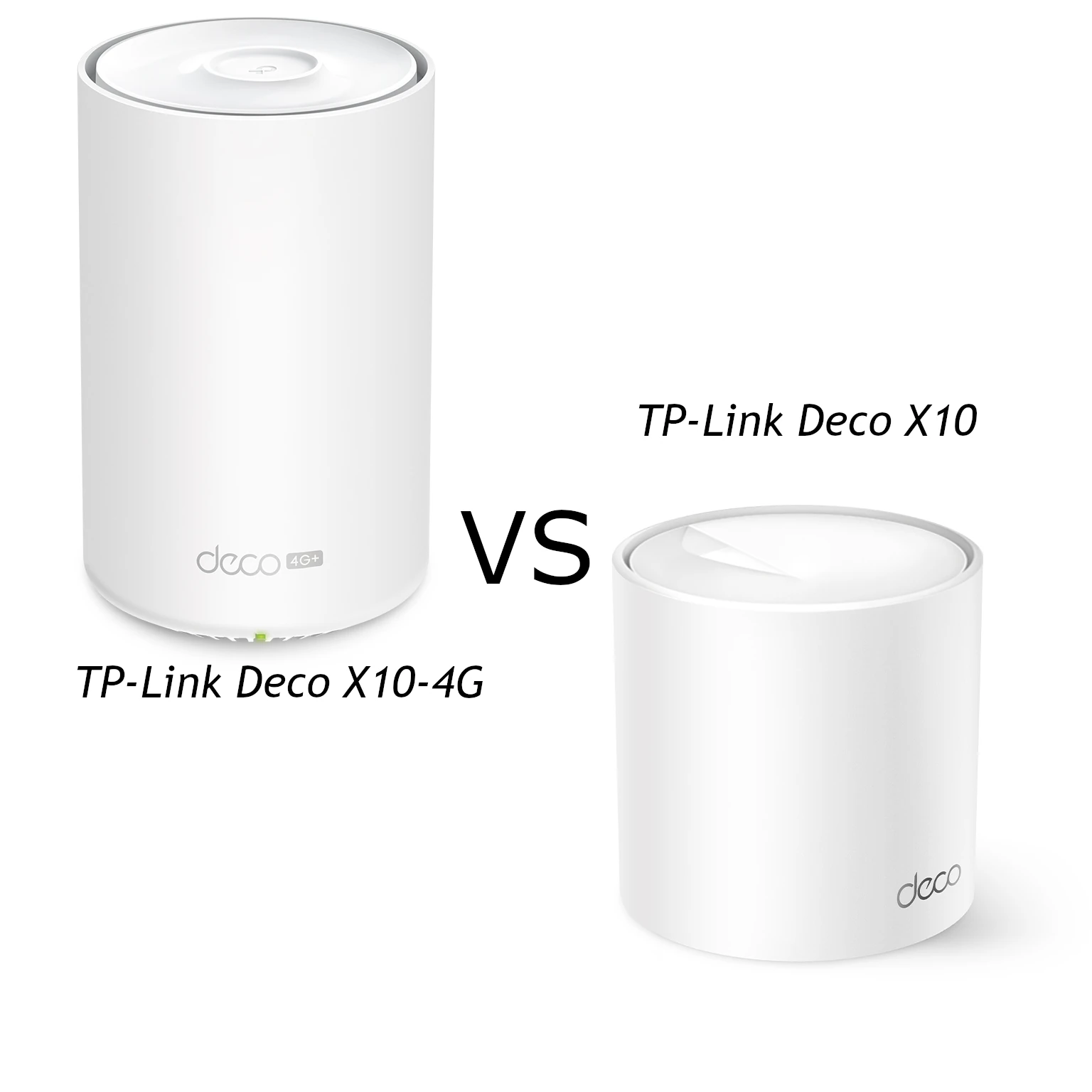
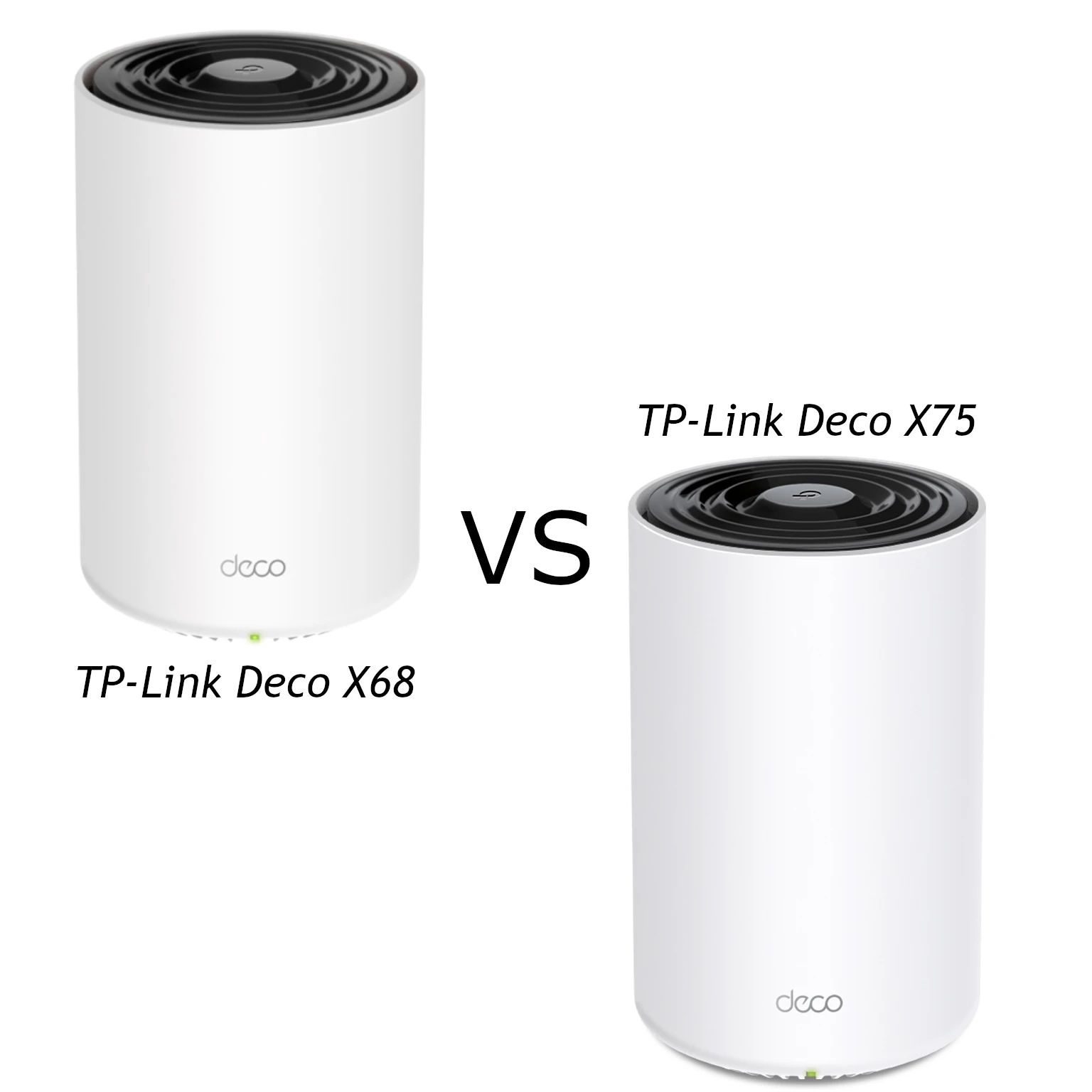
The TP-Link Deco X50 and Cudy M3000 are two interesting AX3000 Wi-Fi 6 mesh choices. Both aim to extend coverage through several nodes, but the useful differences include wired ports, management controls and the services you want to use. Similar radio ratings do not mean identical results in your house.
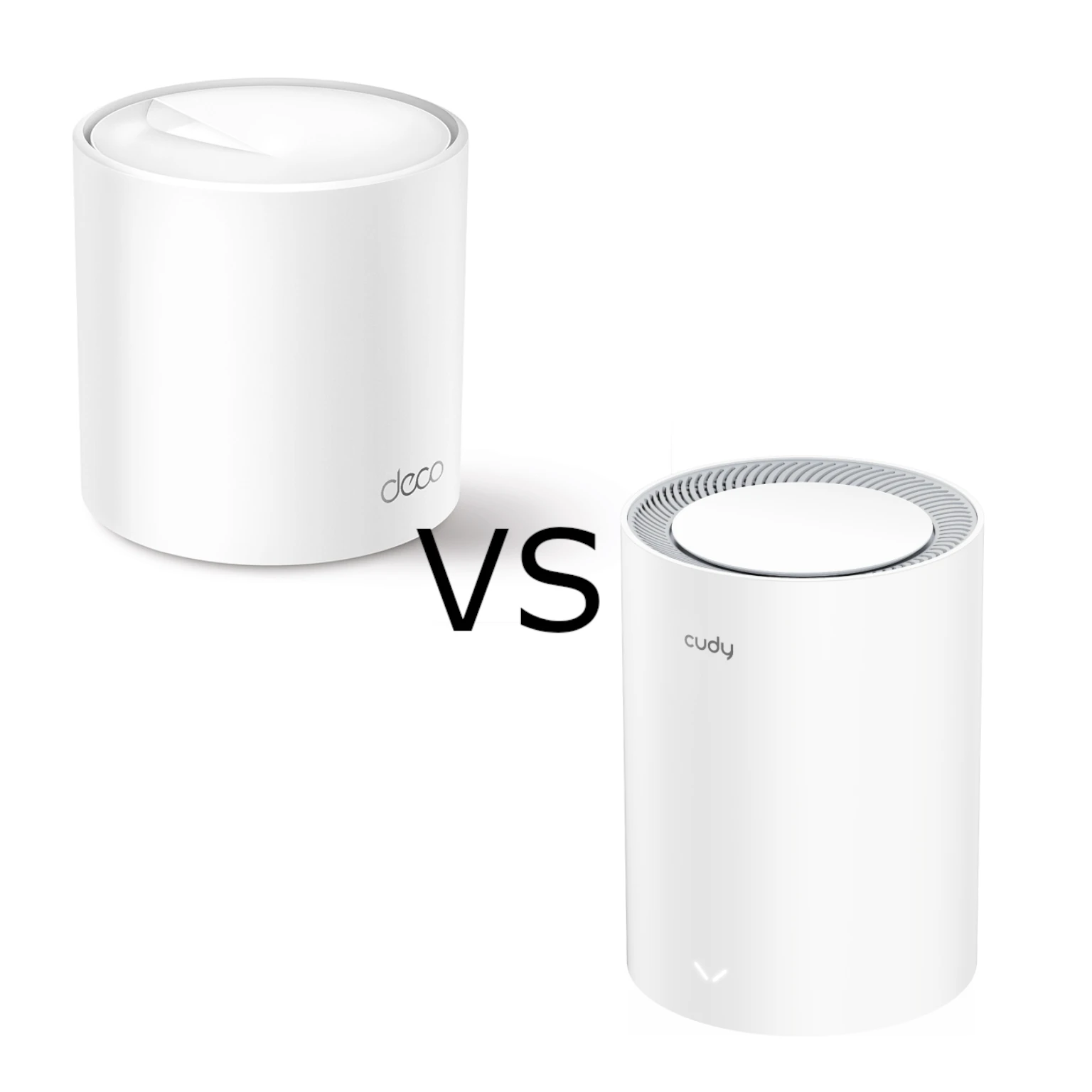
The Deco X50 remains an attractive family option for its app and household controls. The M3000 remains worth considering when its local price makes it the more affordable choice. Compare the actual pack and hardware version: this guide uses the ordinary Gigabit-port Deco X50 and Cudy M3000 2.0, rather than similarly named PoE, Outdoor or cellular products.
Understanding Mesh and Wi-Fi 6
A main mesh unit connects to your Internet service and satellites extend access to other rooms. The links between nodes are the backhaul. A phone can have a strong link to a satellite while that satellite has a weak link upstream. Placement therefore matters as much as the signal bars on the phone.
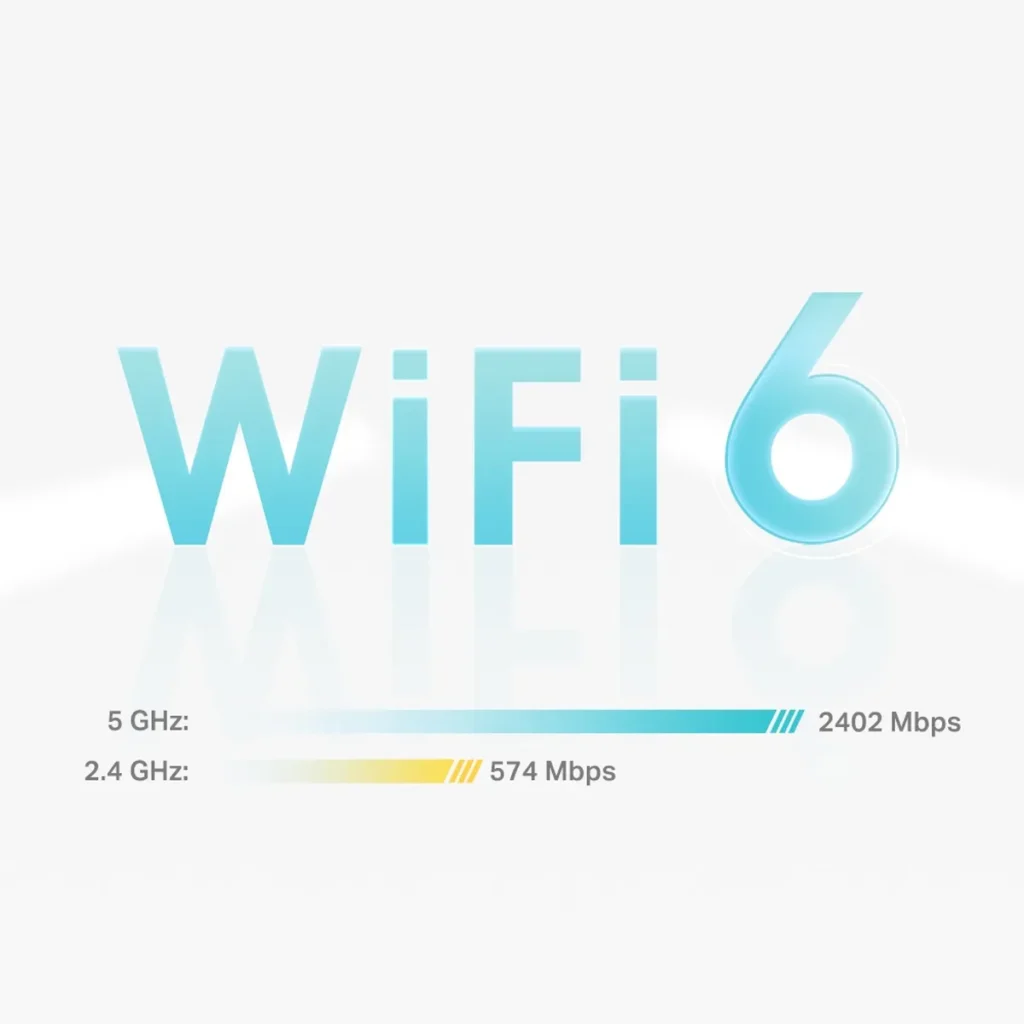
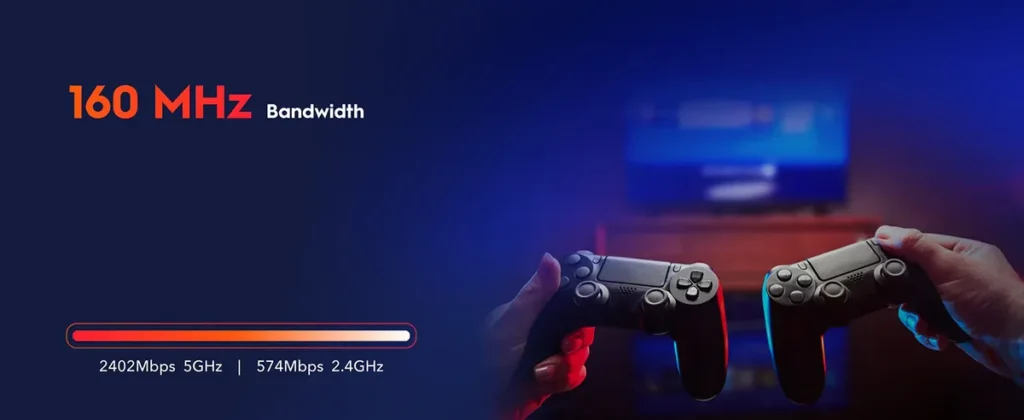
Both manufacturers list 2402 Mbps at 5 GHz and 574 Mbps at 2.4 GHz. These maximum link rates add up to the rounded AX3000 class. They are not a measured Internet result or a single client's guaranteed speed. A compatible client needs the appropriate capabilities to reach the higher rates, and useful throughput is lower once overhead and conditions are included.
Wi-Fi 6 features such as OFDMA and MU-MIMO help compatible networks use airtime more efficiently. Older devices remain limited by their own radios and supported features. Wider 160 MHz channels also need suitable client and regional support; a narrower, less congested channel can sometimes be a more stable choice.
Physical Port Allocation
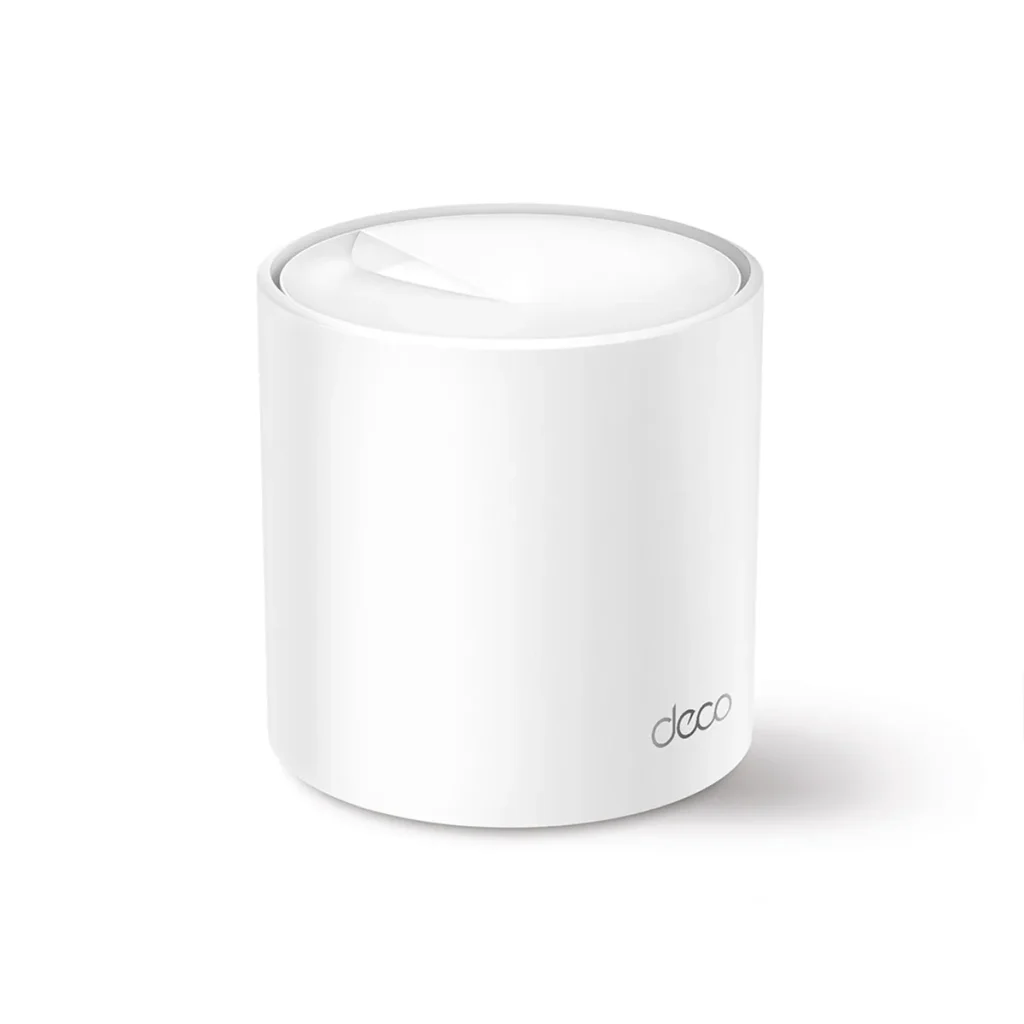
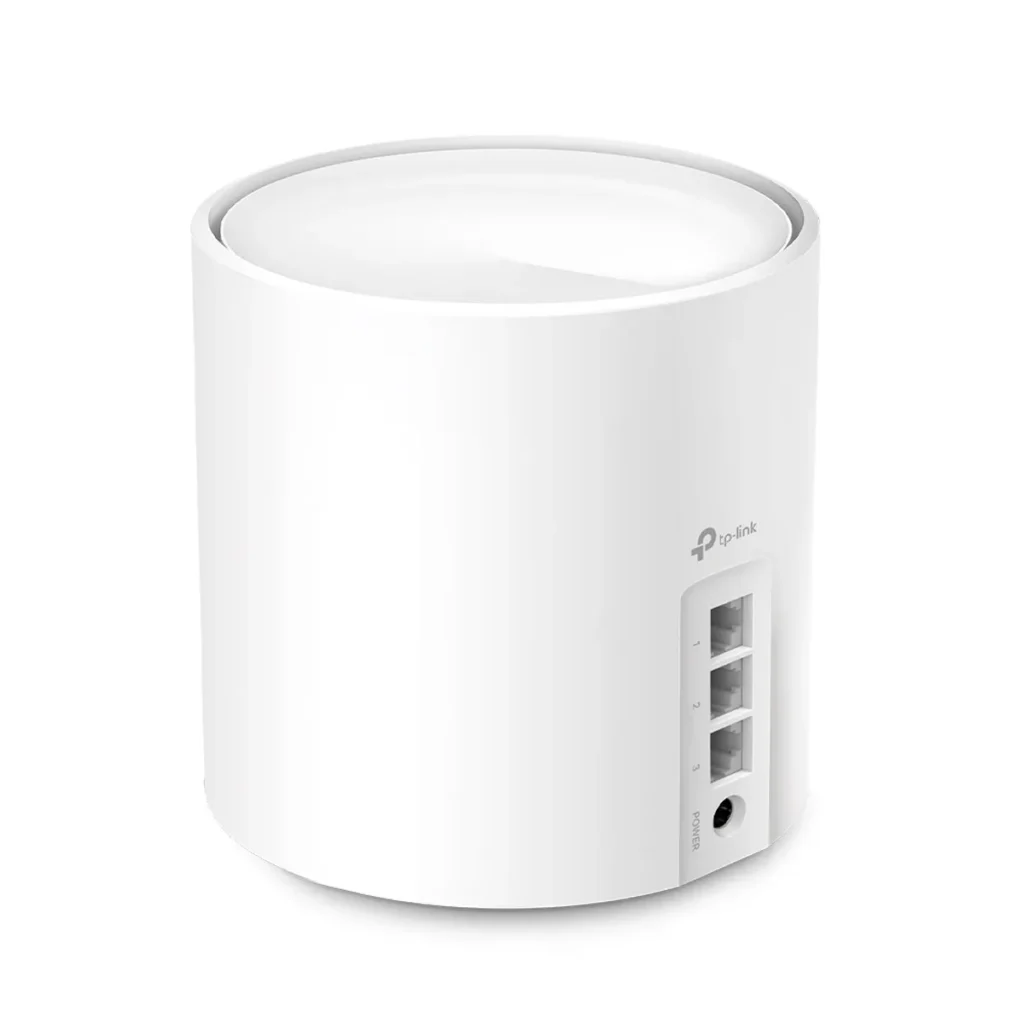
The ordinary Deco X50 has three Gigabit ports per unit with WAN/LAN auto-sensing. On a main node, an Internet uplink and a wired-backhaul connection leave one port for a local device. A switch may still be needed when several wired devices share a room, but the third built-in connection is convenient.
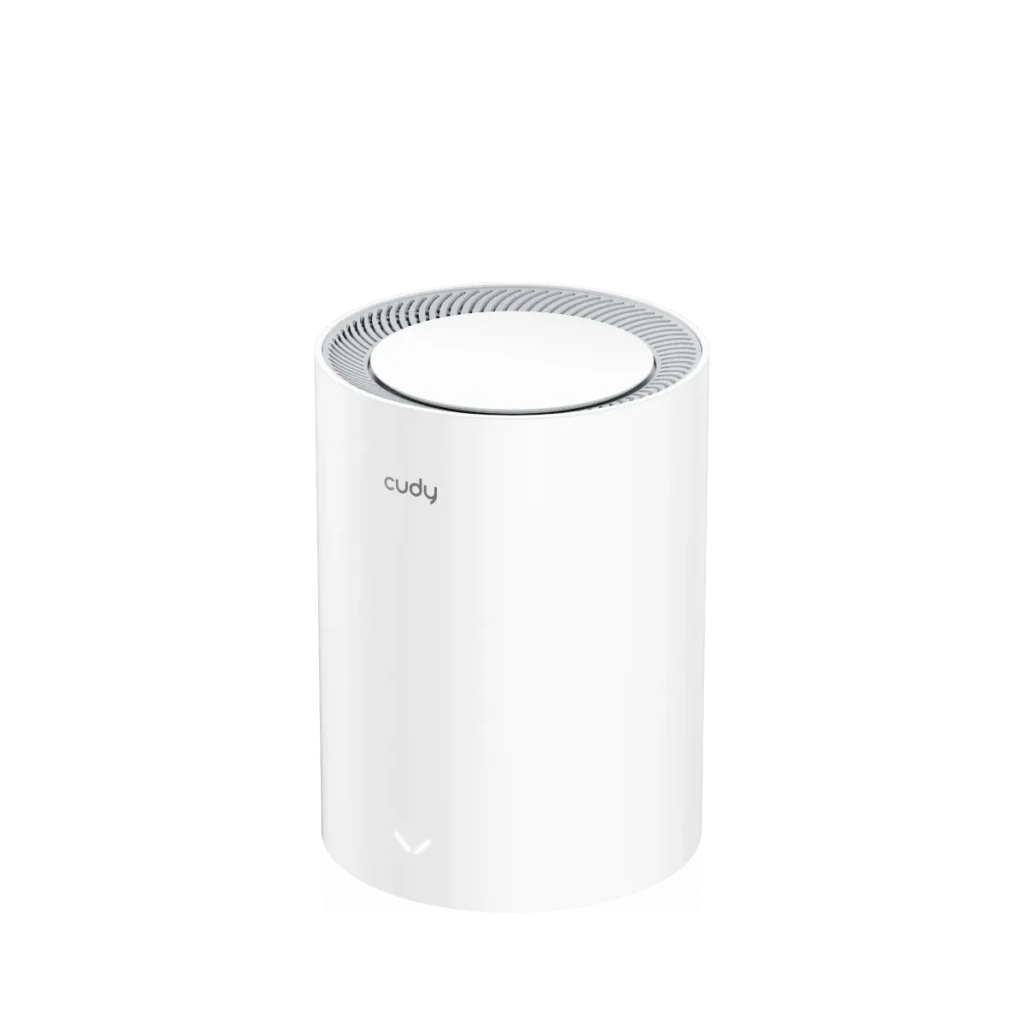
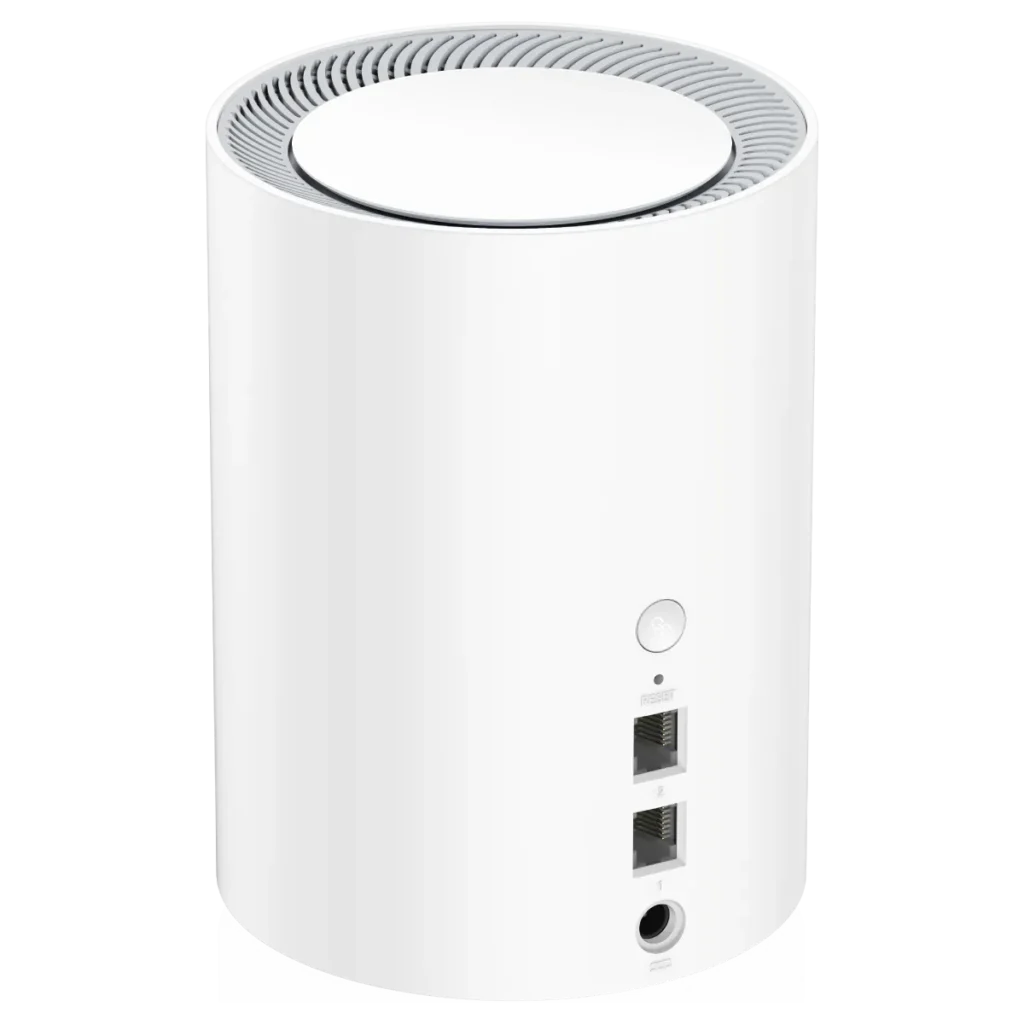
Cudy lists one 2.5 Gigabit WAN port and one Gigabit LAN port for the M3000 2.0. A faster WAN link is useful when the service and wireless clients can benefit, but one Gigabit LAN port does not provide an all-multi-gigabit wired path. Do not assume it simultaneously offers a 2.5 Gigabit uplink, backhaul and NAS connection.
For a wired NAS, draw the route to the client and check every port. A fast link at one end cannot remove a slower link in the middle. Operating mode and firmware can affect port use, so confirm the arrangement before purchasing equipment specifically for a multi-gigabit storage network.
Documented Comparison
| Item | Deco X50 | M3000 2.0 |
|---|---|---|
| Wireless class | Dual-band AX3000 | Dual-band AX3000 |
| Radio streams | Two per band; four total | Two per band; four total |
| Ports | Three Gigabit WAN/LAN | 2.5 Gigabit WAN plus Gigabit LAN |
| Backhaul | Wireless and Ethernet | Wireless and Ethernet |
| Security | WPA3 and HomeShield options | WPA3, guest networks and filtering |
| Management | Deco app | Local web interface and app; cloud app control supported |
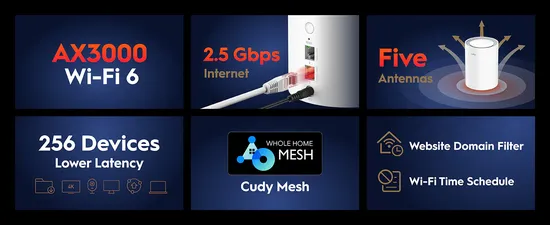
Five antennas on the Cudy are not five spatial streams. Its current table lists four radio streams in total. Likewise, X50 antenna counts depend on hardware revisions: use the specification for the unit being sold rather than comparing unqualified numbers from different versions. Our WPA2 versus WPA3 guide explains the shared security background.
Coverage and Capacity Claims
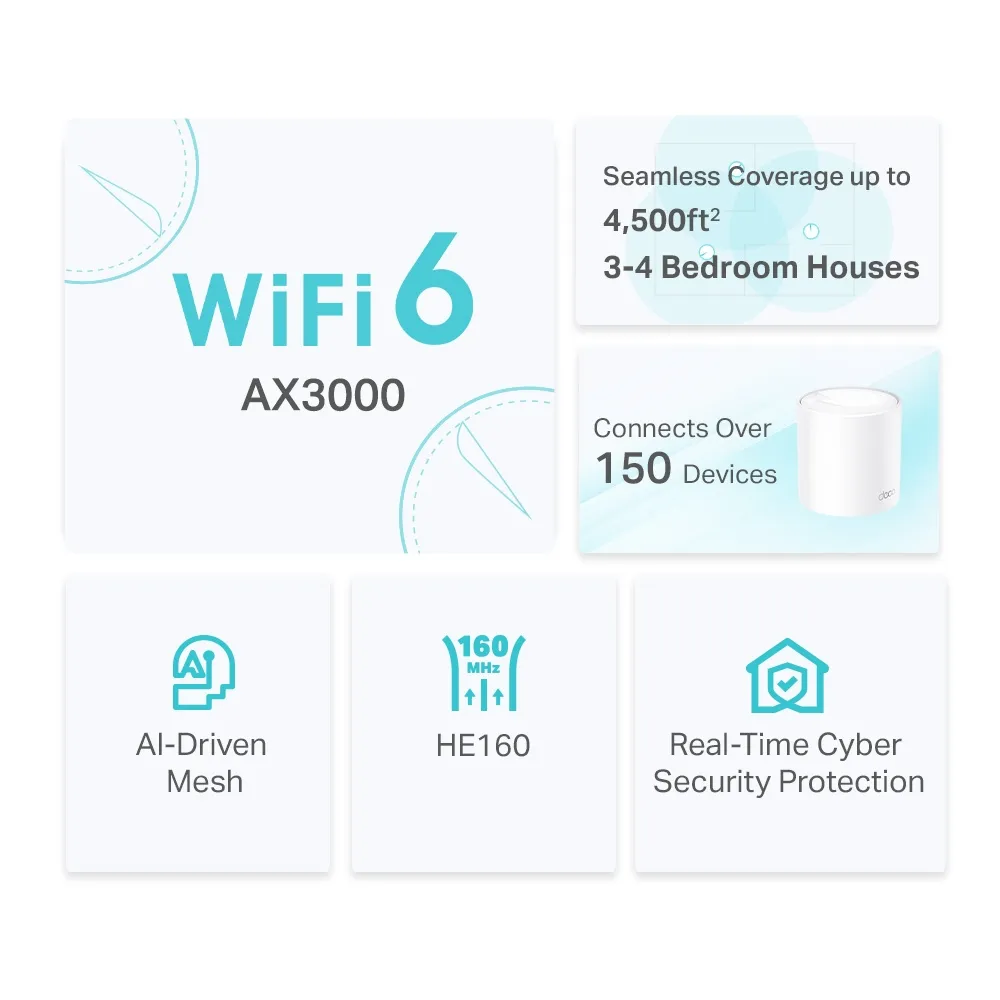
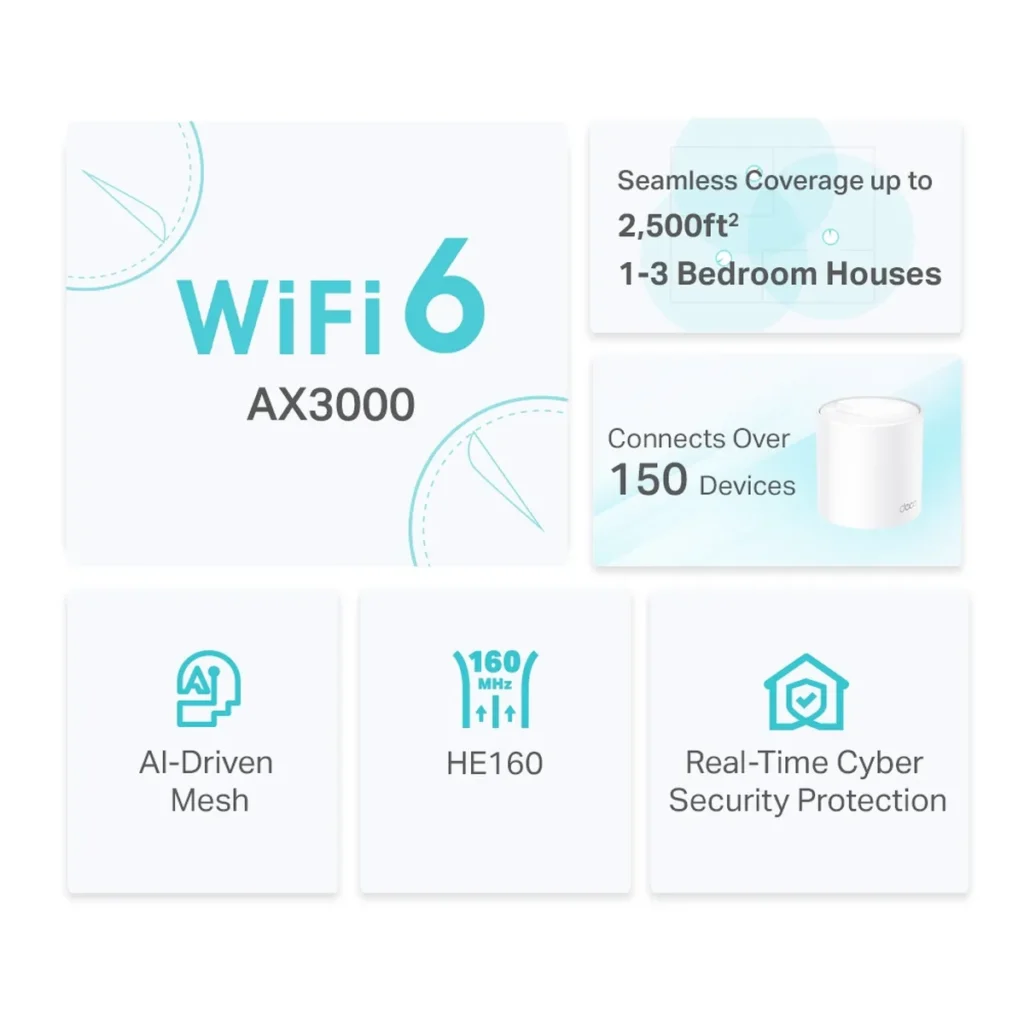
TP-Link advertises up to 6500 square feet for an X50 three-pack and connections for over 150 devices. Cudy's current M3000 2.0 reference is 270 m² for a three-pack with wireless backhaul and a recommended upper limit of 200 clients. These are manufacturer claims under different conditions, not a controlled head-to-head coverage test.
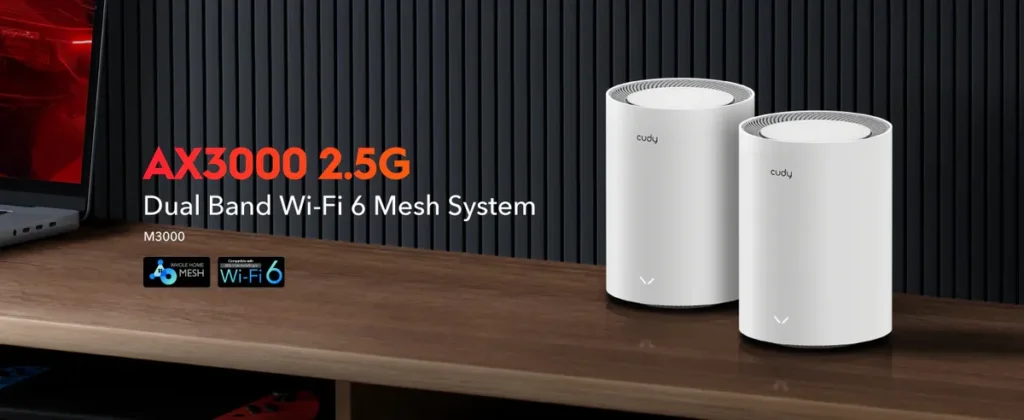
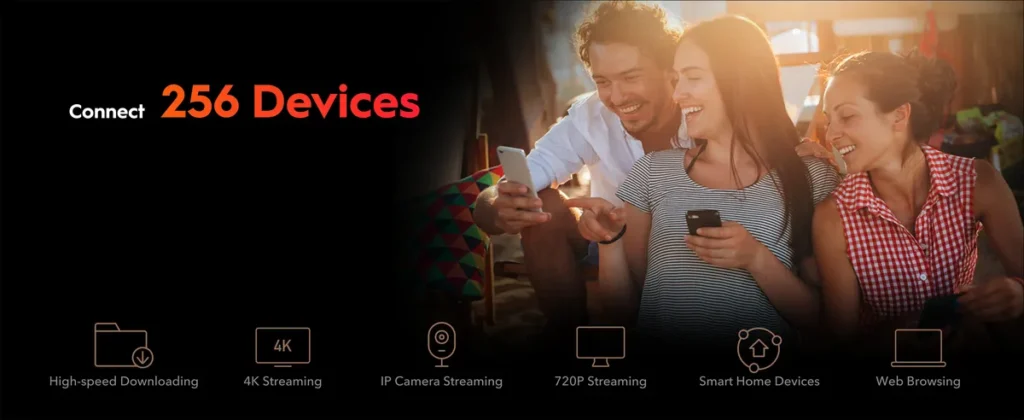
Cudy explains that older boxes used a wooden-structure coverage test while the current website uses a concrete structure. Retained promotional graphics also advertise 256 devices. Treat the images as manufacturer advertising, and consult the current specification rather than assuming every number describes the same test. Neither capacity figure promises simultaneous maximum-speed activity for every client.
Management and Household Features
The X50's Deco app provides household management and HomeShield controls. HomeShield has a free basic plan and paid features. The product uses HomeShield rather than the older HomeCare name. Check which parental controls you need and the current subscription terms; a broad feature label does not establish that every filter and report is included without charge.
Cudy documents a local browser interface, app control, WireGuard and OpenVPN client/server options, DNS over TLS and scheduling/filtering. Stock firmware is not equivalent to unlimited OpenWrt package access or a promise of multi-WAN load balancing. IPTV VLAN support also does not prove arbitrary managed-switch-style segmentation of every wireless network.
The current regional X50 page lists OpenVPN options; protocols can change with hardware and firmware. Confirm the exact version before buying around one VPN protocol. Encryption and remote endpoint performance can reduce throughput on either system. Encrypted DNS protects the resolver connection, rather than hiding all traffic or guaranteeing that every application uses the router's resolver.
Planning Your Installation
Decide which device should route the home network. If an existing firewall or router must keep that role, check access-point mode and the features available there. Adding another router without considering the layout can complicate inbound connections and troubleshooting. Record the intended roles before starting.
With wireless backhaul, place the satellite where it has a useful connection to the main node and can reach the target room. With Ethernet backhaul, check cable routes and available ports. Neither kit forms one managed mesh with the other brand, so choose the system whose expansion path you intend to maintain.
Keep nodes accessible for power, ventilation and recovery. Save the configuration details and administrator credentials securely. Apply firmware for the correct model and revision, and confirm important devices reconnect afterward. Think about local support and replacement availability as part of the complete pack price.
Comparing Results Fairly
A specifications comparison does not establish measured speed, latency, power draw or temperature. To evaluate a kit at home, use the same client and locations and note the connected node, band and backhaul. Test a local transfer separately from Internet speed, then repeat a video call while another device uploads or downloads.
If a satellite underperforms, move it closer before adding more nodes. Check negotiated Ethernet speed and compare with a wired device near the main node. Change one factor at a time so the result tells you something useful. Strong signal, high radio rate and responsive applications are related but different observations.
Buying Perspective
For a family that values the Deco app, three wired ports and its available parental-control service, the X50 remains a sensible candidate. The M3000 remains a useful budget alternative with local administration and a faster WAN port when those suit your needs. Compare actual prices and required subscriptions rather than assuming the same price ordering everywhere.
Neither needs to be declared universally superior to be a good fit. Choose around layout, wired connections, compatible devices, support and the ability to return a kit that does not work well in your rooms. Consult the official X50 page and official M3000 2.0 page for the exact configuration.