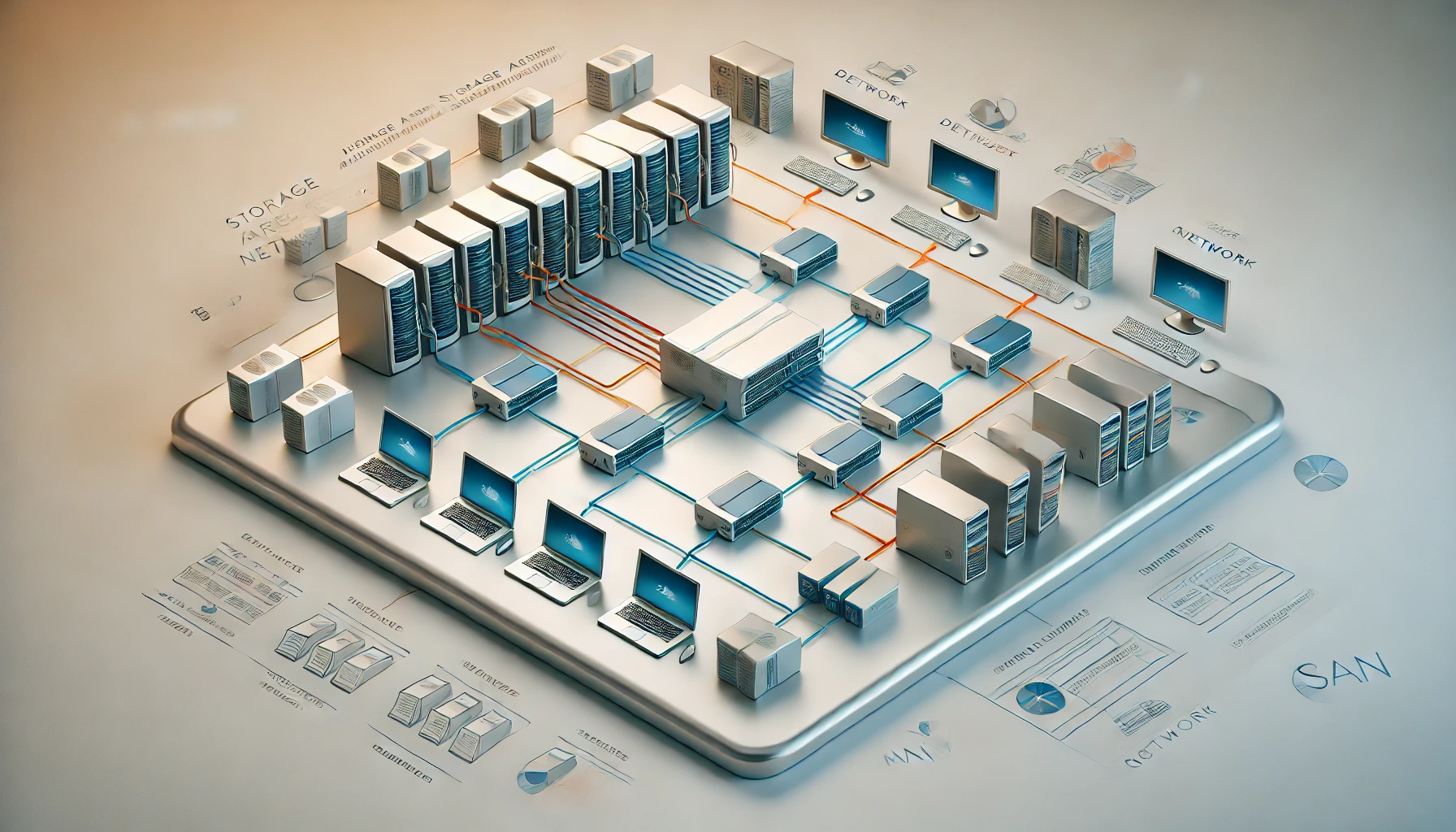
Ever worried about losing all your precious photos, documents, or music due to a hard drive crash? This is where RAID comes in! RAID (Redundant Array of Independent Disks) combines multiple drives for particular capacity, performance and availability goals. Redundant levels can tolerate specified drive failures; RAID 0 cannot.
Imagine it like this: Instead of putting all your eggs in one basket (a single hard drive), RAID lets you spread them across several baskets (multiple hard drives). In a redundant layout, copies or parity can help reconstruct data when a drive fails. A striped layout without redundancy simply divides the contents across the baskets, so losing one can lose the array.
When is RAID useful?
- For anyone who values their data: If you have irreplaceable photos, important documents, or rely on your computer for work, RAID offers an extra layer of security.
- Photographers, videographers, and graphic designers: These professions often deal with large amounts of critical data that can't be easily replaced.
- Gamers: Losing progress or save files due to a drive failure can be frustrating. RAID helps prevent that.
Types of RAID configurations:
There are different RAID configurations, each with its own advantages and disadvantages:
- RAID 0 (Striping): This configuration can improve throughput by splitting your data across multiple drives, striping it like lines across a page. This allows for faster read and write speeds because your computer can access data from multiple drives simultaneously. However, RAID 0 provides no redundancy. If even one drive fails, you lose all your data. (Think: spreading your eggs very thin across multiple baskets!) - Requires a minimum of 2 disks.
- RAID 1 (Mirroring): This configuration mirrors data on two or more drives to provide drive redundancy. Every piece of data is written identically on another drive, creating an exact copy. This means that if one drive fails, your data is still safe on the other mirrored drive. A two-drive mirror has about one drive of usable capacity. A multi-way mirror also has about one member drive of usable capacity, so three equal mirrored drives do not provide half of their combined space. (Think: keeping another live copy of the same contents. Deleting a file changes both copies; the mirror is not a historical backup.) - Requires a minimum of 2 disks.
- RAID 5 & 6: These configurations offer a balance between performance, redundancy, and storage capacity. They're more complex than RAID 0 and 1, but they can be a good option for power users who need a balance of features. RAID 5 distributes data and parity information (used for data recovery) across at least three drives. RAID 6 is similar to RAID 5 but uses two parity blocks for even greater fault tolerance. While these configurations offer some redundancy, they can be slower to write data compared to RAID 0 and require more complex calculations in case of a drive failure. - RAID 5 requires a minimum of 3 disks. RAID 6 requires a minimum of 4 disks.
- RAID 10 (Mirrored Striping): This configuration combines the performance benefits of striping with the data protection of mirroring. It stripes data across multiple mirrored sets of drives, offering excellent performance and redundancy. However, it requires a minimum of 4 disks and can be complex to set up. (Think: Two separate baskets, each with multiple egg cartons containing identical eggs.) - Requires a minimum of 4 disks (mirrored sets of 2 disks each).
Pros and Cons of RAID configurations:
- Pros:
- Data protection: Redundant RAID levels provide protection within their failure tolerance; RAID 0 provides none. This can be a lifesaver if your hard drive suffers a mechanical malfunction or other hardware issue.
- Improved performance (in some configurations): RAID 0, which stripes data across multiple drives, can significantly boost read and write speeds. This can be beneficial for tasks that involve large files, such as video editing or working with databases.
- Cons:
- Cost: Extra drives increase the cost, and hardware RAID may also require a controller. Software RAID does not normally require a dedicated RAID controller card.
- Complexity: Hardware RAID setups can be complex, especially for beginners. Neither software nor hardware RAID is automatically simpler or faster. Implementation, caching, disk interfaces and workload determine the result.
- Reduced storage capacity (in some configurations): A two-drive RAID 1 mirror stores two copies of the same data, leaving about half the combined raw capacity usable.
- Not a complete backup solution: While RAID protects against drive failure, it doesn't safeguard your data from other threats like accidental deletion, malware, or natural disasters. Regularly backing up your data to a separate location is still essential.
Setting Up RAID:
There are two main ways to set up RAID:
- Hardware RAID: This uses a dedicated RAID controller card that manages the drives. Consult your motherboard manual or RAID controller documentation for specific instructions.
- Software RAID: Your operating system might offer built-in software RAID options. Its behavior depends on the implementation and chosen layout, rather than a universal performance disadvantage.
Important Note: Setting up RAID can be a complex process, especially for hardware RAID. Always consult your system's documentation or seek help from a professional if you're unsure.
Remember: RAID is not a complete backup solution. Redundant layouts can tolerate particular drive failures, but other events like accidental deletion or system corruption can still cause data loss. Regularly backing up your data to a separate location is still crucial.
Additional Tips:
- Research your specific needs: Consider how much data protection and performance you require before choosing a RAID configuration.
- Start small: If you're new to RAID, it's wise to start with a simple configuration like RAID 1 with just two drives.
- Monitor your RAID system: Regularly check the health of your drives and RAID array to identify any potential issues before they cause problems.
- Consider a RAID controller with cache: A cache can improve the performance of RAID configurations, especially for write operations. However, keep in mind that data in the cache is not protected by RAID and could be lost in the event of a power outage or controller failure.
By understanding RAID and its different configurations, you can make informed decisions about how to best protect your valuable data. Remember, RAID is a great tool for data protection, but it's not a replacement for a proper backup strategy.
RAID capacity and failure-tolerance reference
For equal-sized disks, let N be the number of members and S the usable size of one member. These are nominal capacity calculations before filesystem, metadata and reserve overhead. They are not promised transfer-speed multipliers. Your NAS may impose additional minimums or supported layouts.
| Layout | Common minimum | Nominal capacity | Failure tolerance |
|---|---|---|---|
| RAID 0 | 2 | N × S | None. |
| RAID 1 | 2 | S for a mirror containing all members. | One in a two-way mirror; a multi-way mirror survives while a valid complete member remains. |
| RAID 5 | 3 | (N − 1) × S | One failed member. |
| RAID 6 | 4 | (N − 2) × S | Two failed members. |
| RAID 10, conventional two-way mirrored pairs | 4, with an even count | (N / 2) × S | One member per pair; losing both in any pair loses that layout. |
For example, four equal 8 TB disks have 32 TB raw capacity. A two-way-pair RAID 10 layout provides about 16 TB nominal capacity; RAID 5 provides about 24 TB; RAID 6 provides about 16 TB. Actual reported free space is lower and may use different units. In four-disk RAID 10, two failures in different pairs can be tolerated, while two in the same pair cannot. With more pairs, more failures are possible only when every pair retains a working copy.
The common RAID levels are explained in IBM's RAID overview. Implementation-specific variants exist, so match the table to your controller or software. A faster layout depends on the workload, queue depth and hardware; multiplying a single-drive benchmark by N is not a reliable prediction for every read or write.
ZFS RAIDZ is a separate implementation with comparable parity counts, rather than ordinary RAID 5 or RAID 6 beneath a filesystem. A RAIDZ1, RAIDZ2 or RAIDZ3 vdev tolerates one, two or three failed members respectively. OpenZFS describes a mathematical minimum of one more member than the parity count, but your platform may require or recommend wider groups. Capacity and performance also depend on block sizes, padding, compression and the rest of the pool. Consult the OpenZFS pool concepts.
Hardware RAID, Linux RAID and ZFS
A home server running Proxmox VE or TrueNAS can use software-managed storage, but there is no universal winner for every system. Compare recovery tools, supported hardware, write-cache protection and the layout your OS expects. A controller exposing a virtual RAID disk and an HBA exposing individual disks are different configurations.
Parity updates can become inconsistent after an interrupted write if the storage design does not protect them. This is commonly called a write hole. It is not exclusive to hardware RAID: Linux MD documents a journal/cache mechanism and RAID5 Partial Parity Log for related consistency problems. PPL addresses silent corruption from inconsistent parity; it is not a general guarantee that every in-flight write survives. Check which mechanism is actually configured.
ZFS's copy-on-write design and checksums help address storage consistency and corruption. Not every checksum is cryptographic: the usual non-deduplicated default is Fletcher4. A corrupt block can be repaired only when sufficient valid redundant data is available. A scrub checks stored data and can repair what the layout makes recoverable; it cannot reconstruct irreplaceable data when all needed copies have been lost. The upstream checksum documentation explains those conditions.
Software-managed storage can reduce dependence on a proprietary controller, but moving disks is not always an import-in-seconds operation. The receiving OS must support the metadata, pool features, sector sizes and any encryption keys, and the needed devices must be present. Document those requirements and keep a recovery route before a controller or motherboard fails.
For sustained-write HDD arrays, prefer drives appropriate to the platform and workload. Device-managed SMR can perform poorly during rebuilds and prolonged writes; Unraid's drive guidance prefers CMR for those uses. Check the exact part number and NAS compatibility list. Neither a brand-family name nor a generic claim that every SMR drive will fail establishes suitability for your array.
Rebuilds and recovery planning
A degraded array has less remaining tolerance. Confirm the failed member by its serial number, verify backups and follow the platform's replacement procedure. Pulling a second healthy disk by mistake can convert a recoverable failure into data loss. A spare can shorten the wait for reconstruction to start; it does not add another parity level.
Rebuild time depends on capacity, workload, device speed and errors on the remaining disks. There is no universal 8 TB threshold below which single parity is safe or a fixed number of hours after which every rebuild finishes. Choose redundancy based on the number of failures you need to tolerate, the time you can be degraded and the cost of restoring from backup.
Schedule health checks and scrubs appropriate to your system, and make sure alerts reach someone who will act on them. Write-cache protection also deserves attention: battery- or flash-backed mechanisms differ, and their health must be checked. A UPS can support an orderly shutdown, but does not remove the need for a sound storage design or independent backups.
Before creating or changing a layout, keep a verified backup and identify the selected disks. Creation, formatting and some conversion operations erase data. Test restoration with disposable data first, then keep a separate recoverable copy of anything you cannot replace. RAID can help a service remain available during drive failures; backup history handles a different set of problems.