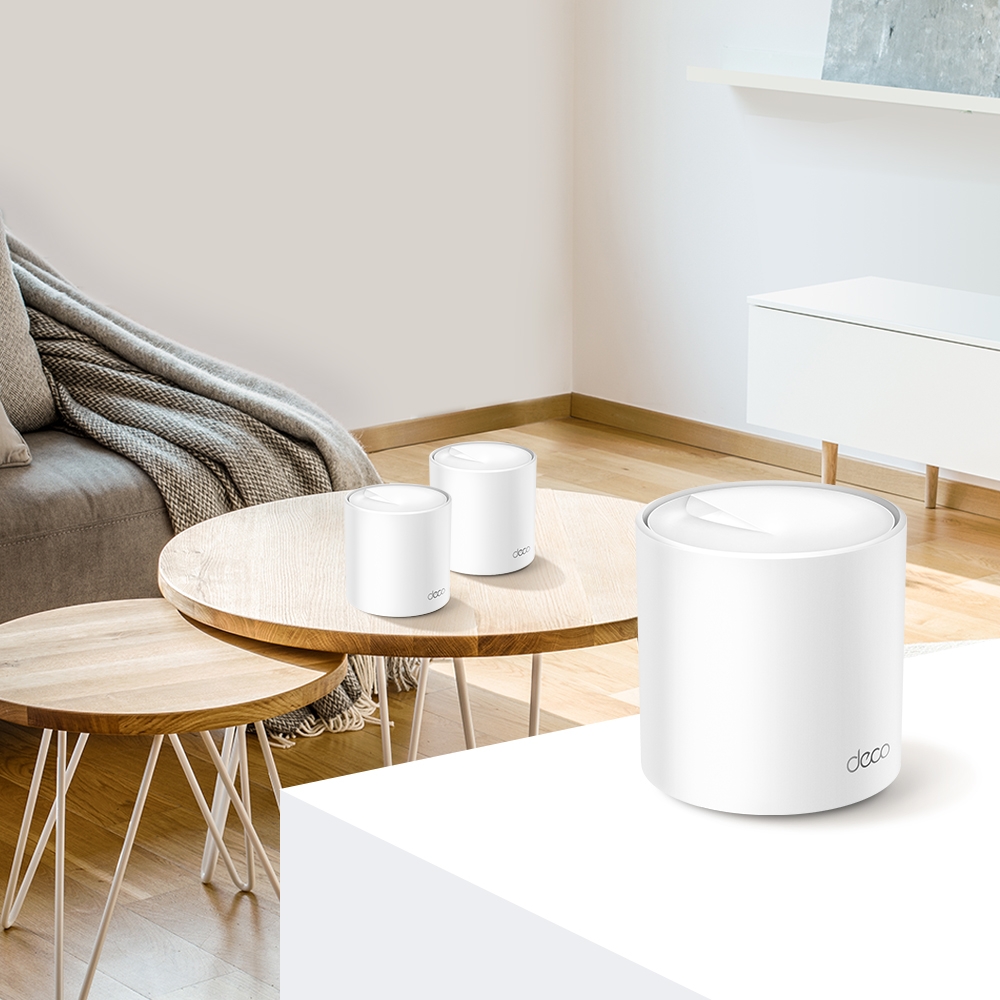
Ever feel like your Wi-Fi signal disappears in certain corners of your house? Mesh Wi-Fi can help with dead zones, but choosing between the Deco X55 and X60 requires checking the exact kit and hardware revision. The article's original preference remains straightforward: the X55's extra Ethernet port is useful in wired setups, while an AX5400 X60 offers more headline wireless capacity. Here is the technical context for that comparison.
What is a mesh Wi-Fi system?
Mesh uses several units to extend a managed wireless network. The link between those units is the backhaul, which may be wireless or Ethernet. A satellite can show a strong signal to your phone while having a poor link back to the main unit. More units therefore need thoughtful placement; their presence alone does not guarantee fast service in every room.
Similarities between the X55 and X60
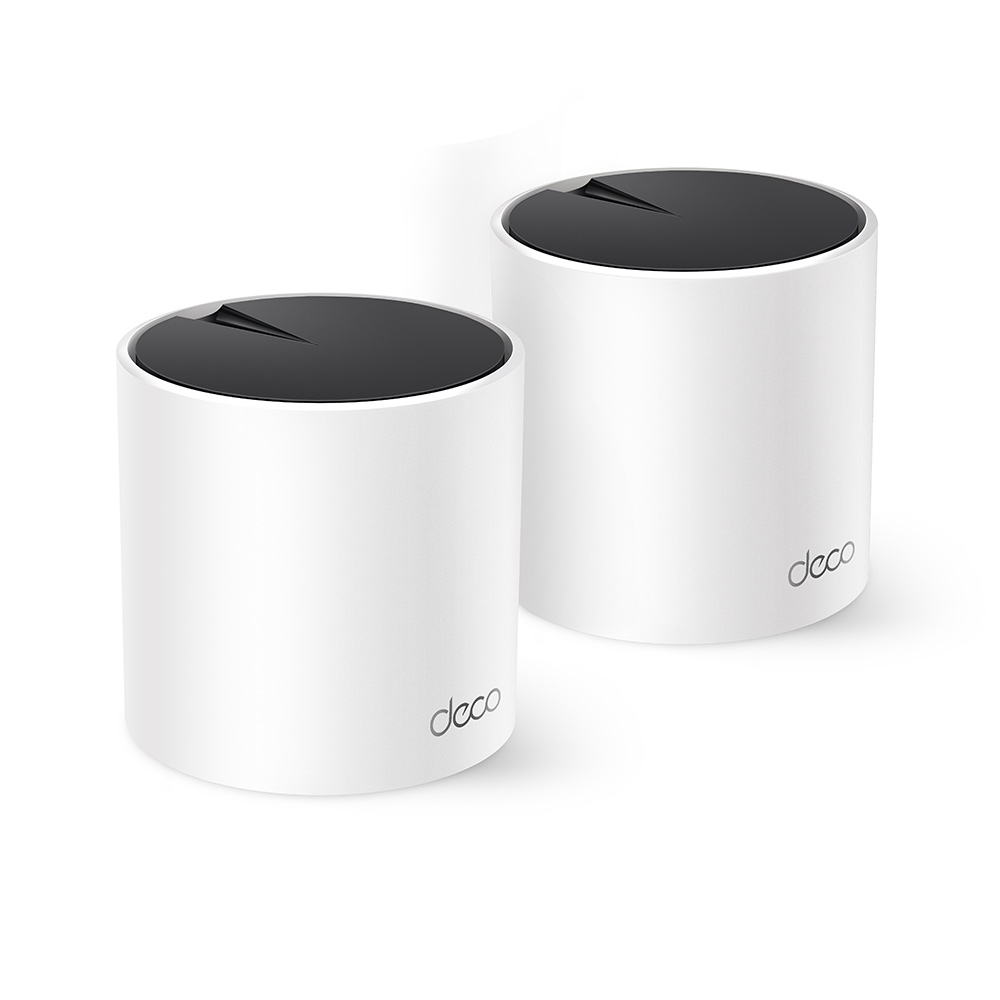
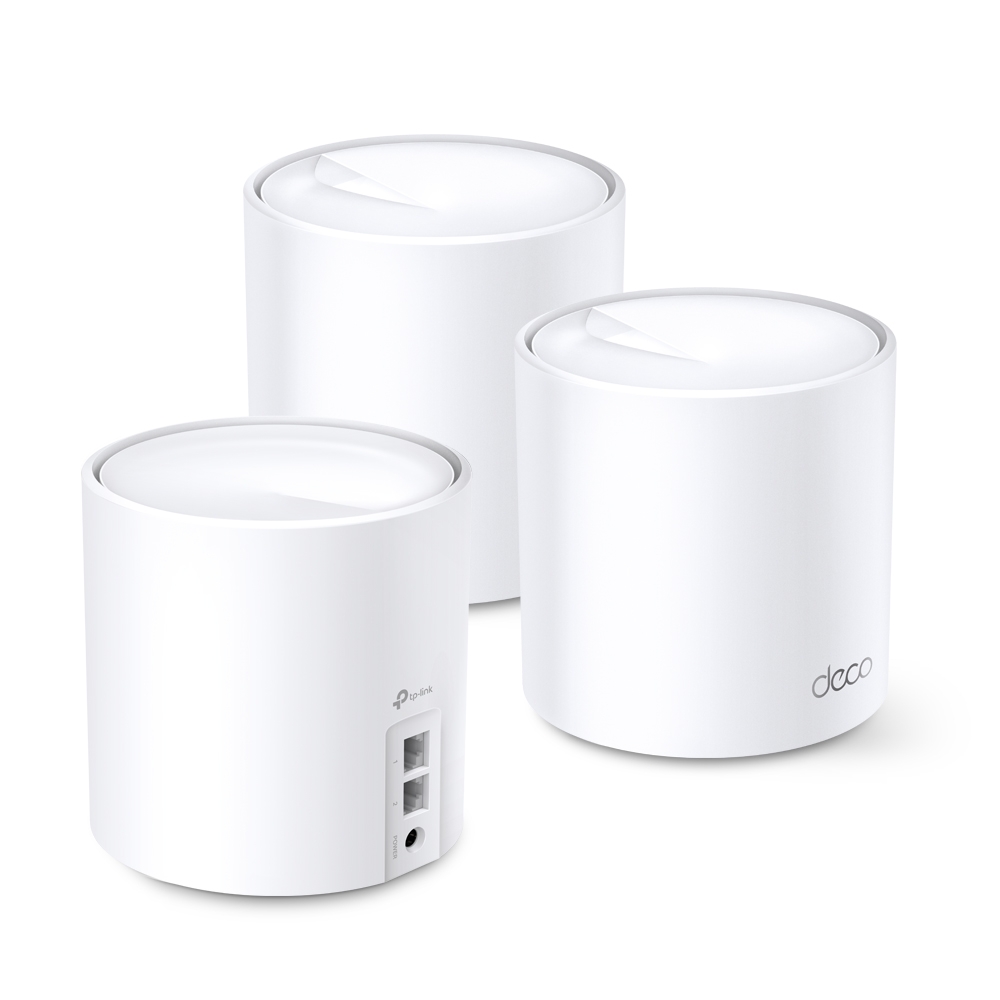
Read our standalone articles about the Deco X55 and Deco X60. Both are dual-band Wi-Fi 6 systems with Gigabit Ethernet, app-based setup and optional Ethernet backhaul. They do not provide a third 6 GHz band or a separate dedicated backhaul radio. Wi-Fi 6 remains useful, but is no longer the newest Wi-Fi generation.
Both can provide guest Wi-Fi, parental-control features and a single network name across units. Roaming remains dependent on the client and supported settings; one SSID does not guarantee an uninterrupted handoff for every device. Security packages and subscription features also vary by product revision, firmware and region, so inspect the actual app options.
Compare the actual hardware
TP-Link's current international pages specify the X55 as AX3000 and the X60 as AX5400. Earlier X60 products were also sold as AX3000. TP-Link's Japanese V3 page explicitly explains that version's 160 MHz capability and AX5400 total, even where packaging says AX3000. Do not assume a used X60 or every regional revision has the same specification.
| Feature | Deco X55 | AX5400 Deco X60 reference |
|---|---|---|
| 5 GHz maximum advertised link rate | 2,402 Mbps | 4,804 Mbps |
| 2.4 GHz maximum advertised link rate | 574 Mbps | 574 Mbps |
| Gigabit ports per unit | 3 | 2 |
| Internal antennas on the cited pages | 2 | 4 |
| Three-pack coverage estimate | Up to 6,500 sq ft | Up to 7,100 sq ft |
| Backhaul choices | Shared wireless bands or Ethernet | Shared wireless bands or Ethernet |
Coverage figures above are manufacturer estimates for the cited three-packs, not measured results in a particular home. They replace the earlier comparison's mismatched pack figures. Walls, placement, interference and client radios can change the usable area substantially. Buying a three-pack does not mean three units should be placed at the farthest possible corners.
Processor configurations can also change between revisions. TP-Link confirms that X60 V4.2 and V4.0/V4.6 use different chipset solutions. A general “dual-core versus quad-core” row cannot establish every X55/X60 comparison, and CPU core count by itself is not a measured routing or VPN result. Check the label and the corresponding regional support documentation.
What wireless capacity means in practice
The X55 advertises a 2×2, 160 MHz 5 GHz connection. The AX5400 X60 reference has greater 5 GHz spatial-stream capacity. A compatible 2×2 client cannot use four streams just because the access point has them. Wider channels also require client support and permitted spectrum; a device operating at 80 MHz will not negotiate the headline 160 MHz rate.
Extra stream capacity can be useful between compatible mesh units or when serving supported clients. It does not guarantee double the backhaul throughput, twice as many active devices, stronger signals through every wall or lower gaming latency. Wireless backhaul and clients share radio resources on these dual-band systems. Look at the complete traffic path before treating a larger AX number as a solution.
Match the kit to the layout
| Home layout | Useful priority | Check before choosing |
|---|---|---|
| Ethernet available between floors | Reliable wired backhaul and local ports | X55's third port may reduce the need for a nearby switch |
| No Ethernet between units | Wireless backhaul quality | Compare actual X60 revision and test feasible unit positions |
| Several wired devices at a desk | Port allocation | Count the uplink as an occupied port; add a switch if needed |
| Many smart-home devices | Coverage and device compatibility | Small 2.4 GHz devices do not benefit directly from a 5 GHz four-stream radio |
On the main X55 in Router mode, one port connects upstream, leaving two for LAN connections. A wired X55 satellite also uses one port for its backhaul, leaving two. An X60 has one fewer port in either situation. Neither model's Gigabit ports provide a multi-Gigabit wired path just because its summed wireless rating exceeds 1 Gbps.
Mixed units and firmware features
TP-Link supports mixing Deco models, but features depend on the main unit and each node's capabilities. A mixed wireless link cannot assume the full capacity of the more capable node at both ends. Choosing an X55 main unit for its ports is sensible only if it also supplies the router features you need.
For VPN use, check the exact revision's release notes and the menus in the installed firmware. Do not infer WireGuard, every VPN protocol or a particular server/client role from a generic product-family list. A VPN client routes selected traffic to a remote VPN; a server allows supported remote clients to connect to your home. These are different requirements. Router and Access Point modes can expose different features as well.
The verdict and a useful acceptance check
Both X55 and X60 remain appealing options in this article's assessment. The X55's extra Ethernet port is a practical strength; an appropriately specified X60 suits a preference for greater wireless capacity. Treat the original larger-home and heavier-use recommendation as a starting point, then compare the actual revision, kit price and layout rather than assuming a universal performance winner.
After setup, test the same client near the main unit and at each satellite, using the same task. Check backhaul type in the app, run a video call in the troublesome room and test a local file transfer if NAS access matters. Repeat with the household's normal simultaneous traffic. A fast internet test near the main unit alone cannot validate upstairs backhaul or reliable roaming.


