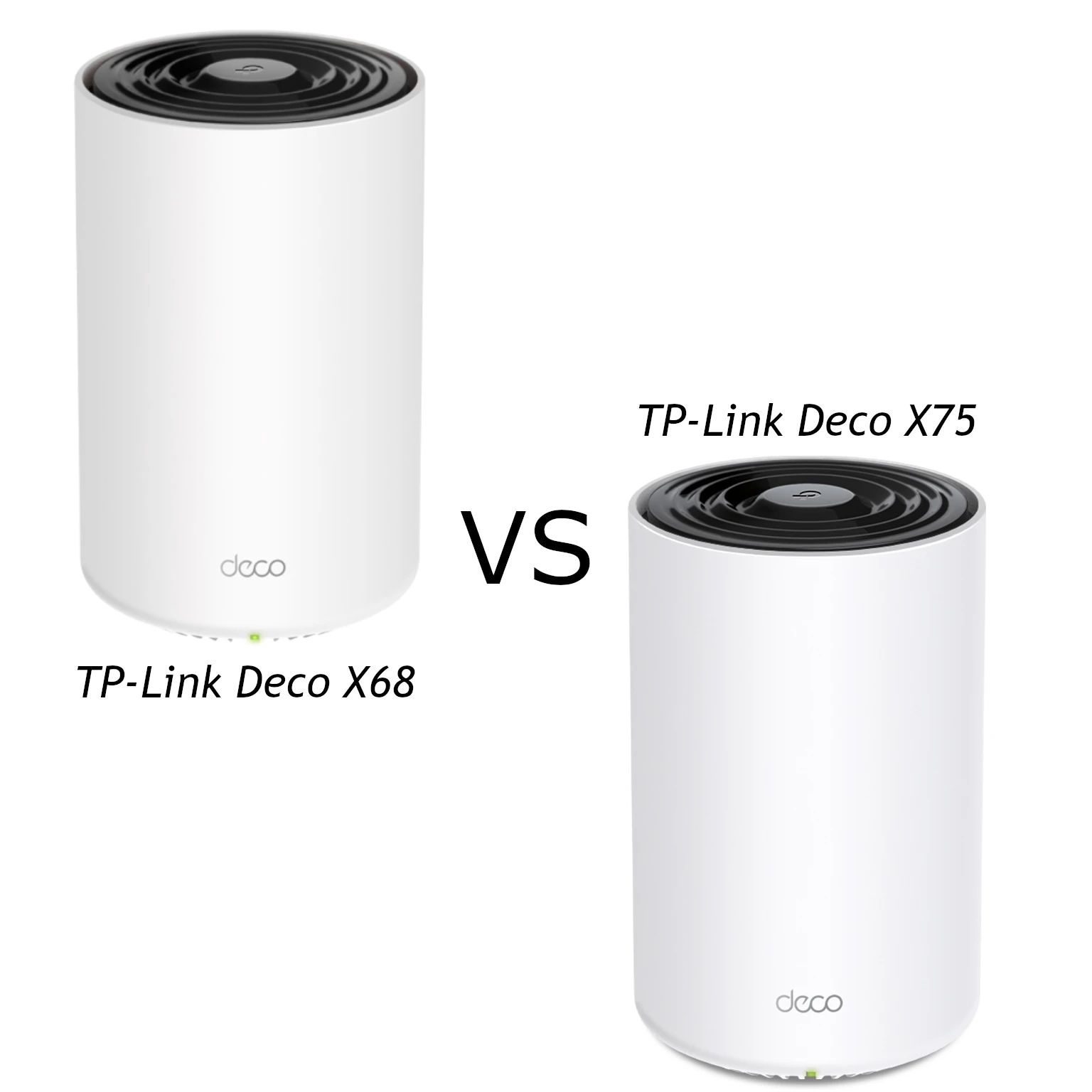
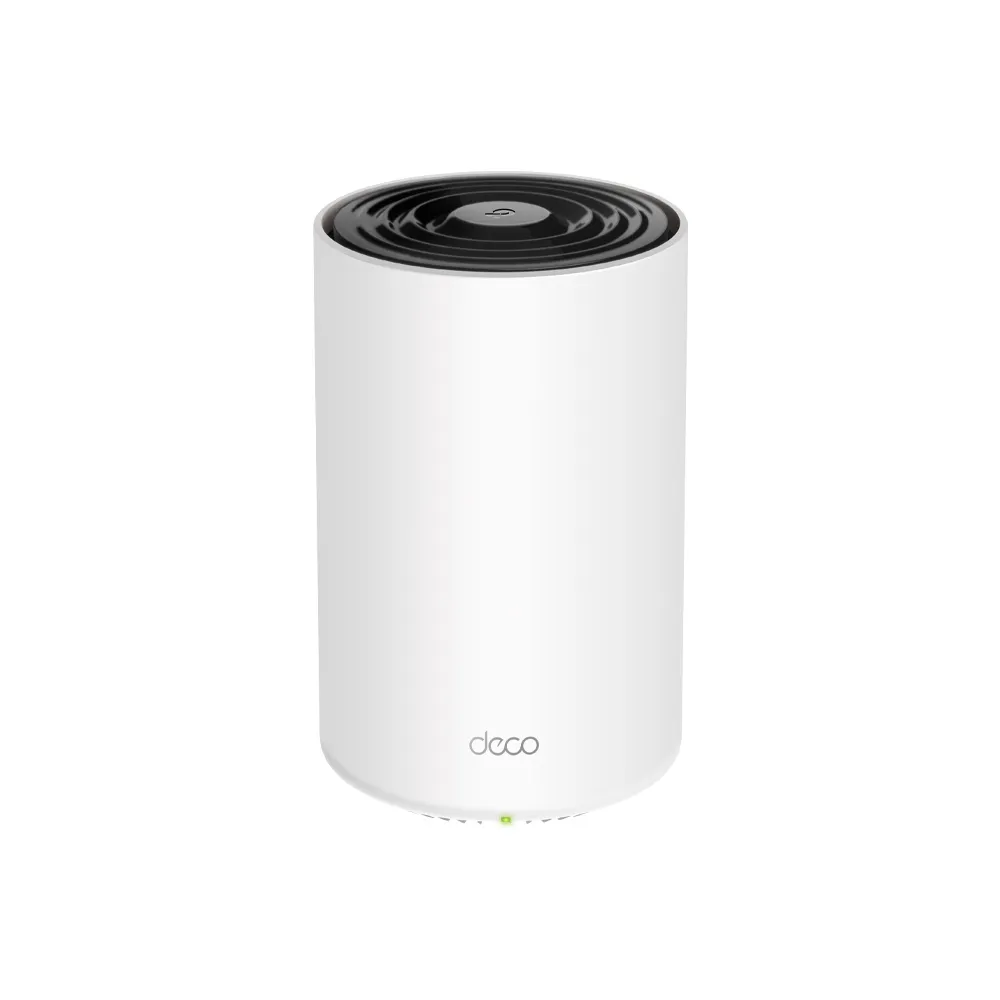
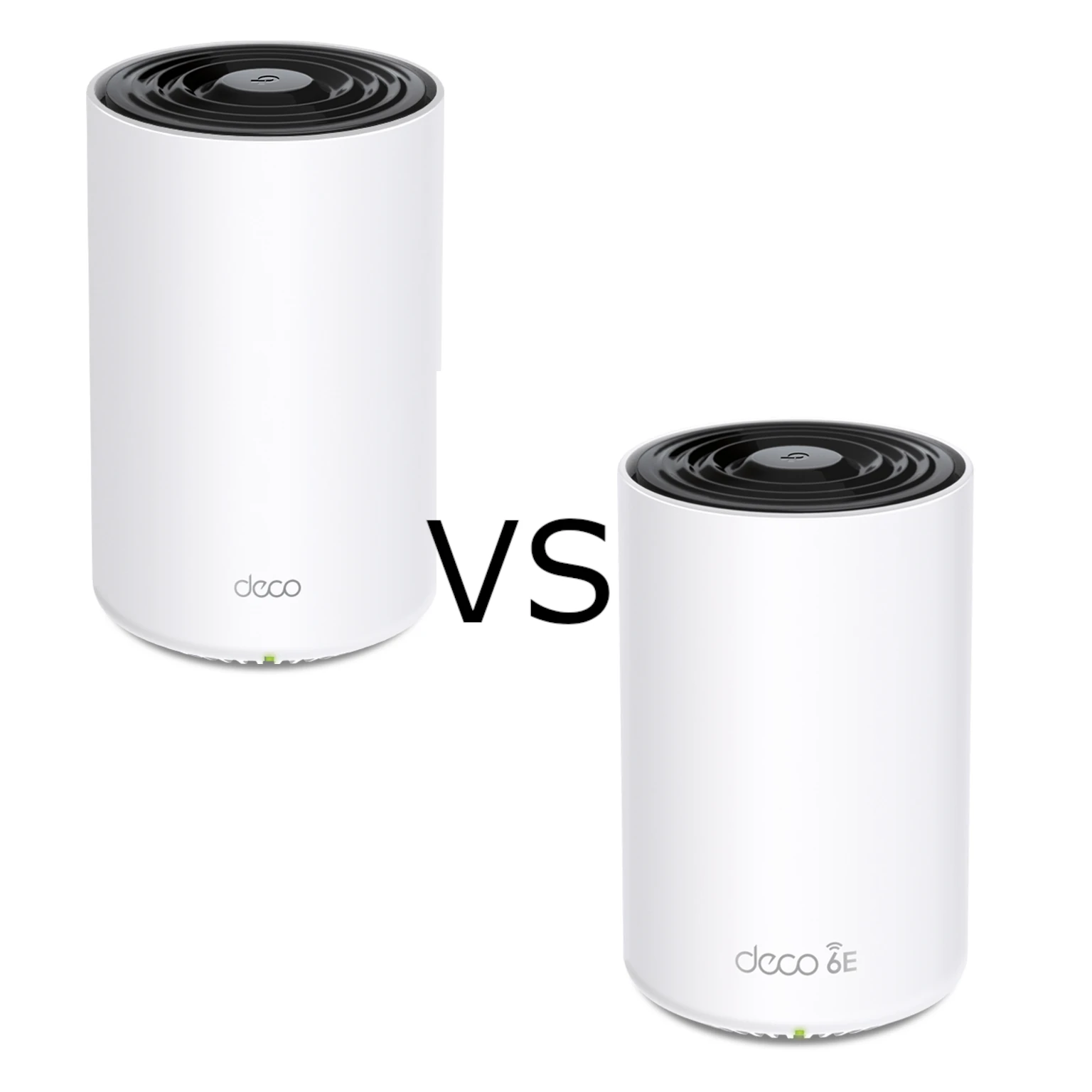
The TP-Link Deco X75 and XE75 are similarly named tri-band mesh systems, but their third radios serve different frequency ranges. The X75 uses two 5 GHz radios alongside 2.4 GHz. The XE75 uses 6 GHz, 5 GHz and 2.4 GHz. Both have three Gigabit Ethernet ports per unit. The useful buying question is whether extra 5 GHz capacity or access to 6 GHz better matches your devices and the connections between rooms.
My recommendation remains budget-conscious: the X75 is worth considering for a household with ordinary Wi-Fi 6 clients, especially if the local kit price is lower. The XE75 is more appealing when compatible 6 GHz devices or a suitable 6 GHz backhaul can use its extra spectrum. Neither specification guarantees the faster installation in every building.
Mesh and Backhaul in Plain Language
A mesh system places several access points around the home under coordinated management. Each satellite still needs a connection back towards the main router. That connection is the backhaul; it can be wireless or Ethernet. A strong signal from your phone to the nearest node is not enough if that node has a poor upstream link.
Tri-band provides an additional radio resource, but does not guarantee a fixed throughput gain or an exclusively reserved backhaul radio in every configuration. Clients also participate in roaming decisions. The published mesh protocols include 802.11k/v/r, with client-support caveats, so do not treat a change of node as a guaranteed sub-100-millisecond handoff without a dropped call.
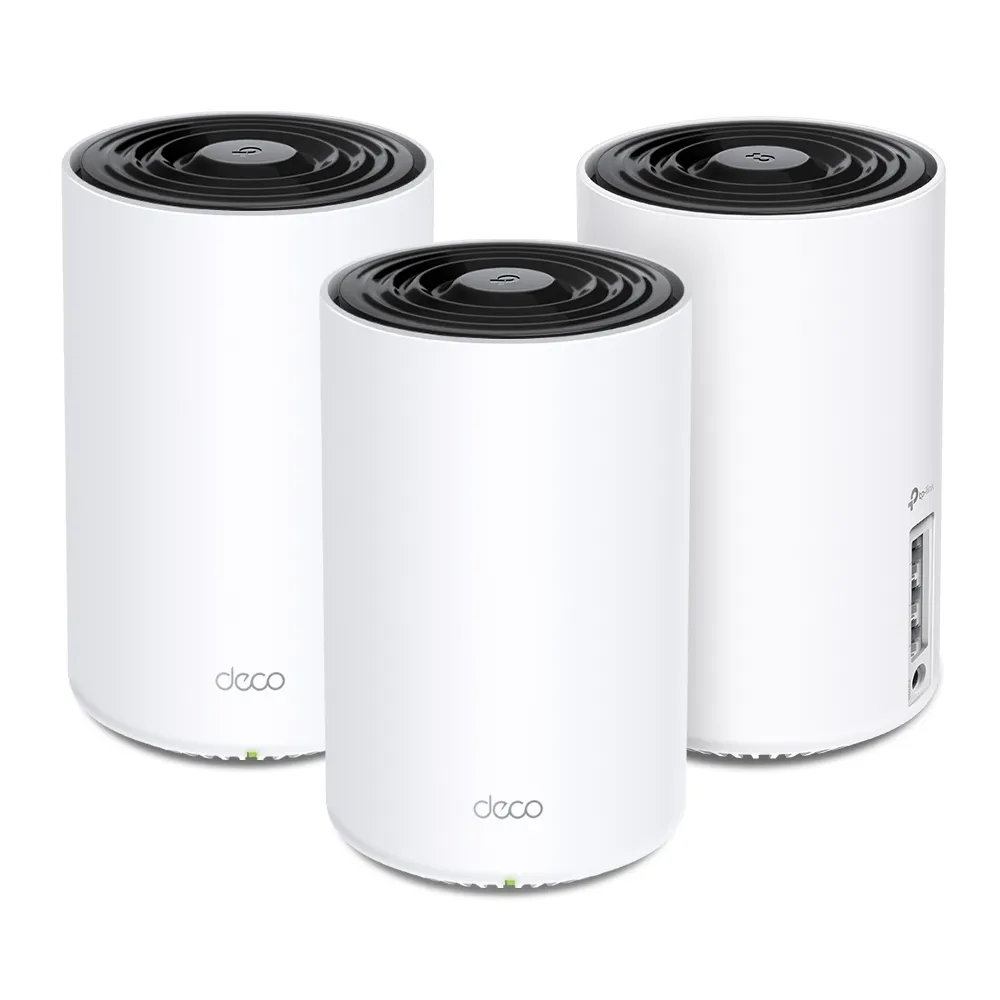
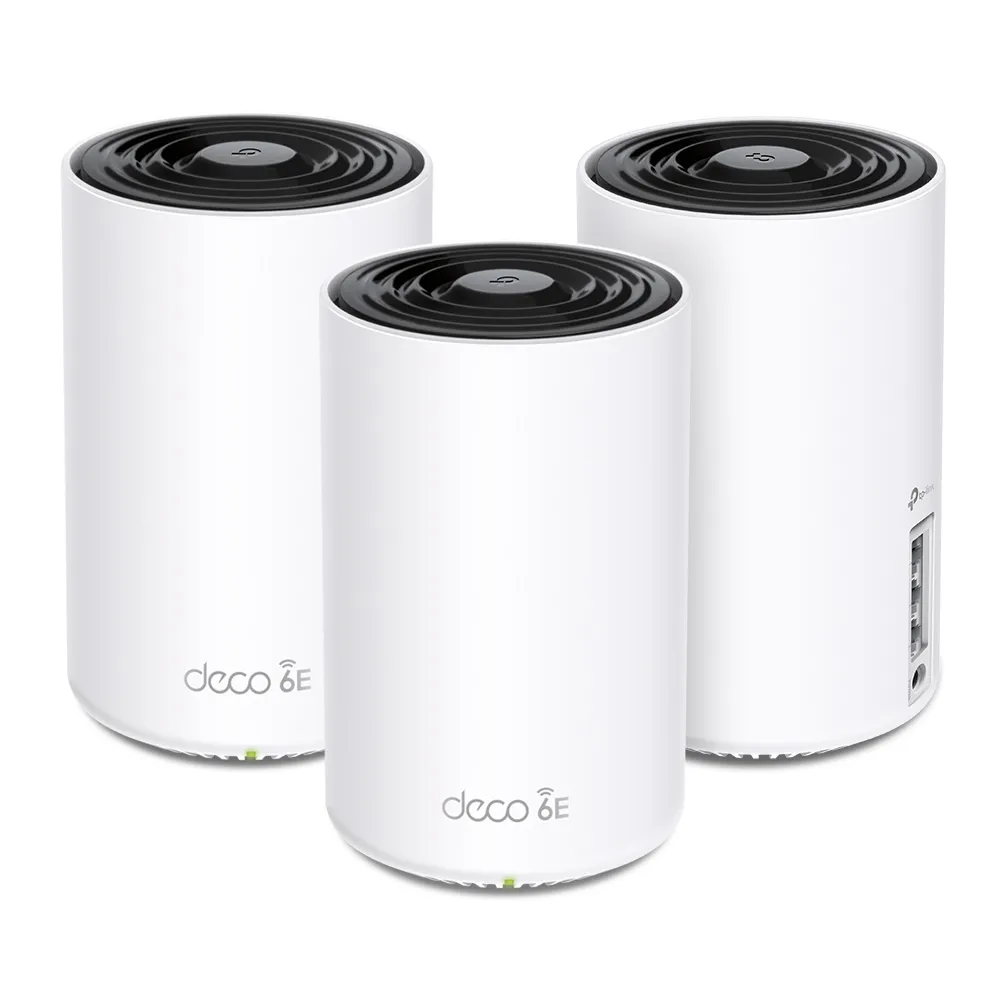
Specifications: The Important Difference Is the Third Band
| Feature | Deco X75 | Deco XE75 |
|---|---|---|
| Wireless generation | Wi-Fi 6, AX5400 | Wi-Fi 6E, AXE5400 |
| Band rates | 5 GHz: 2,402 + 2,402 Mbps; 2.4 GHz: 574 Mbps | 6 GHz: 2,402 Mbps; 5 GHz: 2,402 Mbps; 2.4 GHz: 574 Mbps |
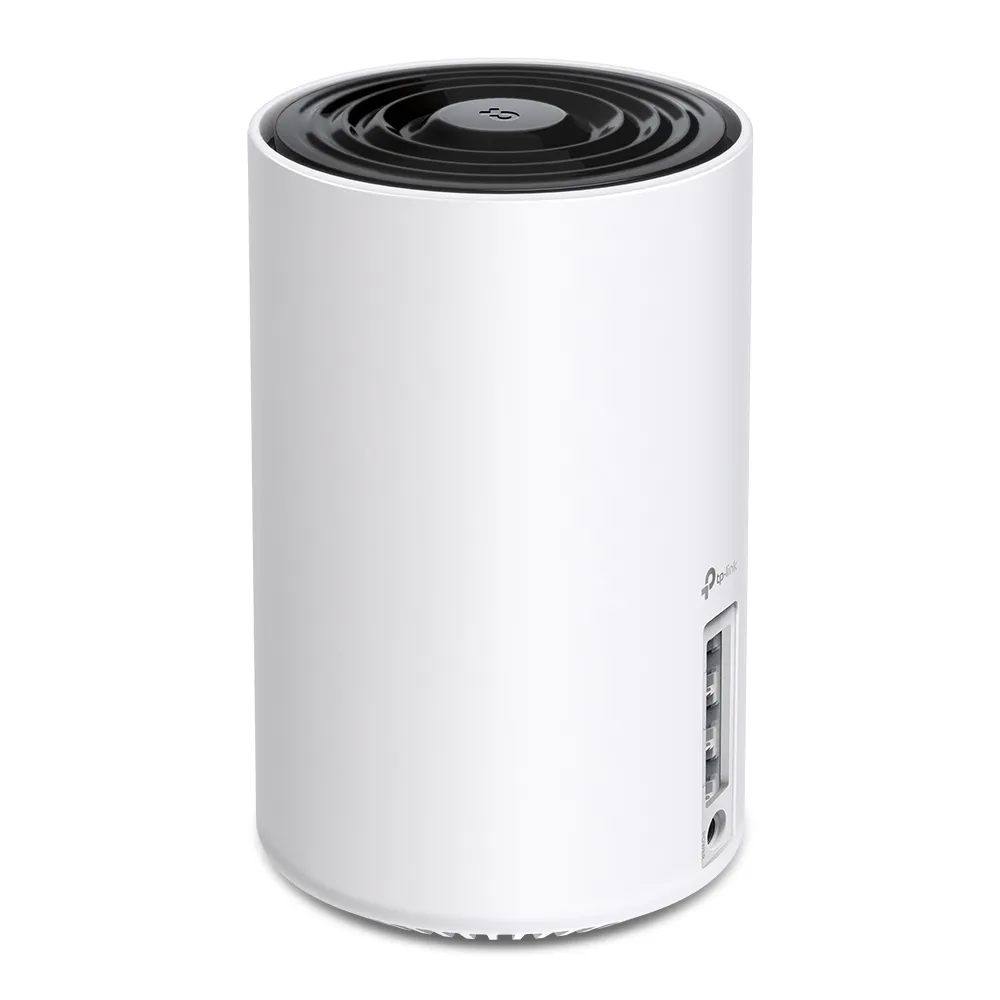
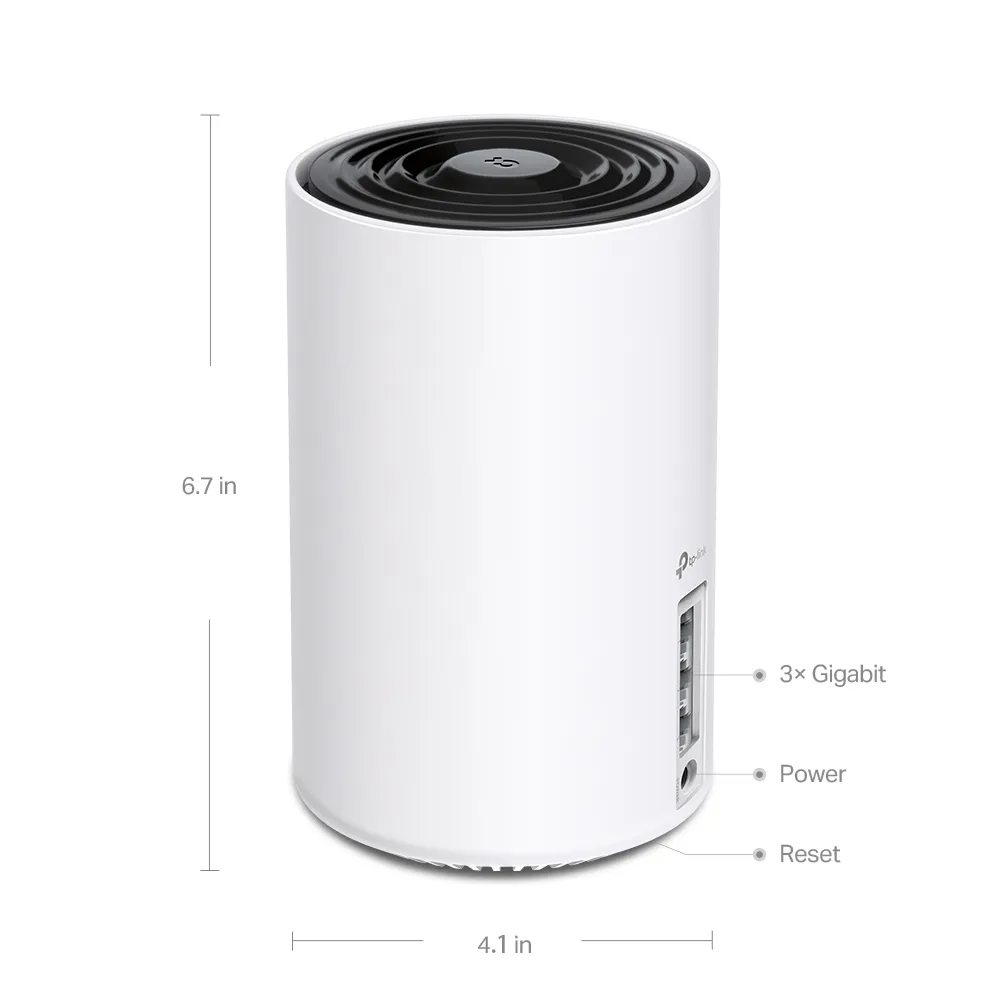
| Ethernet | Three Gigabit WAN/LAN ports per unit | Three Gigabit WAN/LAN ports per unit |
| Streams and antennas | Six streams; four internal high-gain antennas | Six streams; four internal high-gain antennas |
| Advertised three-pack coverage | Up to 7,200 square feet / 670 m² | Up to 7,200 square feet / 670 m² |
| Published enclosure size | 105 × 105 × 169 mm | 105 × 105 × 169 mm |
| Management and modes | Deco app; router or access point | Deco app; router or access point |
The X75 V1 listing and US V2 datasheet, together with the XE75 EU/US V2 datasheet, support these central differences. Match the actual regional hardware label before using a support document. Both products offer 160 MHz capability on their faster radios, with regional restrictions particularly relevant to 5 GHz. The rates are physical link specifications, not a measured internet speed.
What 6 GHz Changes—and What It Does Not
Wi-Fi 6E extends Wi-Fi 6 into the 6 GHz band. Older clients can still use the XE75's 2.4 GHz and 5 GHz radios, but a device needs appropriate 6 GHz hardware, operating-system support and drivers to connect on 6 GHz. Check the exact phone or laptop specification; a generic Wi-Fi generation label or a recently bought device is not enough.
Additional spectrum can reduce competition with nearby legacy networks, making the XE75 attractive in a congested apartment. However, 6 GHz is not permanently interference-free: other compatible networks can use it too. Available frequencies and channels depend on the country. TP-Link's FAQ says XE75 uses U-NII-5 and chooses its channel automatically, so the full theoretical 1,200 MHz discussed for Wi-Fi 6E is not a universal device entitlement.
The XE75's 2022 user guide describes 6 GHz as dedicated backhaul by default, with an option to make the band available to clients. App screens and firmware can change. Confirm the current setting and actual satellite connection rather than assuming enabling client access guarantees an exclusive client radio. Even without 6 GHz phones, two compatible XE75 nodes can use 6 GHz to carry traffic between them.
Walls, Interference and Placement
Think of the original X75-versus-XE75 choice as an installation question rather than a guaranteed wall-penetration ranking. Dense walls, floors and the location of each node affect both systems. A 6 GHz-capable node cannot compensate for an unsuitable placement simply because its band is newer. Avoid choosing on fixed per-wall loss figures or a universal maximum distance.
Place satellites where the upstream connection remains usable, then check the room served by each one. If a proposed location performs poorly, move it before adding more units. Compare busy-hour operation, local transfers and the applications you actually use. Record the client and node path so a changing result is not mistaken for a radio-generation advantage.
DFS also needs precise scope. Certain 5 GHz channels must vacate when radar is detected, with availability depending on local rules. It does not follow that both X75 radios always occupy DFS channels. The XE75's 6 GHz link avoids that particular 5 GHz requirement, but its 5 GHz radio can still be affected; the entire network is not immune to outages.
Ethernet Backhaul and Mixed Deco Networks
Ethernet can be the most useful improvement when suitable cabling already exists. Add the Decos to the same network wirelessly first, then connect the cables. In router mode, satellites belong downstream of the main Deco's LAN side, directly or through a suitable switch. Check the app's network map to confirm Ethernet backhaul instead of assuming a plugged-in cable established it.
Both models' Gigabit ports limit each wired link, including an internet connection entering that port. Neither is a multi-gigabit gateway. The XE75 Pro is a separate model, so its faster port must not be attributed to the ordinary XE75. Choose by the full path from service to client, including any switch or cable link.
Different Deco models can be combined, but older units do not acquire missing radios. An X75 cannot participate in a 6 GHz wireless hop with an XE75. Using an older satellite may also affect available features. Check the exact combination and main unit rather than treating compatibility as identical capability.
Security, Maintenance and Buying Verdict
Both systems list WPA3 and HomeShield, but client compatibility, subscription tier and operating mode affect what you can use. HomeShield includes basic functions and paid options; check the current local plan rather than assuming every parental-control or security feature is free. Keep firmware maintained and review the support page for the exact revision before purchase.
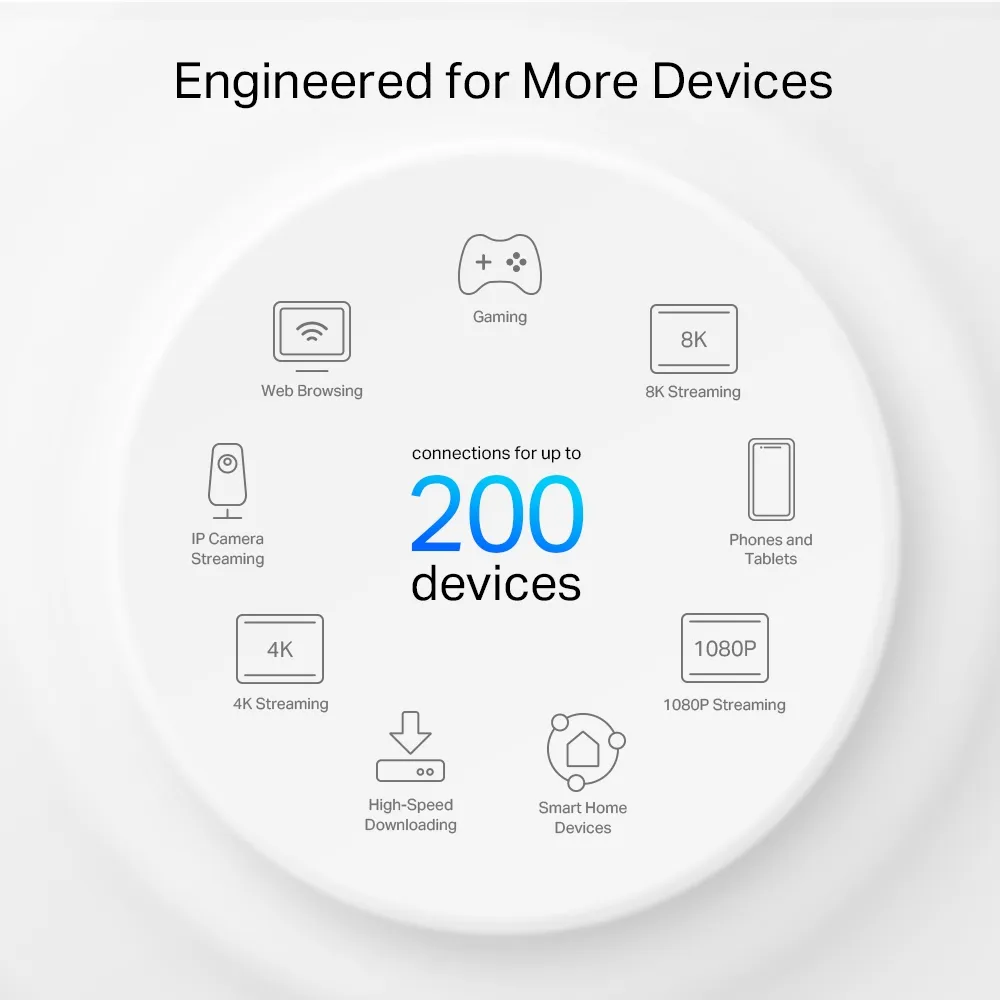
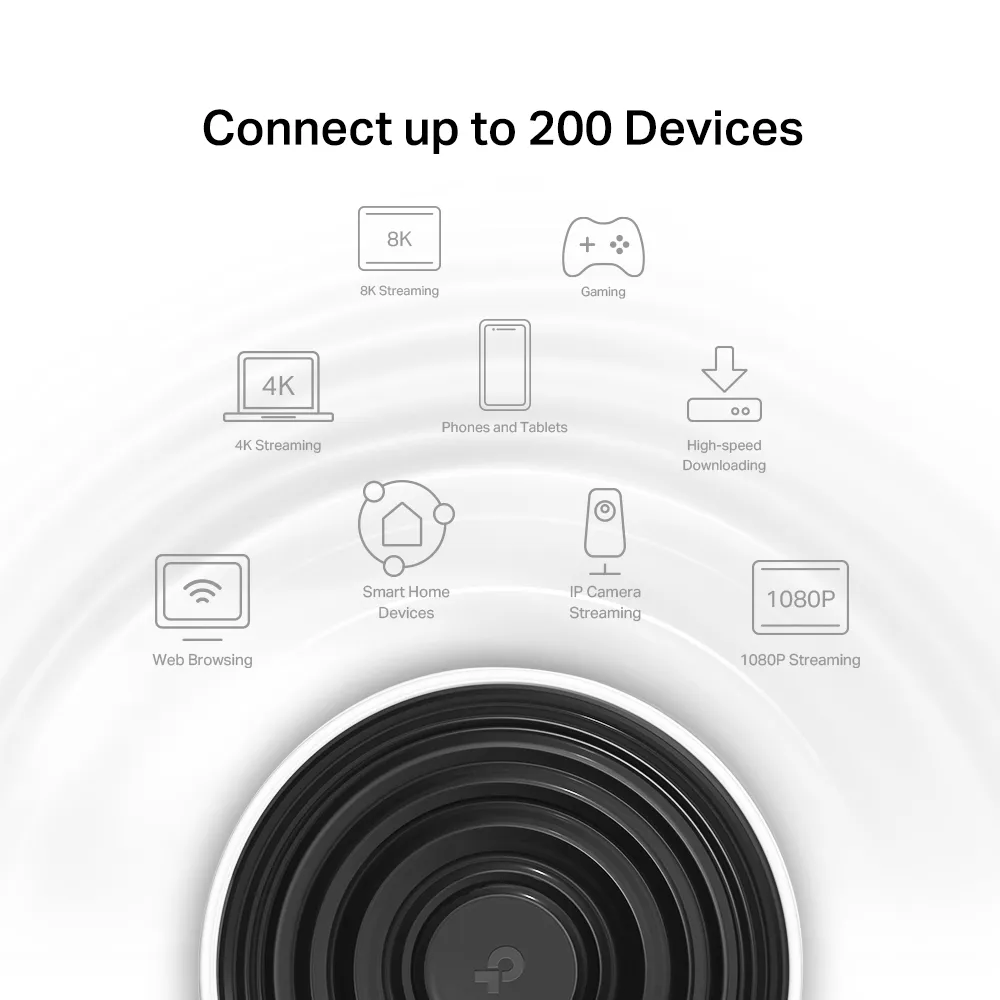
For background, see our linked articles: Learn more about MU-MIMO, Learn more about OFDMA and Learn why WPA3 is important. The vendor's device-capacity graphics are connection claims, not a guarantee of hundreds of simultaneous demanding streams.
I would choose the X75 when its price and supported features fit existing 2.4/5 GHz clients. I would consider the XE75 when usable 6 GHz spectrum and compatible devices justify the additional cost. Neither Wi-Fi 6 nor 6E is the newest generation today, so “future-proof” should mean meeting your planned needs rather than promising unlimited support. Compare equal pack sizes, local warranty and an installation you can actually achieve.
Visit the original official listings: TP-Link Deco X75 | TP-Link Deco XE75.