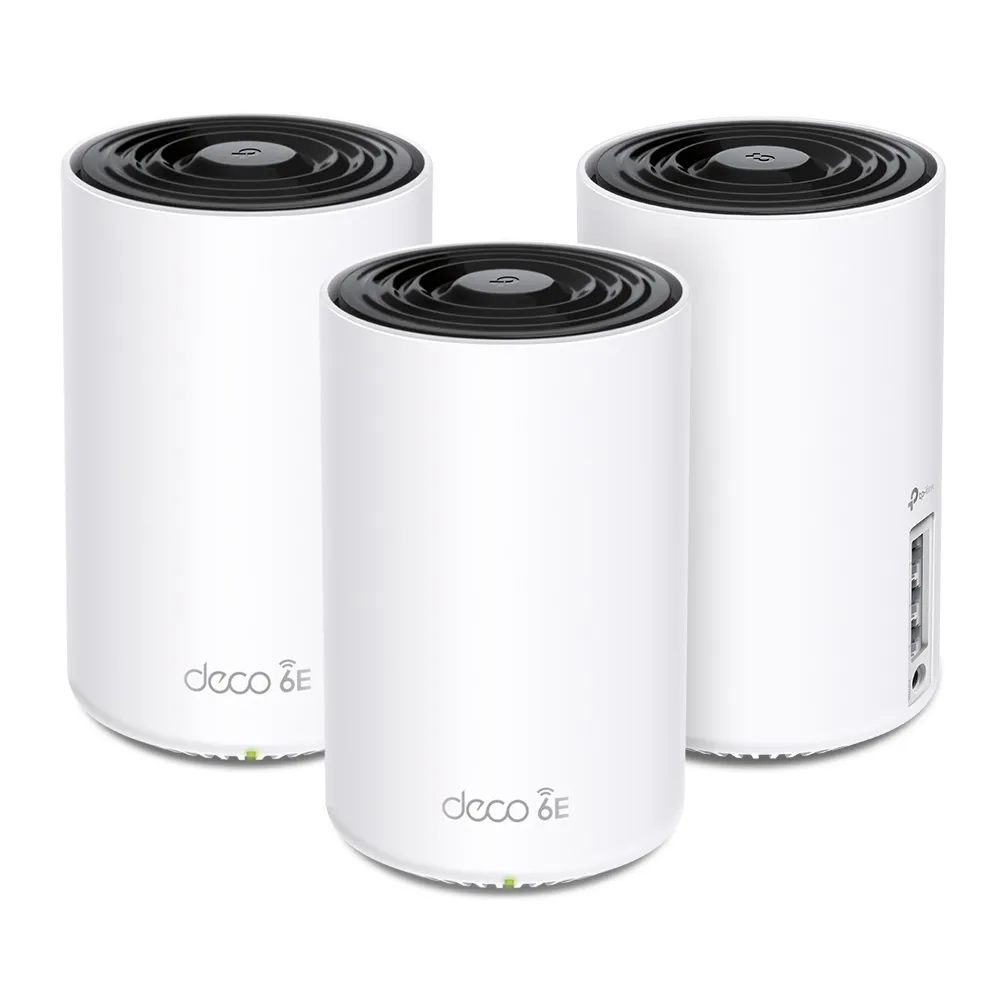
The TP-Link Deco XE75 adds a 6 GHz radio to a mesh system designed to improve home Wi-Fi coverage. That extra band can help when the devices, node placement and backhaul link suit your home; it cannot guarantee the end of buffering or dead zones. But what exactly is Wi-Fi 6E, and how does a mesh system work? Let's dive in and see if the Deco XE75 is the perfect solution for your Wi-Fi woes.
What Is Wi-Fi 6E and Why Is It Great?
Wi-Fi 6E extends the capabilities of Wi-Fi 6 by adding a new 6 GHz frequency band. This addition comes with several significant benefits:
- Increased Bandwidth: Wi-Fi 6E adds access to 6 GHz spectrum. Channel availability depends on the country and product: the commonly quoted seven 160 MHz channels describes a full 1,200 MHz allocation, not every market or XE75 configuration. TP-Link’s Wi-Fi 6E FAQ lists the XE75’s U-NII-5 operation. More available spectrum can reduce contention, but does not make a band interference-free.
- Faster Speeds: With the additional spectrum, Wi-Fi 6E can provide wider, less congested links to compatible clients, making it ideal for bandwidth-intensive tasks like 4K/8K streaming, VR/AR applications, and large file transfers.
- Lower Latency: The 6 GHz band supports more efficient data transmission with less interference, which can help latency when radio contention is the bottleneck. Internet routing, congestion and the client still affect the result. This is crucial for real-time applications such as online gaming and video conferencing.
- Compatibility Planning: Direct 6 GHz access requires a compatible client, operating system and driver. Wi-Fi 6E is an established option alongside newer Wi-Fi 7 products; compare the capabilities you need rather than treating a generation label as permanent future-proofing.
What Is a Mesh Wi-Fi Network and Why Do We Need It?
A mesh Wi-Fi network consists of multiple nodes that work together to provide seamless wireless coverage throughout your home. Unlike traditional routers with a single point of access, multiple mesh nodes can improve coverage when each has a good connection back to the main unit. Here's why mesh networks are advantageous:
- Whole-Home Coverage: Mesh systems blanket your home in Wi-Fi, but the number and placement of nodes depend on walls, floors and the space you need to cover.
- Seamless Roaming: As you move through your home, the system can assist compatible clients in moving between nodes. The client decides when to roam, so movement is not guaranteed to be interruption-free or always to the closest node.
- Scalability: Mesh networks can be easily expanded. Simply add more nodes to extend coverage as needed.
- Simplified Management: Many mesh systems, including the Deco XE75, come with user-friendly apps that simplify network management, allowing you to set up and control your network with ease.
TP-Link Deco XE75 Specifications at a Glance
| Wi-Fi Standard | Wi-Fi 6E (IEEE 802.11ax) on 2.4 GHz, 5 GHz, and 6 GHz bands. |
| Wi-Fi Speed | AXE5400 6 GHz: 2402 Mbps (802.11ax, HE160) 5 GHz: 2402 Mbps (802.11ax, HE160) 2.4 GHz: 574 Mbps (802.11ax) |
| Coverage | TP-Link advertises up to 7,200 square feet for a 3-pack, with actual coverage dependent on the building and placement. Four internal high-gain antennas per unit. |
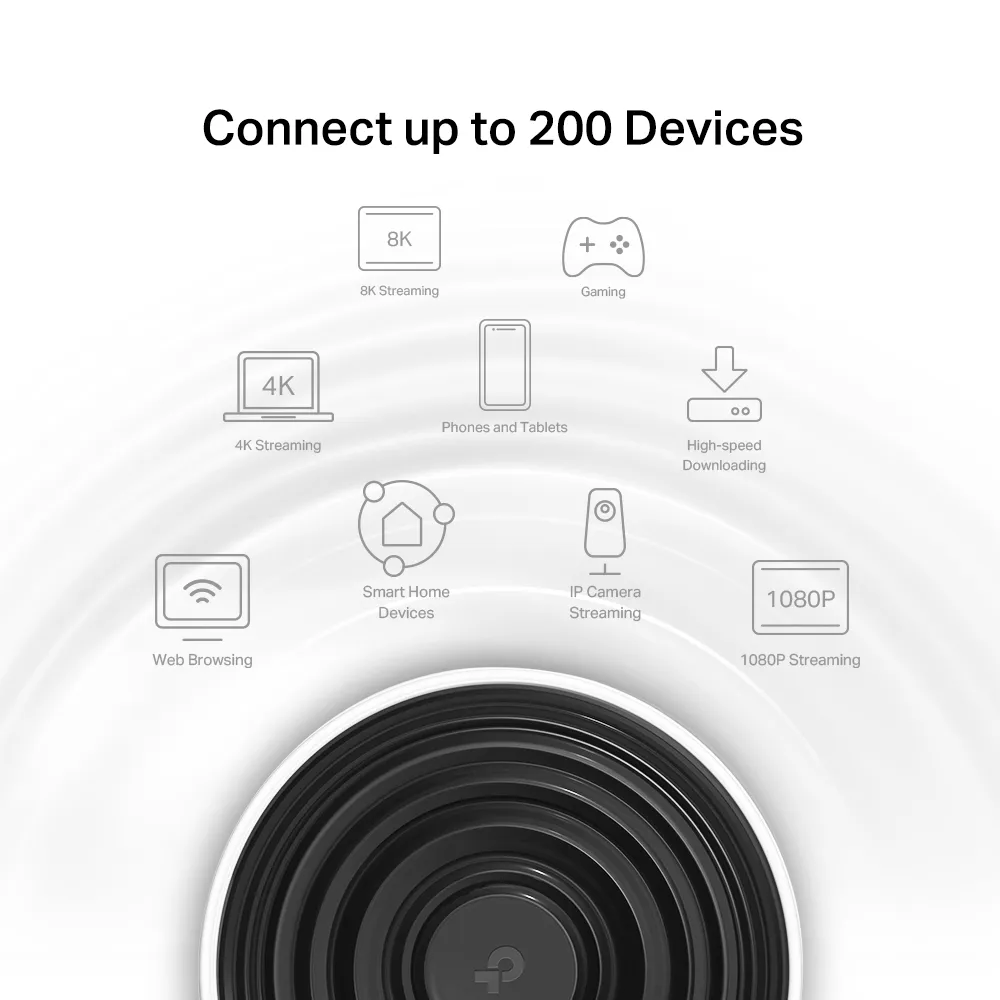
| Capacity | 2×2 MU-MIMO 6 Streams TP-Link advertises up to 200 connected devices; this is not a guarantee of full-speed simultaneous traffic. |
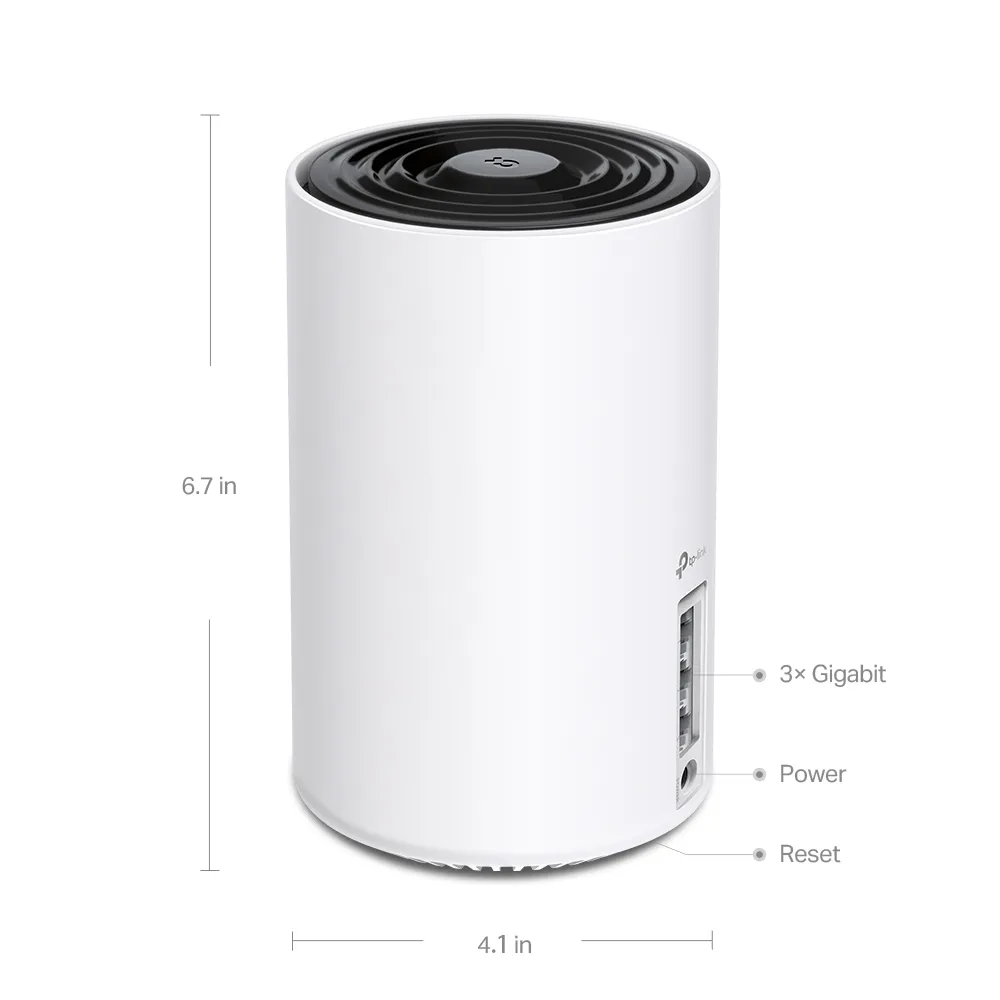
| Ports | Each unit has 3× auto-sensing Gigabit (1,000 Mbps) WAN/LAN Ethernet ports. |
| Security | WPA3-Personal (Learn why WPA3 is important) VPN client/server options vary by hardware version and firmware; verify your regional support page. HomeShield features depend on the applicable plan and operating mode. |
| Parental Controls | HomeShield profiles, schedules, filtering and reports; check which features require a subscription and are available in your configuration. |
Best Real-World Use Cases for the Deco XE75
The Deco XE75 is versatile and well-suited for various environments and applications:
- Large Homes: For homes with multiple floors or complex layouts, several well-placed units can improve coverage; a wired backhaul is worth considering where walls weaken wireless links.
- Smart Homes: Ideal for homes with numerous smart devices, provided their radio capabilities, coverage and security settings are compatible.
- Home Offices: Perfect for those working from home, providing a stable connection for video conferencing, file uploads/downloads, and more.
- Entertainment: Handles high-definition streaming, online gaming, and virtual reality applications with ease.
- Families: Parental controls and robust security features make it a great choice for families looking to manage internet access and keep their network safe.
Considerations Before Buying
While the Deco XE75 boasts impressive features, there are a few things to consider before purchasing:
- Cost: Mesh Wi-Fi systems tend to be more expensive than traditional routers. Compare the one-, two- and three-pack options sold in your market. A three-pack may be unnecessary for a smaller space.
- Need for Wi-Fi 6E: Existing 2.4 GHz and 5 GHz clients cannot connect directly to 6 GHz. They can nevertheless benefit if a good 6 GHz link carries traffic between compatible mesh nodes. The benefit is conditional on the backhaul and placement, rather than the age of every client.
- Setup and Placement: Proper placement of nodes is crucial for optimal performance. This may require some trial and error or professional installation for the best results.
Understanding the 6 GHz Backhaul
A satellite needs two useful links: one to your phone or laptop, and another carrying that traffic toward the router. The second link is the backhaul. A strong client signal can therefore coexist with a slow internet connection if the satellite’s backhaul is weak.
As TP-Link explains in its Wi-Fi 6E Deco FAQ, compatible mesh nodes can communicate over 6 GHz even when your older client only uses 5 GHz. Separating traffic across radios can reduce competition for airtime. However, it does not automatically double throughput, free every 5 GHz transmission, or provide a sustained 2,402 Mbps link. Distance, obstacles, channel width, firmware and other traffic still matter.
Check the available 6 GHz client/backhaul settings in your actual Deco app and firmware. A node without a compatible 6 GHz radio cannot form a 6 GHz backhaul link merely by joining the same Deco system. Position a wireless satellite where it still receives a useful upstream signal, rather than placing it deep inside the original dead zone.
Ethernet backhaul avoids consuming wireless airtime for the wired inter-node link. Configure the units in the app before wiring them. In Router mode, wire satellites downstream of the main Deco’s LAN port; in Access Point mode, the topology can use the existing router’s LAN. Follow the documented layout to avoid a loop, and confirm the connection type in the app.
XE75 and XE75 Pro: Port Differences
| Specification | Deco XE75 | Deco XE75 Pro |
|---|---|---|
| Advertised radio rates | 2,402 + 2,402 + 574 Mbps | 2,402 + 2,402 + 574 Mbps |
| Ethernet ports per unit | Three Gigabit WAN/LAN ports | One 2.5 Gbps WAN/LAN port and two Gigabit ports |
These figures describe TP-Link’s published specifications, rather than our benchmarks. AXE5400 adds the maximum physical rates across three radios; one client does not combine all three into a 5.4 Gbps connection. Actual application throughput is lower than its negotiated radio rate and depends on the complete path.
The Pro’s faster port may matter for an internet plan above Gigabit or a suitably connected local server. But each unit has only one 2.5 Gbps port. If the main unit uses that port for the WAN, its remaining wired LAN ports are Gigabit. Plan the intended WAN, NAS, switch and satellite connections before assuming an entirely 2.5 Gbps wired path.
A Gigabit port does not prevent using a faster internet subscription, but that link limits traffic passing through it. Conversely, a 2.5 Gbps port does not guarantee that a wireless satellite delivers the full internet plan. Equal advertised radio rates also do not establish identical measured performance between every hardware revision.
Checking the Bottleneck Before Buying
First check a wired device at your current router, then compare a wireless device nearby and in the room with the problem. If the wired connection is already slow, investigate the ISP link or router configuration before buying additional mesh nodes. If only the distant room suffers, placement or backhaul is a stronger suspect.
For a satellite test, note the client band, node and backhaul type, then repeat the same transfer near the main unit. A local file transfer can help separate home-network performance from an internet speed-test server. Keep the same client and test conditions when comparing placements; the result is meaningful only for that arrangement.
Check the exact regional hardware version, release notes and subscription terms before purchase. Use the intended Router or Access Point mode, because some routing and security features belong at the active router. Parental controls and HomeShield can be useful household tools, while suitable passwords, supported firmware and device maintenance remain part of keeping the network reliable.
Conclusion
The TP Link Deco XE75 is a robust Wi-Fi 6E mesh system that brings the benefits of Wi-Fi 6E into your home. With its impressive speed, extensive coverage, and advanced features, it is well-suited for a variety of use cases, from large homes to smart home environments and demanding online activities.
For those who want tri-band Wi-Fi 6E and are willing to invest in a mesh system, the Deco XE75 is an excellent choice. However, if budget constraints are a concern or if your current devices do not support WiFi 6E, you might want to consider whether now is the right time to upgrade.
Ultimately, the TP Link Deco XE75 offers a compelling blend of performance, coverage, and ease of use, making it a worthy contender in the mesh Wi-Fi market. If you’re looking to enhance your home network with tri-band coverage, the Deco XE75 should be at the top of your list.


