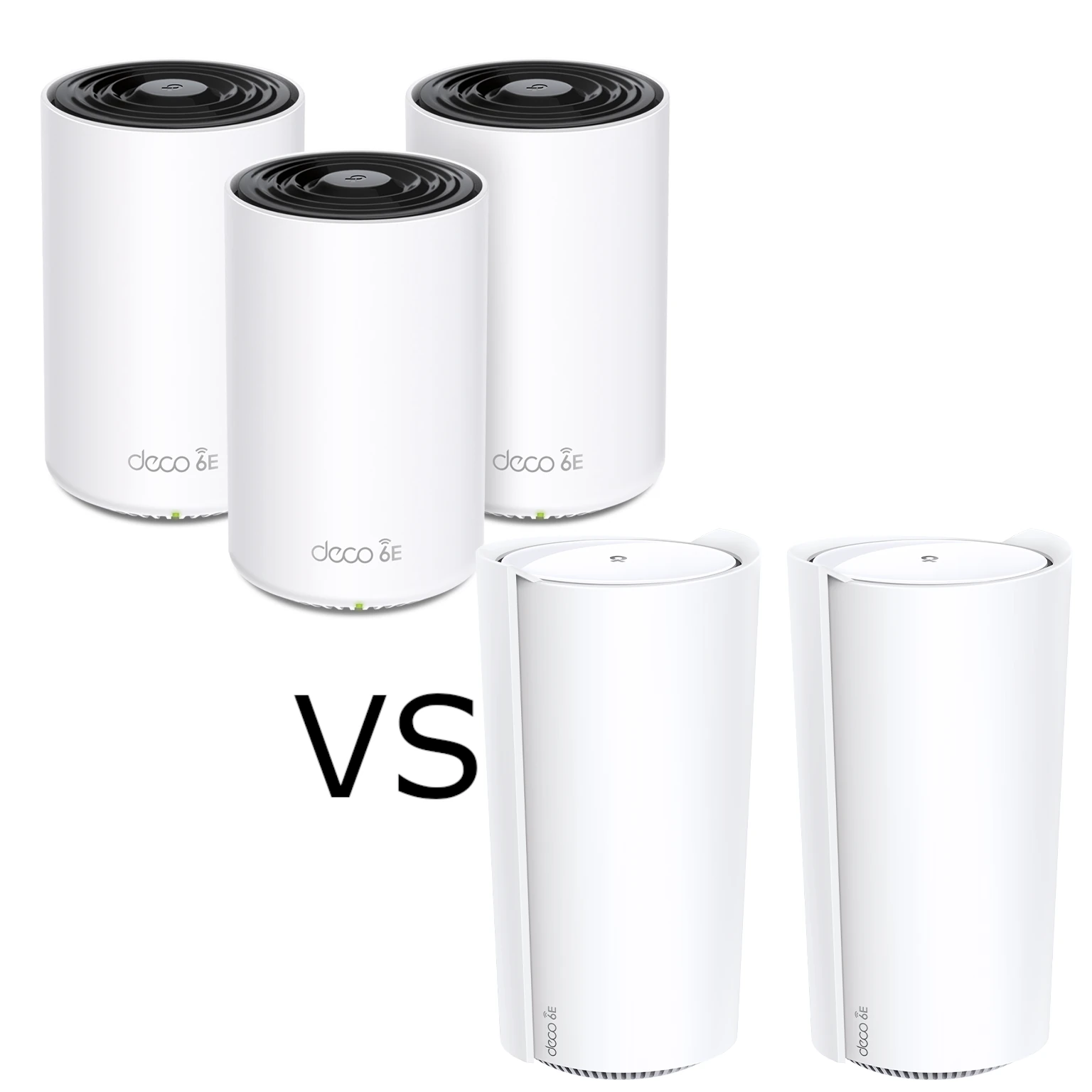
The Deco XE75 and XE200 are tri-band Wi-Fi 6E mesh systems, but their most useful differences are radio capacity and Ethernet ports. The XE200's larger total radio rating is not a promise that one phone will run twice as fast. Start with the client, room and wired connections you need to improve.
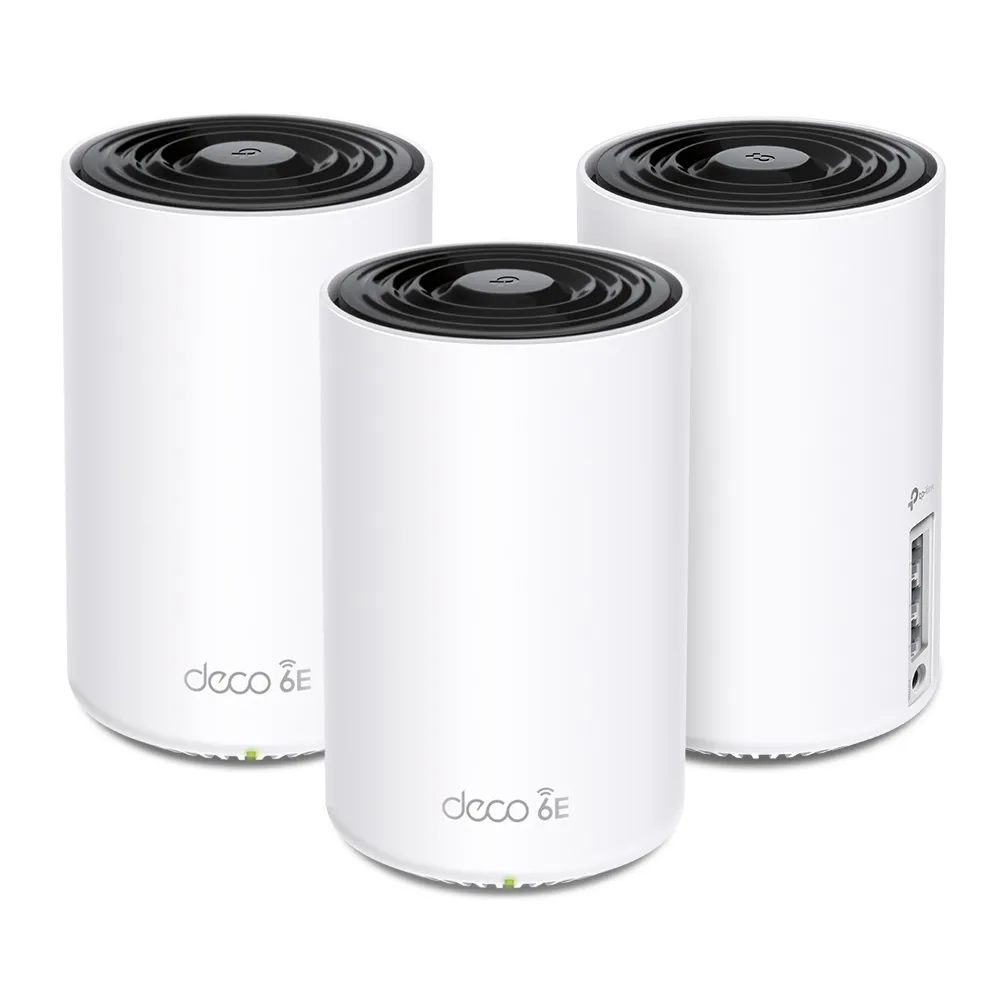
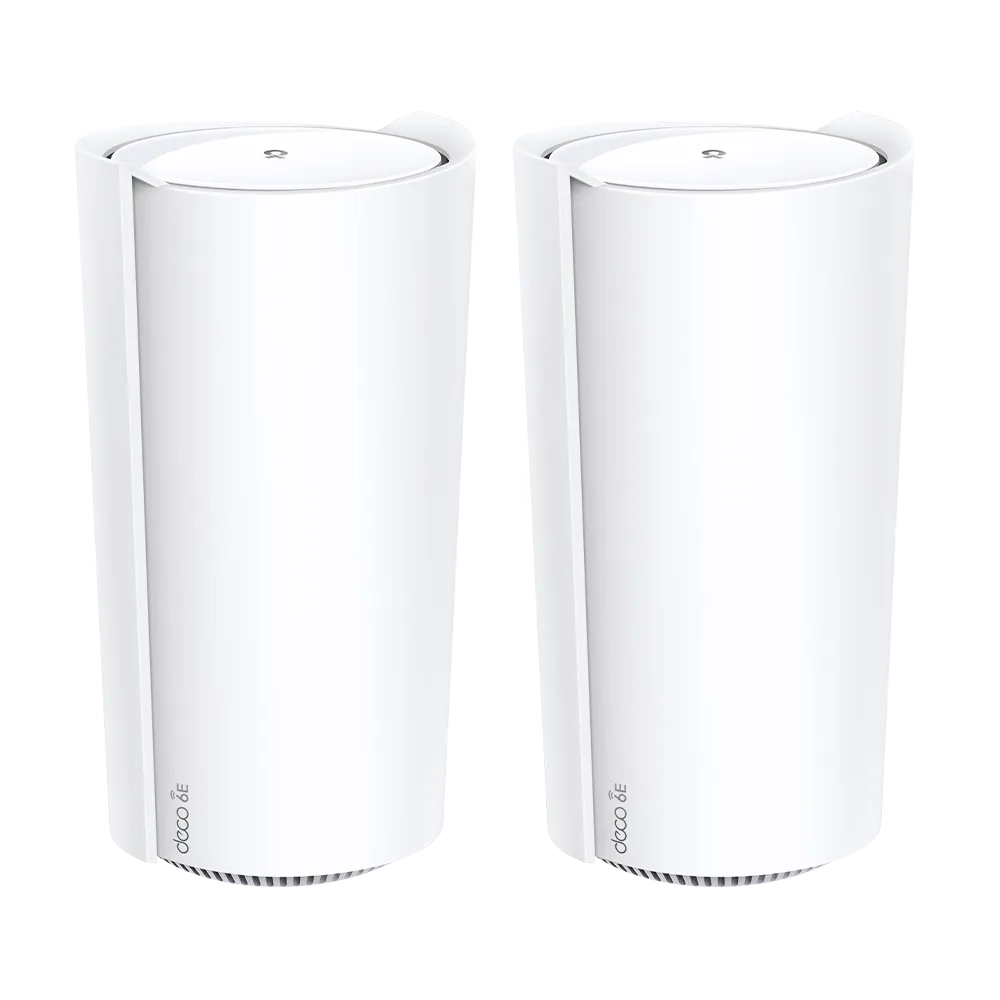
Our separate Deco XE75 guide and Deco XE200 guide cover each model. This comparison concerns the standard XE75; XE75 Pro is a different product with a different port specification.
What both systems share
Wi-Fi 6E extends Wi-Fi 6 operation to 6 GHz. Both systems also provide 2.4 and 5 GHz radios, so compatible older devices can still use those bands. A Wi-Fi 6 device without 6 GHz capability cannot connect to the extra band simply because the access point offers it.
Both use the Deco app and support Router and Access Point modes. Mesh can extend a shared network, while placement and the connection between units still affect results. Client roaming support matters; neither a shared SSID nor an AI-driven label guarantees the strongest connection or uninterrupted calls at every point in a building.
HomeShield offers security and management features, some of which require a subscription. Check the specific hardware, firmware and operating mode for the controls you need. These features support maintenance; they cannot replace updates or guarantee protection against every threat.
Verified hardware differences
| Feature | Standard XE75 | XE200 |
|---|---|---|
| Advertised radio class | AXE5400 | AXE11000 |
| 6 GHz rate | 2,402 Mbps | 4,804 Mbps |
| 5 GHz rate | 2,402 Mbps | 4,804 Mbps |
| 2.4 GHz rate | 574 Mbps | 1,148 Mbps |
| Advertised streams | Six total | Sixteen total: four at 6 GHz, eight at 5 GHz, four at 2.4 GHz |
| Internal antennas | Four listed | Sixteen listed |
| Ports per unit | Three Gigabit | One 10G plus two Gigabit |
The XE75 specification, XE200 specification and XE200 datasheet document these figures. Antenna counts and spatial-stream counts are different properties; neither alone measures range through a particular wall.
Six versus sixteen streams
The XE200 has more radio resources for suitable links and multiple clients. That does not turn a two-stream laptop into an eight-stream device. Its useful connection is limited by its own radio, channel support, negotiated link and environment.
MU-MIMO can schedule compatible clients using available spatial resources. It is not a guarantee that four ordinary laptops continuously receive a fixed share of the XE200's headline rate. Traffic direction, client support, interference and scheduling all influence the result.
Separate the radio link rate from application throughput. Protocol overhead and retransmissions reduce usable transfers, and summing the rates across three bands does not describe one client's internet connection. Two radios with different configurations can share an advertised rate without offering every client identical behaviour.
A larger 6 GHz radio can help suitable mesh links, but a 4,804 Mbps rating does not establish a measured backhaul rate between floors. Floors and walls can make placement or Ethernet more important than the model's aggregate class. Test the intended position before assuming that a more expensive kit fixes the path.
The XE200's single 10G port
The XE200 has only one 10G port per unit. In Router mode, assigning that port to a faster-than-Gigabit internet uplink leaves the two Gigabit ports for wired LAN connections. Assigning it to a multi-gigabit LAN or backhaul connection instead leaves a Gigabit port for the internet uplink.
A faster switch cannot create a second multi-gigabit port on the main XE200. Check the entire path: provider device, main Deco, switch, satellite and endpoint. A 10G-capable socket does not make a cable, client or storage device transfer at 10 Gbps automatically.
In AP mode, an upstream router can handle routing while the main XE200 joins a suitable LAN. That changes the topology and feature responsibilities; it is not a way to claim two independent high-speed WAN/LAN ports on the Deco itself. If simultaneous multi-gigabit WAN and LAN is essential, compare a model with enough suitable ports, including the XE200 versus BE65 guide.
The standard XE75's three ports are Gigabit. After one is used for the main uplink, two remain for wired clients or backhaul. That may be sufficient for your plan, but a path through one of those ports cannot carry native multi-gigabit traffic.
Coverage, pack size and mixed kits
Compare like-for-like packs. The current international XE75 page illustrates up to 5,500 square feet for two units and 7,200 for three; the XE200 page illustrates up to 6,500 for two. These manufacturer estimates depend on conditions. They do not justify a universal claim that one kit suits every home below a stated area.
Two well-positioned units with a useful backhaul path can suit a layout better than three badly placed units. Note dense walls, room priorities and cable availability before choosing a pack solely by its advertised area or device total.
The mixed-Deco guide supports combining models, with features depending on the installed models and main unit. An XE75 satellite keeps its own radio and port capabilities. Adding an XE200 does not upgrade the satellite to sixteen streams or 10G Ethernet.
For wired backhaul, follow the mode-specific wiring rules. In Router mode, satellites belong downstream of the main unit; AP mode uses the upstream LAN. Confirm the satellite's signal source in the app, then measure actual transfers separately.
Choose with a fair comparison
The XE75 can be a good choice when its Gigabit links and lower radio capacity match the workload and local price. The XE200 is worth considering when you can use its larger radio resources or a particular 10G connection. Neither is automatically the best choice for every gamer, streamer or large home.
Use the same client, locations and task for a baseline and the proposed upgrade. Record the connected band/node, backhaul type and internet result. A local transfer helps distinguish an internet bottleneck from a LAN limitation. Also try a real call or stream rather than relying only on a short peak-speed test.
Check the regional hardware version, current firmware support and total pack cost before buying older stock. Choose the kit that fixes a measured problem and supplies the ports your layout needs, with room to add or wire a node later if the results show it is worthwhile.


