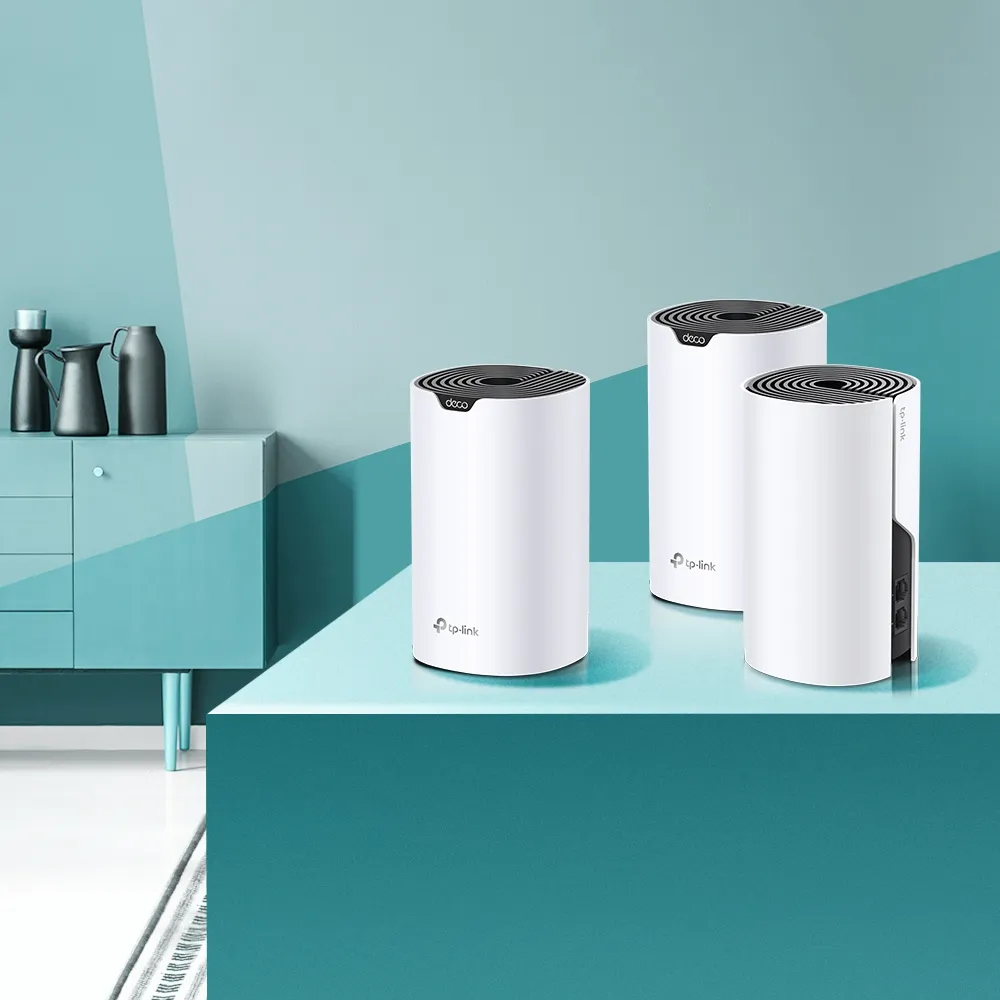
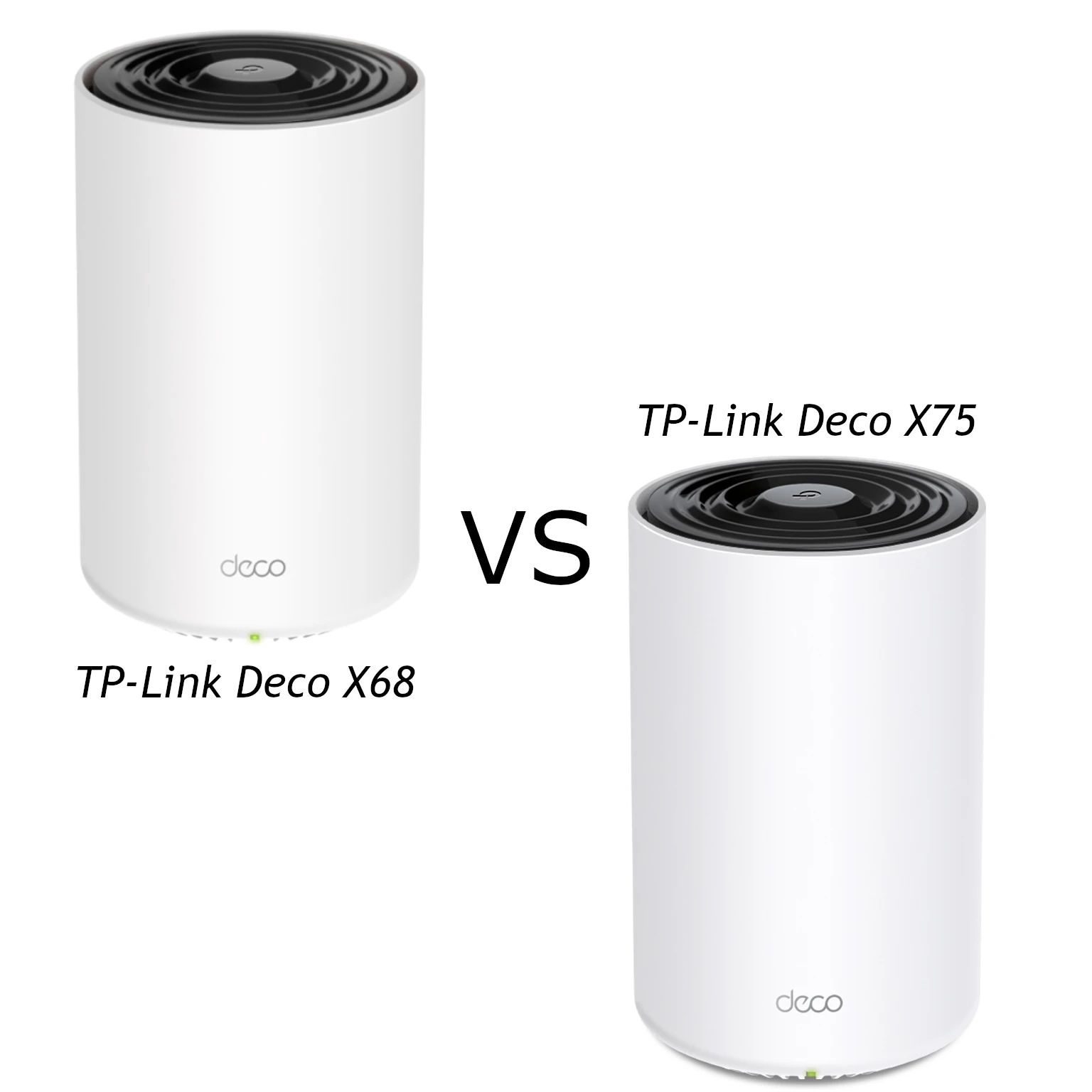
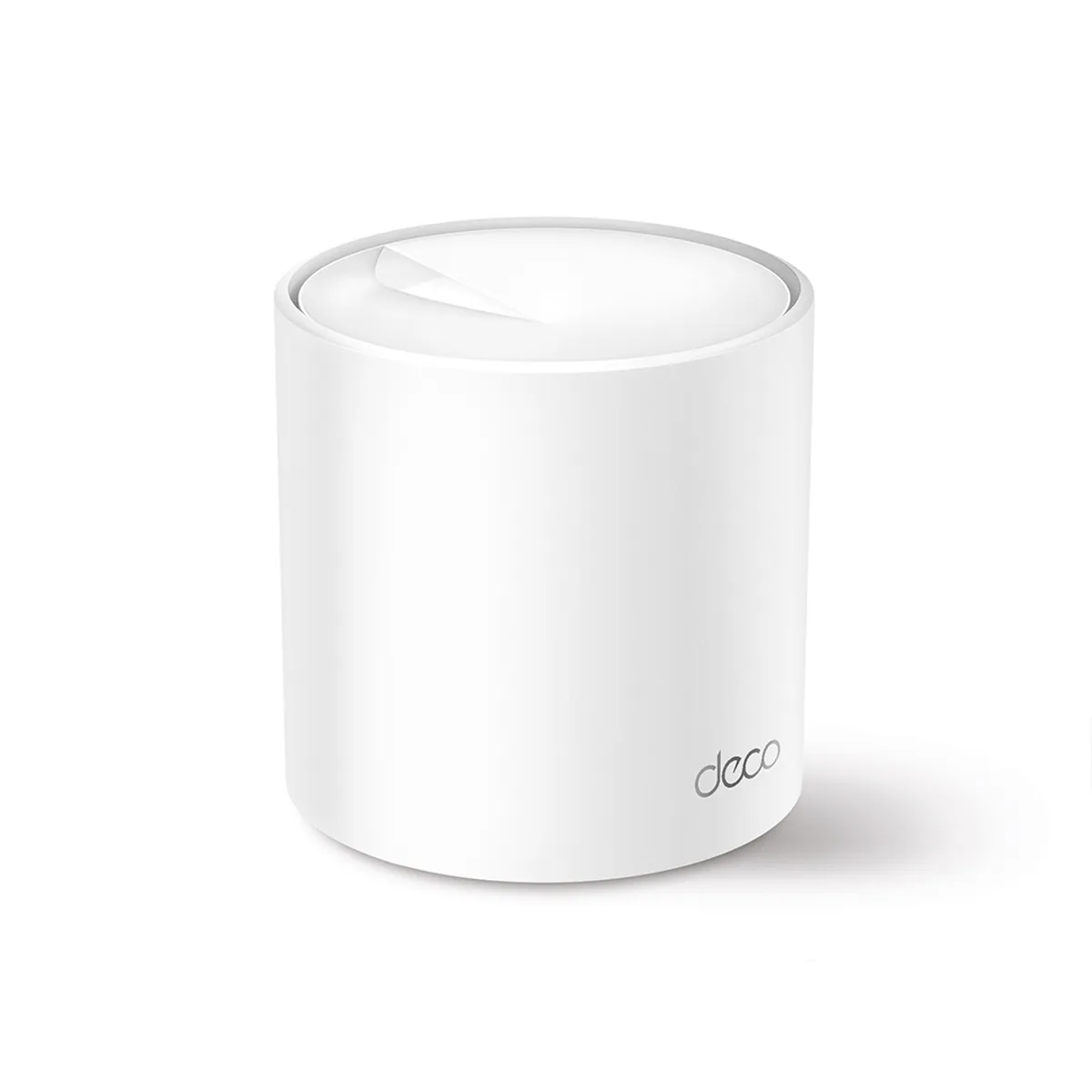
The TP-Link Deco X50 is a dual-band Wi-Fi 6 mesh system intended to improve coverage without moving into premium multi-gigabit hardware. It combines AX3000 wireless specifications, three Gigabit ports per unit and app-based management. Our view is that it offers a compelling, affordable option for smaller homes and households that want a practical Wi-Fi 6 upgrade.
Like multiple light sources covering different rooms, mesh nodes can extend a network’s useful reach. They still need a good connection to each other and to the internet. The X50’s value depends on placement, backhaul and your clients; buying several nodes does not guarantee that every room receives the same throughput.
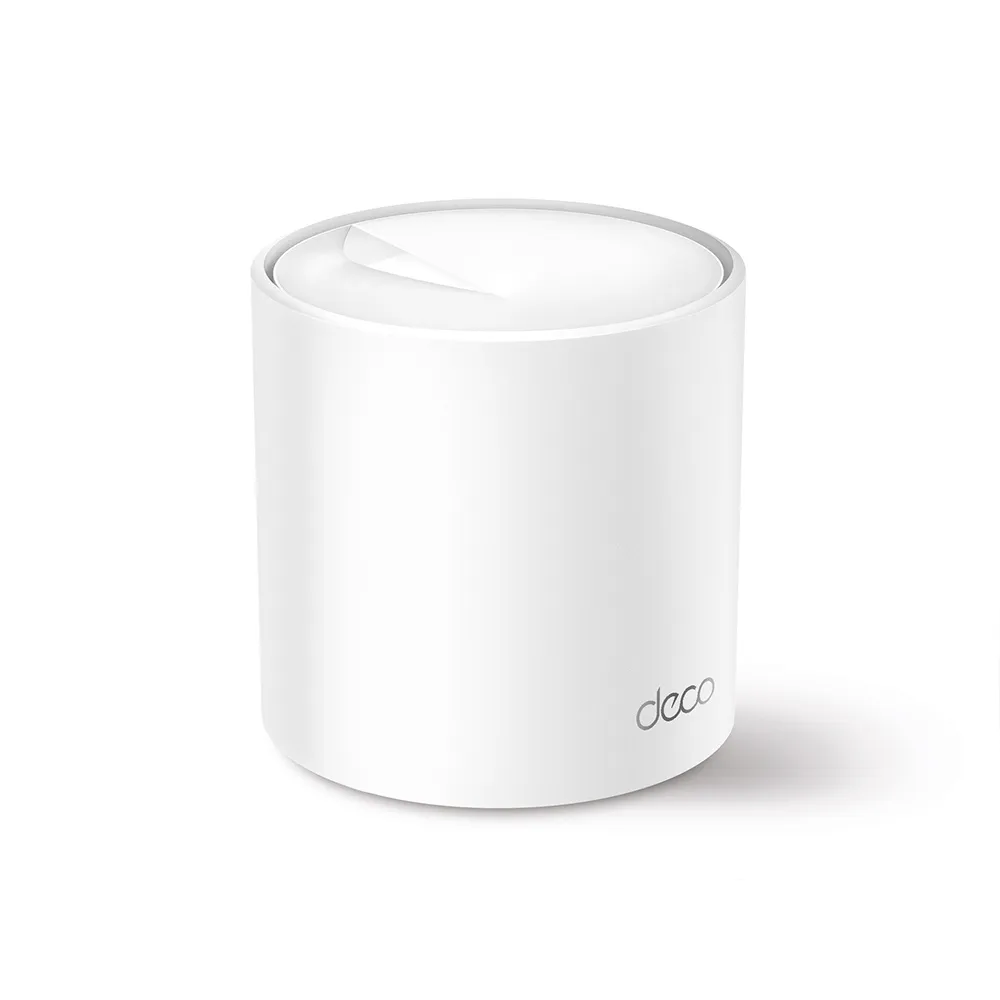
What the AX3000 specification means
The X50 lists maximum physical rates of 2,402 Mbps on 5 GHz and 574 Mbps on 2.4 GHz. Their combined, rounded class is AX3000. A client normally uses its supported band and channel configuration rather than receiving that entire combined rate. Wireless overhead and shared airtime reduce usable throughput.
Its 5 GHz radio supports 160 MHz operation, with compatible clients and regional availability required for the corresponding maximum rate. A client limited to narrower channels or fewer streams cannot receive the router’s full advertised link rate. A wide channel also depends on the surrounding radio environment; it is not automatically the best answer in every congested location.
OFDMA and MU-MIMO do different jobs. OFDMA allocates portions of a channel to supported clients, while MU-MIMO uses spatial resources to communicate with compatible clients. The X50 documents four streams and 2×2 MU-MIMO. Those features can improve useful scheduling, but do not remove interference or promise fixed low latency under every workload.
Wi-Fi 6 is the generation used by this model, not the newest generation available today. Older compatible devices can still join, using their own supported capabilities. For an optional introduction, see TP-Link’s original Wi-Fi 6 explainer video.
Check the hardware version
| Specification | Documented Deco X50 details |
|---|---|
| Wireless bands | 2.4 GHz and 5 GHz |
| Maximum physical rates | 574 Mbps + 2,402 Mbps |
| Ethernet | Three Gigabit WAN/LAN ports per unit |
| Antennas | Two in the EU/US v2 datasheet; three in EU/JP v3 |
| Operating modes | Router and access point |
| Wireless encryption | WPA/WPA2/WPA3 options in cited datasheets |
The original version differences deserve attention. Additional antennas in one revision do not change the listed AX3000 rates into a higher speed class or guarantee greater coverage. The exact region and hardware label determine which firmware and support documents apply. Do not assume that all revisions receive the same features at the same time.
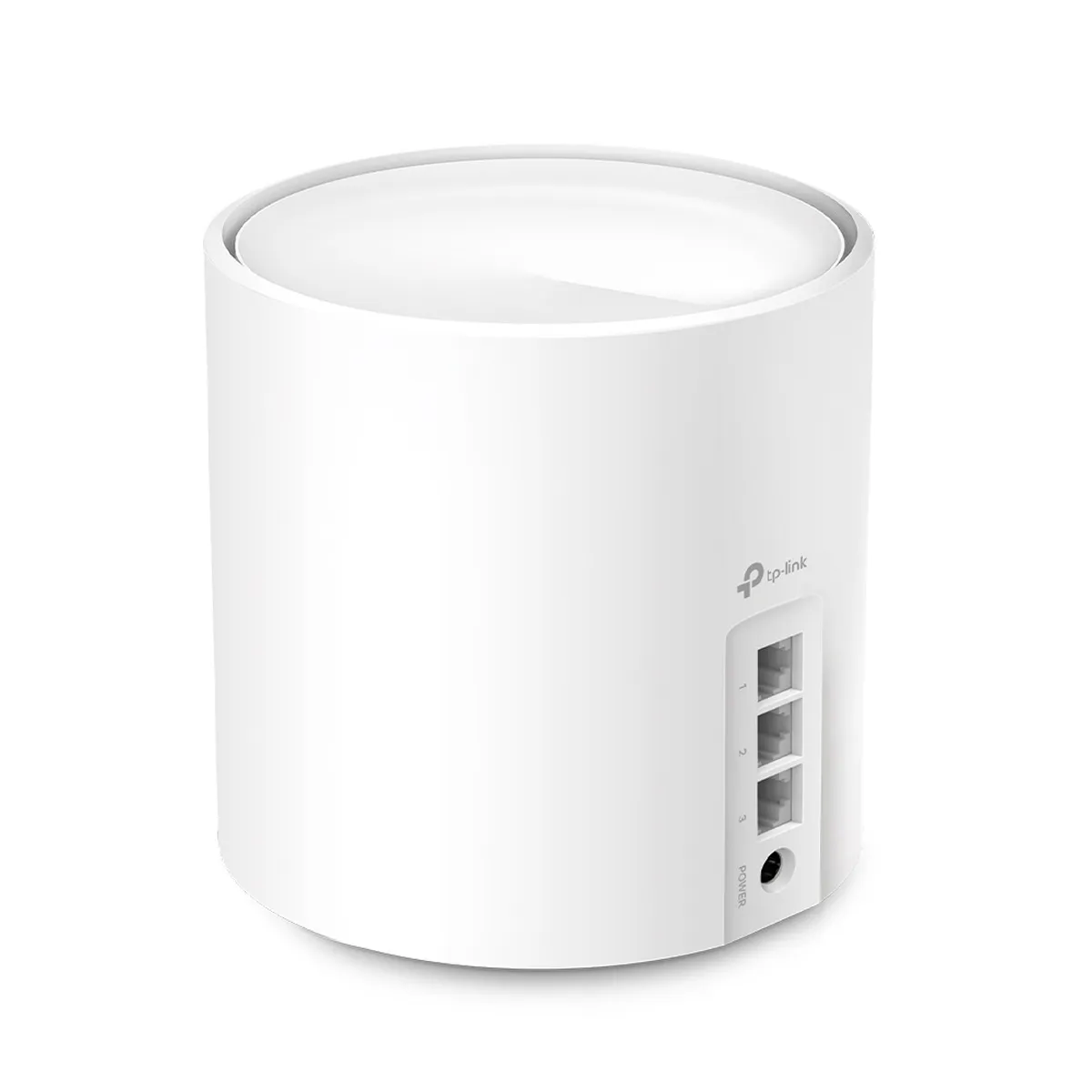
Three ports: useful, with clear limits
The X50’s three Gigabit sockets provide useful flexibility. In router mode, one connects to the modem or upstream internet connection, leaving two for local devices, a switch or wired satellites. A satellite with wireless backhaul can use its sockets for local clients; a satellite with wired backhaul consumes one for the uplink, leaving two.
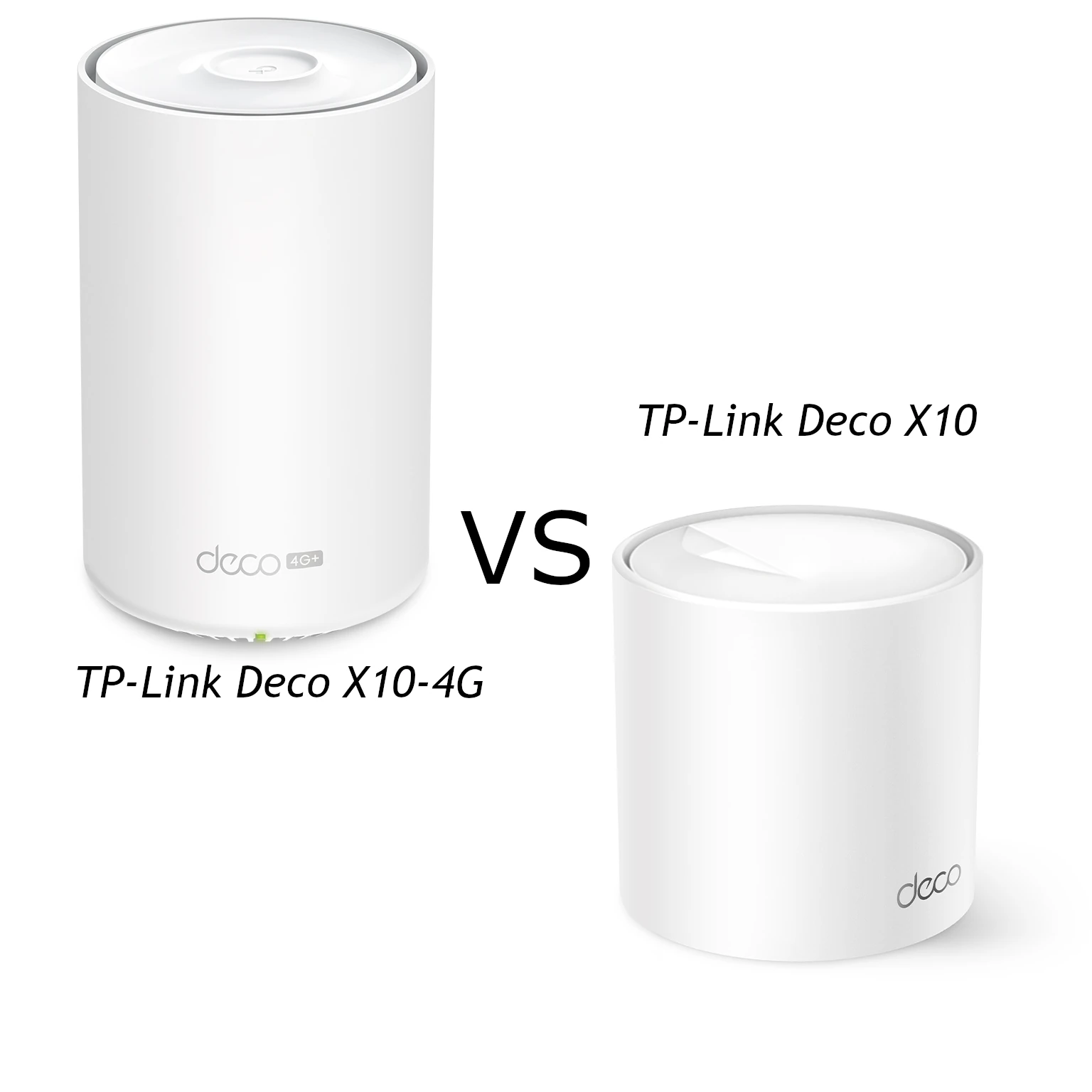
Gigabit Ethernet is the limit of each socket. A 2,402 Mbps wireless link does not let a client copy data from a NAS through one Gigabit socket at that wireless rate. Trace the route from the source to the destination, including storage and client capabilities. The regular X50 should also not be confused with an X50 variant offering different ports or a cellular modem.
If several wired devices and satellites need connections, a switch may be more practical than choosing node positions purely to obtain extra sockets. A wired device connected to a wireless satellite still relies on the wireless mesh for upstream traffic. The cable at the device does not make the entire path wired.
Backhaul and placement
The X50 has two wireless bands, with no third radio dedicated exclusively to backhaul. Traffic between wireless nodes shares available radio resources with client traffic. Good inter-node placement therefore matters even if a phone shows a strong connection to its nearby satellite.
Ethernet backhaul provides a cabled path between the connected nodes, reducing dependency on a wireless hop. TP-Link’s backhaul guidance says to configure the mesh first, then attach the cables; the wired path activates automatically. Router-mode satellites must sit behind the main Deco’s LAN connection, directly or through a switch. Access-point mode allows a different topology because the upstream router handles routing.
Check the app’s network map to confirm which path a satellite uses. If wiring through a switch does not work, compare a direct connection and check ports and cables. An IPTV-designated socket cannot also carry the backhaul connection. This is more useful than assuming that a cable alone guarantees a particular satellite speed.
For wireless nodes, start within useful reach of the main node and adjust based on the rooms that need service. Masonry, floors and neighboring signals affect the result. A satellite installed inside a dead zone may provide a strong local signal while retaining a weak upstream link.
Coverage claims and connected devices
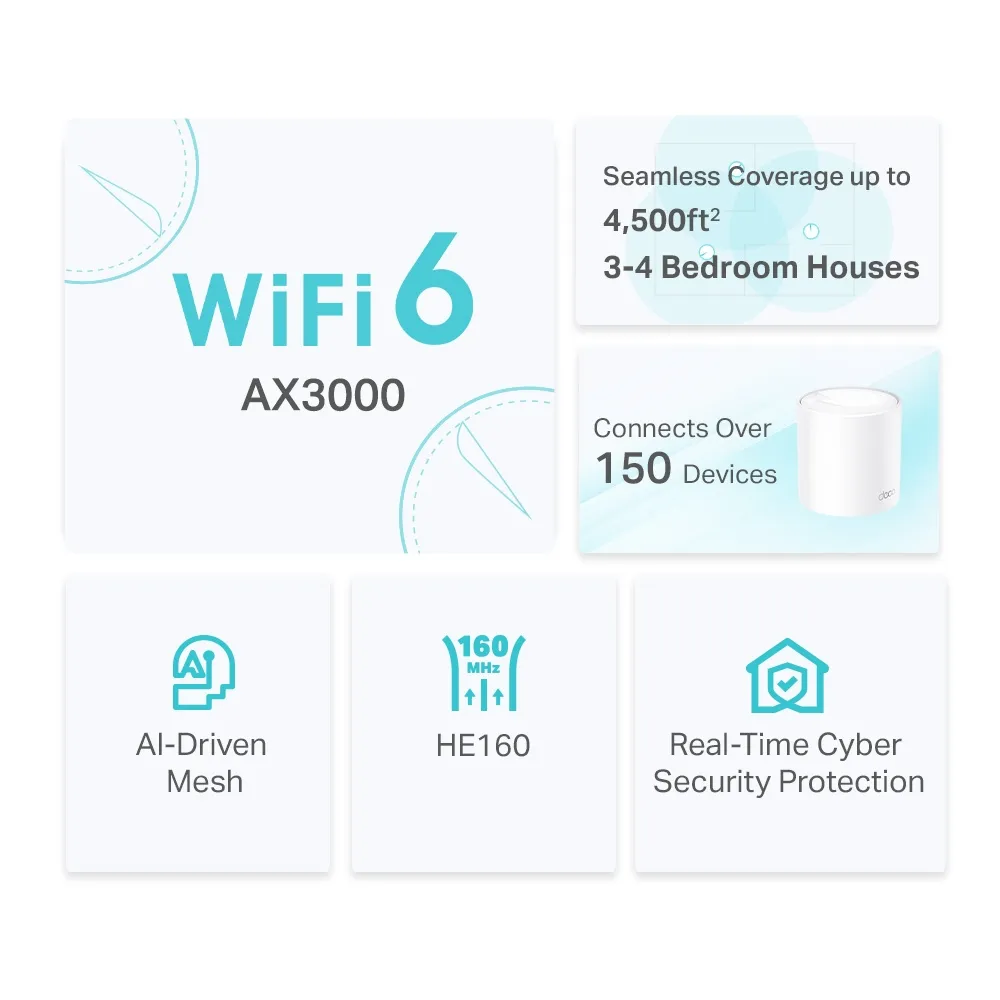
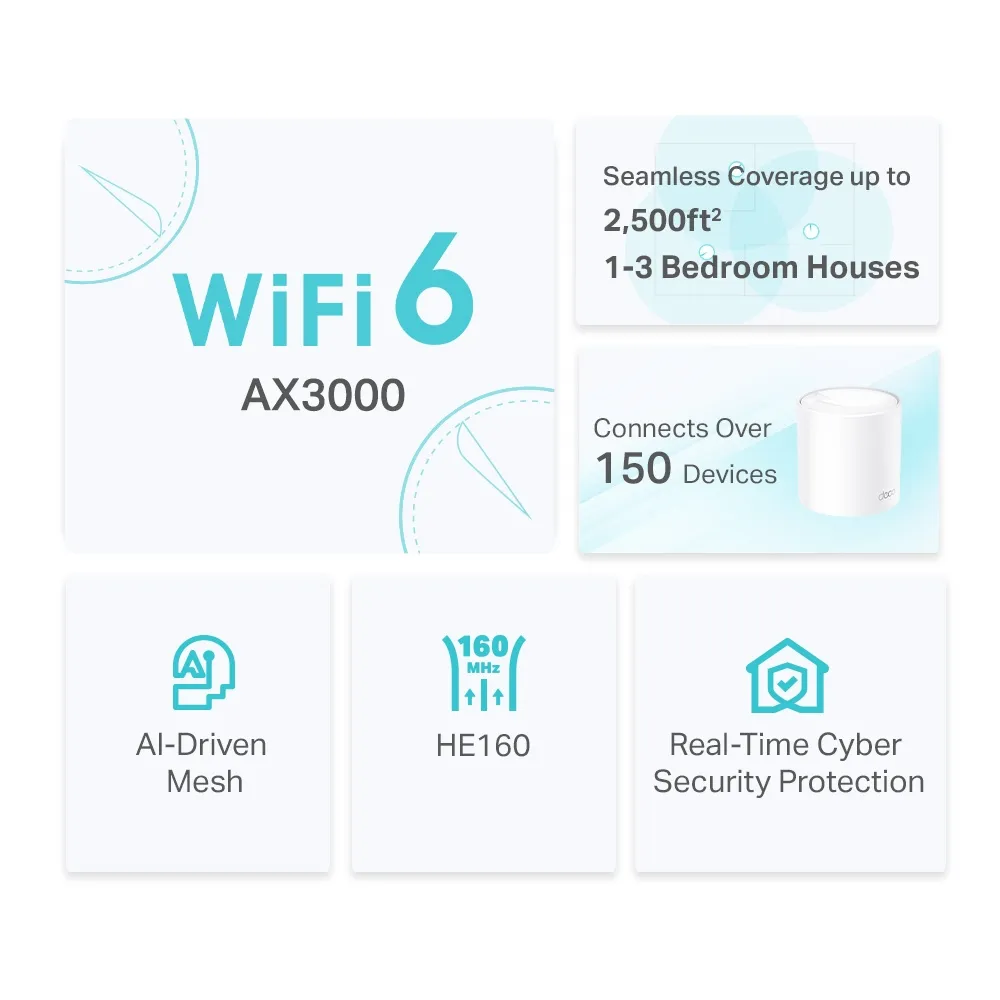
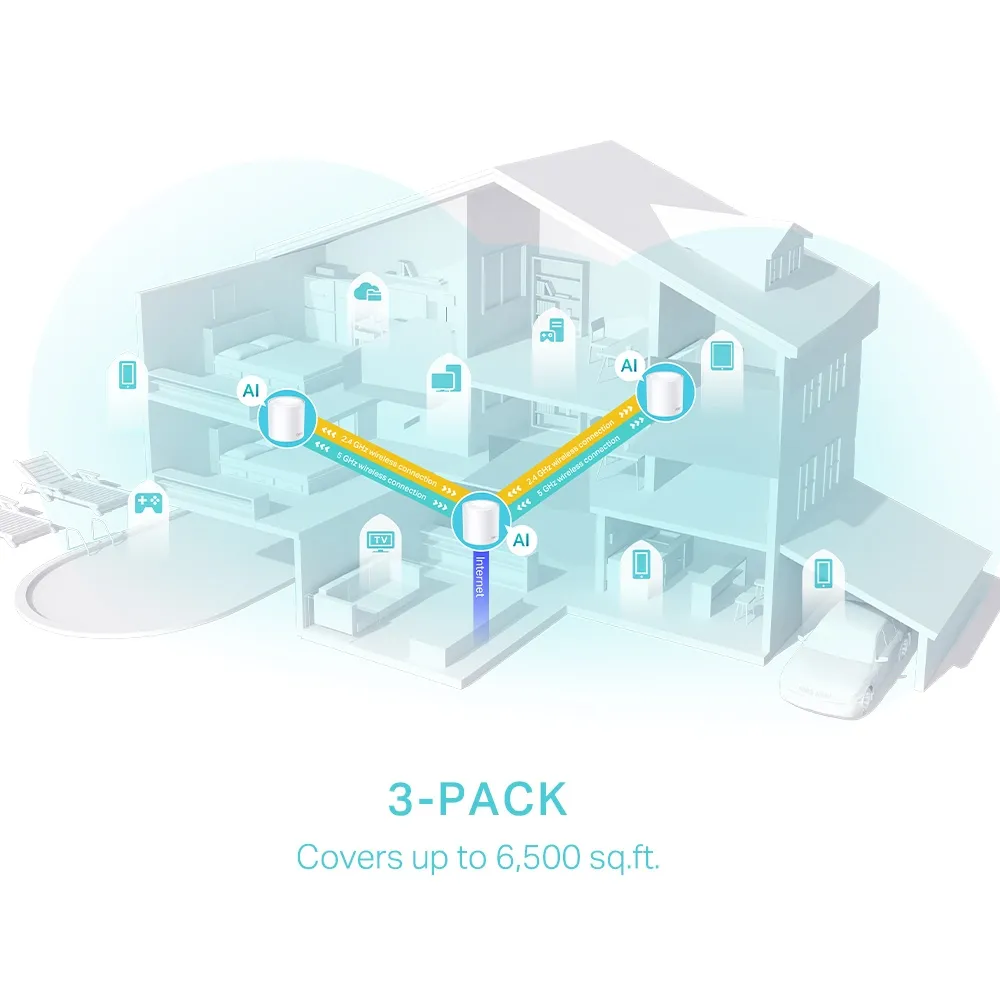
The graphics describe different pack sizes: up to 2,500 square feet for one unit, 4,500 for two and 6,500 for three in the corresponding promotional material. They are manufacturer estimates, not equivalent figures for one node or measurements of our home. Compare the same number of units and the matching regional listing before making a purchase decision.
The promotional capacity claim concerns more than 150 connected devices. Capacity is not a promise of simultaneous maximum throughput for each device. Count workloads as well as endpoints: an idle light bulb differs from a busy video camera or a large file transfer. Adding nodes can improve useful coverage, but does not increase the internet plan or remove every shared bottleneck.
HomeShield, security and operating mode
The X50 uses HomeShield, rather than the HomeCare name associated with other TP-Link products. Current HomeShield information distinguishes free basic features from paid advanced security and parental-control packages. Check the exact features and fees offered in your region and firmware, especially if a particular family-control function is part of the buying decision.
WPA3 is a supported security option in the cited X50 documentation. Client compatibility and the selected mode still matter; a supported feature does not mean every existing accessory can use it. Our WPA2 versus WPA3 guide explains the difference.
If a dedicated router already handles your network, Deco access-point mode leaves routing and address assignment to that device. Deco’s routing-related parental controls, QoS, HomeShield and address-reservation features are unavailable in AP mode. Plan those functions on the upstream router before changing modes, while retaining the mesh’s wireless role.
Maintenance and useful checks
Use the app’s firmware-update section and the support page for your exact hardware and region. Later releases can add features, and some cannot be downgraded. For example, the current UK v3 release notes document substantial software additions; those do not establish identical support on every v1 or v2 unit.
Automatic-update settings and scheduling depend on the firmware and app. Check the available controls rather than assuming a universal overnight window. Read release notes, keep the units online for an update and allow time for restarting. Firmware improvements cannot change the physical Ethernet sockets into multi-gigabit ports.
To investigate disappointing speeds, compare a wired client near the main router with the same wireless client in a representative room and at a satellite. Note the connected node and backhaul type, then repeat under similar conditions. This helps distinguish the internet service, a client limit or placement without relying on another household’s benchmarks.
Our buying view
The X50 remains our appealing affordable Wi-Fi 6 choice when Gigabit interfaces are sufficient and its pack size fits the home. For a larger or difficult property, consider wiring, extra nodes or a different design before assuming the coverage illustration guarantees success. Households needing faster wired paths should compare exact alternative ports as well as wireless ratings.
See the official Deco X50 page and choose the matching regional revision. Good value comes from solving the actual coverage problem with suitable clients and topology, rather than paying for a label alone.