
SoftwareHomelab
Take Control of Your Digital Library with Kavita: A Self-Hosting Enthusiast's Guide
Build a self-hosted Kavita library with accurate metadata, sensible Docker storage, reader-specific progress sync and a recoverable backup plan.
Docker containers, Docker Compose stacks, Portainer management, and self-hosted microservice deployments.
Build a self-hosted Kavita library with accurate metadata, sensible Docker storage, reader-specific progress sync and a recoverable backup plan.

Use Reconya to understand your homelab inventory, with current native setup, discovery limits, privacy options and practical verification.
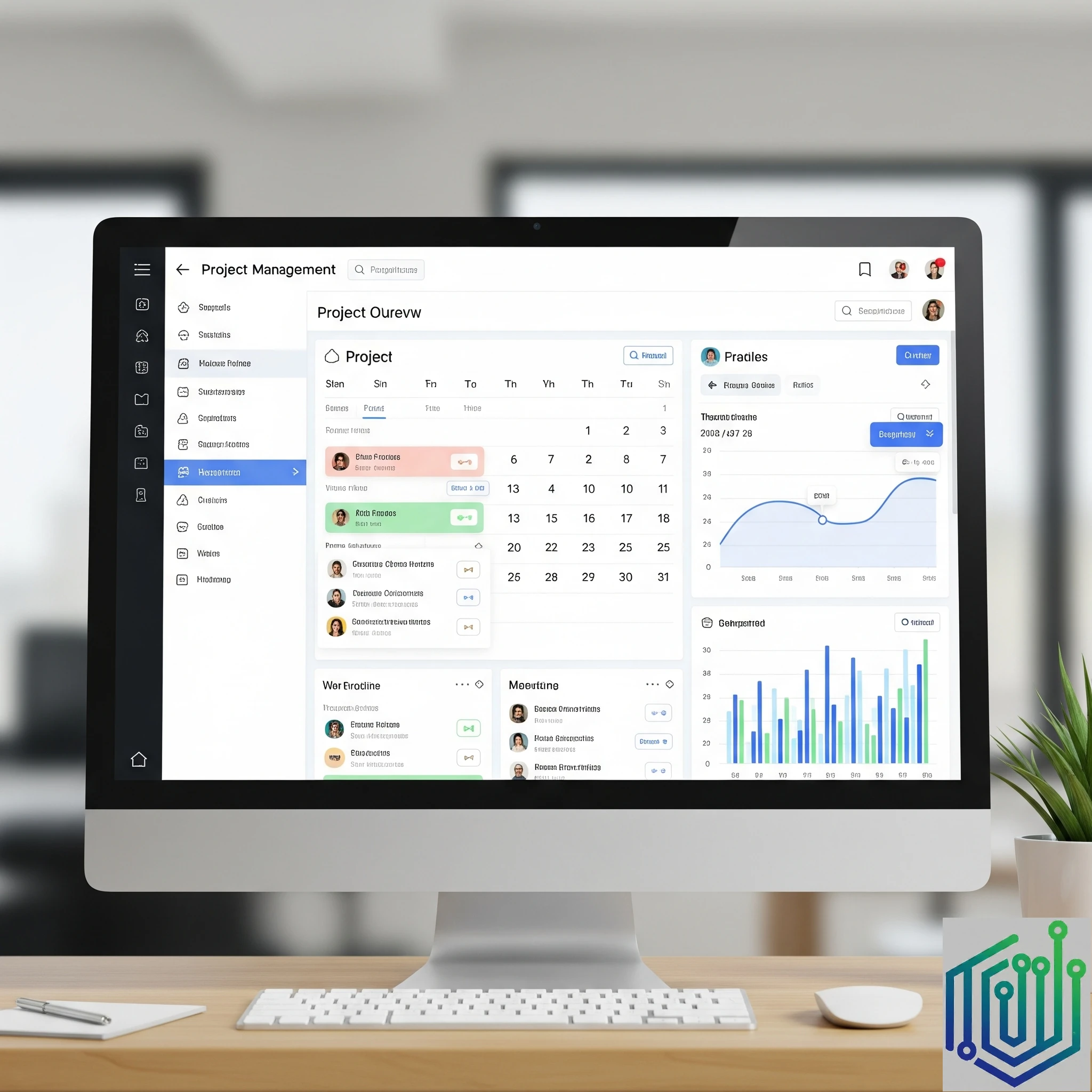
Organise tasks, projects and recurring homelab maintenance with Tududi, with a verified Docker setup, persistent storage and practical backup guidance.

Create a practical Glance dashboard with a small versioned setup, clear service checks, protected access and tested desktop and mobile layouts.
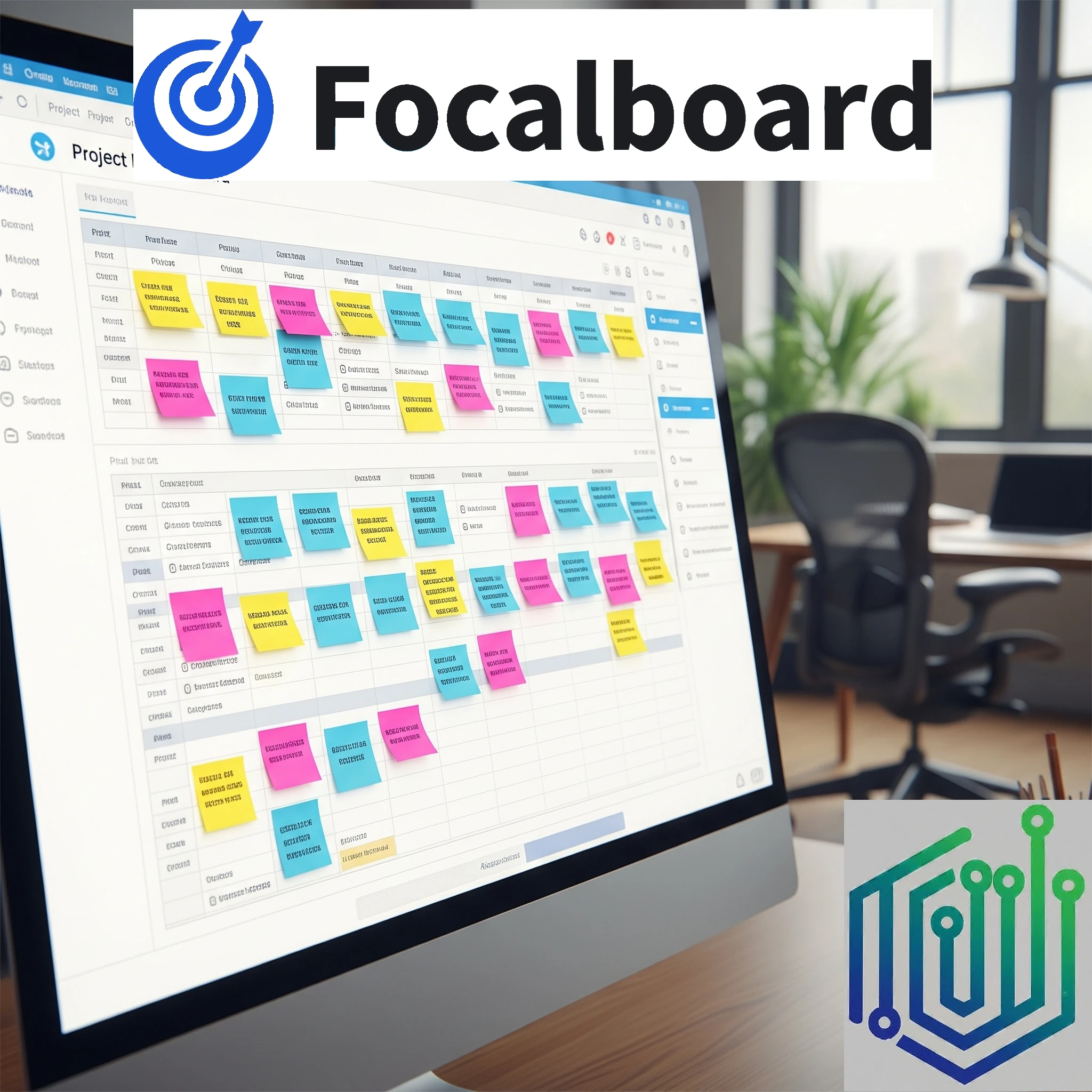
Explore Focalboard's board views, standalone maintenance status, Docker persistence and attachment-aware backups before adopting it in your homelab.
Explore OpenCloud file sharing and sync: Go-based storage, native clients, identity and proxy choices, production deployment and a recoverable migration plan.
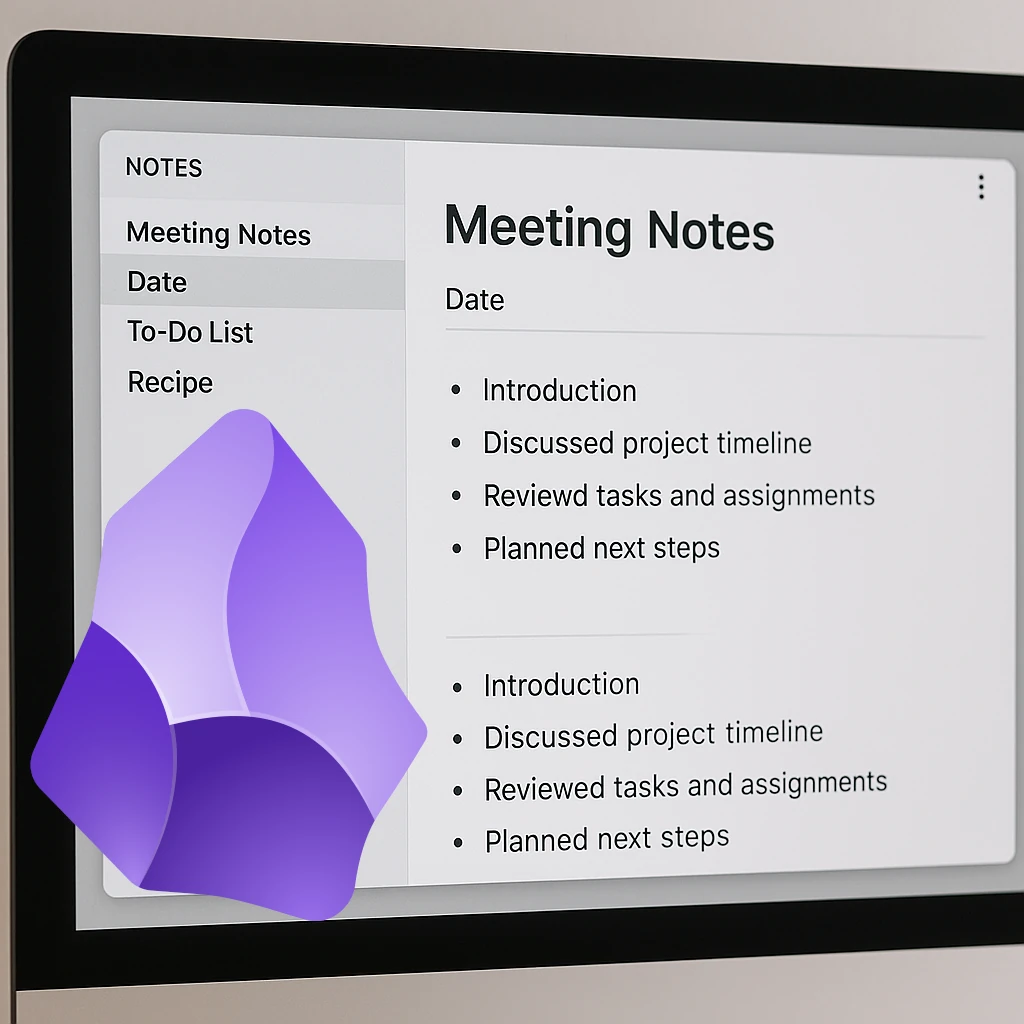
Use Obsidian local vaults with a carefully chosen self-hosted sync method, understand mobile and encryption limits, and keep recoverable backups.

We always talk about the adventure of building our own homelabs. What about our real-world adventures, though? Today we look at a self-hosted homelab app designed to log and map our real-life travels.
A smart home is just one of the amazing things that can be controlled and built with your own homelab. Let's take a look at a privacy-first install built for your smart home control.
When it comes to managing our plants and gardens, we have looked at the self-hosted service called Plant-it before. Today we look at an alternative: HortusFox.

Explore BillionMail mailboxes and campaigns, residential delivery limits, sender authentication, SMTP relays and the real maintenance costs of self-hosted email.
A practical guide to TimeTagger’s visual time tracking, secure self-hosting, credentials and useful PDF or CSV reports.
Running Home Assistant in your homelab is a must for most self-hosters. But should you run it in your Proxmox instance or on your Raspberry Pi? Let's take a look at a detailed comparison between the two options.

We all need some music in our life - be it from purchased music albums or internet radio. Lyrion will fulfill this requirement in your homelab setup with ease.
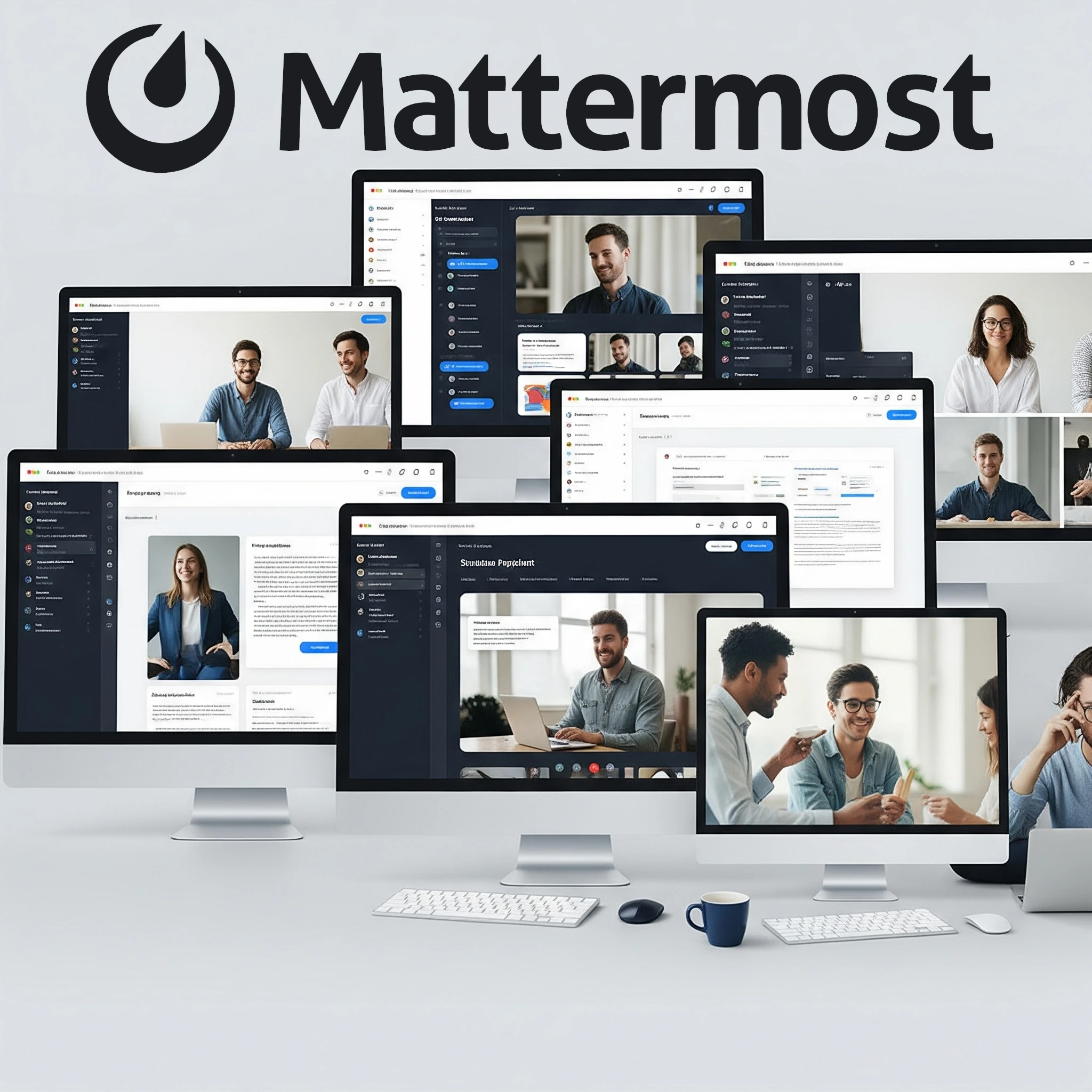
Explore Mattermost for a homelab: channels, integrations, current free-edition limits, PostgreSQL deployment, Calls networking and practical backup checks.

Explore Notesnook encryption, self-hosted service requirements, mobile client setup, public sharing and a recoverable backup plan.
In your quest for the perfect homelab setup, you've likely stumbled upon message brokers like RabbitMQ and Kafka. Both help different applications communicate, but which one is right for your homelab?
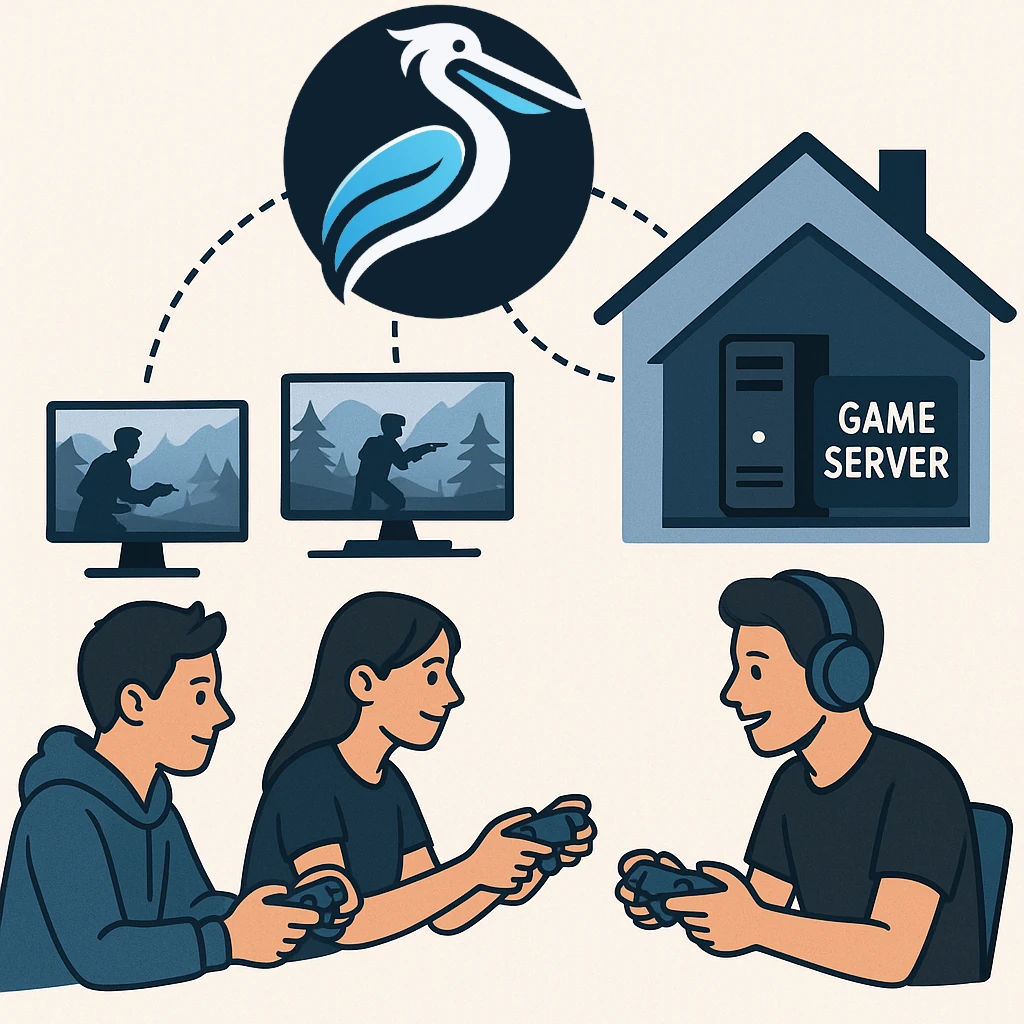
Explore Pelican Panel and Wings, supported Linux hosts, game-specific eggs, network access and the backups needed for a dependable homelab game server.

CRM tools are a staple in any professional's life, and we use them widely across the corporate world. What about your personal relationships? Can you manage them the same way? Meet Monica, the open-source Personal CRM.
Have you ever walked through a store, heard a snippet of a conversation, and suddenly been struck by an idea? Then you reach home and try to figure out what the idea was again, and nothing comes up. The chance of losing that idea is fairly high if you don't write it down right away. Let's look at a self-hosted tool that solves that exact problem.
If you're someone who enjoys tinkering with technology and wants to take a step towards digital independence, building a homelab and self-hosting services can be an incredibly rewarding experience. One such service that offers significant benefits for personal data management is Radicale – a simple yet powerful CalDAV and CardDAV server.
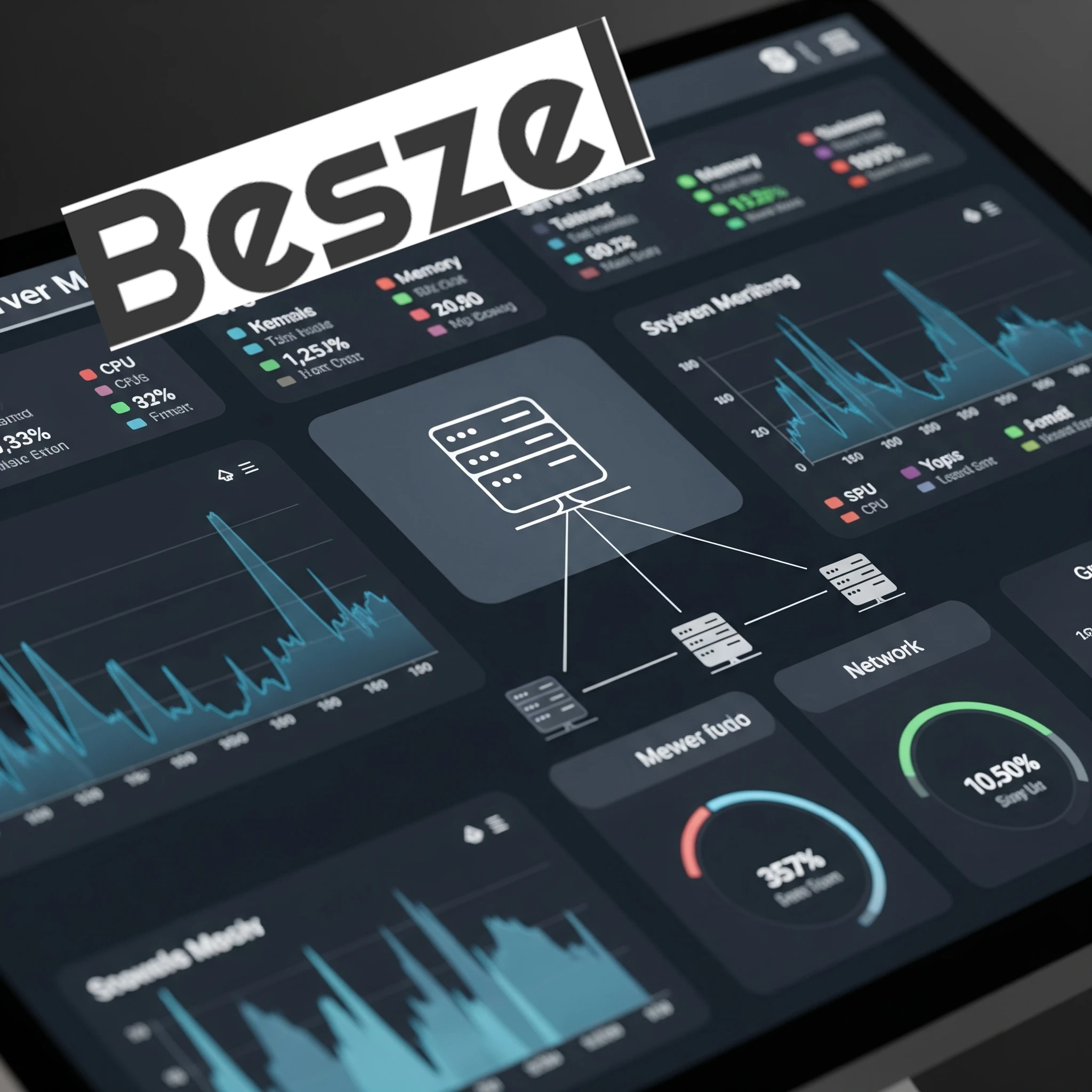
Compare Beszel’s hub and agents with Prometheus and Grafana, then plan connections, permissions, alerts and recoverable monitoring data.

Browse a Calibre-format eBook library with Calibre-Web, configure Docker and OPDS, and check Kobo sync, conversion and recoverable storage.
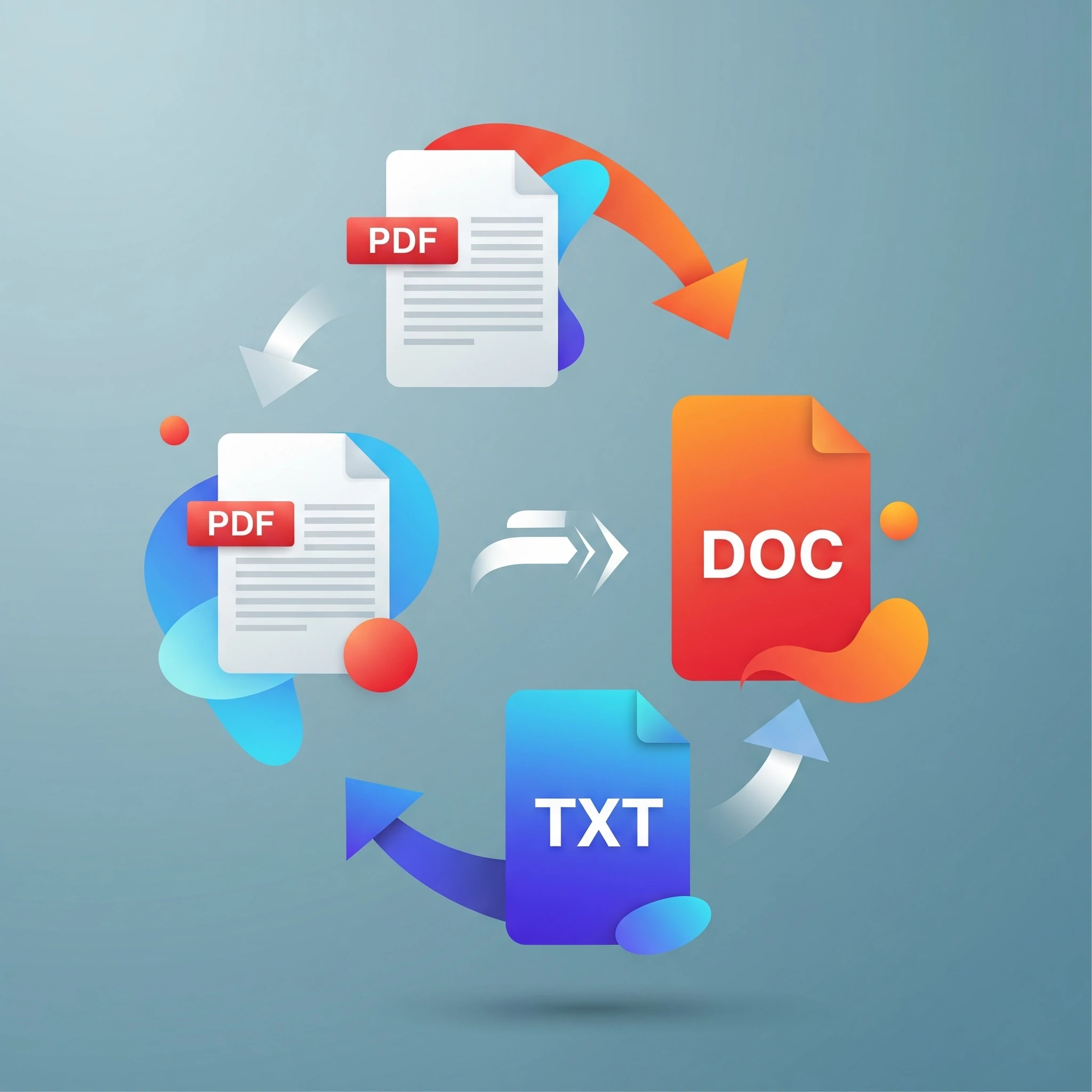
Managing a diverse collection of media and document files is a common reality. From esoteric image formats to bulky video files, the need to convert files into more usable or efficient formats is a constant. Enter ConvertX, a versatile, self-hosted file conversion tool designed to streamline this very process.
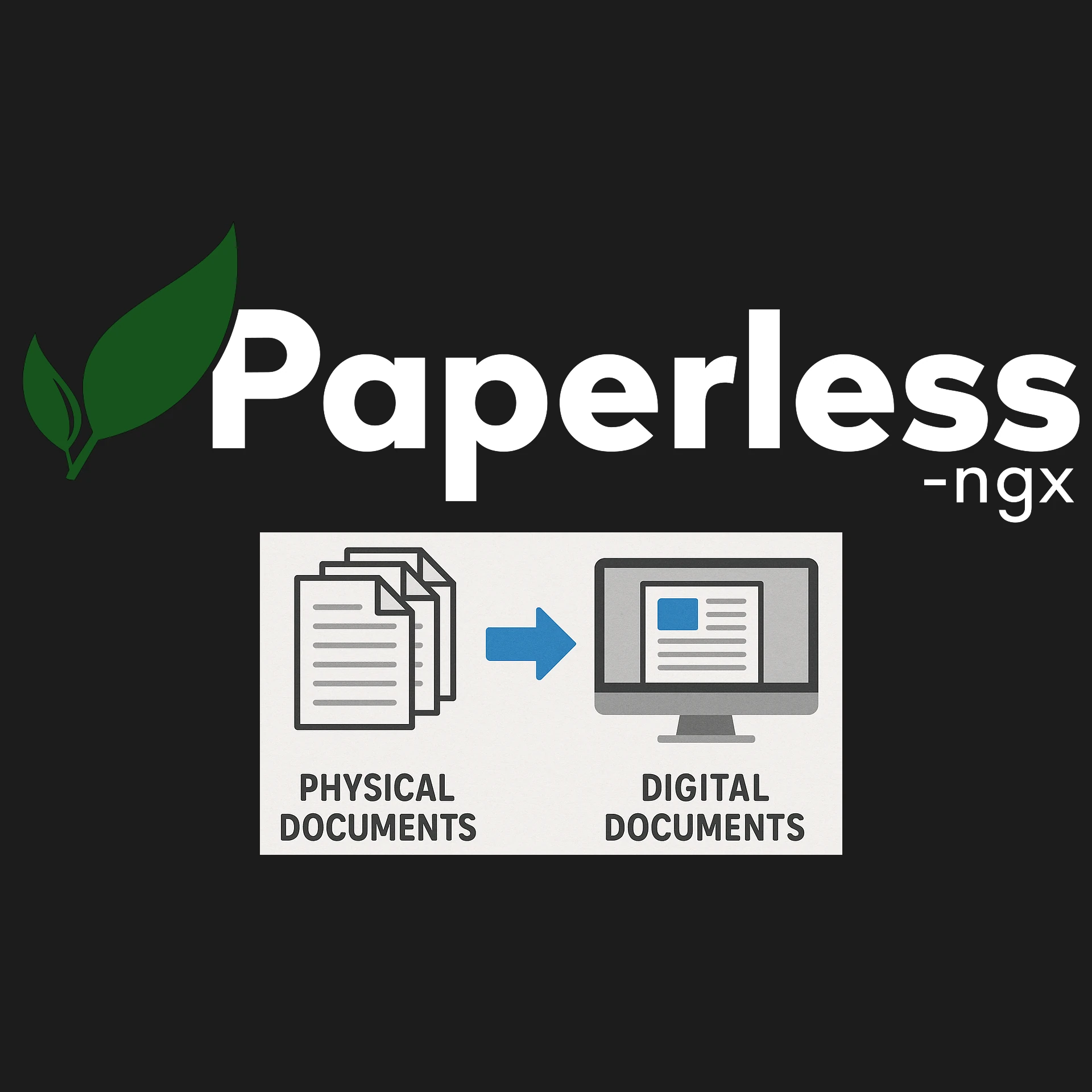
Organize documents with Paperless-ngx, understand OCR and matching, choose a current deployment recipe, and test permissions and recovery.
Any homelab, be it big or small, mature or starting out, will have quite a few Docker containers running. Today we will look at keeping these containers up to date via Portainer by using Watchtower.

As we continue to try to move all our services to self-hosting, one of the most popular paid services is music streaming. Let's take a look at a self-hosted music streaming solution.
Learn Node-RED’s visual flows, how it complements Home Assistant and n8n, and the message, security, persistence and testing basics for dependable automation.

Now that Immich is running in a separate LXC with a load of space, let's start using it by setting up a reverse proxy and access rules.

Let's start saving some money with a service that the majority of smartphone users have: a service that backs up their photos and videos to the cloud. This is something that is very easy to self-host with the help of Immich.

Compare Reactive Resume's hosted and self-hosted options, match deployment instructions to the release, and verify privacy, backups and exported resumes.
Compare Nextcloud and Immich for phone photo uploads, storage and recovery, with the deployment and maintenance tradeoffs of hosting your own photo library.
After installing a new Plant-it server, there is still quite a few things we need to get done before our Plant-it service will be secure and useful. Let's take a look at the configuration of Plant-it.
Using Portainer, it is very easy to install Plant-it in our Docker environment. If you prefer to rather have it in an existing environment instead of creating another LXC, the install is very straightforward and easy.

Plan a Frigate recorder with a verified camera stream, authenticated access, current recording settings, deliberate detection tuning and tested footage recovery.
Vaultwarden hosting, current Bitwarden cost context, a private first-account setup and practical client, HTTPS, backup and recovery checks.
Self-host Joplin sync while preserving its note-taking strengths: current cost context, a private server example, E2EE setup and recoverable backups.
Understand Pterodactyl’s Panel, Wings, nodes and eggs, then plan Linux/Docker requirements, player access, permissions and recoverable game-server backups.
Now that we have Uptime Kuma running in our Docker LXC Container , we can start monitoring our other services in our Homelab. We can also alert us if one of the services goes down,...
Any respectable homelab has quite a few services running that we need to be notified of if they go down. This is where Uptime Kuma is our best friend, so let's get it included in our Home Lab.

Explore n8n's homelab workflows, licensing, persistent Docker setup, credentials, webhook configuration and practical automation checks.
Install ntfy in a Proxmox LXC and test local phone notifications, then follow the series to external access, authentication and HTTPS.
Now that we have core infrastructure services up and running in our homelab, it is time for something that is a lot more fun — hosting our own Minecraft server in our Proxmox Homelab.
Build useful ntfy alerts with private topics, restricted users, tested delivery and a clear plan for remote access, updates and recovery.
Install Portainer to manage Docker containers and stacks through a web interface, with practical setup, access and backup guidance for your homelab.
If running Docker in an LXC Container is not for you, it can also easily be run in a full Virtual Machine for stronger kernel isolation. This has slightly more overhead, but is the officially recommended path for complex storage and networking stacks.
Most of the services and apps we are going to run will be inside Docker containers. We can install Docker in an LXC container for a lightweight implementation that can handle most workloads.

Use Homarr as a visual homelab dashboard, with private Docker setup, tested integrations, appropriate permissions and a backup that supports recovery.

Explore Trilium’s note hierarchy, cloning, protected notes and self-hosted sync, with current Docker and recovery considerations.
A beginner’s guide to Technitium DNS: local naming, filtering, recursive and encrypted forwarding, a private Docker setup, client testing and dependable backups.

Have you ever wished for an easy way to access all your favorite tools and applications in your home lab? Enter Homepage—a simple, customizable dashboard that brings everything together on one screen.
Monitor homelab service availability with Uptime Kuma, choose meaningful checks, verify alerts and plan a persistent Docker installation and safe upgrades.

Deploy and maintain Docmost with clear edition limits, protected configuration, verified access and consistent database and attachment recovery.

Run Stirling-PDF privately with login and persistent storage. Check PDF outputs, OCR languages, redaction, automation and recovery before relying on the service.
Set up PsiTransfer with protected upload and admin access, clear retention and encryption limits, and tested recipient downloads and recovery.

Host wger with its supported Docker stack, secure accounts and keys, configure exercise data and mobile sync, and verify backups before relying on it.

Organise tasks with Vikunja, understand free core and managed hosting, and plan a local Docker setup with persistent storage, access and backups.

Manage Docker with Portainer’s web interface, including current CE installation, first-run setup, agents, Compose stacks and the backups your applications still need.

Use Duplicati for scheduled backups with sensible encryption, persistent Docker settings, application-consistent data and a restore process you can verify.

Run the actual QuickDrop service with persistent storage, separate access controls and recipient-side checks. Understand encryption, expiry and recovery limits.

Understand Watchtower’s archived status, check Docker compatibility, select containers deliberately and plan verification and recovery before updates.

Plan a reachable Headscale coordinator, use a version-matched configuration and private container setup, and verify client registration, policy, DNS and recovery.

Plan an Immich deployment with matching release files, suitable storage and verified mobile uploads. Protect the library with database-and-media backups and restoration checks.

Set up Mealie with the current Docker image, check imported recipes, organise meals and shopping lists, and protect your household cookbook with tested backups.

Connect Streamyfin to Jellyfin, verify local and offline playback, understand release/platform limits and configure optional Seerr integration with clear access and privacy boundaries.

Keep a useful inventory of physical belongings with Homebox: a maintained Docker example, locations and receipts, QR checks, privacy and tested recovery planning.

Harvester’s home-lab suitability, current hardware requirements, VM architecture, witness-node limits and practical installation, backup and upgrade checks.

Use Karakeep, formerly Hoarder, to organise searchable bookmarks and notes. A maintained Docker workflow, optional AI boundaries, capture checks and recovery planning.

Choose a supported YunoHost installation, configure domains and user access, understand app-specific SSO, and test backups before depending on the service.

Learn Ansible with one Debian or Ubuntu host, a complete Apache playbook, verified privileges and a controlled path to broader maintenance.

Archive Twitch VODs and live streams with Ganymede, using supported container deployment, persistent storage, secure access and verified backups.

Heimdall brings home-lab shortcuts together. Learn what its integrations do, how to start a protected Docker instance, and how to maintain its configuration.

Plan an umbrelOS Raspberry Pi installation with the current Pi 5 boot path, a distinct microSD alternative, app requirements and recoverable encrypted backups.
Connect home Prometheus to Grafana Cloud with outbound remote write, validate credentials and metrics, and plan retention, privacy, cost and outage alerts.

Install Grafana, connect the correct Prometheus endpoint, build a verified CPU panel and diagnose empty dashboards while preserving both services’ data.

Set up Prometheus on Windows, Linux or Docker, verify exporter targets, and plan alert delivery, persistent storage and recovery.

Install Windows exporter or Linux node_exporter, preserve host visibility, protect endpoints and verify that Prometheus scrapes the intended machine.

A favourable overview of Plex as a home media hub, with current playback/subscription checks, optional Linux deployment and practical access and recovery guidance.
Run Home Assistant Container on Linux with persistent configuration, consistent networking, device checks and a practical backup and update plan.
Understand Rockstor NAS storage, Btrfs pools and snapshots, hardware requirements, update channels and backup planning before building your own file server.
Understand openmediavault’s current release, storage and optional plugins. Test one private share, distinguish pooling from parity and verify data recovery.

Docker is an open-source platform that allows you to automate the deployment of applications inside lightweight, isolated environments known as containers. Think of a container as a package that bundles everything an application needs to run, including code, libraries, and settings.

Learn Unraid array and pool storage, current licence tiers, safe installation checks, Mover behavior and backup planning for a first home server.
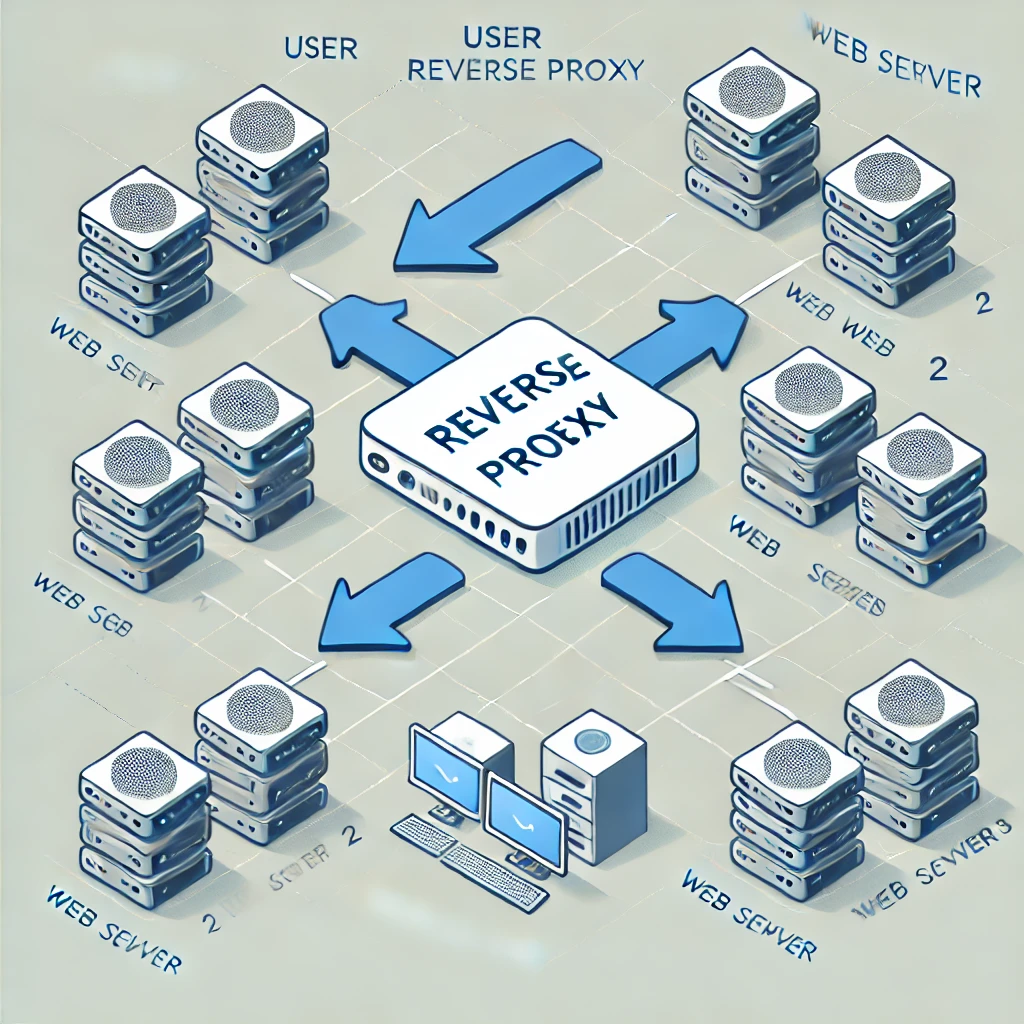
A reverse proxy is a server that sits between your website's servers and the internet. It acts as an intermediary, receiving incoming requests and forwarding them to the appropriate server.
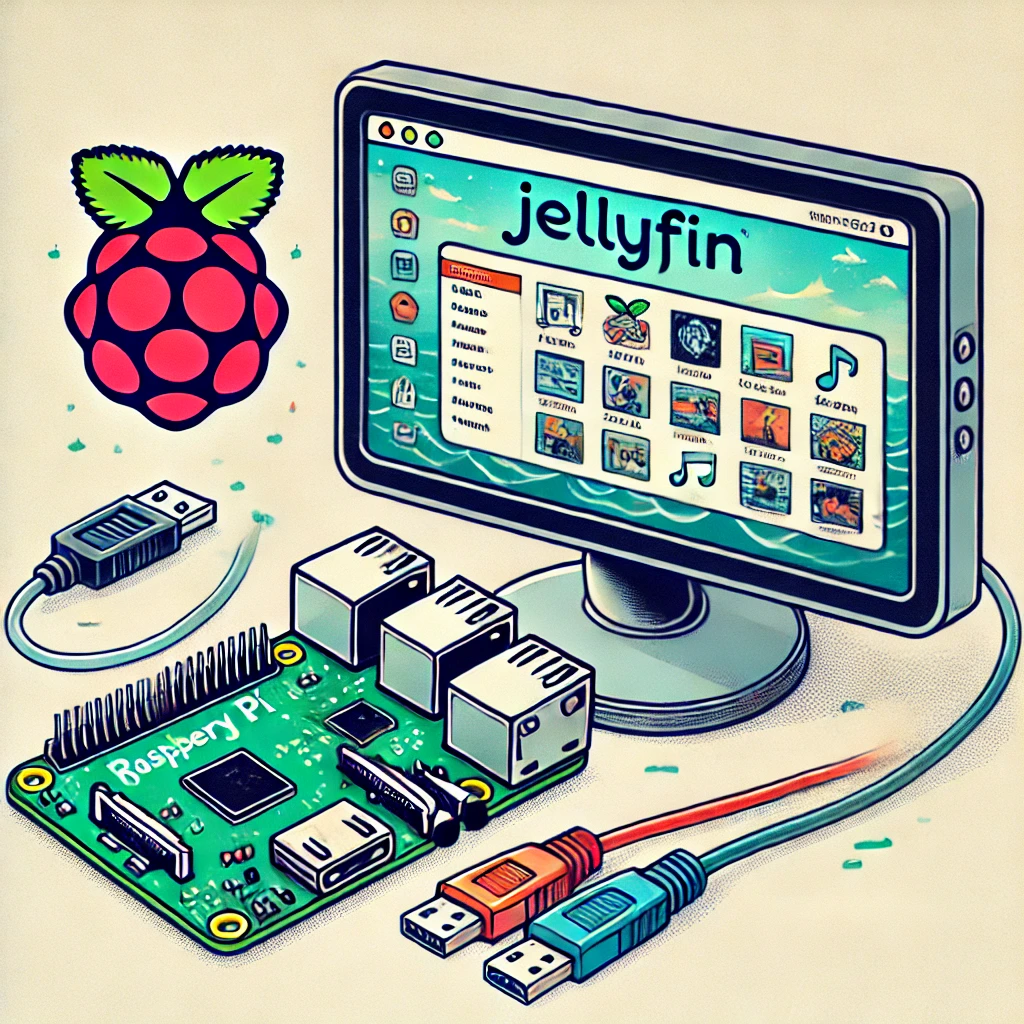
Run Jellyfin on a Raspberry Pi with Docker, understand direct play and transcoding limits, and plan reliable media storage and backups.
How Jellyfin organizes a personal media library, with current Docker, client playback, hardware acceleration and privacy considerations.

Learn the difference between images and running containers, build a local example, and plan persistent data, resource limits, updates and isolation.

Compare everyday apps, hardware, games, costs and support, with practical ways to try Linux while choosing the system that suits your workflow.

Plan a Nextcloud personal cloud with TrueNAS datasets, persistent Docker storage, real background-job scheduling and a complete backup and recovery strategy.