
SoftwareNetworks
Reconya: Network Discovery, Inventory and Native Setup
Use Reconya to understand your homelab inventory, with current native setup, discovery limits, privacy options and practical verification.
Firewalls, intrusion detection, WPA3, encrypted DNS, reverse proxies, and defending your home network.
Use Reconya to understand your homelab inventory, with current native setup, discovery limits, privacy options and practical verification.
Understand WireGuard peer keys and routing for homelab access, then plan LAN forwarding, DNS, full tunnels and the trade-off between self-hosting and Tailscale.

Explore BillionMail mailboxes and campaigns, residential delivery limits, sender authentication, SMTP relays and the real maintenance costs of self-hosted email.
Is Zenarmor worth paying for in a homelab? Compare its Free Edition and subscriptions with firewall packages, and check reporting, TLS inspection, NIC compatibility and maintenance.

Use Fail2ban to reduce repeated login attempts in your homelab, with a small SSH jail, log and firewall checks, recovery steps and container/proxy considerations.

Explore pfSense CE and Plus, firewall and VPN capabilities, and the hardware, virtualization and recovery checks that matter for a homelab gateway.

Learn how CrowdSec combines local log behavior analysis with a global crowd-sourced threat intelligence blocklist to protect your Proxmox and Docker homelab from attacks.
Understand Authentik SSO, MFA and proxy integration, choose the right application provider, and plan deployment, access tests and recovery for a self-hosted homelab.

Understand what DoH, DoT and DoQ protect, which resolver receives your queries, and how to preserve local DNS and verify the encrypted connection.
Now that we have successfully installed a VM with Turnkey Linux's Nextcloud , we can get it set up. While the helper scripts simplified the process, the installation itself presented...

Now that Immich is running in a separate LXC with a load of space, let's start using it by setting up a reverse proxy and access rules.
Let's add a reverse proxy so that we can access Plant-it when we are not connected to our home network and secure it with SSL

Does a homelab with Tailscale/Headscale still need OPNsense? Compare gateway and overlay roles, segmentation, virtualisation, wireless management and recovery work.

Vaultwarden hosting, current Bitwarden cost context, a private first-account setup and practical client, HTTPS, backup and recovery checks.

The last part of our Headscale installation - getting exit nodes set up and routes activated to be able to access network resources
Follow the Android Headscale registration screenshots using the techdecode example, with separate compatibility notes and peer, subnet and exit-node checks.
Once Headscale is installed, there is quite a bit of intricate setup and config to complete before we will be able to connect to our VPN. Let's get it sorted and set up so we can start using our VPN.
Install Headscale in Proxmox using the demonstrated helper workflow, with separate explanations of coordination, reachability, policy and recovery.
Having a domain name for our homelab will enable us to give a unique subdomain address for each of our services that we want to expose to the world wide web. We can also secure this with SSL certificates.
We need to take a step back to explain how to access our local-only services via the secure channel provided by a VPN. This is quick, easy and one of the most secure ways to access our home network services.
Follow the ntfy HTTPS screenshots, update browser and phone subscriptions, and optionally configure Web Push, iOS delivery and renewal checks.
Seeing as our ntfy is open to all guest users to send and receive, we need to lock it down behind a username and password. Let's get the default changed and some credentials set up.
Follow the demonstrated NGINX and HTTP notification test, then continue to authentication and HTTPS, with optional proxy tuning and troubleshooting.
We can finally start securing our sites with the help of Let's Encrypt free certificates. In this article we will generate a certificate for our WordPress site after getting our NGINX VM ready to install certificates
Now that we have a dedicated VM up and running, it is time for us to install and set up NGINX on the newly created VM. This adds extra isolation and increases security.

Plan trusted HTTPS for self-hosted services with Let’s Encrypt, suitable validation, protected DNS credentials, certificate renewal and deployment checks.
Now that we can access our network from the outside, we configure an NGINX reverse proxy to safely route external traffic to our internal WordPress server, laying the foundation for a secure, accessible online presence.
Connect a homelab service to a domain with Dynamic DNS, understand port forwarding, and plan safe access when your public IP address changes.

Diagnose local DNS on a dual-stack home network: resolver advertisements, private names, IPv6 records and practical configuration trade-offs.

Troubleshoot .local and mDNS conflicts, choose an internal DNS namespace, and understand the separate scope of Windows LLMNR policy and registry steps.
Now that we have a DNS server, what about accessing our Proxmox server? Currently we still have to to 192.168.1.2:8006 to access Proxmox (your IP address may be different). How about we change that to something easier to remember, like proxmox.local?
One of the first (if not the first) apps you can self host (run in your homelab) will probably be your own personal DNS server. Today we will look at running our own DNS server and how to set it up for the entire network

Understand evil twin hotspots, the limits of PMF and HTTPS, and how to check a self-hosted VPN for full-tunnel routing, DNS and connection failures.
A beginner’s guide to Technitium DNS: local naming, filtering, recursive and encrypted forwarding, a private Docker setup, client testing and dependable backups.

Monitor homelab service availability with Uptime Kuma, choose meaningful checks, verify alerts and plan a persistent Docker installation and safe upgrades.

Use Pi.Alert to observe devices and availability changes, understand its discovery limits, and configure the right project version and alerts.

Use NetAlertX for device discovery and presence alerts, with current Docker setup, VLAN visibility checks, private-MAC troubleshooting and a practical notification workflow.
Use Nagios Core for practical home-network checks, with clearer alert behaviour, a private container example and configuration verification.

Run the actual QuickDrop service with persistent storage, separate access controls and recipient-side checks. Understand encryption, expiry and recovery limits.

Compare internet-facing research honeypots with internal detection canaries, and learn how to plan isolation, test alerts and investigate unexpected activity.
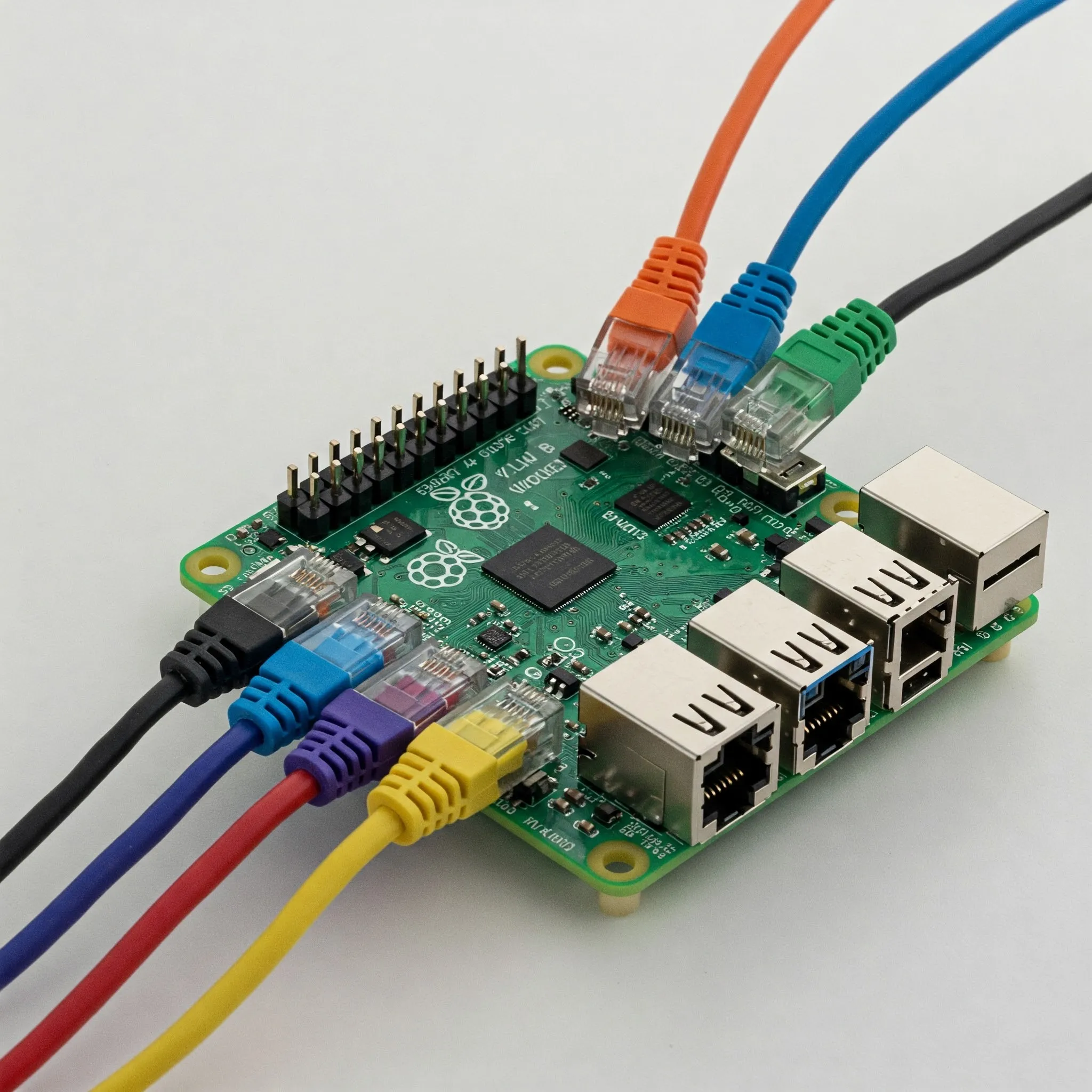
Plan a Raspberry Pi OpenWrt gateway with correct image and LAN setup, separate WAN/LAN paths, DNS and IPv6 checks, staged policy tests and recoverable upgrades.

Compare gateway appliances and host firewalls by traffic path, rule capabilities, cost and recovery needs, with practical Windows and container exposure checks.

Understand Watchtower’s archived status, check Docker compatibility, select containers deliberately and plan verification and recovery before updates.
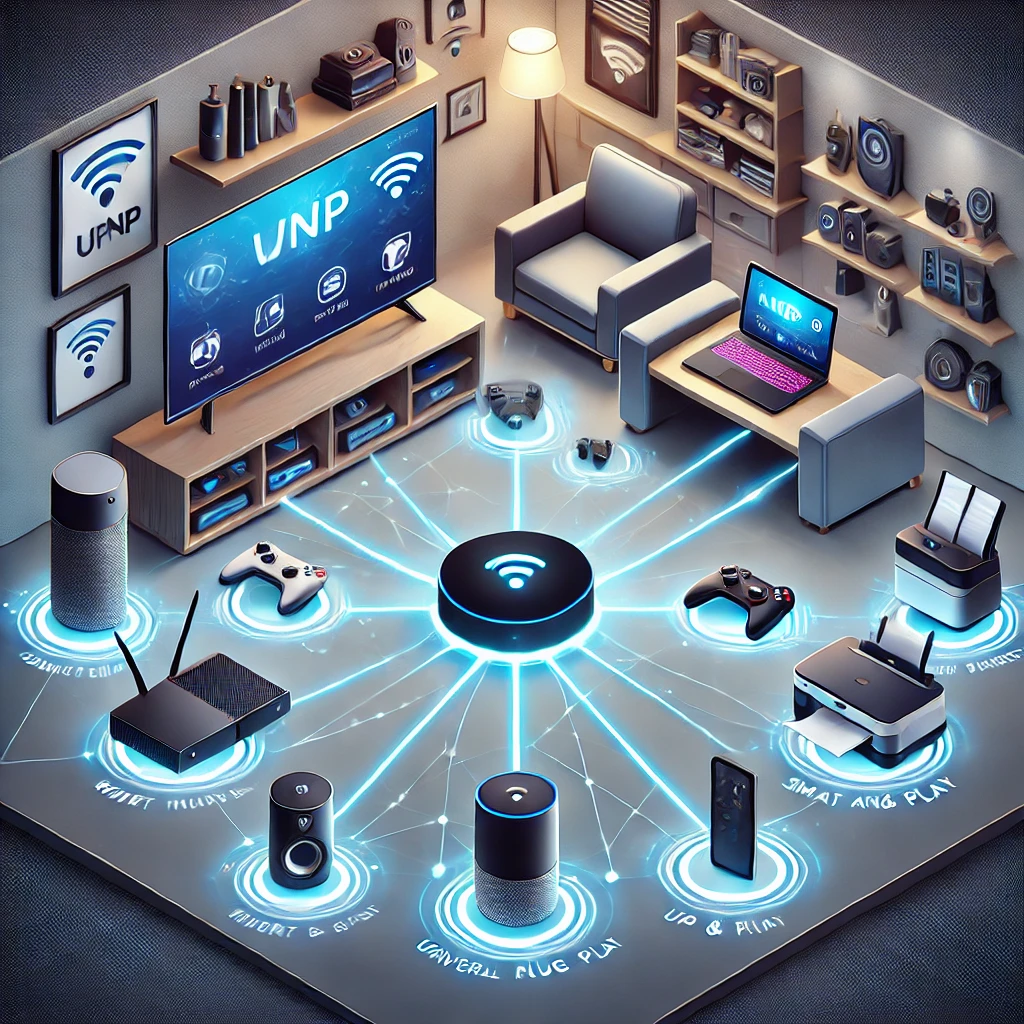
Understand UPnP discovery versus router port mapping, security tradeoffs, scoped firewall controls and practical checks for your home network.

Plan a reachable Headscale coordinator, use a version-matched configuration and private container setup, and verify client registration, policy, DNS and recovery.
Explore Raspberry Pi OPNsense community builds, official support limits, compatible network interfaces and a reversible lab workflow before considering a home-router deployment.

Choose a supported YunoHost installation, configure domains and user access, understand app-specific SSO, and test backups before depending on the service.

Deploy BunkerWeb’s AIO reverse proxy for self-hosted web apps, with realistic WAF limits, client-IP trust, certificate setup, testing and recovery.
Explore OPNsense firewall rules, VPNs, multi-WAN, Suricata and traffic shaping, with practical hardware, maintenance and recovery checks for a home network.

The original recommendation on home network monitoring, plus practical ways to choose a targeted availability check and interpret device discovery, traffic and privacy limits.

Plan a home DHCP server with maintained software, a clear address pool, lease-aware cutover, client verification and a practical rollback procedure.
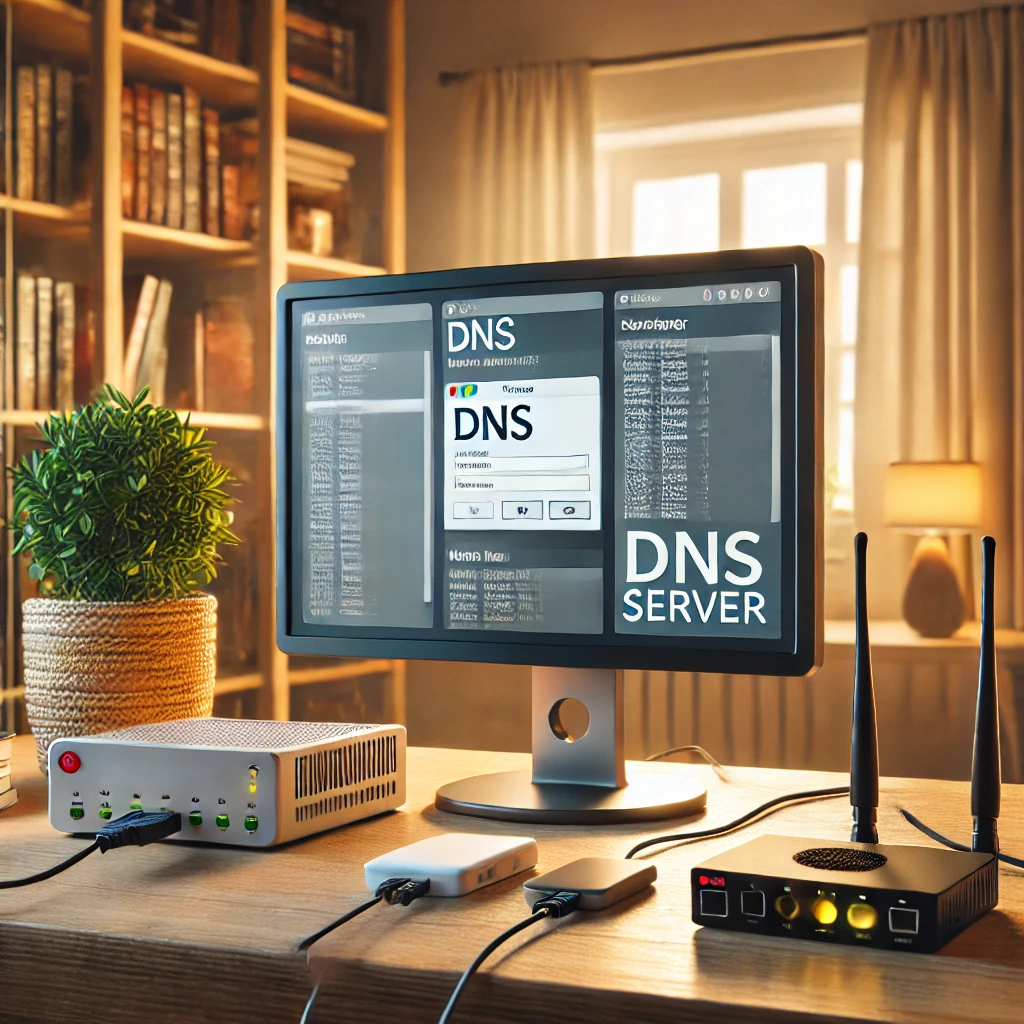
Plan dependable home DNS with local names, filtering, forwarding or recursion, consistent redundant resolvers and verified IPv4/IPv6 client settings.

Improve home-router, Wi-Fi, account and IoT security with eight practical steps, correct encrypted-DNS setup and recoverable IPv4/IPv6 isolation checks.

Understand Bjorn’s active lab-auditing role, documented Pi and Bookworm setup, installer changes, private management access and practical remediation and recovery checks.

Understand NAT address and port mappings, distinguish firewall protection from translation, and troubleshoot double NAT, CGNAT and homelab access.

Choose Home Assistant Cloud, a VPN or an HTTPS proxy; check current HTTP settings, precise proxy trust, DDNS, certificates, app access and recovery.
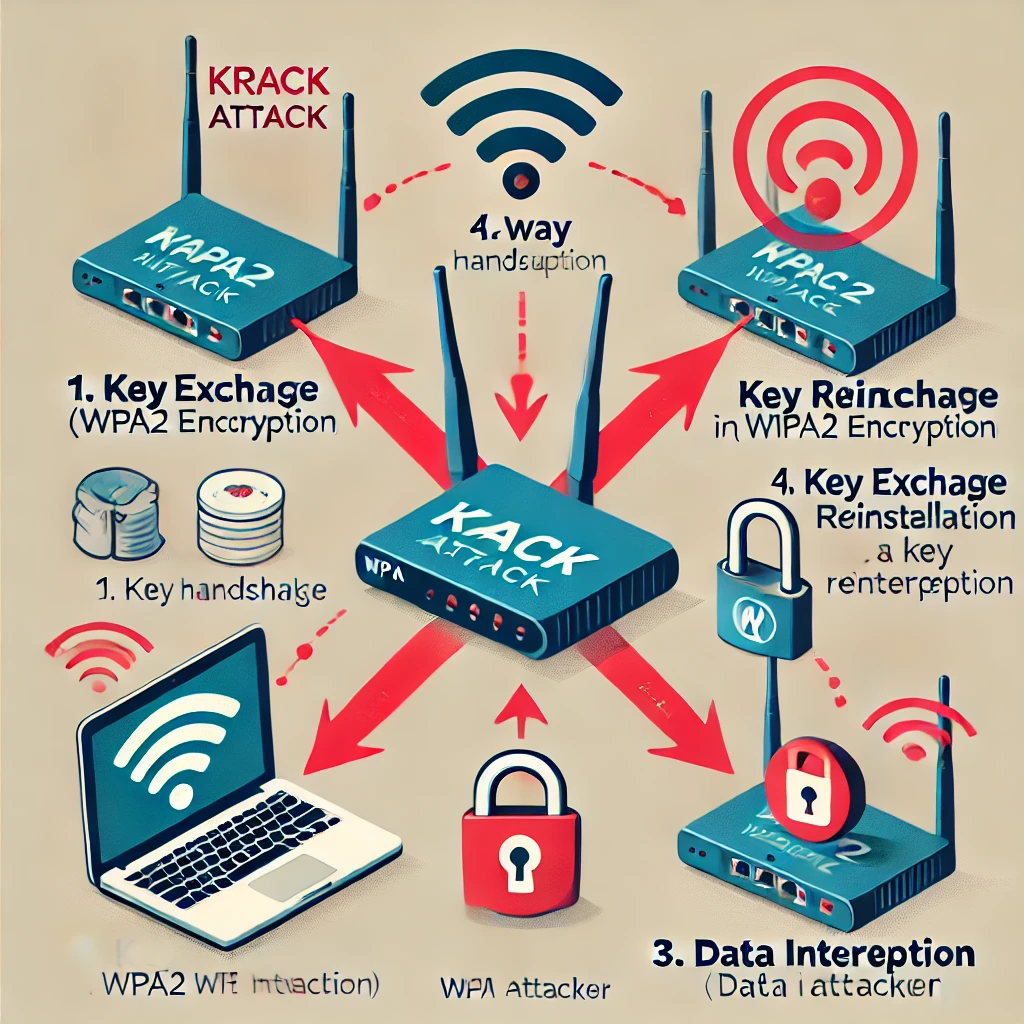
Understand KRACK’s key-reinstallation flaw, why both clients and access points need updates, and why WPA3 does not replace careful implementation and maintenance.
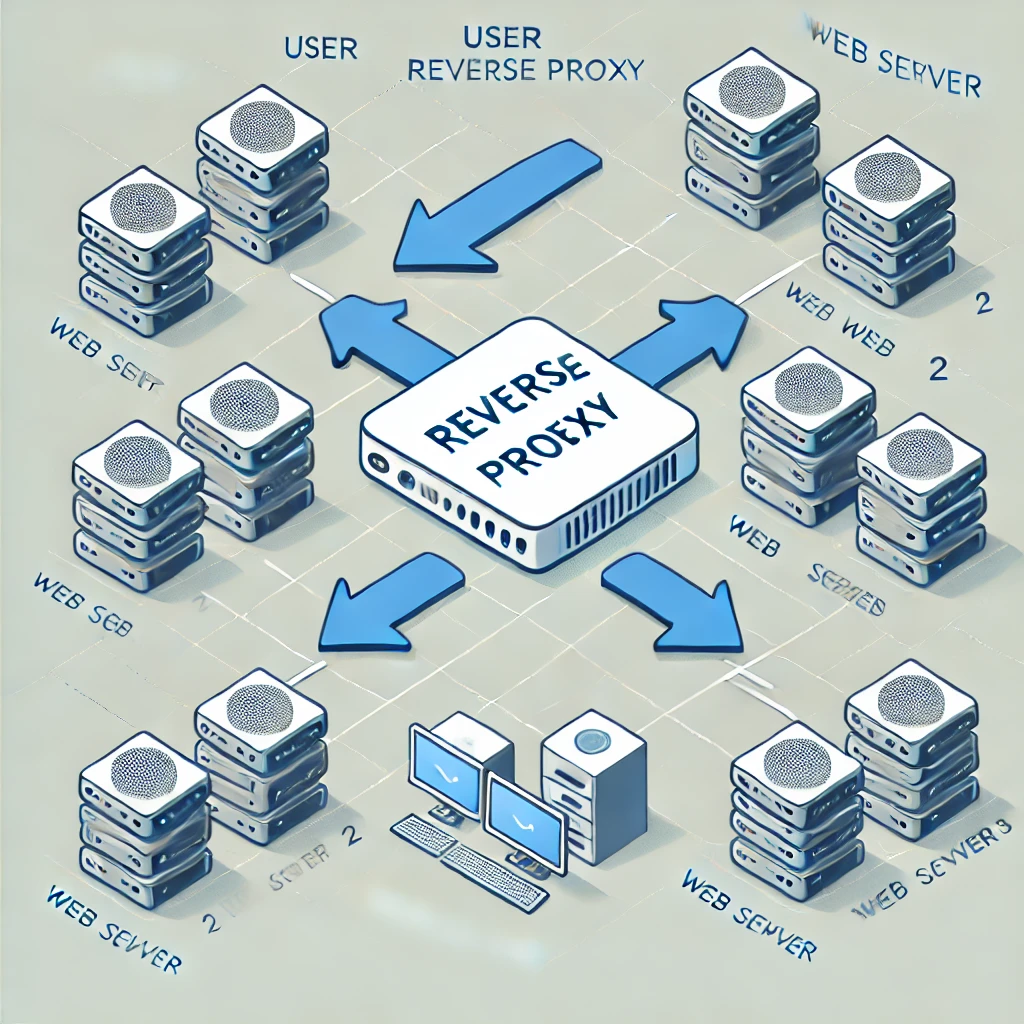
A reverse proxy is a server that sits between your website's servers and the internet. It acts as an intermediary, receiving incoming requests and forwarding them to the appropriate server.
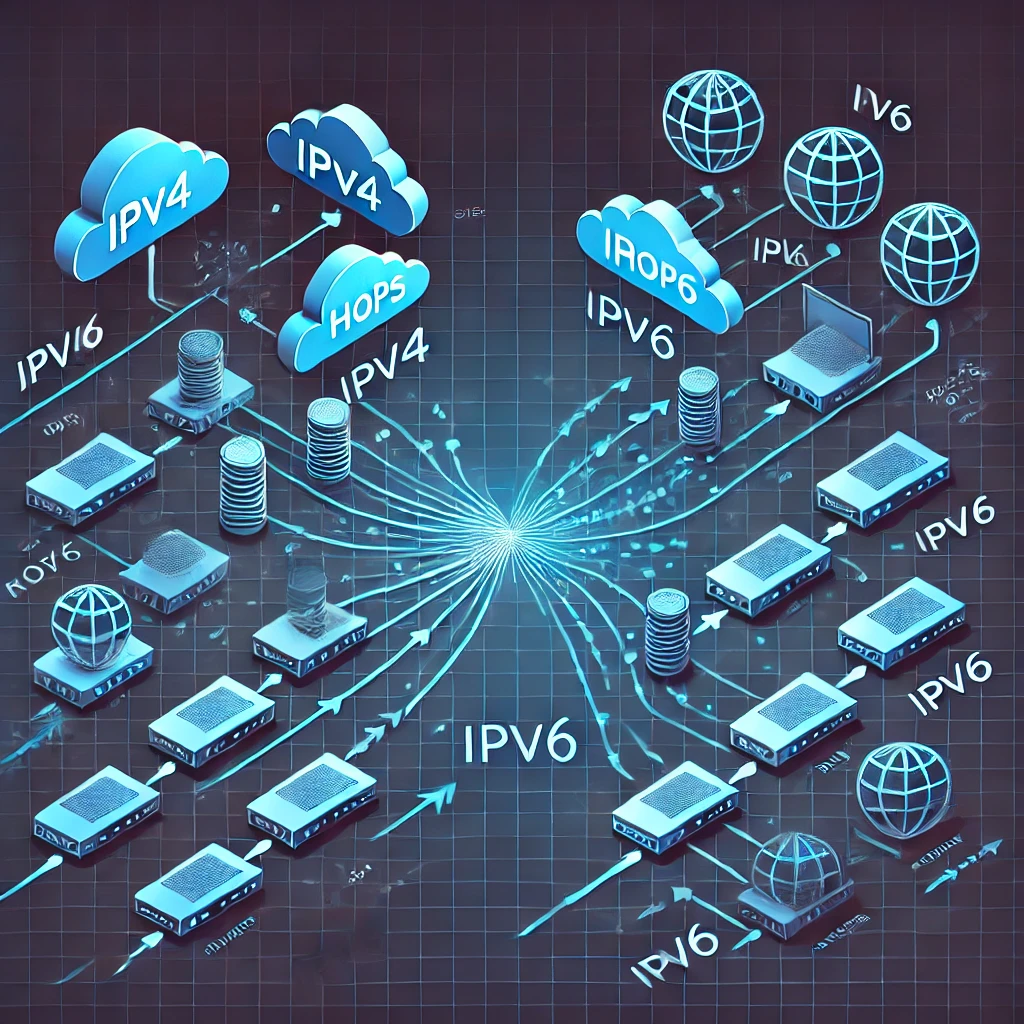
Compare IPv4 and IPv6 addressing, scopes, DHCP and SLAAC, temporary addresses, dual-stack routing and the firewall checks each protocol needs.
Use FreedomBox’s integrated Nextcloud app for a personal cloud, with supported setup, account checks, storage planning and a verified backup and recovery process.

Use FreedomBox on a supported Raspberry Pi to manage private home services, with realistic setup, remote access, storage and backup expectations.

Understand modern TLS, HTTPS connection checks, certificate validation and wildcard coverage, plus renewal and configuration basics for your own site.

Understand firmware, drivers and boot security, then plan exact-model updates, encryption-key recovery and supported repair without relying on unsafe flashing shortcuts.

Guest Wi-Fi explained: separate visitor passwords, router and AP isolation settings, safe sharing, and practical checks that guests cannot reach your private devices.
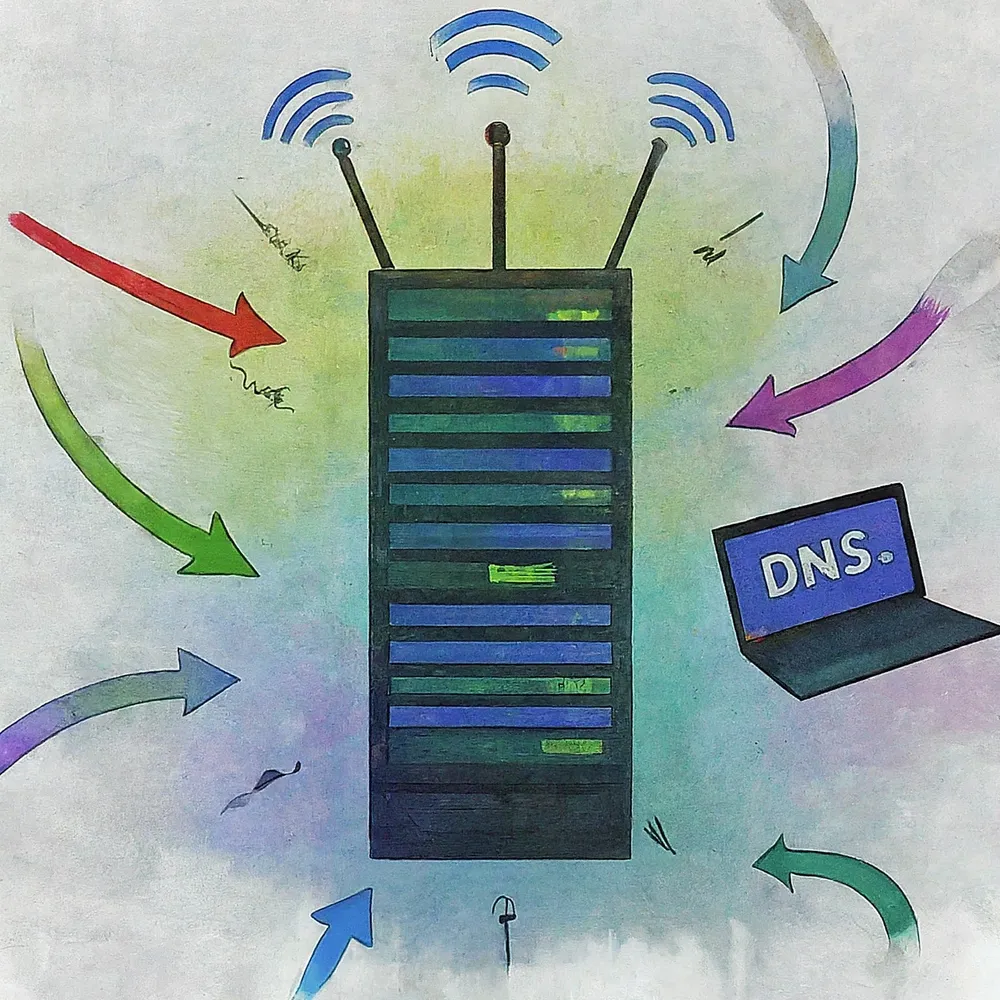
Choose and test DNS resolvers, understand encrypted DNS and filtering limits, and keep local names working across routers, browsers, VPNs and IPv6.

Understand DHCPv4 address leases, DORA, configurable renewal timers, reservations and practical checks for a home network.

Set up Pi-hole on a supported Raspberry Pi, verify client DNS, and understand the limits of domain-based ad blocking.

Understand how MITM attacks interact with HTTPS, VPNs and DNS, recognise meaningful warning signs and use practical travel-network, pairing and account-recovery checks.
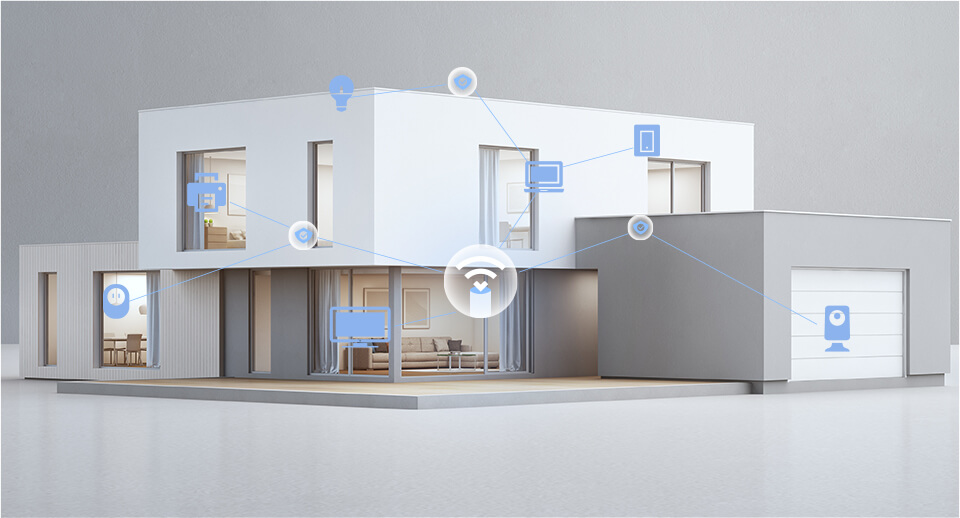
Compare TP-Link HomeShield security and parental-control plans, Router/AP limits, household profiles and report examples before choosing a supported subscription.

Use Raspberry Pi Connect for browser-based desktop or shell access, with accurate OS requirements, account linking, diagnostics and unattended reboot checks.

Learn what a firewall can see and block, how stateful rules and network zones work, and how to check UFW, IPv6 and Docker exposure without losing access.

Understand SDN control and forwarding, controller/protocol differences, Proxmox zone limits and a practical lab approach for testing network policy.

Learn IPv4 masks and CIDR, work through four /26 subnets, and connect address planning to VLANs, routing, firewall rules and meaningful verification.

Compare WPA2 vs. WPA3 Wi-Fi security: how Simultaneous Authentication of Equals (SAE / Dragonfly handshake), Protected Management Frames (802.11w), and OWE protect your wireless network.
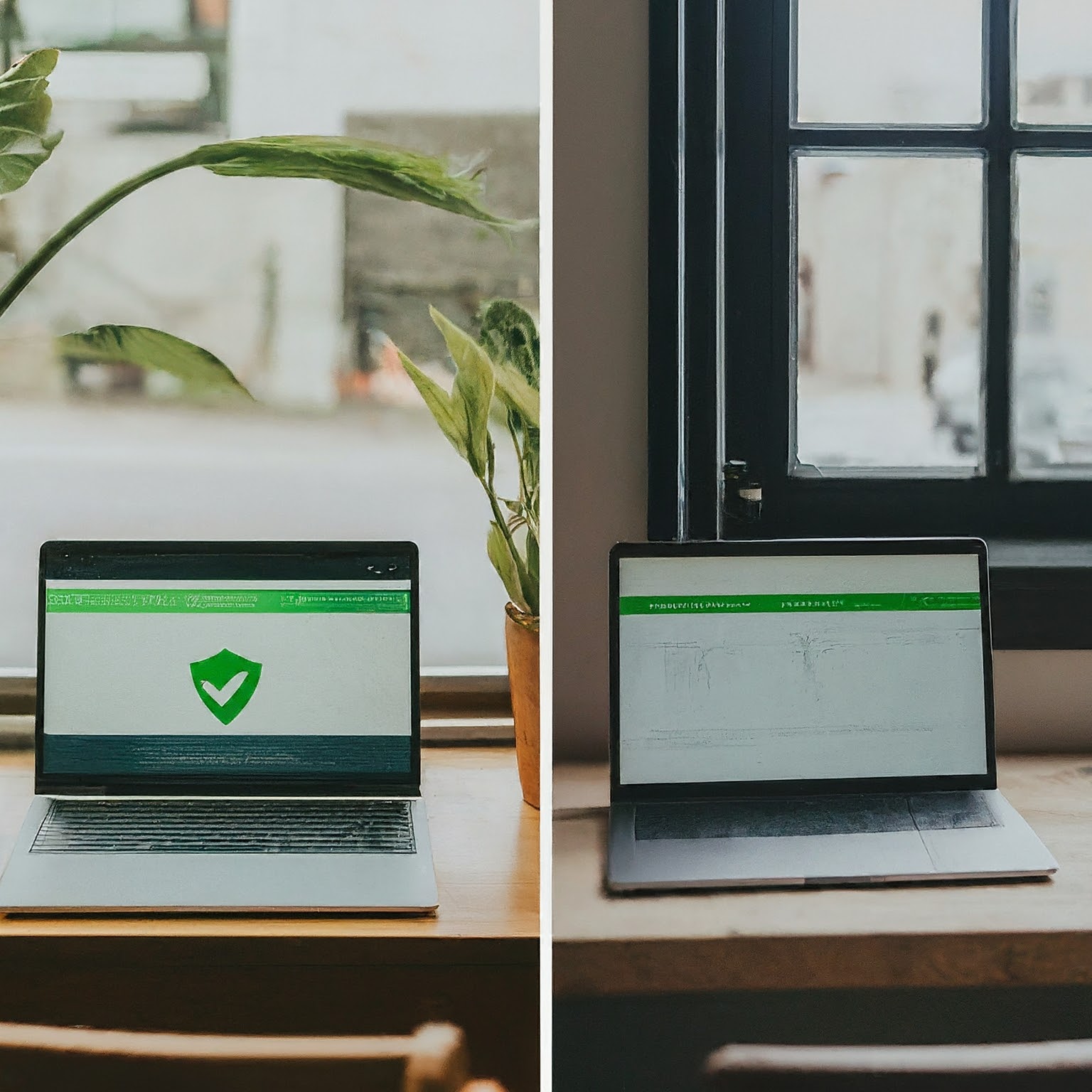
Decide whether a VPN fits your privacy or remote-access needs, understand its limits and verify the routes, DNS and applications you actually use.
Understand what a VPN protects, how full and split tunneling differ, which protocols suit your devices, and how to verify private access without anonymity promises.

Understand port forwarding, public-IP and CGNAT limits, stable LAN addresses, precise rules, external testing and service-specific security for a home network.

Learn how Dynamic DNS updates a changing address, what it cannot fix, and how to verify a provider or securely configure an optional DNS updater.