
SecuritySoftware
Passkeys and Account Recovery: A Practical Adoption Guide
Learn how passkeys resist phishing, compare synced and device-bound credentials, and build a practical recovery plan before changing devices.
Data breach protection, password security, two-factor authentication (2FA), and staying safe online.
Learn how passkeys resist phishing, compare synced and device-bound credentials, and build a practical recovery plan before changing devices.

Use Reconya to understand your homelab inventory, with current native setup, discovery limits, privacy options and practical verification.

Understand the June 2025 report’s limits, then review accounts, sessions, endpoints and homelab access without mistaking a credential dump for one company breach.

Understand Secure Boot startup trust checks, firmware keys, certificate maintenance and recovery planning before changing settings.

Explore Notesnook encryption, self-hosted service requirements, mobile client setup, public sharing and a recoverable backup plan.

Explore pfSense CE and Plus, firewall and VPN capabilities, and the hardware, virtualization and recovery checks that matter for a homelab gateway.
Understand the disputed Bitwarden PDF report, distinguish PDF scripting from XSS, and compare supported update, audit and recovery practices with Vaultwarden.
Understand Authentik SSO, MFA and proxy integration, choose the right application provider, and plan deployment, access tests and recovery for a self-hosted homelab.

What the May 2025 report of 184 million exposed login records establishes, how to recover accounts safely, and what self-hosting changes about custody, access and backups.

What Valve confirmed about the May 2025 SMS sample, how that differs from an account breach, and practical Steam Guard, session and recovery checks.

Vaultwarden hosting, current Bitwarden cost context, a private first-account setup and practical client, HTTPS, backup and recovery checks.

Self-host Joplin sync while preserving its note-taking strengths: current cost context, a private server example, E2EE setup and recoverable backups.
Follow the ntfy HTTPS screenshots, update browser and phone subscriptions, and optionally configure Web Push, iOS delivery and renewal checks.
Seeing as our ntfy is open to all guest users to send and receive, we need to lock it down behind a username and password. Let's get the default changed and some credentials set up.

Understand evil twin hotspots, the limits of PMF and HTTPS, and how to check a self-hosted VPN for full-tunnel routing, DNS and connection failures.
A beginner’s guide to Technitium DNS: local naming, filtering, recursive and encrypted forwarding, a private Docker setup, client testing and dependable backups.

Use Duplicati for scheduled backups with sensible encryption, persistent Docker settings, application-consistent data and a restore process you can verify.

Separate SQL injection, XSS and password attacks, with correct query binding, rendering defenses, MFA limits and controlled checks for applications and home services.
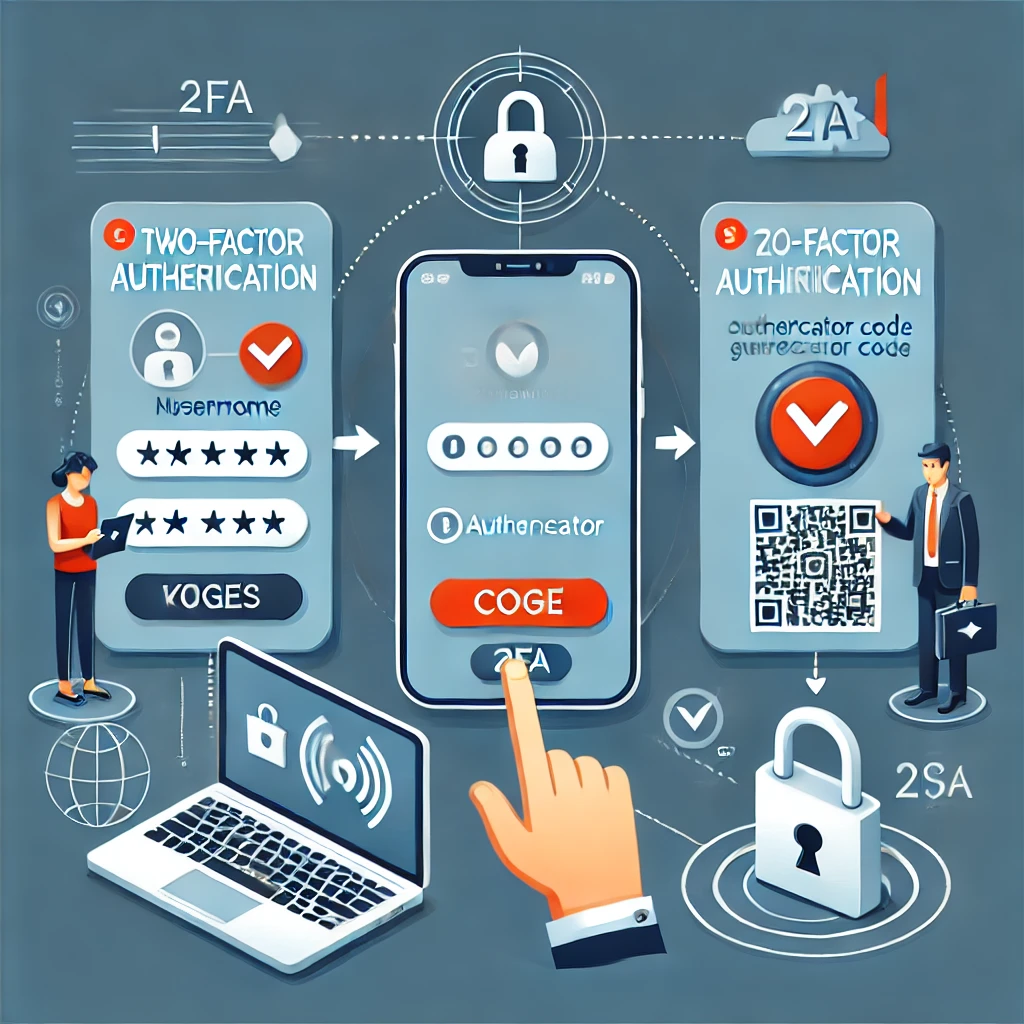
Choose a supported 2FA method, understand TOTP and passkey limits, and test recovery before changing phones. Includes QR-secret protection and sign-in troubleshooting.
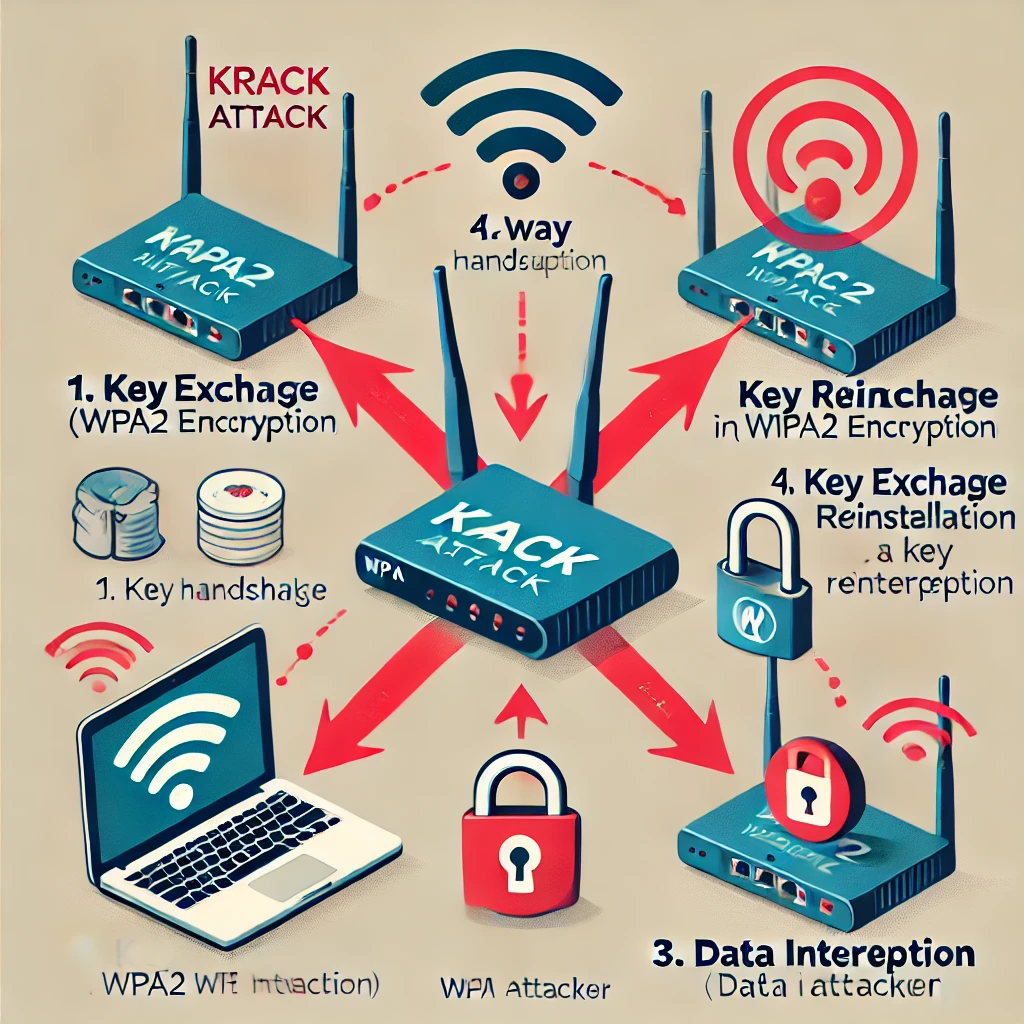
Understand KRACK’s key-reinstallation flaw, why both clients and access points need updates, and why WPA3 does not replace careful implementation and maintenance.

Understand accidental and malicious data breaches, verify a notice and prioritise account recovery, with clear limits for hashes, MFA, breach searches, aliases and VPNs.

Understand how MITM attacks interact with HTTPS, VPNs and DNS, recognise meaningful warning signs and use practical travel-network, pairing and account-recovery checks.

Ten practical security habits covering unique passwords, verified messages, updates, HTTPS, phishing-resistant authentication and backups you can actually restore.
Understand antivirus detection and its limits, choose protections for each platform, respond to alerts and verify support, scan scope, cloud privacy and recoverable backups.

Choose cloud storage by its sync, encryption and recovery features. Understand online-only files, backup limits, archive costs and a practical test before uploading valuable data.

Decide whether a VPN fits your privacy or remote-access needs, understand its limits and verify the routes, DNS and applications you actually use.